
原文
GPT Image 2 · en
Scene:
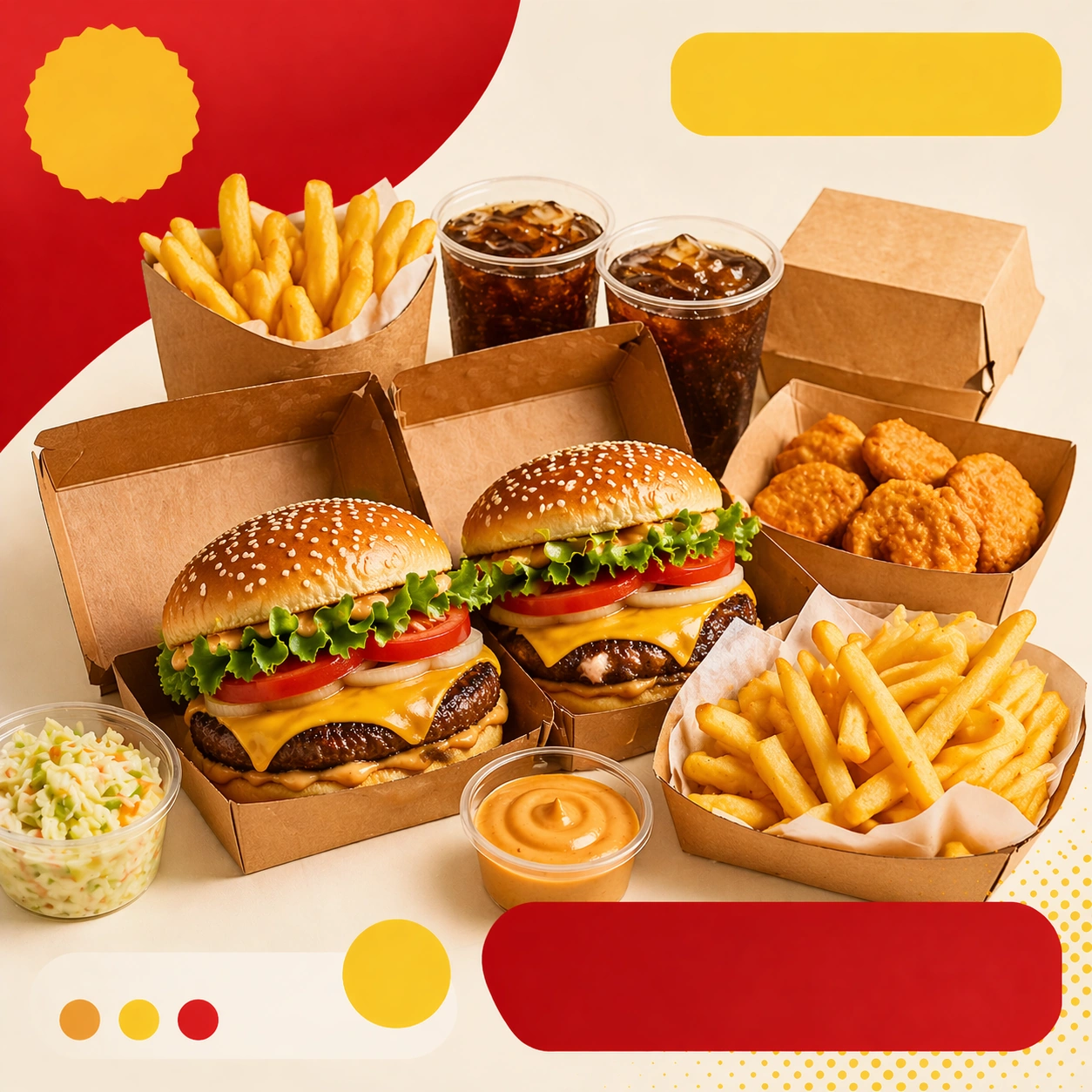
Compose a square food-commerce image optimized for instant readability in app tiles, promo cards, or delivery grids. The image should emphasize appetizing clarity, strong hierarchy, and modular layout zones while staying photorealistic and commercially grounded. Packaging, dish crop, and badge-like design shapes can appear, but all text must remain unreadable. Maintain the same commerce card framing and color logic, but widen the perceived meal scope through multiple containers and one shared centerpiece.

Subject:
The food should look craveable at thumbnail scale, with clear portion logic, supporting side items when relevant, and delivery-aware presentation that prioritizes speed, legibility, and conversion. Show a family-style bundle with clear portion grouping, visible packaging lids or open containers, and an easy-to-understand food hierarchy.

Important details:
This theme is about commerce reasoning. Preserve sharp hero food silhouettes, obvious combo structure, and clean tile-safe framing so the assets can survive small screens. Abstract text areas, CTA-like shapes, and offer badges are allowed only as non-legible design modules. Keep everything polished, modern, and immediately useful for ordering surfaces. Preserve the exact camera height, lens feel, prop family, tabletop scale, palette discipline, and brand logic established by 01-app-tile-anchor. The image should still read quickly at thumbnail scale despite the bundle size. Separate containers cleanly, avoid clutter, and keep the food vivid and legible.

Use case:
Delivery Tiles series study 3/9, built for Prompt Atlas coverage of a food and beverage commercial visual system.

Constraints:
No readable text, no watermark, no logos, preserve exact 1:1 aspect ratio, no readable text, no logos, no app UI chrome, no fake prices, no delivery-bag chaos, no greasy blur, no clutter that hurts thumbnail legibility, no banquet chaos, no readable family-meal text, no disposable utensil scatter.
使い方
- パラメータを含む元のプロンプト全体をコピーします。
- 被写体、文字、構図を自分の要件に置き換えます。
- 対応する外部ツールで使用し、利用条件と結果を確認します。
開始前の確認
- 参考画像の要否を確認してください。互換モデルの表示は、そのモデルでの生成実績を意味しません。
- 名前、数値、画像内の文字を確認します。モデルの版で結果は変わります。