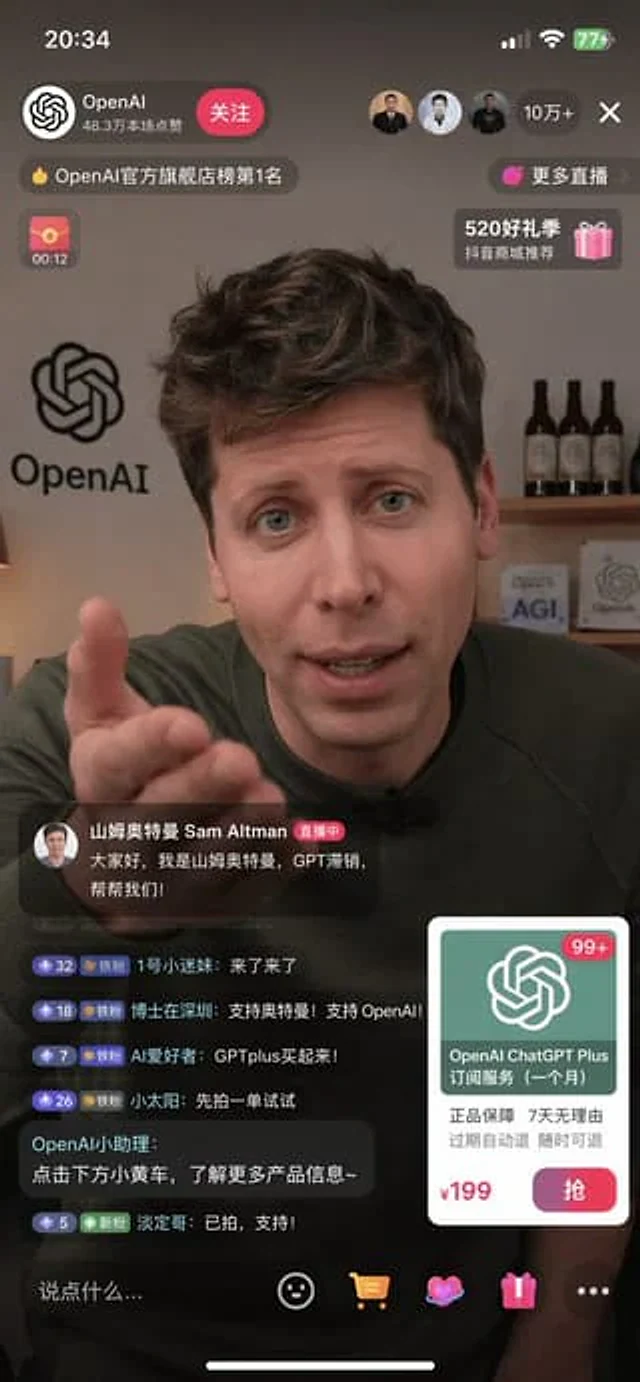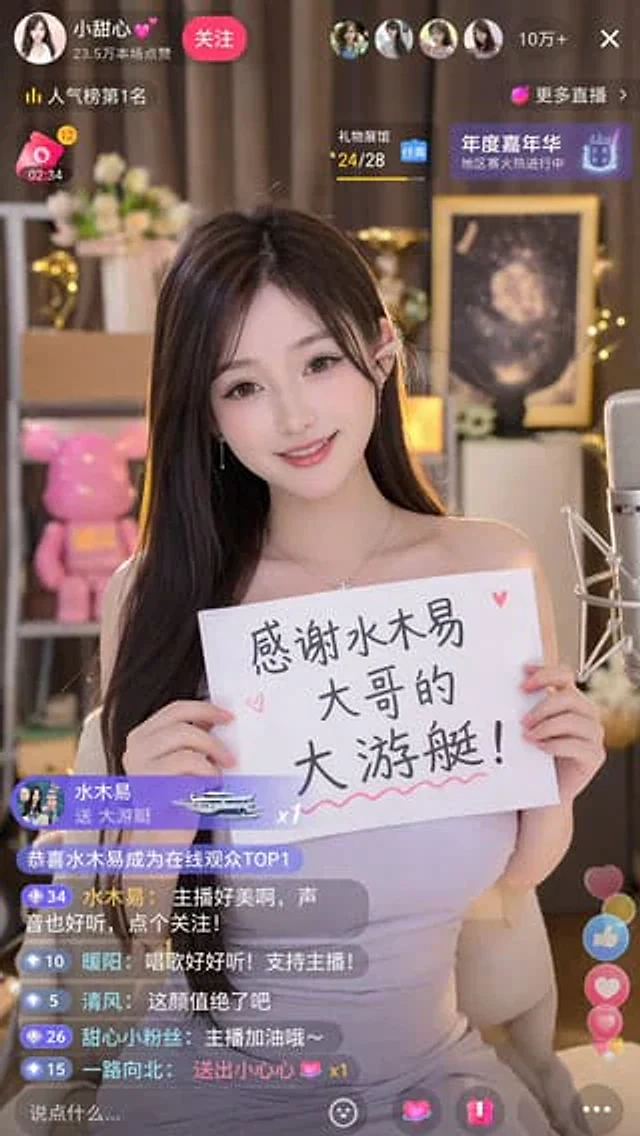
Livestream Screenshot Prompt

Livestream Screenshot Prompt

原文

GPT Image 2 · en

Generate a{argument name="platform" default="Tik Tok"} A screenshot from the live stream shows one person in the picture.{argument name="character" default="Beautiful Chinese women"} She was live-streaming. She was holding a sign that read:{argument name="thank you message" default="Thank you so much, Brother Shuimuyi, for the big yacht!"} The image ratio is 9:16.

使い方

  1. パラメータを含む元のプロンプト全体をコピーします。
  2. 被写体、文字、構図を自分の要件に置き換えます。
  3. 対応する外部ツールで使用し、利用条件と結果を確認します。

開始前の確認

  • 参考画像の要否を確認してください。互換モデルの表示は、そのモデルでの生成実績を意味しません。
  • 名前、数値、画像内の文字を確認します。モデルの版で結果は変わります。
似た事例

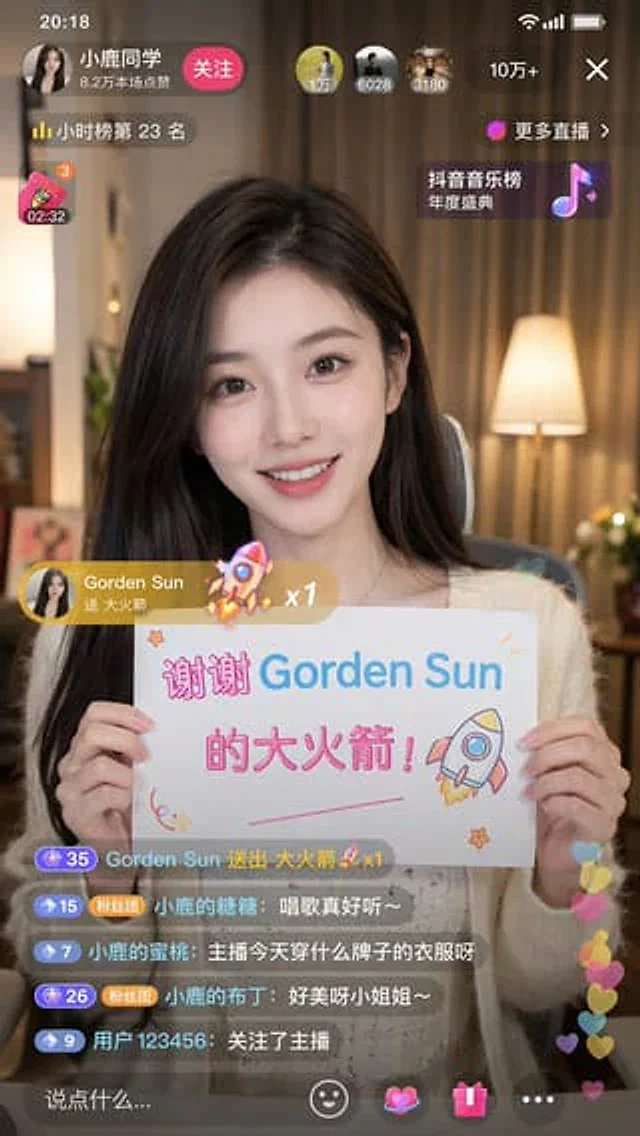
Douyin Live Stream Screenshot
GPT Image 2en

A 9:16 aspect ratio image is used to generate {argument name="platform" default="Tik Tok"} Screenshot from the live stream. There is one person in the picture.{argument name="subject" default="Beautiful anchor"} He was live-streaming and holding a sign that read "{argument name="

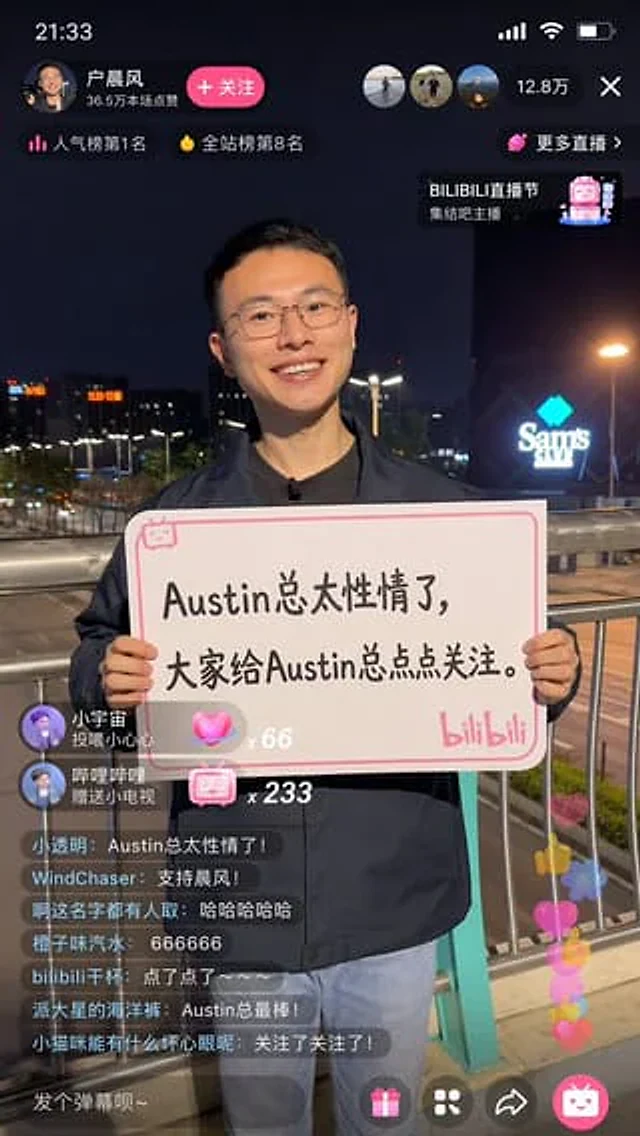
Bilibili Livestream Scene
GPT Image 2en

A 9:16 image, generate a{argument name="platform" default="Bilibili"} Screenshot from the live stream, in the picture{argument name="person" default="Hu Chenfeng"} He was live-streaming, looking cheerful, and holding a sign that read "{argument name="text" default="Austin's C

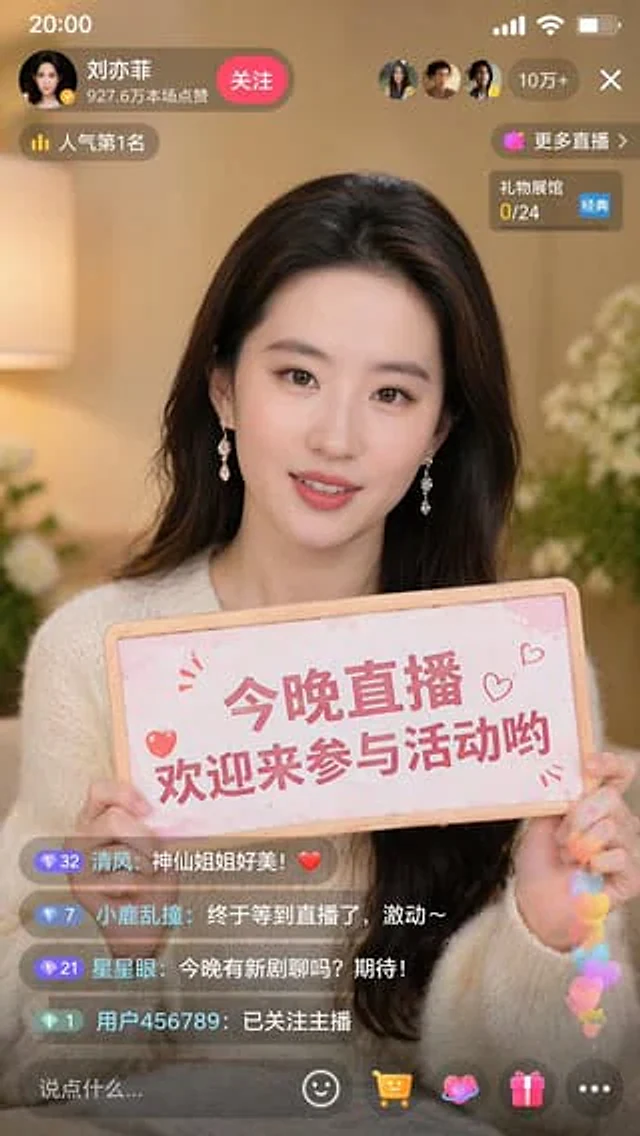
Live Stream Screenshot with Celebrity
GPT Image 2en

Generate a screenshot of a Douyin live stream at a 9:16 ratio, with the person in the picture being {argument name="character" default="Liu Yifei"} She was holding a sign that read, "{argument name="sign text" default="Join me for a live stream tonight and chat with Yifei!"} "

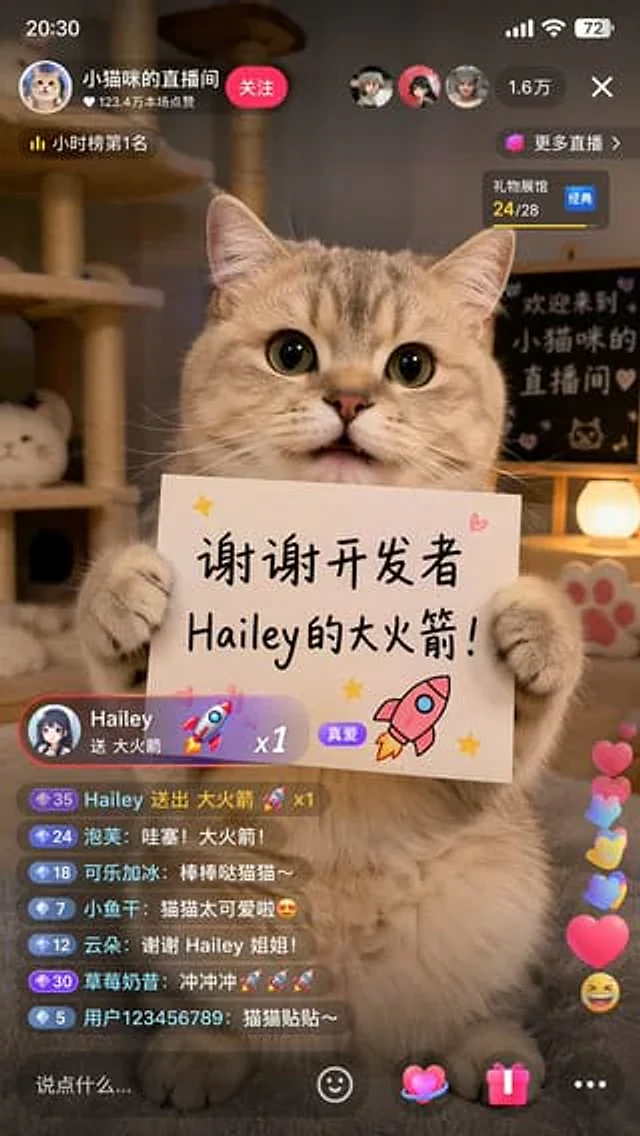
Cat Livestream UI Mockup
GPT Image 2en

{ "type": "Screenshot of mobile live streaming app", "subject": { "description": "A fluffy, adorable tabby cat sits upright, its two front paws resting on a white rectangular sign.", "sign_content": { "text": "{argument name=\"sign text\" default=\"Thank you, de

Chinese Livestream Dorm Selfie UI
GPT Image 2en

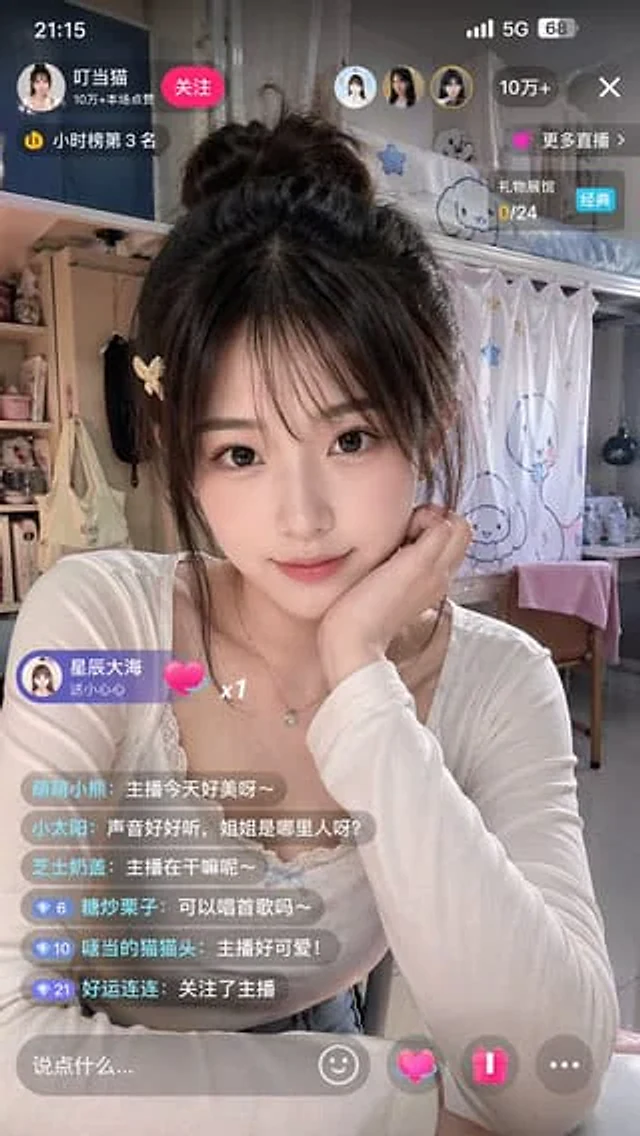
A realistic vertical smartphone screenshot showcases a Chinese live-streaming interface. In the image, a young female streamer sits in a cozy dormitory bedroom, taking a mid-range selfie from the chest up. Her face is deliberately obscured by a large, softly blurred rectangle in

E-commerce Livestream UI Mockup
GPT Image 2en

{ "type": "Mobile live stream screenshot", "subject": { "person": "Sam Altman", "action": "Look directly at the camera and extend your right hand forward to make a gesture.", "clothing": "Dark green sweater" }, "background": "The room's background features thr