原文
GPT Image 2 · en
Scene:
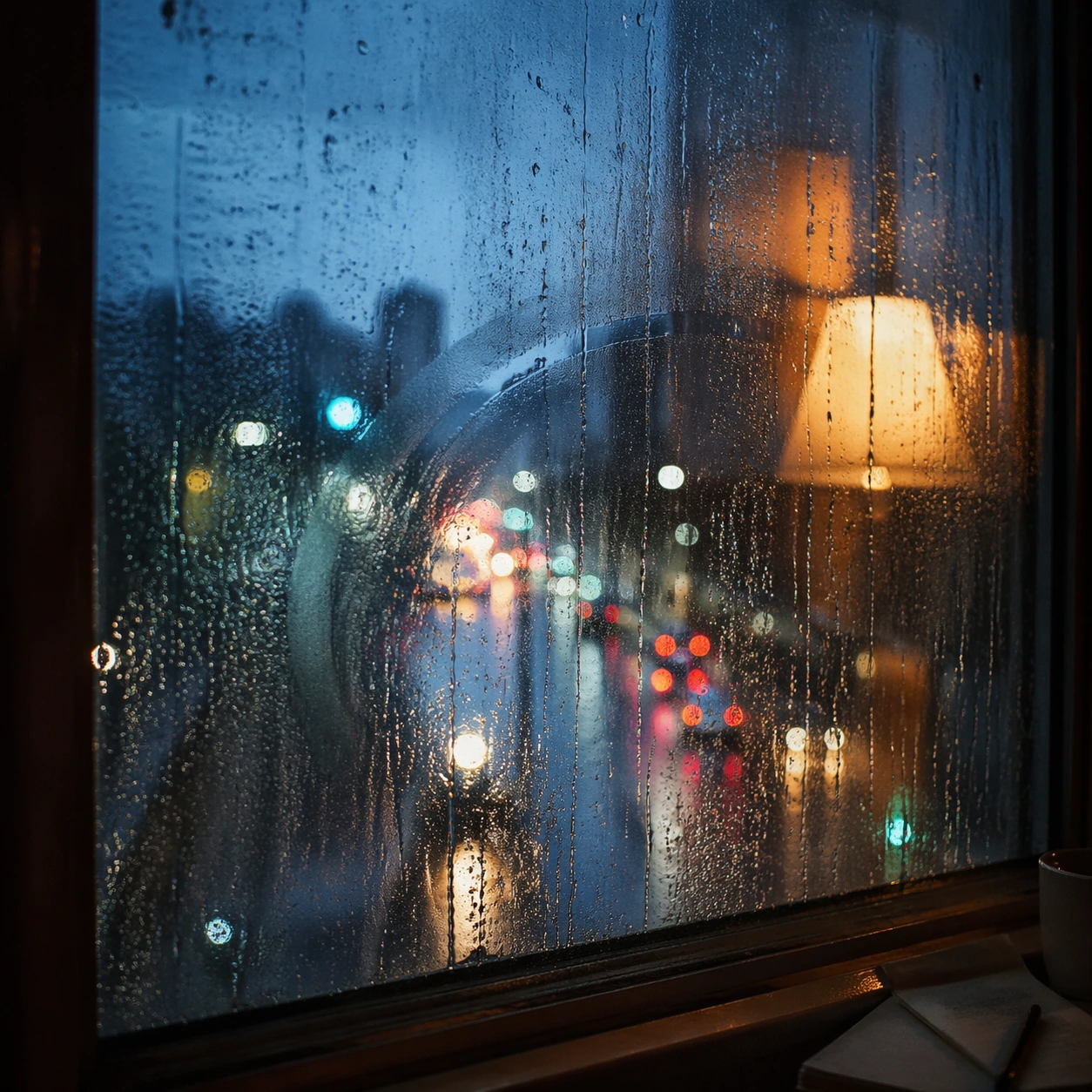
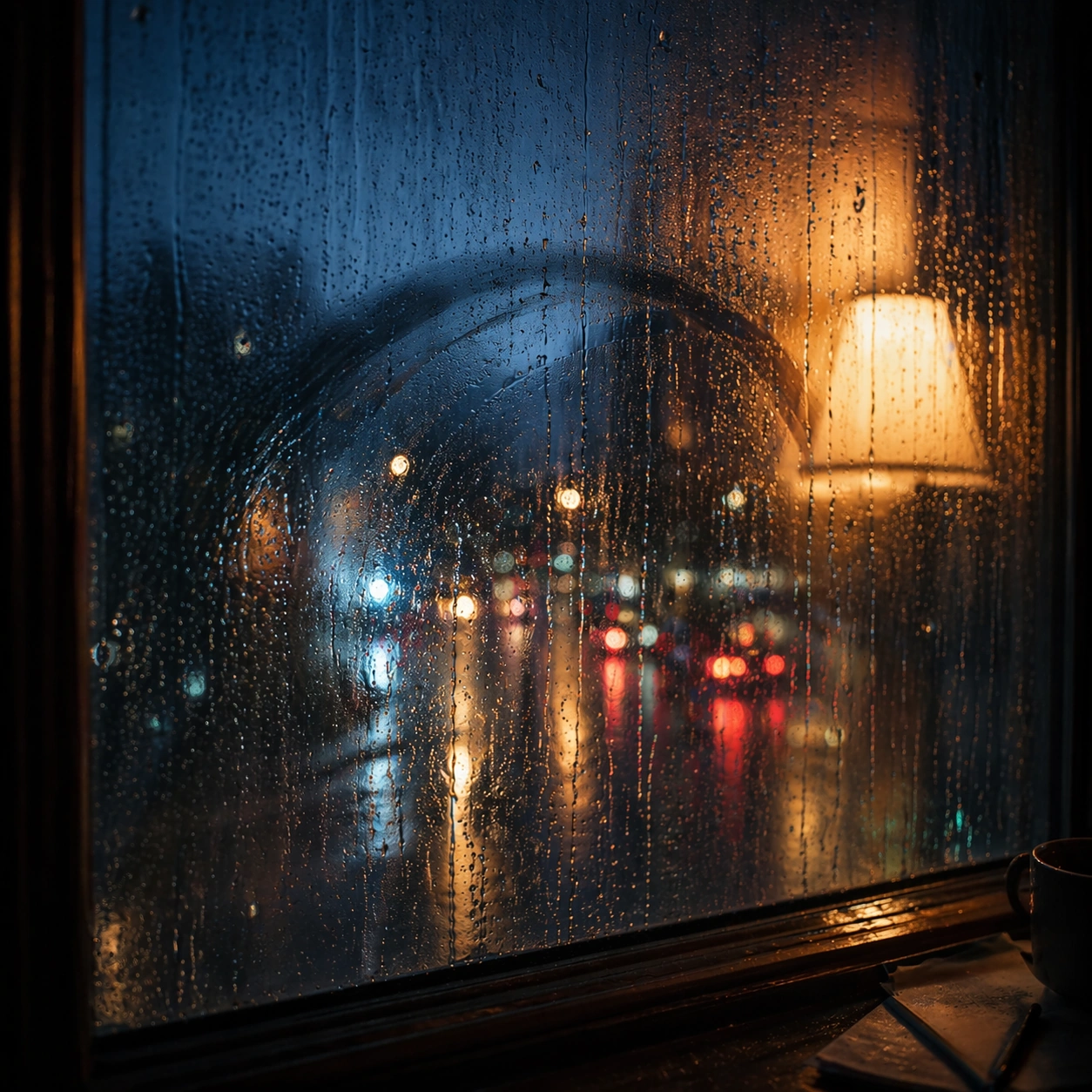
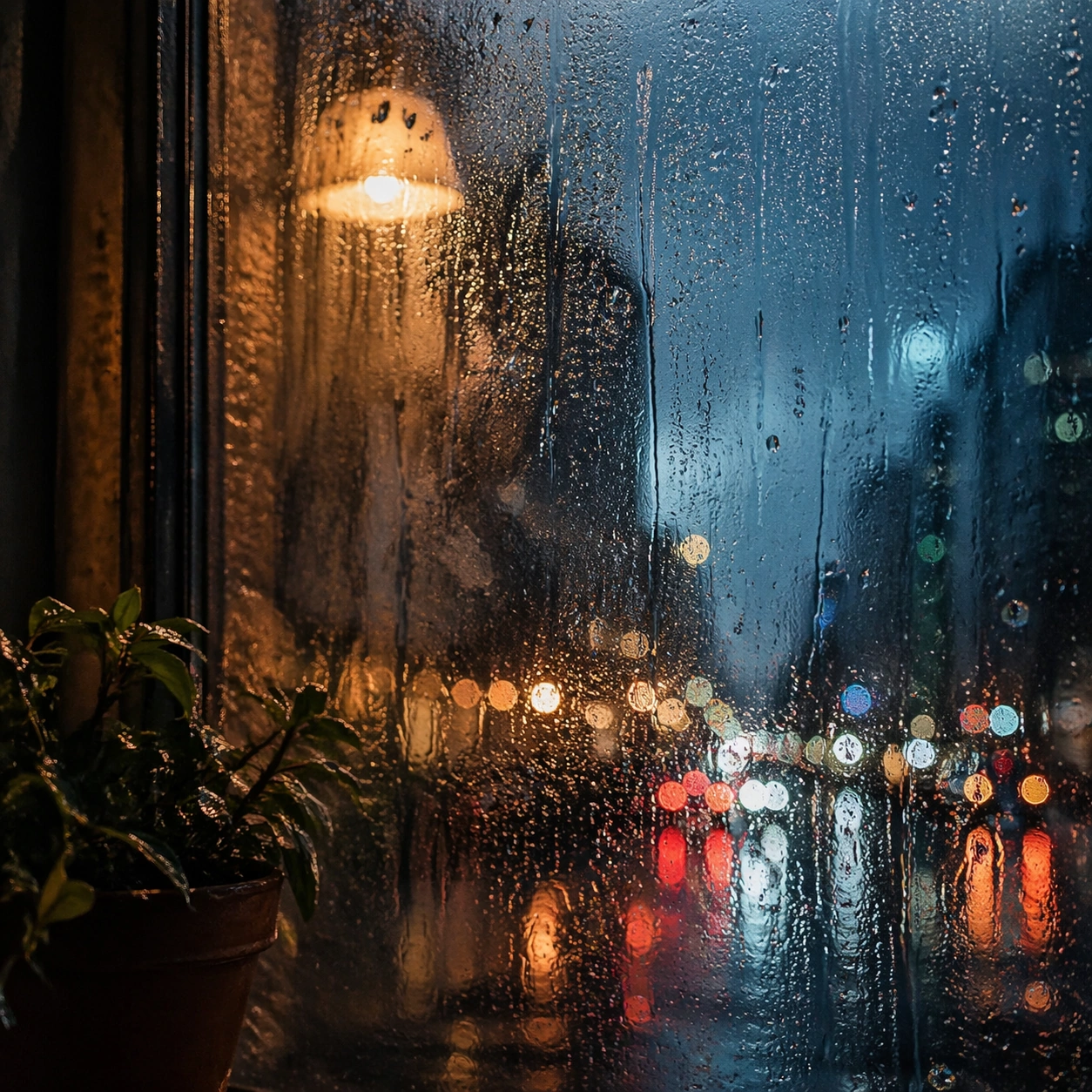
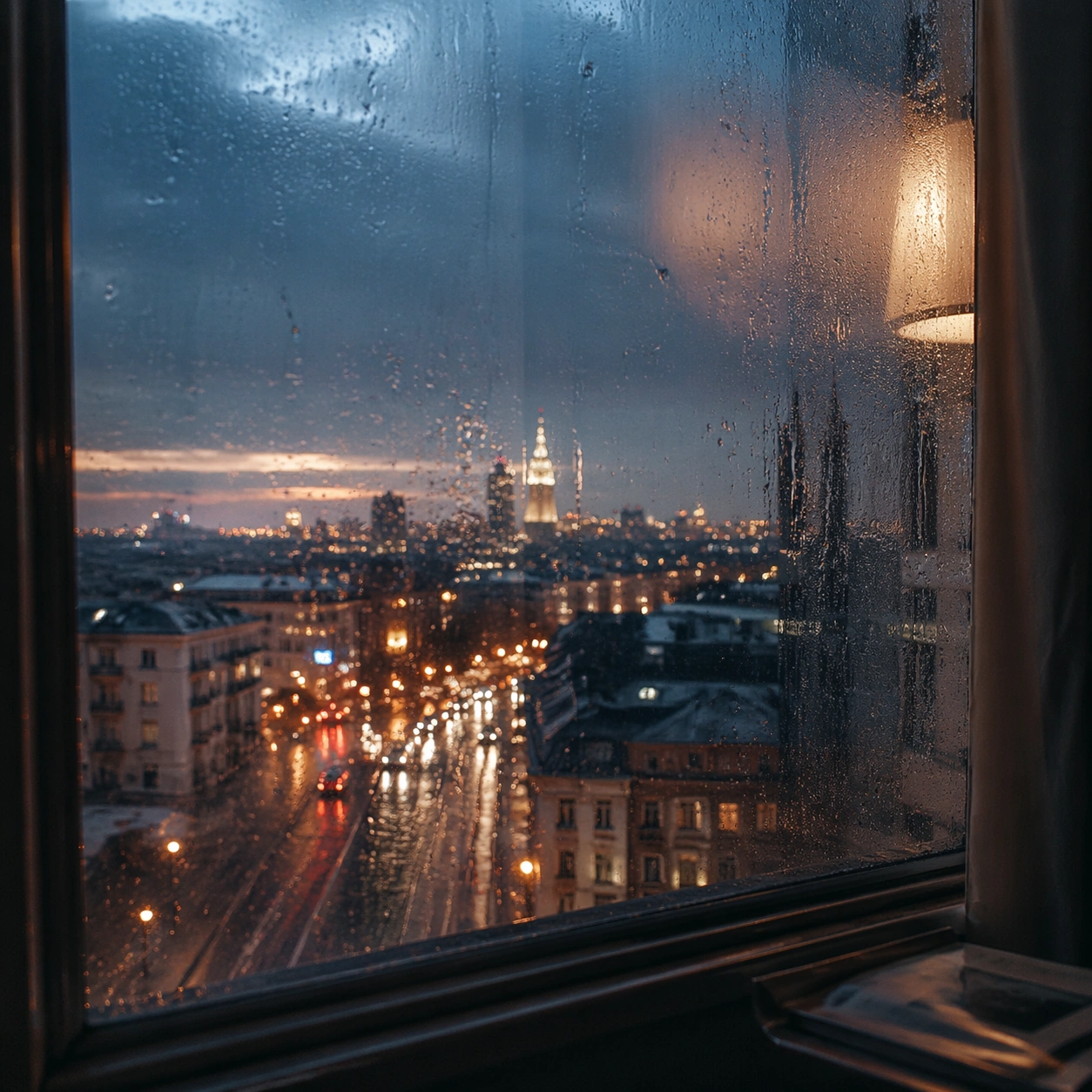
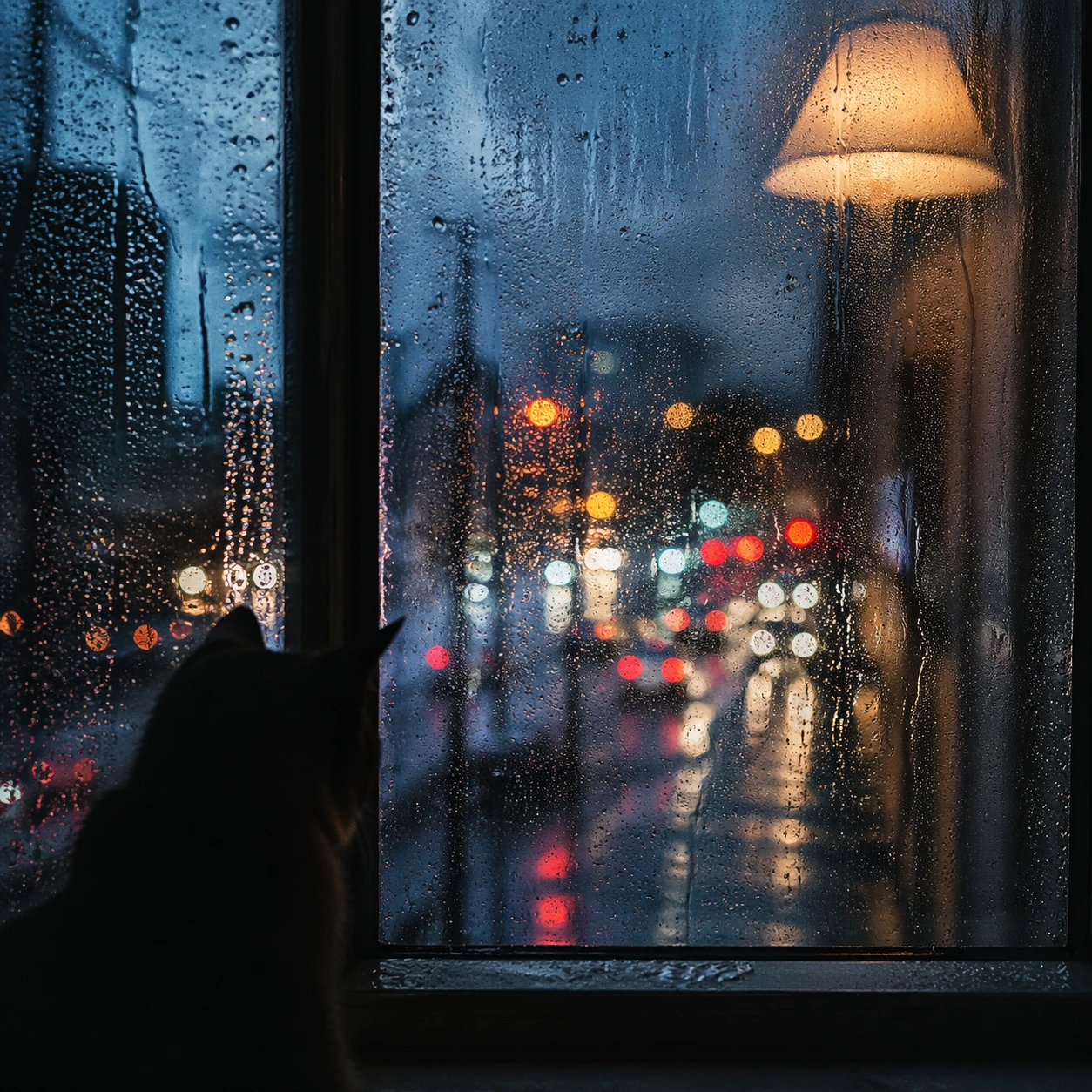
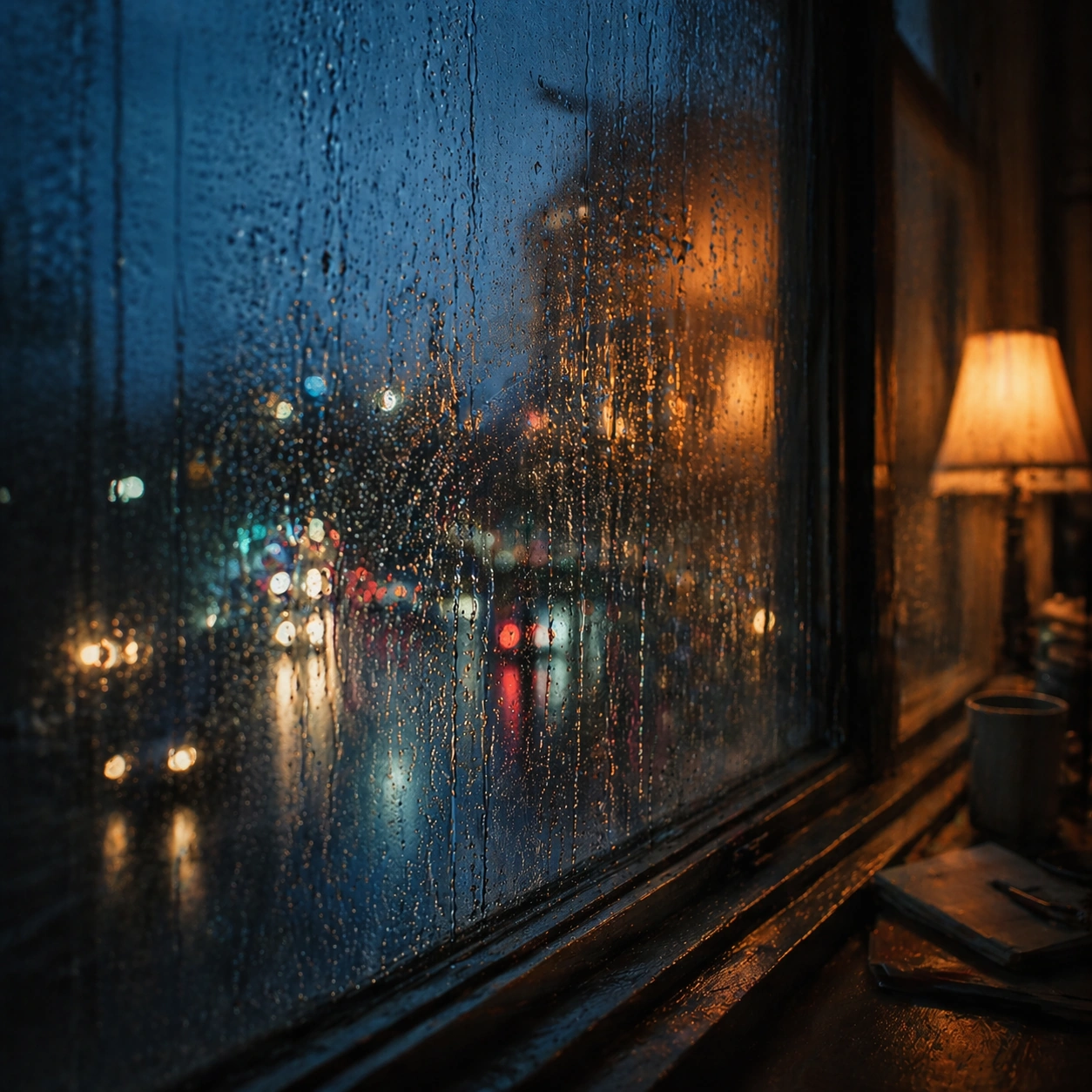
Create a square cinematic still for Rain Window Memory. Use production-grade photoreal lighting, disciplined lens behavior, and a composition that feels like a finished key frame from an original film rather than a casual snapshot. A rain-covered window fills much of the frame while the city outside dissolves into cool bokeh circles and smeared light trails, and a warm interior lamp reflection hovers on the glass without overpowering the weathered surface. Shift to an oblique or lateral point of view that reveals different depth layers while staying inside the same place and the same atmospheric event.

Subject:
Build a coherent original scene whose emotional center comes from atmosphere, light physics, and spatial clarity. Avoid relying on celebrity likeness, franchise iconography, or stylized illustration shortcuts. The subject is the interaction of droplets, finger-smear traces, condensation, reflected room light, and soft urban color beyond the pane, with any human presence implied indirectly rather than shown as a posed portrait. Hold the reference structure, but use the new angle to show secondary planes, foreground interruption, or a changed distance relationship.

Important details:
Preserve a believable physical world with strong depth layering, careful color separation, and premium image discipline. Render droplet scale, gravity-driven streaking, condensation edges, and double reflections with high fidelity, preserving a restrained emotional intimacy that feels personal and cinematic instead of sentimental or glossy. The success condition is continuity with the reference plus a richer sense of depth, not a new location or a new lighting system.

Use case:
Rain Window series study 3/9.

Constraints:
No readable text, no watermark, no logos, preserve exact 1:1 aspect ratio, no readable street signs, no brand logos, no full face pressed to the glass, no cartoon heart iconography, no perfect symmetrical droplets.
使い方
- パラメータを含む元のプロンプト全体をコピーします。
- 被写体、文字、構図を自分の要件に置き換えます。
- 対応する外部ツールで使用し、利用条件と結果を確認します。
開始前の確認
- 参考画像の要否を確認してください。互換モデルの表示は、そのモデルでの生成実績を意味しません。
- 名前、数値、画像内の文字を確認します。モデルの版で結果は変わります。