Launch Countdown Social Kit — Support One

Launch Countdown Social Kit — Support One

原文

GPT Image 2 · en

Scene:
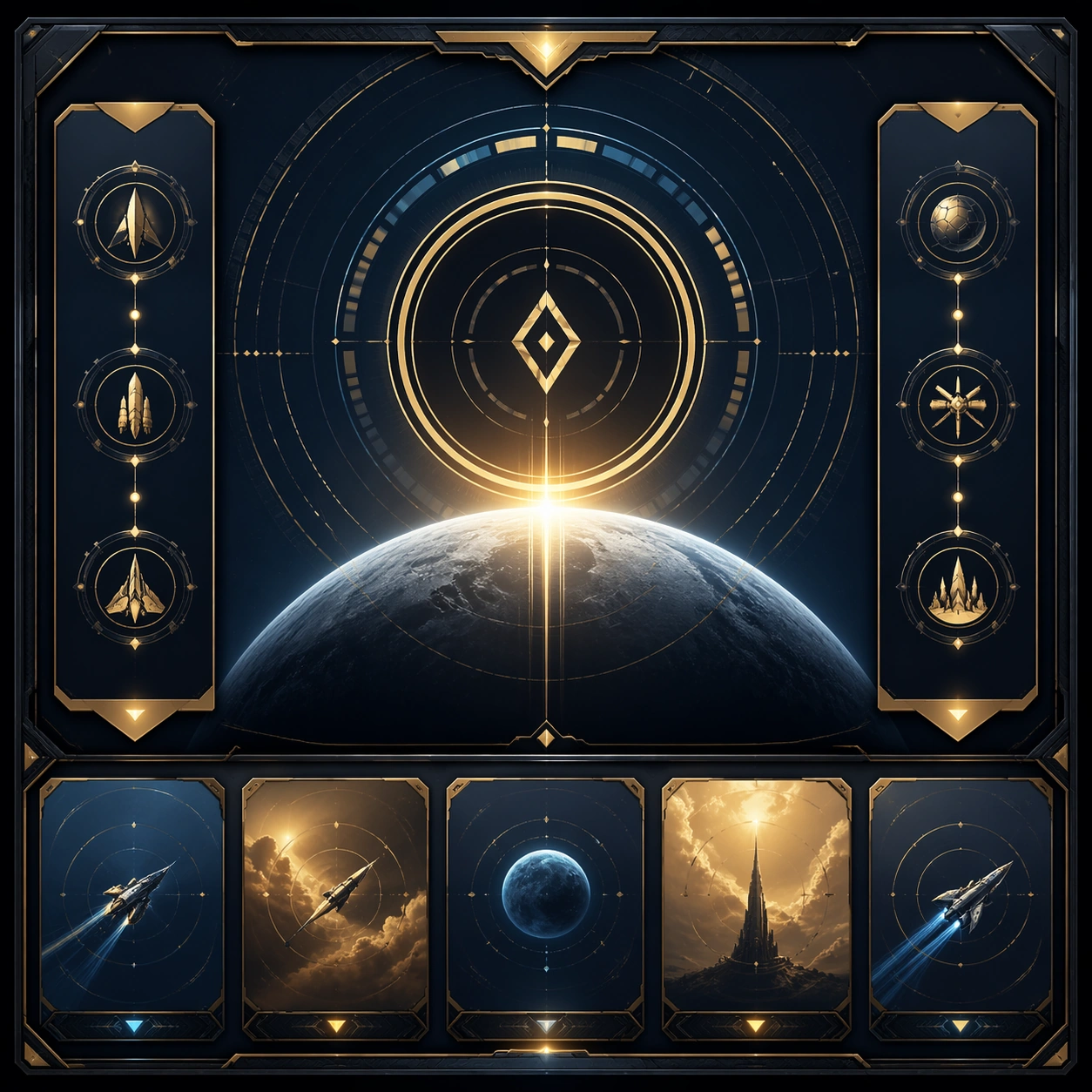
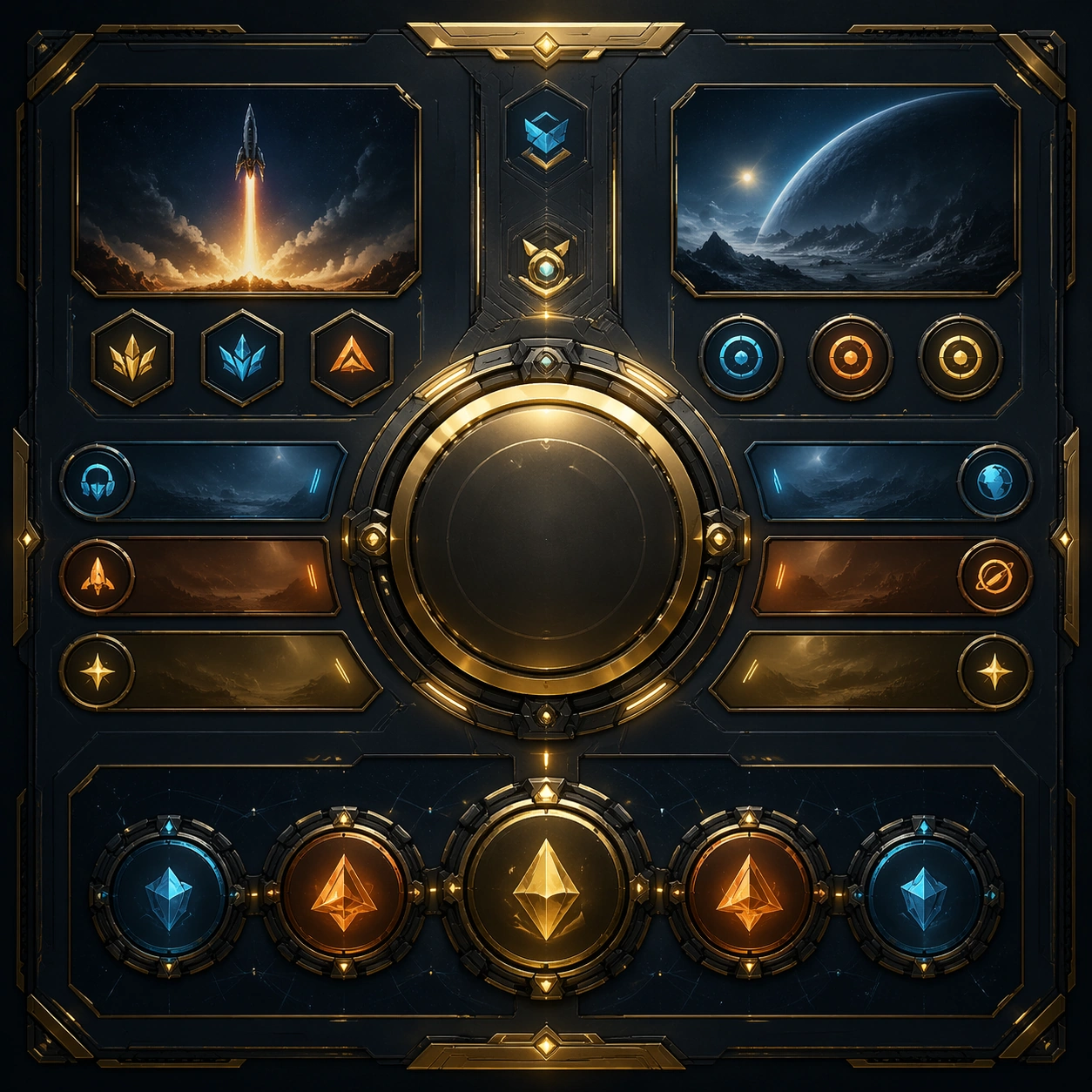
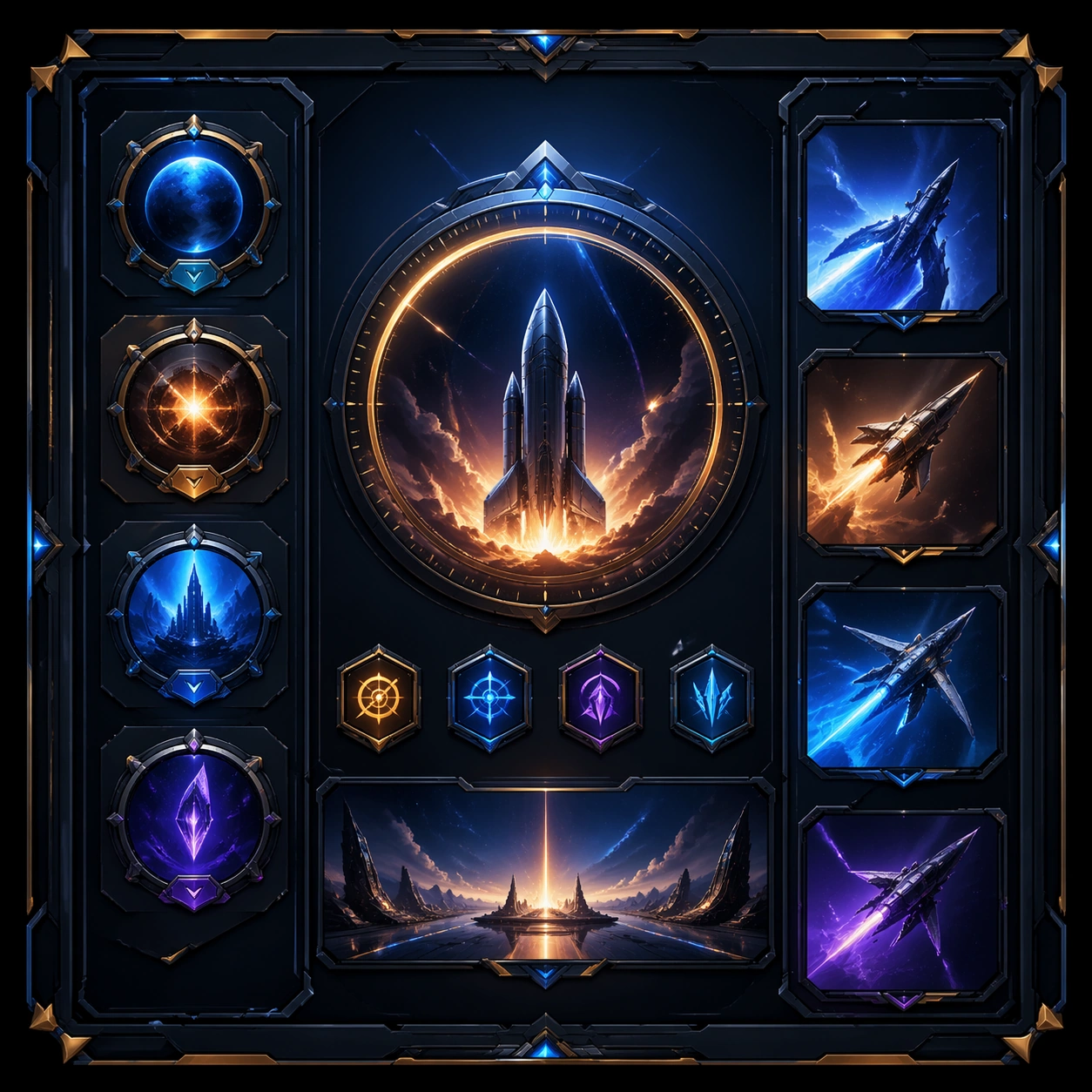
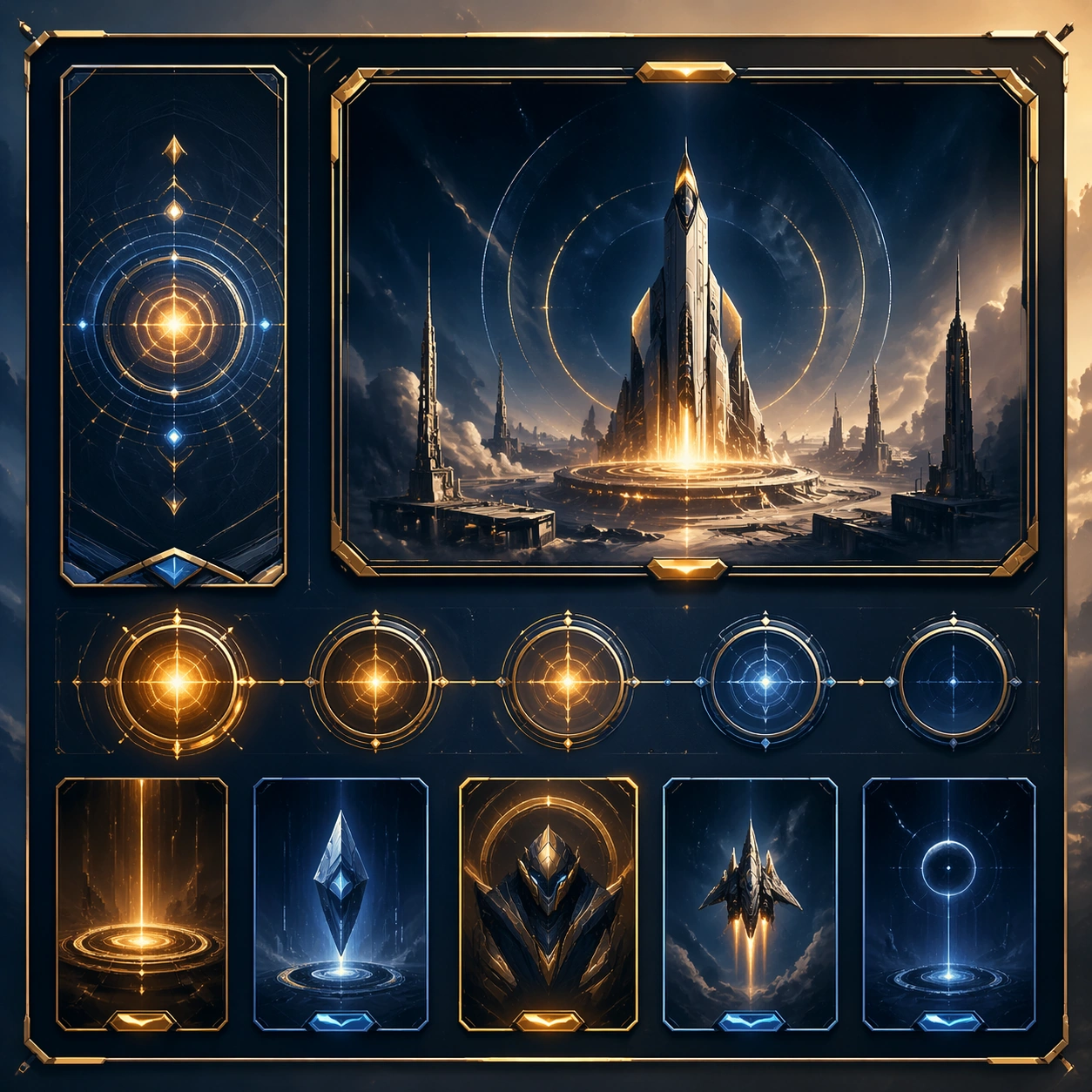
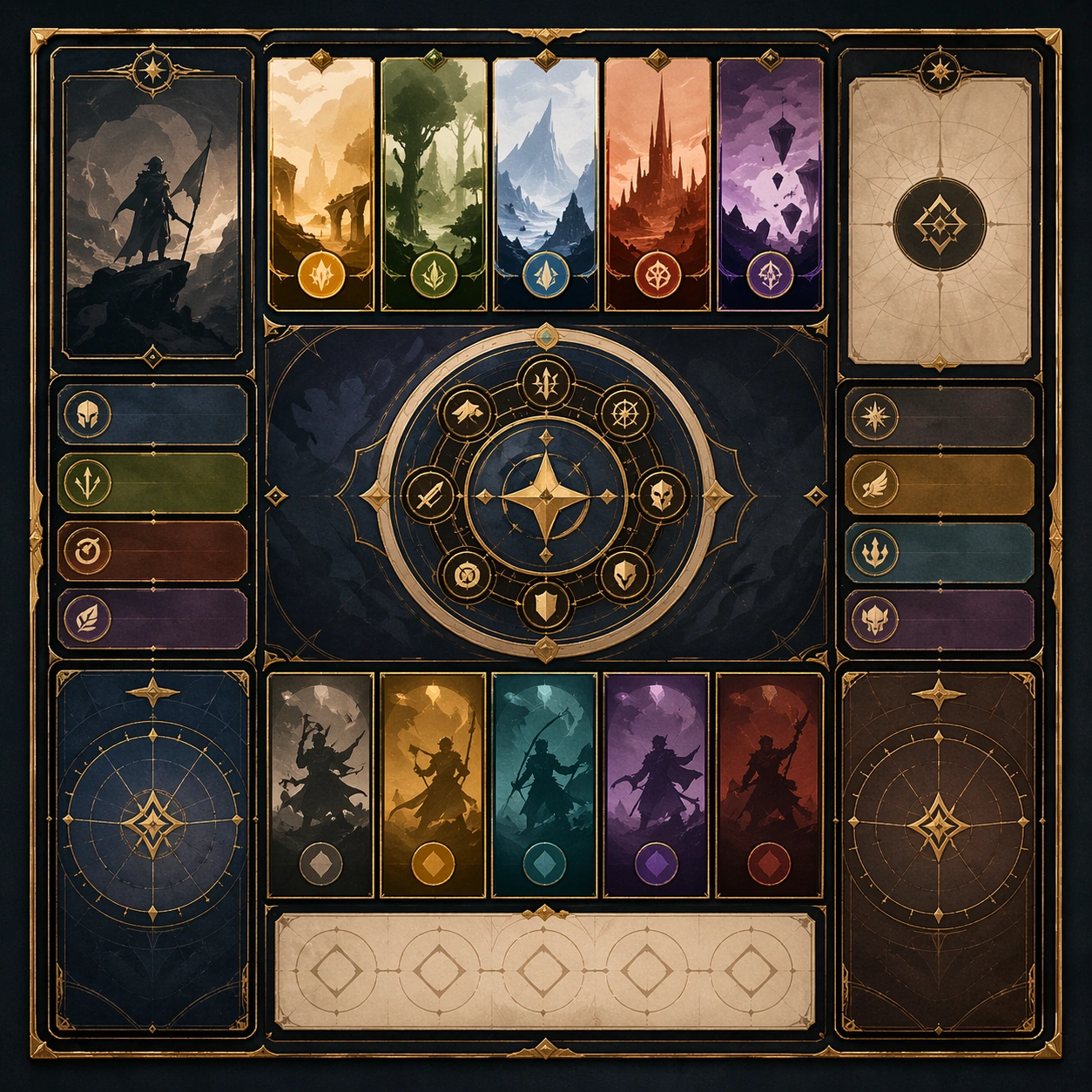
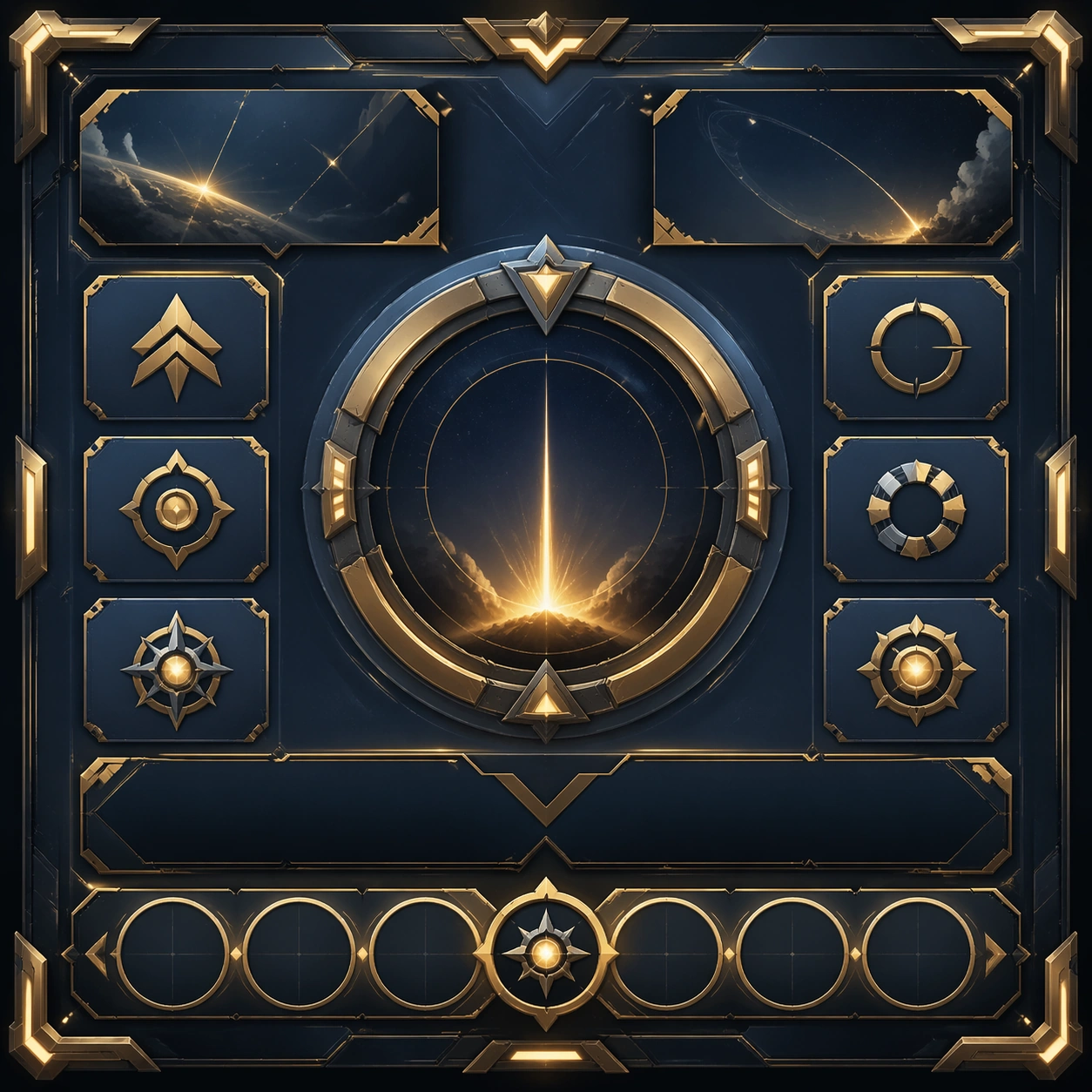
Create a square standalone support image for Launch Countdown Social Kit. Build a support-surface study with a clear focal hierarchy and a finished professional surface. Use a polished modular board or campaign surface with clean spacing, premium game-UI finish, and clear focal hierarchy. The frame should feel self-contained and polished, with enough structure to explain the system even without the reference series, yet still obviously belonging to the same theme and production world.

Subject:
Show a coherent original game-art system built for premium production and marketing surfaces in a way that emphasizes the intended support surface. Keep the same system logic stable across screenshots, cards, banners, and overview boards. Even though this image is independent, the viewer should still recognize the same universe, same commercial logic, and same production intent as the core package.

Important details:
Lock framing, icon grammar, palette blocking, and surface hierarchy so the kit feels production-ready and consistent. Preserve the broader theme language through color, framing, material choices, and modular composition. Use clean panel rhythm, premium asset presentation, and believable detail density. The image should work equally well as a gallery study, research reference, and mock production deliverable.

Use case:
Launch Countdown Social Kit single study 5/9, exploring support one as a support surface.

Constraints:
No readable text, no watermark, no logos, preserve exact 1:1 aspect ratio, no unrelated objects, no broken visual hierarchy, no visual noise that obscures the main surface, no accidental brand resemblance.

使い方

  1. パラメータを含む元のプロンプト全体をコピーします。
  2. 被写体、文字、構図を自分の要件に置き換えます。
  3. 対応する外部ツールで使用し、利用条件と結果を確認します。

開始前の確認

  • 参考画像の要否を確認してください。互換モデルの表示は、そのモデルでの生成実績を意味しません。
  • 名前、数値、画像内の文字を確認します。モデルの版で結果は変わります。
似た事例

Launch Countdown Social Kit — Support Two
GPT Image 2en

Scene: Create a square standalone support image for Launch Countdown Social Kit. Build a second support-surface study with a clear focal hierarchy and a finished professional surface. Use a polished modular board or campaign surface with clean spacing, premium game-UI finish, and

Launch Countdown Social Kit — Support Five
GPT Image 2en

Scene: Create a square standalone support image for Launch Countdown Social Kit. Build a fifth support-surface study with a clear focal hierarchy and a finished professional surface. Use a polished modular board or campaign surface with clean spacing, premium game-UI finish, and

Launch Countdown Social Kit — Support Four
GPT Image 2en

Scene: Create a square standalone support image for Launch Countdown Social Kit. Build a fourth support-surface study with a clear focal hierarchy and a finished professional surface. Use a polished modular board or campaign surface with clean spacing, premium game-UI finish, and

Launch Countdown Social Kit — Support Three
GPT Image 2en

Scene: Create a square standalone support image for Launch Countdown Social Kit. Build a third support-surface study with a clear focal hierarchy and a finished professional surface. Use a polished modular board or campaign surface with clean spacing, premium game-UI finish, and

Launch Recap Comic Carousel — Support Five
GPT Image 2en

Scene: Create a square standalone support image for Launch Recap Comic Carousel. Build a fifth support-surface study with a clear focal hierarchy and a finished professional surface. Use a polished modular board or campaign surface with clean spacing, premium game-UI finish, and

Launch Recap Comic Carousel — Support One
GPT Image 2en

Scene: Create a square standalone support image for Launch Recap Comic Carousel. Build a support-surface study with a clear focal hierarchy and a finished professional surface. Use a polished modular board or campaign surface with clean spacing, premium game-UI finish, and clear