원본 문서
GPT Image 2 · en
Scene:
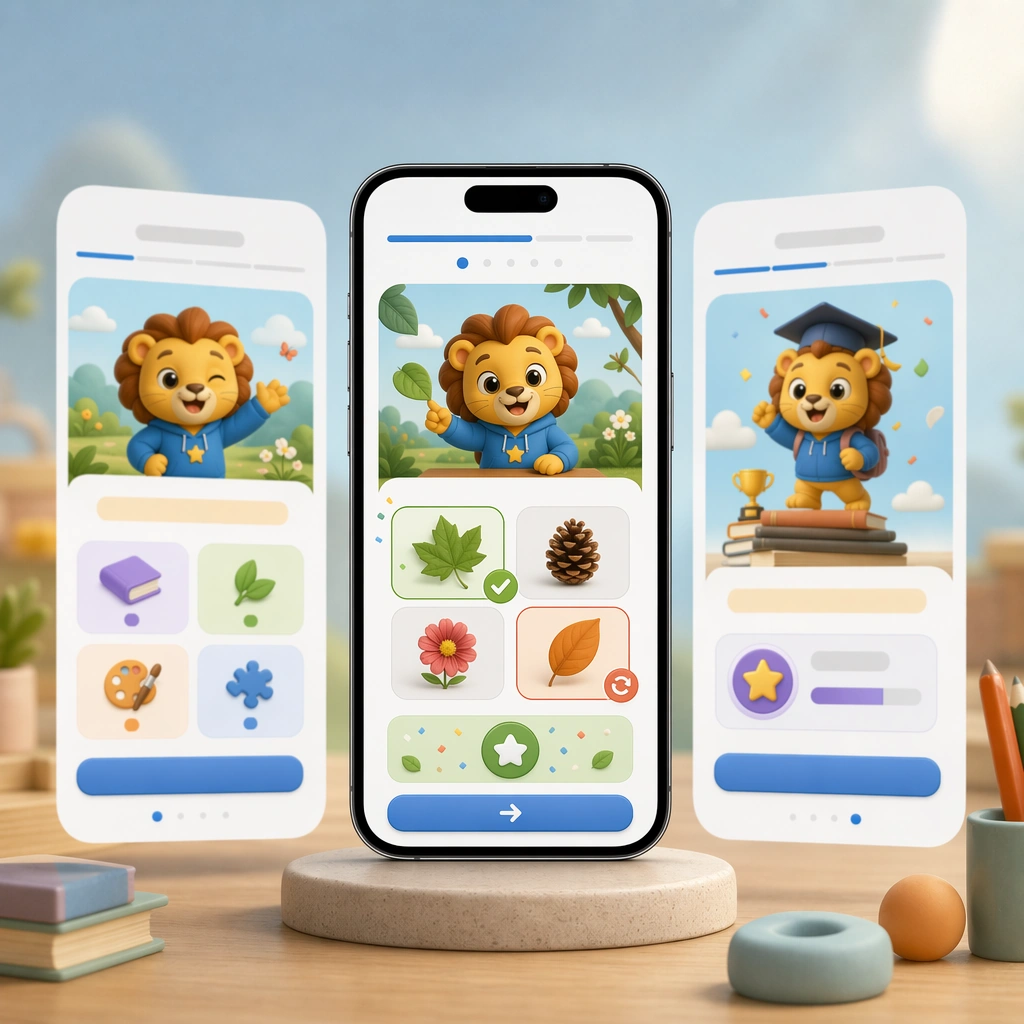
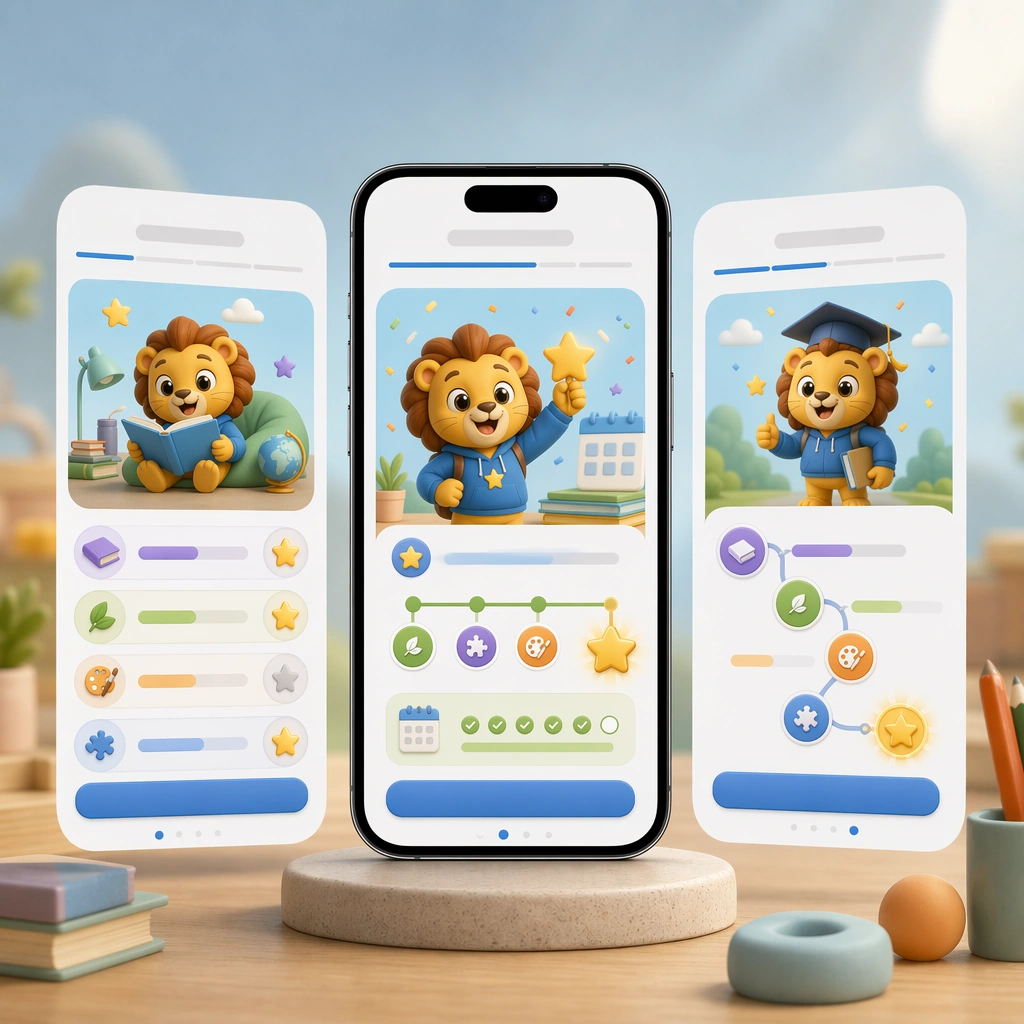
Return to the same square device-led composition and polished studio lighting from the reference screens, but shift the moment into a celebratory reward state. The image should still feel credible for a real education product, not an over-gamified entertainment app. Keep the square frame balanced, calm, and production-ready so the asset can serve gallery review, research comparison, and real educational delivery at the same time.

Subject:
Feature a progress path, earned badges, confetti kept under control, a smiling mascot, and a clean reward card that suggests continuity and habit-building. Use visual hierarchy so parents can sense trust and pedagogy even in a more emotional product moment. The subject matter should feel intentionally selected for a coherent curriculum family rather than like a random decorative assortment.

Important details:
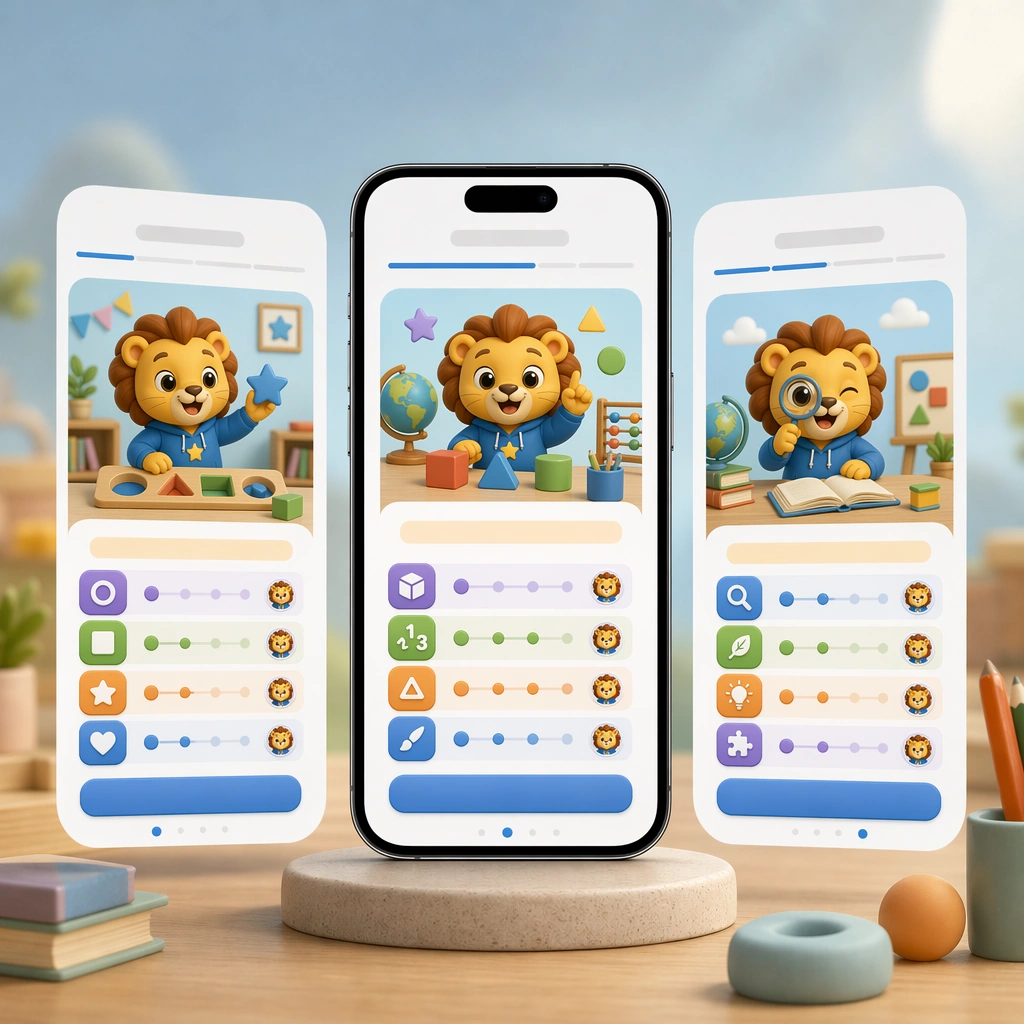
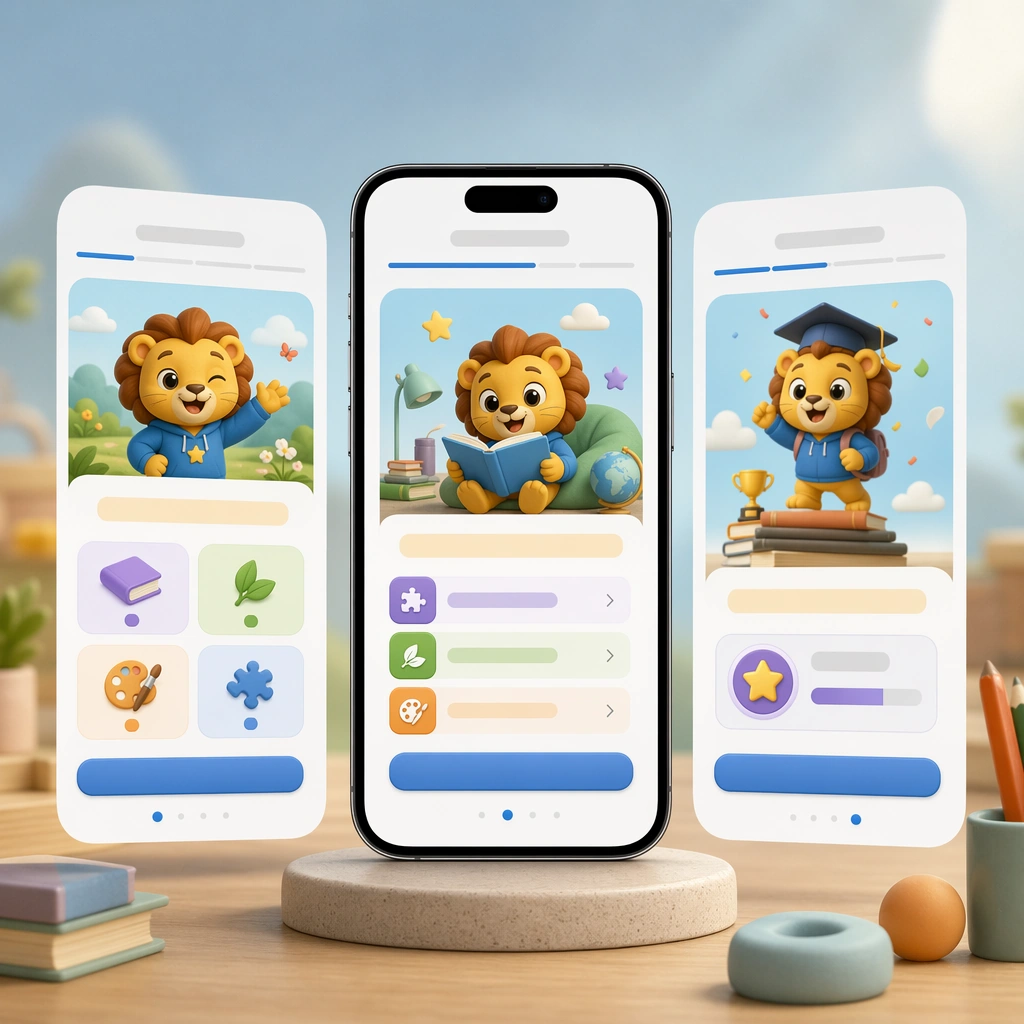
Maintain the exact reference system: same device framing, card geometry, icon weight, and color logic. The change should come from emotional energy and completion cues, while the app remains obviously part of one carefully designed learning flow. Preserve the same mobile device framing, card radius, mascot style, color system, icon weight, and spacing rhythm from the reference screen set. Use variation only in the teaching content, supporting props, and scene-specific mood while preserving the core visual system exactly.

Use case:
Learning App Onboarding and Lesson UI series study 4/4, streak reward screen.

Constraints:
No readable text, no watermark, no logos, preserve exact 1:1 aspect ratio, no readable UI copy, no app-store branding, no logos, no generic gaming clutter, no impossible device anatomy, no notification spam.
사용 방법
- 매개변수를 포함한 전체 원본 프롬프트를 복사하세요.
- 주제, 문구, 구도를 자신의 요구에 맞게 바꾸세요.
- 호환되는 외부 도구에서 사용하고 이용 조건과 결과를 확인하세요.
시작 전 확인
- 참조 이미지가 필요한지 확인하세요. 호환 표시는 해당 모델로 이 예시를 생성했다는 뜻이 아닙니다.
- 이름, 수치, 이미지 속 문구를 확인하세요. 모델 버전에 따라 결과가 다를 수 있습니다.