
원본 문서
GPT Image 2 · en
Scene:
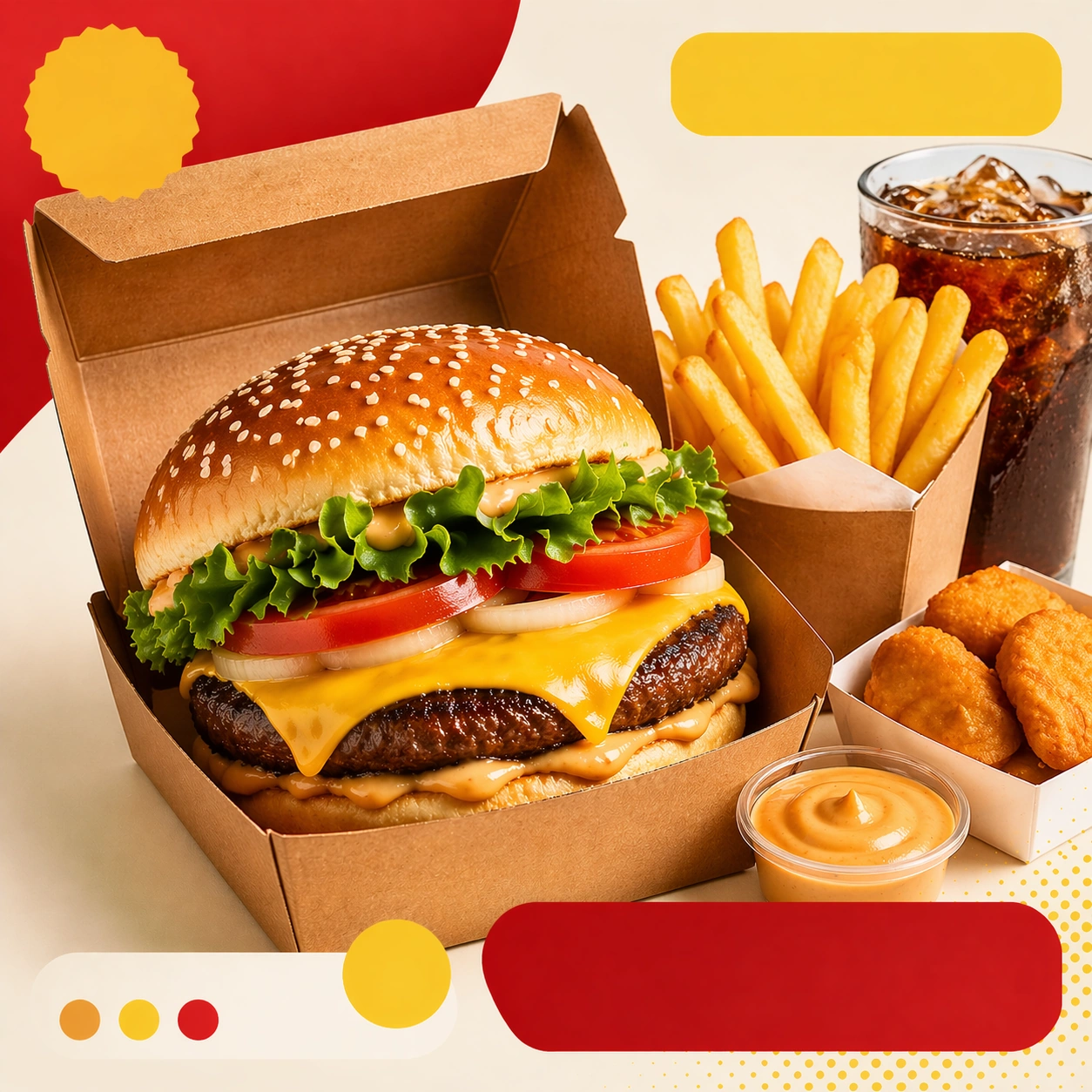
Compose a square food-commerce image optimized for instant readability in app tiles, promo cards, or delivery grids. The image should emphasize appetizing clarity, strong hierarchy, and modular layout zones while staying photorealistic and commercially grounded. Packaging, dish crop, and badge-like design shapes can appear, but all text must remain unreadable. Preserve the same card geometry and high-key commerce lighting, but add one extra side or beverage cue to imply a bigger offer.

Subject:
The food should look craveable at thumbnail scale, with clear portion logic, supporting side items when relevant, and delivery-aware presentation that prioritizes speed, legibility, and conversion. Feature a main dish with one clearly visible add-on and organized packaging so the tile communicates a more substantial combo without crowding the frame.

Important details:
This theme is about commerce reasoning. Preserve sharp hero food silhouettes, obvious combo structure, and clean tile-safe framing so the assets can survive small screens. Abstract text areas, CTA-like shapes, and offer badges are allowed only as non-legible design modules. Keep everything polished, modern, and immediately useful for ordering surfaces. Preserve the exact camera height, lens feel, prop family, tabletop scale, palette discipline, and brand logic established by 01-app-tile-anchor. The anchor hierarchy must remain intact: hero food first, support item second, abstract badges third. Keep everything crisp enough for mobile browsing.

Use case:
Delivery Tiles series study 2/9, built for Prompt Atlas coverage of a food and beverage commercial visual system.

Constraints:
No readable text, no watermark, no logos, preserve exact 1:1 aspect ratio, no readable text, no logos, no app UI chrome, no fake prices, no delivery-bag chaos, no greasy blur, no clutter that hurts thumbnail legibility, no readable promo text, no huge feast pile, no delivery driver props.
사용 방법
- 매개변수를 포함한 전체 원본 프롬프트를 복사하세요.
- 주제, 문구, 구도를 자신의 요구에 맞게 바꾸세요.
- 호환되는 외부 도구에서 사용하고 이용 조건과 결과를 확인하세요.
시작 전 확인
- 참조 이미지가 필요한지 확인하세요. 호환 표시는 해당 모델로 이 예시를 생성했다는 뜻이 아닙니다.
- 이름, 수치, 이미지 속 문구를 확인하세요. 모델 버전에 따라 결과가 다를 수 있습니다.