원본 문서
Nano Banana · en
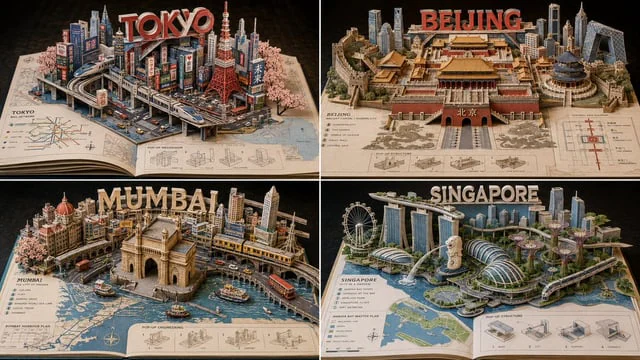
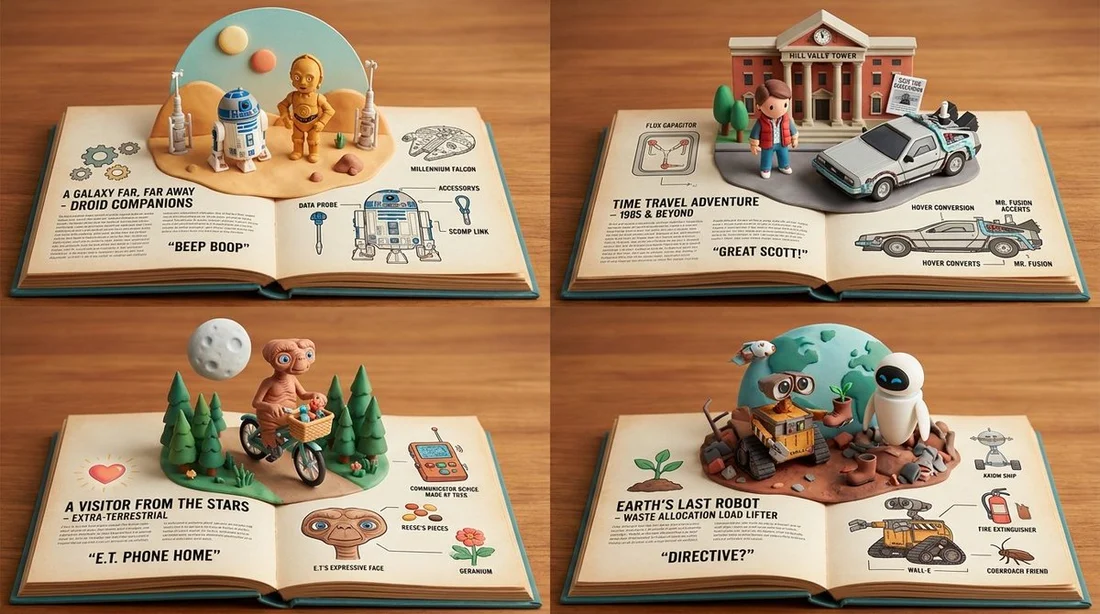
2x2 grid, 16:9, do this for 4 famous scifi movies: {INPUT: $ SUBJECT

A = {
  open storybook diorama,
  cute 3D character world,
  warm clay/vinyl miniature materials,
  labeled origin panels,
  model-sheet side views,
  accessory callouts,
  collectible character design
}

B = {
  dense illustrated encyclopedia,
  tiny worldbuilding details,
  micro-architecture,
  miniature people / animals / objects,
  hand-painted storybook charm,
  inspectable hidden scenes
}

C = {
  designer toy proportions,
  rounded expressive faces,
  cozy fantasy-adventure mood,
  tactile handcrafted props,
  organized page layout
}

SUBJECT_CORE = stylize($ SUBJECT)
where:
- preserve the main identity of $ SUBJECT
- convert it into a charming collectible character, object, creature, building, or scene
- simplify proportions into cute readable forms
- make it feel like the hero of a storybook universe

BOOK_WORLD = infer_world($ SUBJECT)
where:
- create an open book or field-guide spread
- left page: title, origin, values, symbols, short quote, icons, tiny lore text
- center: dimensional pop-up diorama of the subject’s world
- right page: model sheet, expressions, accessories, palette, material swatches
- fill the world with small props, creatures, signs, tools, plants, and narrative fragments inferred from $ SUBJECT

MATERIAL_FUSION:
- character and props rendered as soft matte clay / vinyl / miniature sculpture
- pages rendered as warm aged paper with printed labels and tiny diagrams
- small details rendered with storybook illustration charm
- environmental pieces built as handcrafted diorama objects

COLOR_RULES:
- warm parchment base
- cozy saturated accents
- teal, ochre, coral, forest green, cream, clay brown, soft blue
- avoid harsh neon or photorealistic material

OUTPUT:
A premium open-book character encyclopedia diorama for $ SUBJECT, combining toy design, storybook lore, miniature worldbuilding, and model-sheet clarity.}
사용 방법
- 매개변수를 포함한 전체 원본 프롬프트를 복사하세요.
- 주제, 문구, 구도를 자신의 요구에 맞게 바꾸세요.
- 호환되는 외부 도구에서 사용하고 이용 조건과 결과를 확인하세요.
시작 전 확인
- 참조 이미지가 필요한지 확인하세요. 호환 표시는 해당 모델로 이 예시를 생성했다는 뜻이 아닙니다.
- 이름, 수치, 이미지 속 문구를 확인하세요. 모델 버전에 따라 결과가 다를 수 있습니다.