원본 문서
GPT Image 2 · en
{
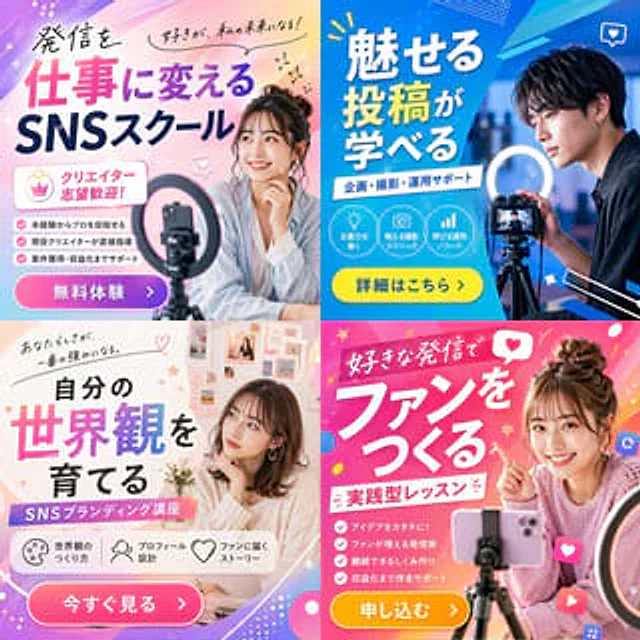
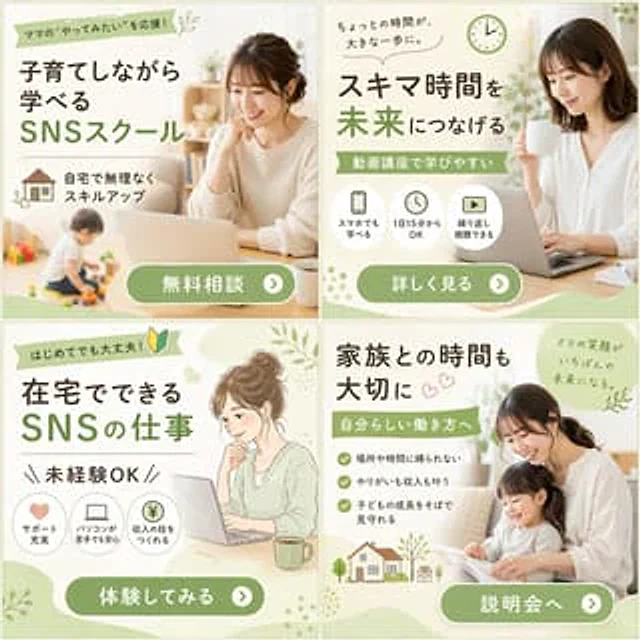
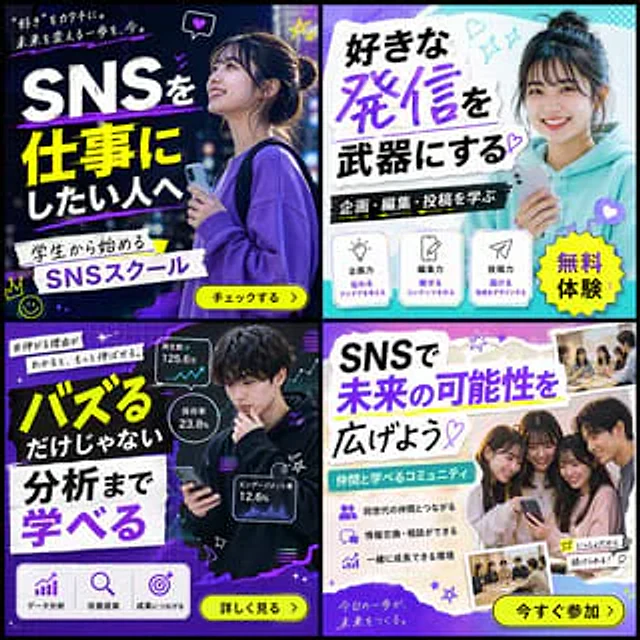
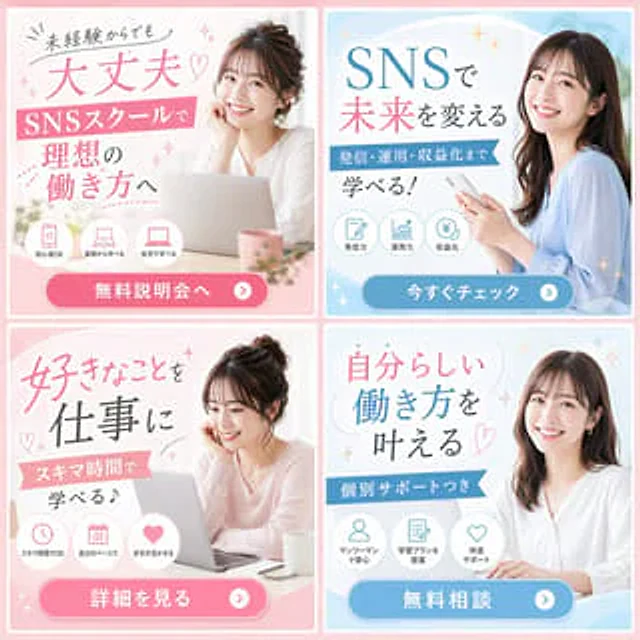
  "type": "2x2 Banner Ad Grid",
  "theme": "{argument name=\"school type\" default=\"Social Media School\"}",
  "demographic": "{argument name=\"model demographic\" default=\"Young Japanese women\"}",
  "color_palette": "{argument name=\"primary color theme\" default=\"Pink and light blue\"}",
  "layout": {
    "panels": [
      {
        "position": "Top left",
        "color": "pink",
        "subject": "A woman with her hair tied up, resting her chin on her hand, is using a laptop.",
        "headline": "{argument name=\"top left headline\" default=\"Even beginners can easily get started ♡\"}",
        "subheadline": "Achieving the Ideal Work Style in Social Media School",
        "icon_count": 3,
        "icon_labels": [
          "Beginner-friendly",
          "Start from the basics",
          "Home learning"
        ],
        "cta_button": "Free information session >"
      },
      {
        "position": "Top right",
        "color": "light blue",
        "subject": "Long-haired woman, holding a smartphone",
        "headline": "{argument name=\"top right headline\" default=\"Changing the future with social media\"}",
        "subheadline": "Take full control of content publishing, operations, and monetization!",
        "icon_count": 3,
        "icon_labels": [
          "Content power",
          "Operational capabilities",
          "Monetization"
        ],
        "cta_button": "View Now >"
      },
      {
        "position": "Bottom left",
        "color": "pink",
        "subject": "A woman with her hair tied up, looking down at a laptop.",
        "headline": "Turn your hobby into a career",
        "subheadline": "Make the most of your spare time to learn!",
        "icon_count": 3,
        "icon_labels": [
          "Learning in fragmented time",
          "Autonomous rhythm",
          "Give full play to strengths"
        ],
        "cta_button": "View details >"
      },
      {
        "position": "Bottom right",
        "color": "light blue",
        "subject": "A long-haired woman wearing a white shirt has her hands on the table.",
        "headline": "Achieve your ideal work style ♡",
        "subheadline": "Provide one-on-one tutoring",
        "icon_count": 3,
        "icon_labels": [
          "One-on-one reassuring guidance",
          "Customized learning plan",
          "Full support and accompaniment"
        ],
        "cta_button": "Free Consultation >"
      }
    ]
  }
}
사용 방법
- 매개변수를 포함한 전체 원본 프롬프트를 복사하세요.
- 주제, 문구, 구도를 자신의 요구에 맞게 바꾸세요.
- 호환되는 외부 도구에서 사용하고 이용 조건과 결과를 확인하세요.
시작 전 확인
- 참조 이미지가 필요한지 확인하세요. 호환 표시는 해당 모델로 이 예시를 생성했다는 뜻이 아닙니다.
- 이름, 수치, 이미지 속 문구를 확인하세요. 모델 버전에 따라 결과가 다를 수 있습니다.