원본 문서
GPT Image 2 · en
Scene:
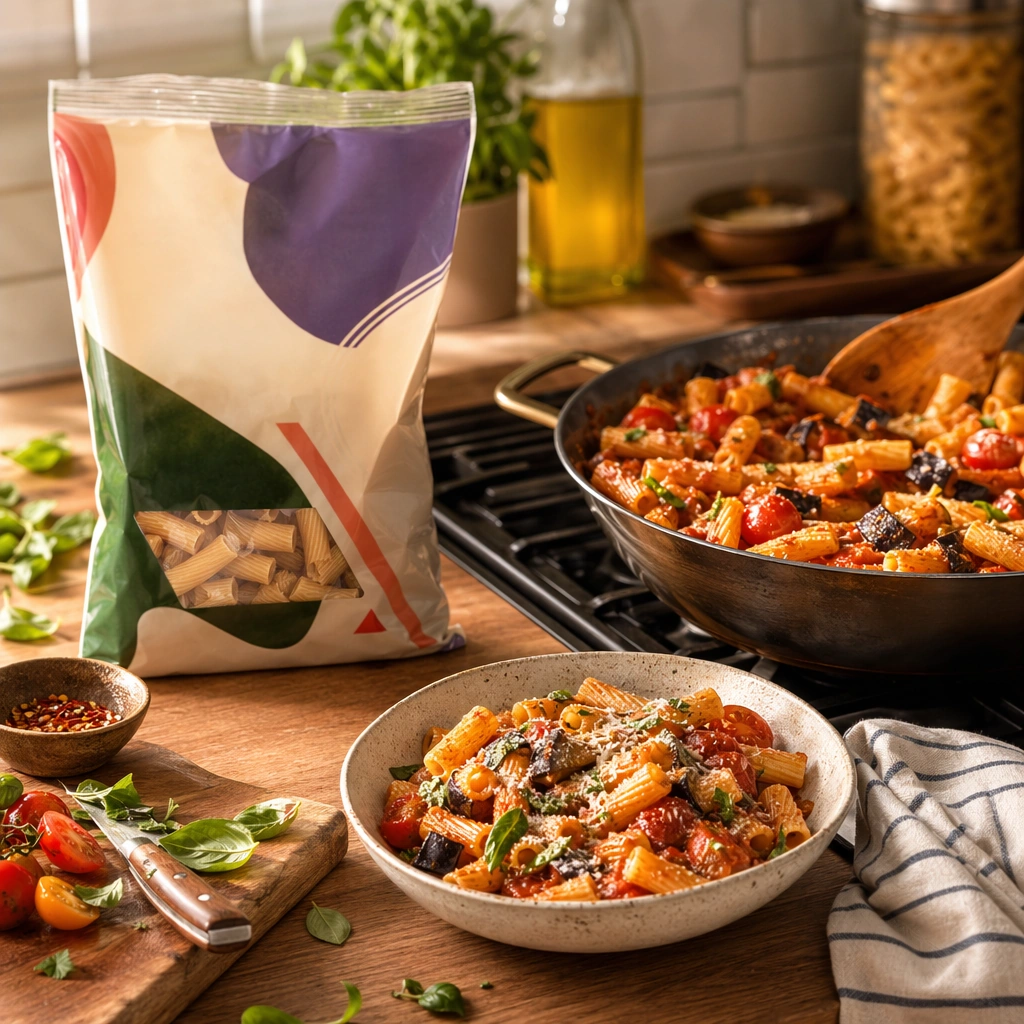
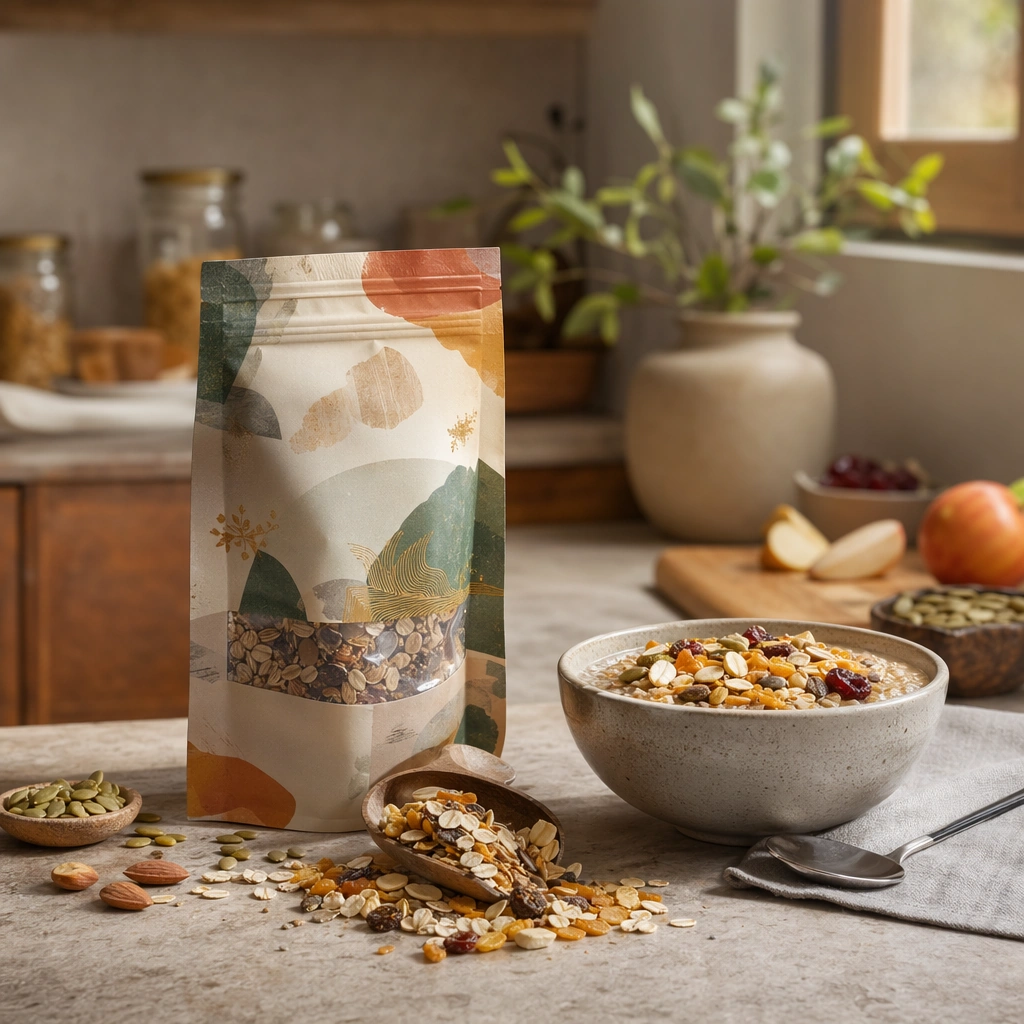
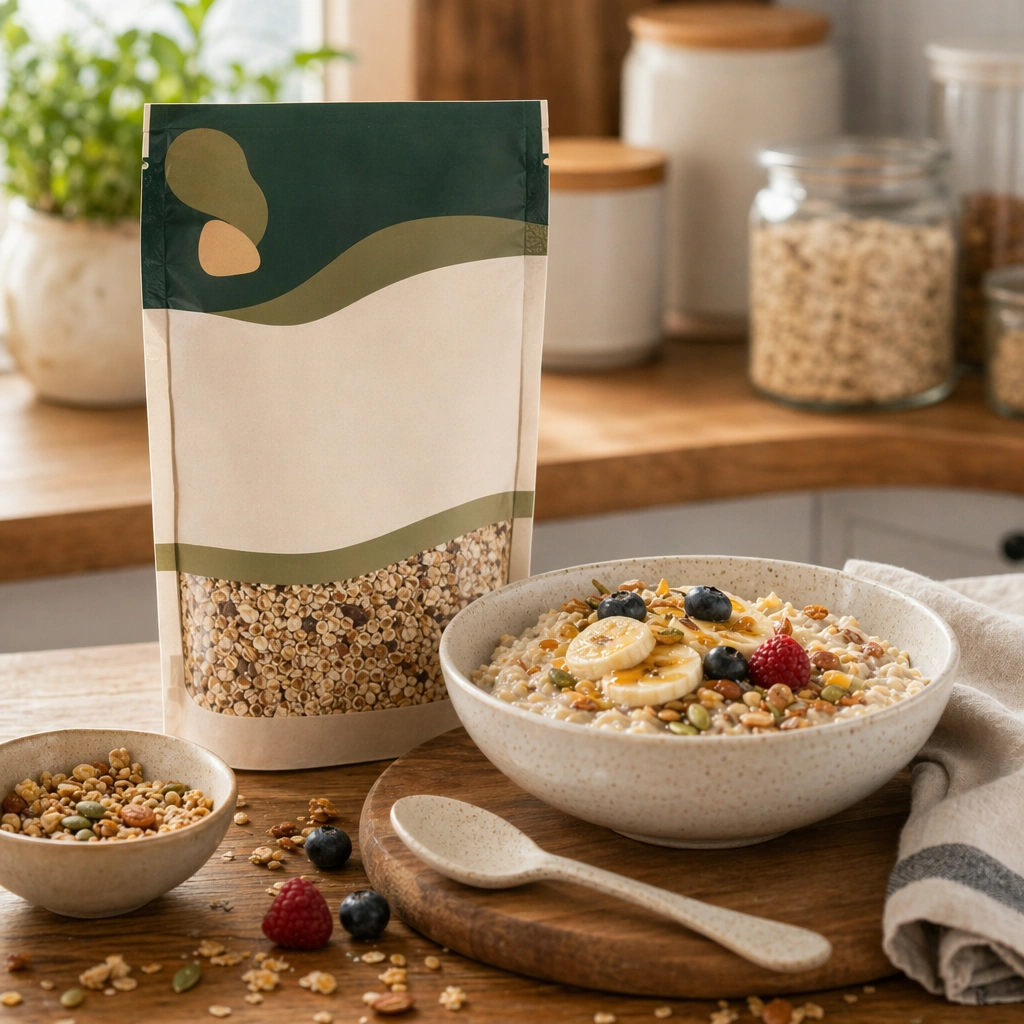
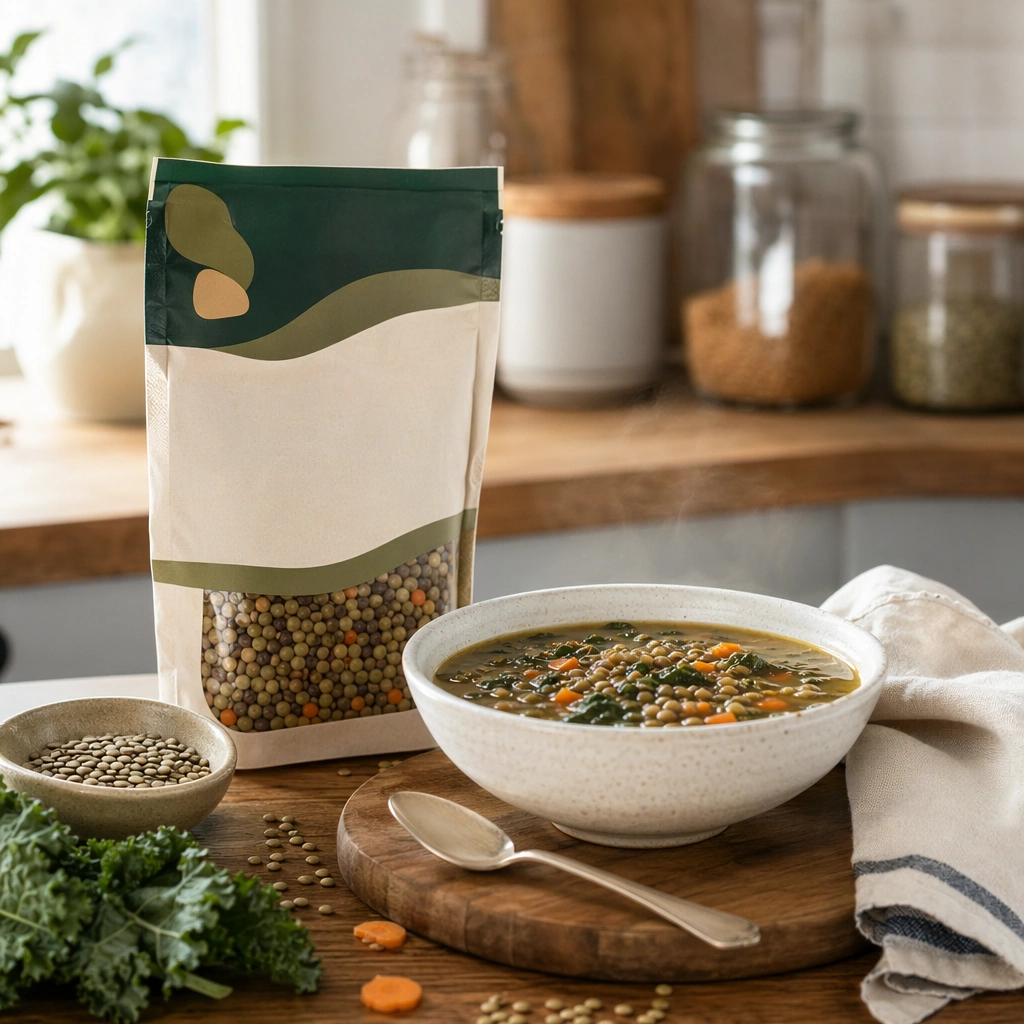
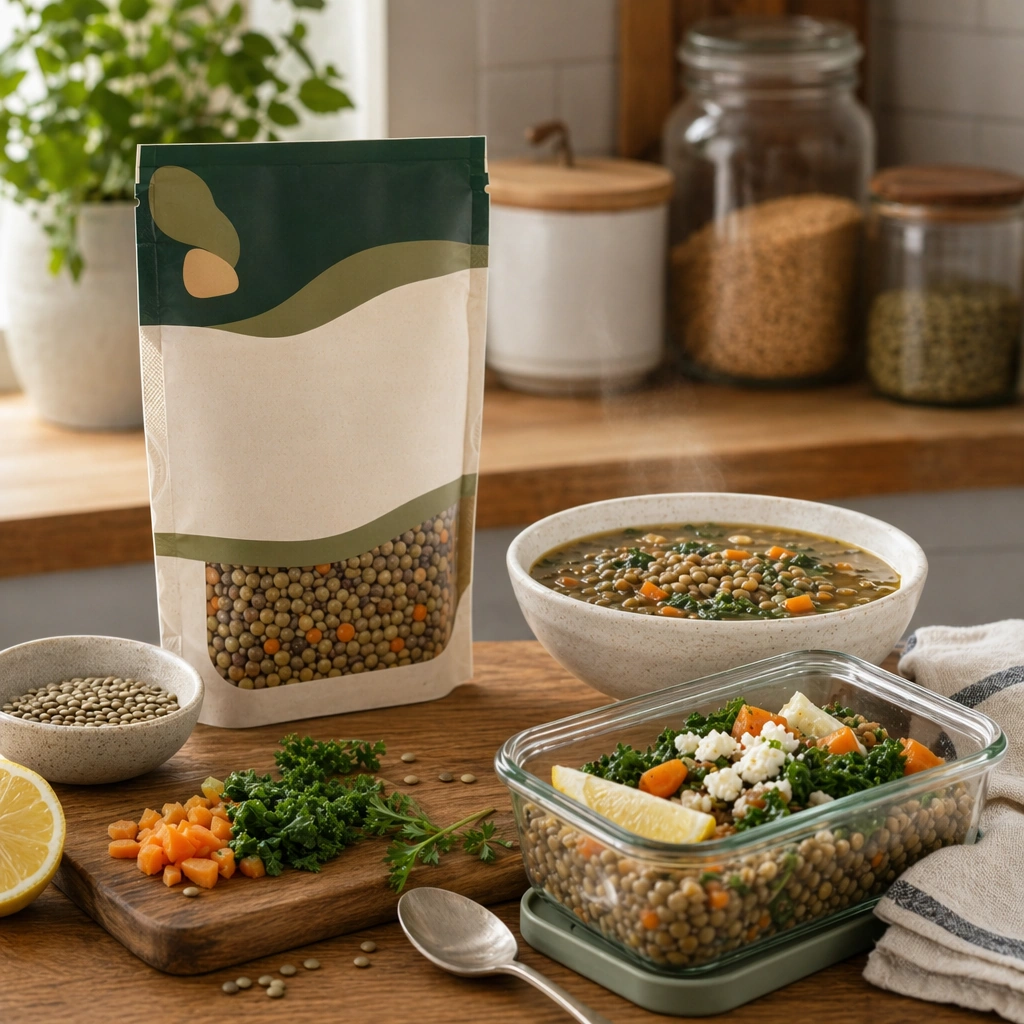
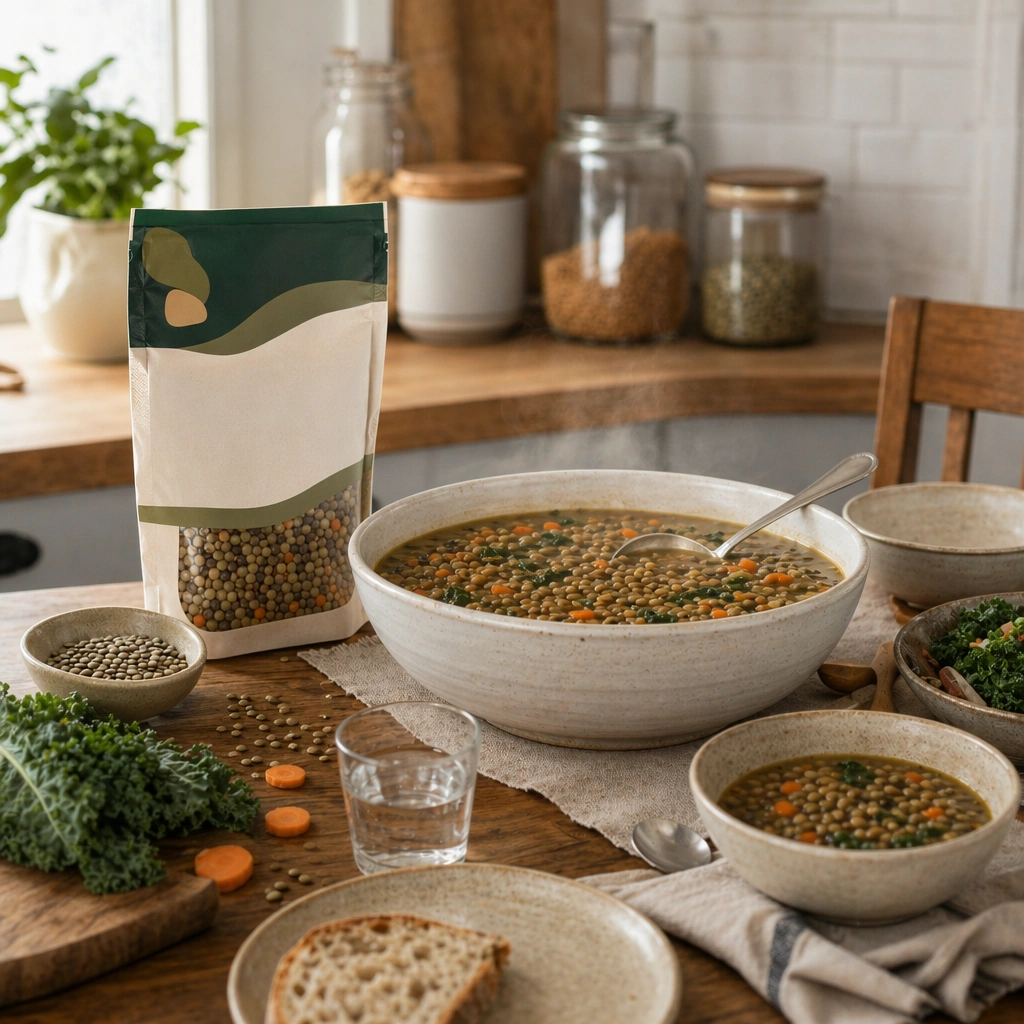
Compose a square packaged-food lifestyle image that connects shelf-ready packaging with actual household use, serving, and meal preparation. The frame should feel commercially precise but lived in, showing how the package belongs inside a believable kitchen, pantry, or dining context rather than isolated white-background product photography. Retain the same kitchen-to-dining-room material palette, but open the crop to include a larger serving vessel and a modest table context.

Subject:
The package must stay clearly visible and physically plausible, while the prepared food, ingredients, bowls, or serving scene demonstrate real usage and appetite appeal. Present the packaged product alongside a finished family-style serving, showing how the item scales from pantry object to shared meal centerpiece.

Important details:
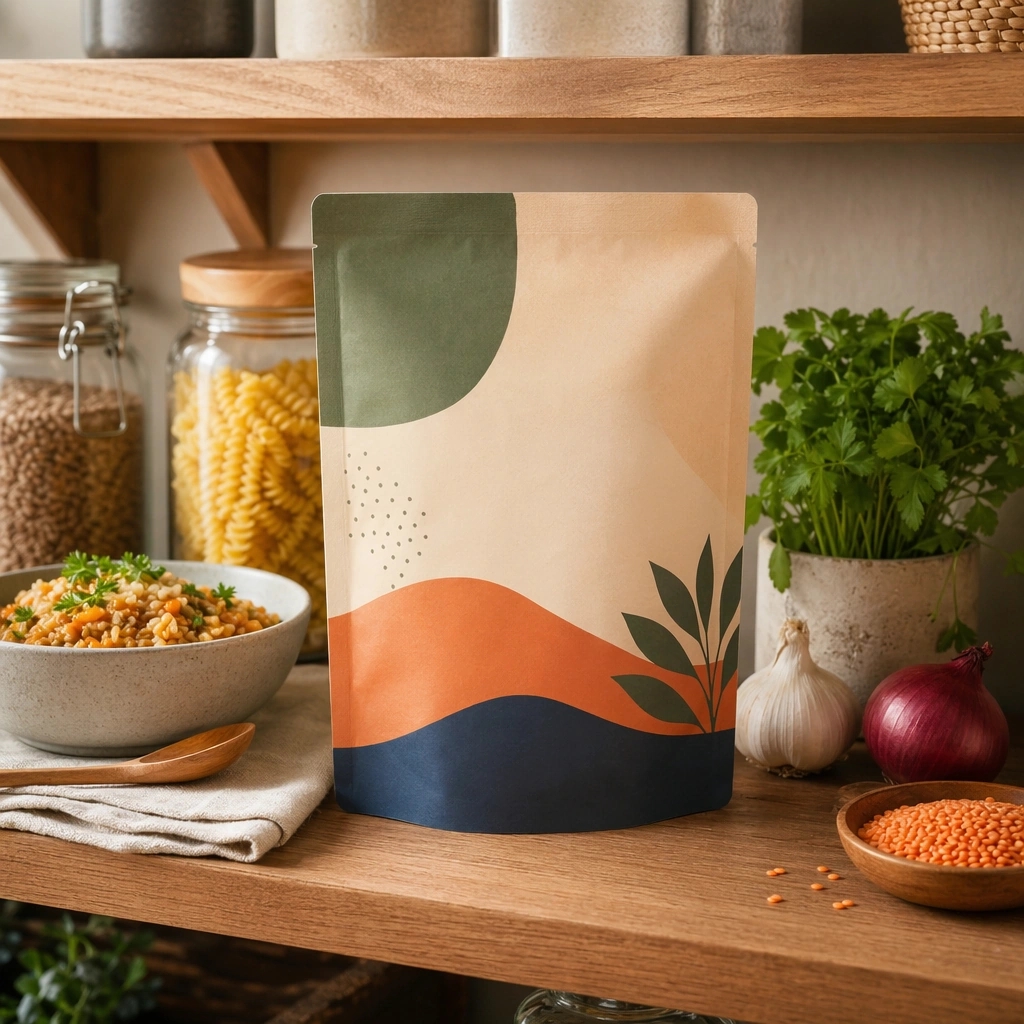
This topic tests bridge-building between package design and lived food context. Preserve realistic kitchen materials, pantry organization, serving logic, and package handling so the brand feels trustworthy and useful. If abstract label areas appear, they must remain unreadable; trust should come from materials, cooking cues, and scene credibility rather than literal copy. Preserve the exact camera height, lens feel, prop family, tabletop scale, palette discipline, and brand logic established by 01-pantry-anchor. Continuity with the anchor image matters: package scale, home realism, and serving credibility should stay locked while the meal becomes more communal.

Use case:
Food Package Scenes series study 4/9, built for Prompt Atlas coverage of a food and beverage commercial visual system.

Constraints:
No readable text, no watermark, no logos, preserve exact 1:1 aspect ratio, no readable text, no logos, no sterile white studio void, no messy family chaos, no unrealistic packaging scale, no cluttered supermarket shelf wall, no banquet excess, no visible brand text, no party decorations.
사용 방법
- 매개변수를 포함한 전체 원본 프롬프트를 복사하세요.
- 주제, 문구, 구도를 자신의 요구에 맞게 바꾸세요.
- 호환되는 외부 도구에서 사용하고 이용 조건과 결과를 확인하세요.
시작 전 확인
- 참조 이미지가 필요한지 확인하세요. 호환 표시는 해당 모델로 이 예시를 생성했다는 뜻이 아닙니다.
- 이름, 수치, 이미지 속 문구를 확인하세요. 모델 버전에 따라 결과가 다를 수 있습니다.