원본 문서
GPT Image 2 · en
Scene:
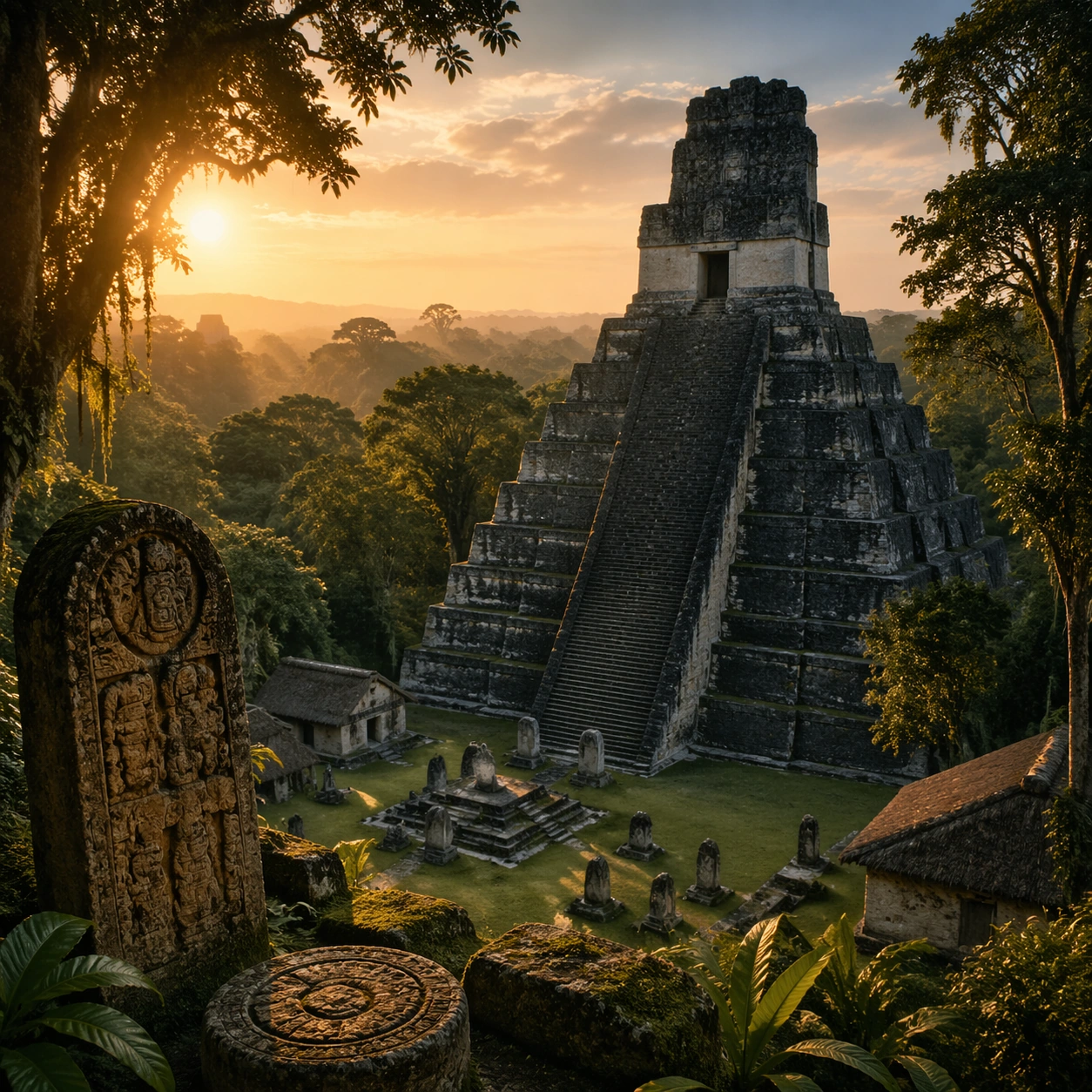
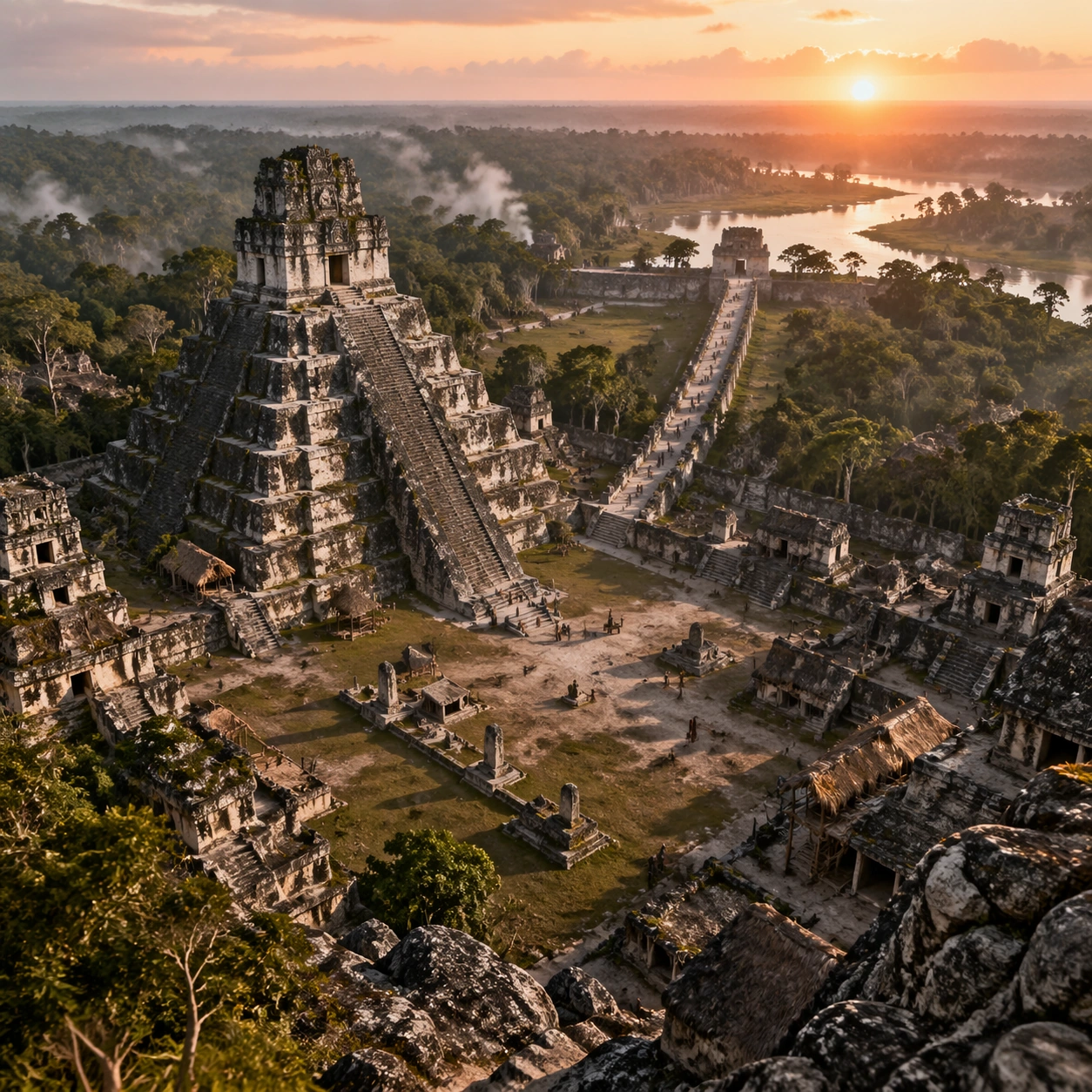
A square survey-oriented image that explains spatial logic with the clarity of an expert field overview while still reading as a finished artwork. Use a stable elevated vantage, clean depth layering, and enough visible terrain or architecture to make relationships legible without turning the frame into a literal map. The scene should feel analytical and cinematic at the same time.

Subject:
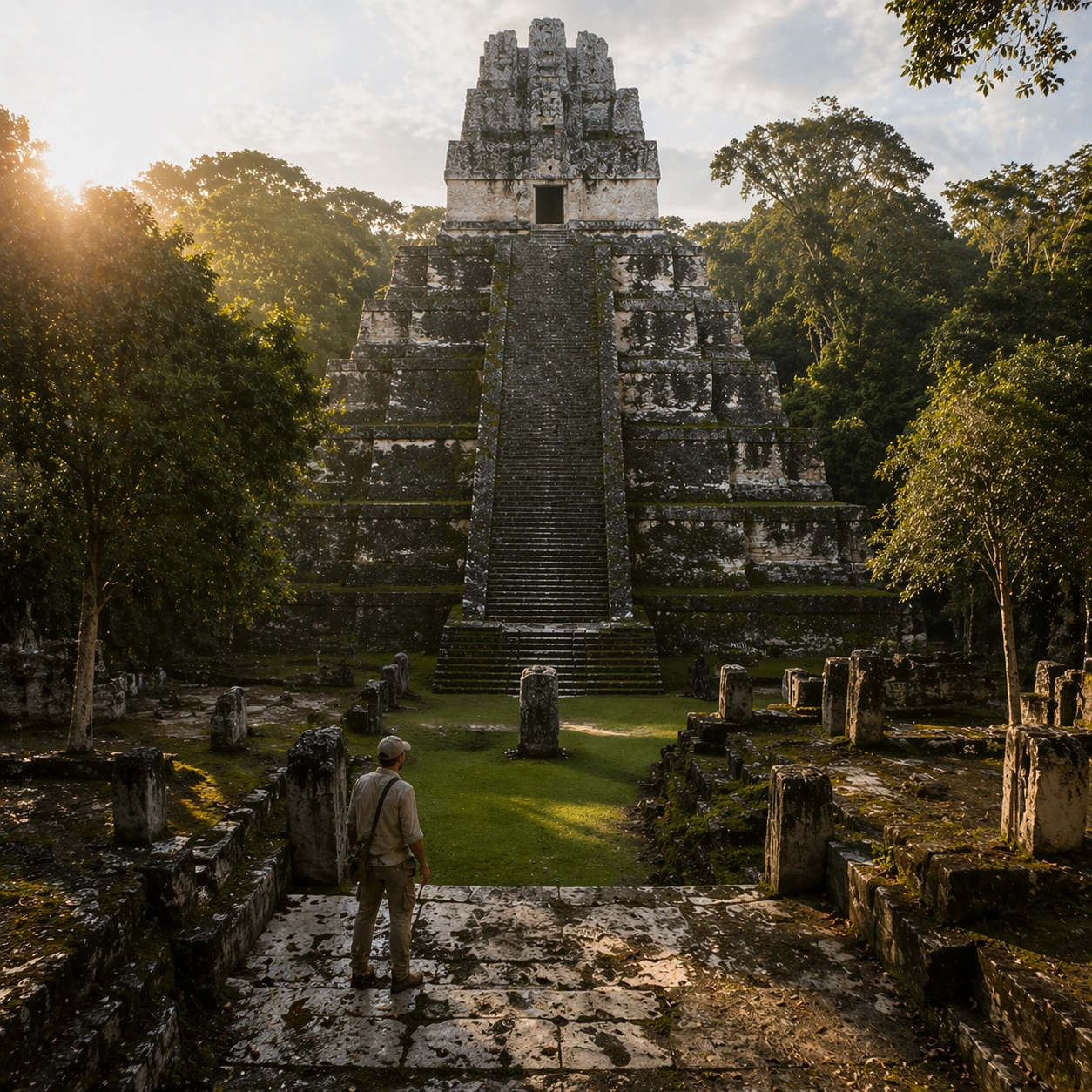
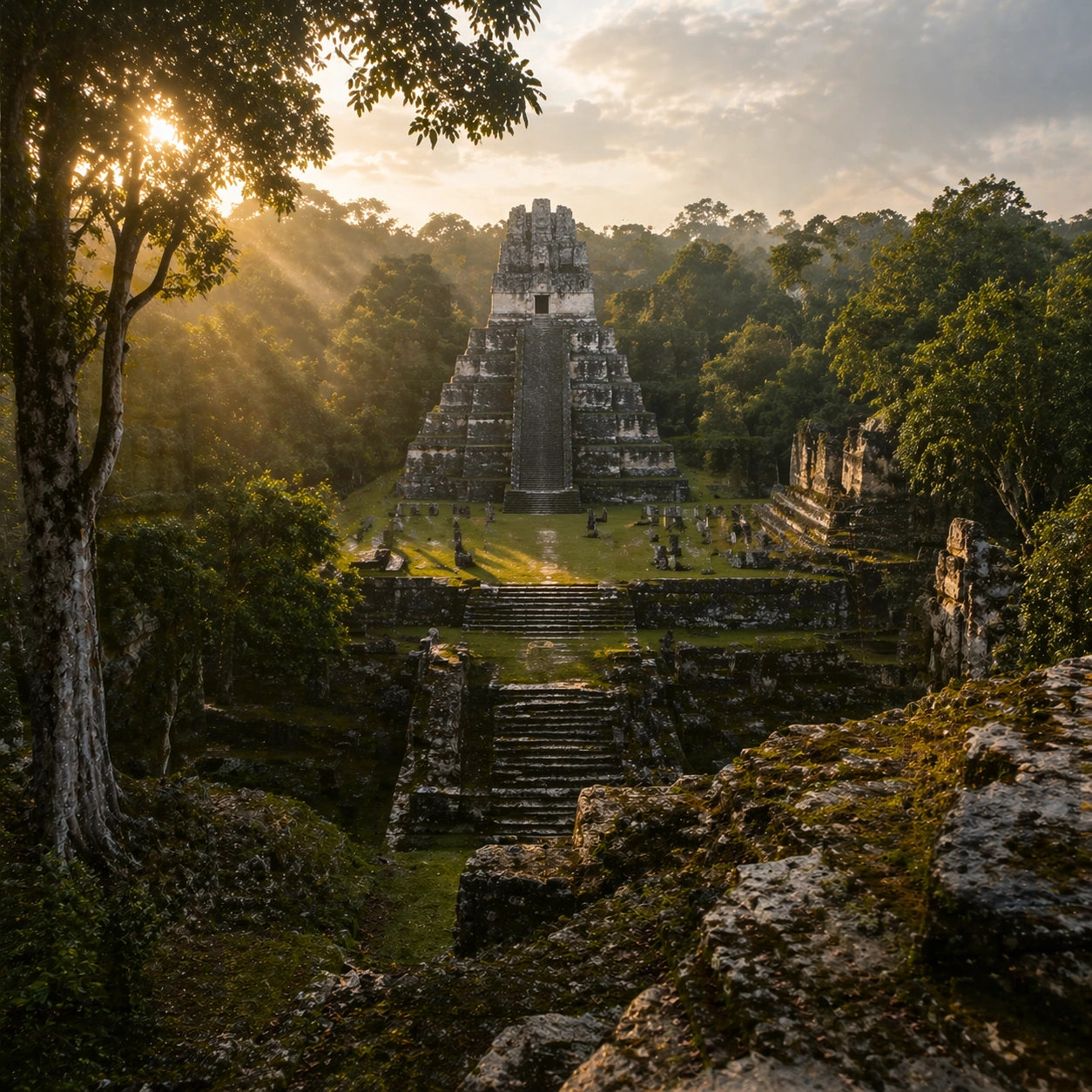
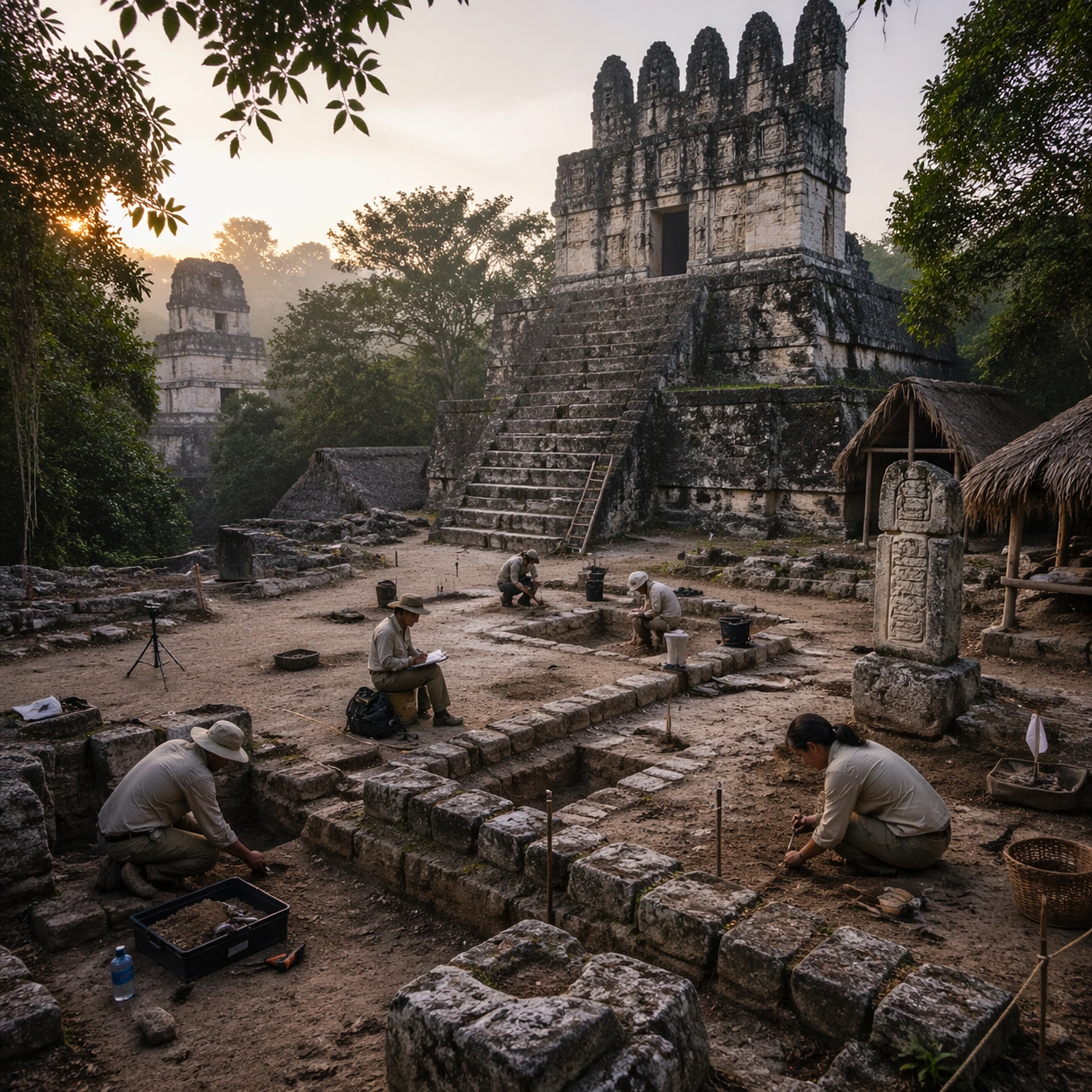
Show an elevated overlook that reveals the pyramid, adjoining plaza, processional causeway, and jungle edge in one coherent survey image. Organize the composition so paths, terraces, walls, courtyards, chambers, canals, root systems, or quarry clusters can be read as a coherent system. The image should reveal how the civilization used land, water, elevation, enclosure, or monumentality. Keep all architecture, materials, and environmental details consistent with the correct place and period.

Important details:
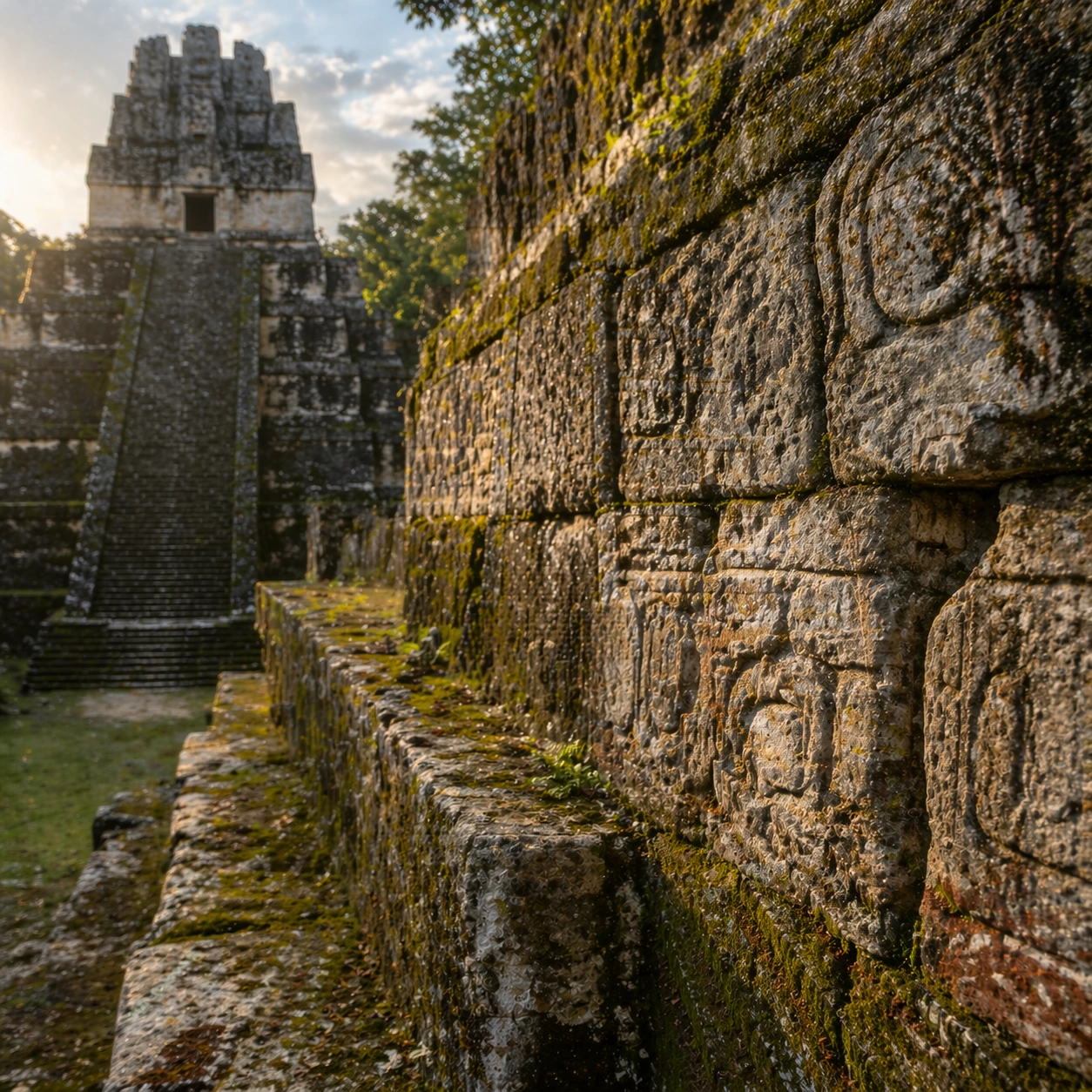
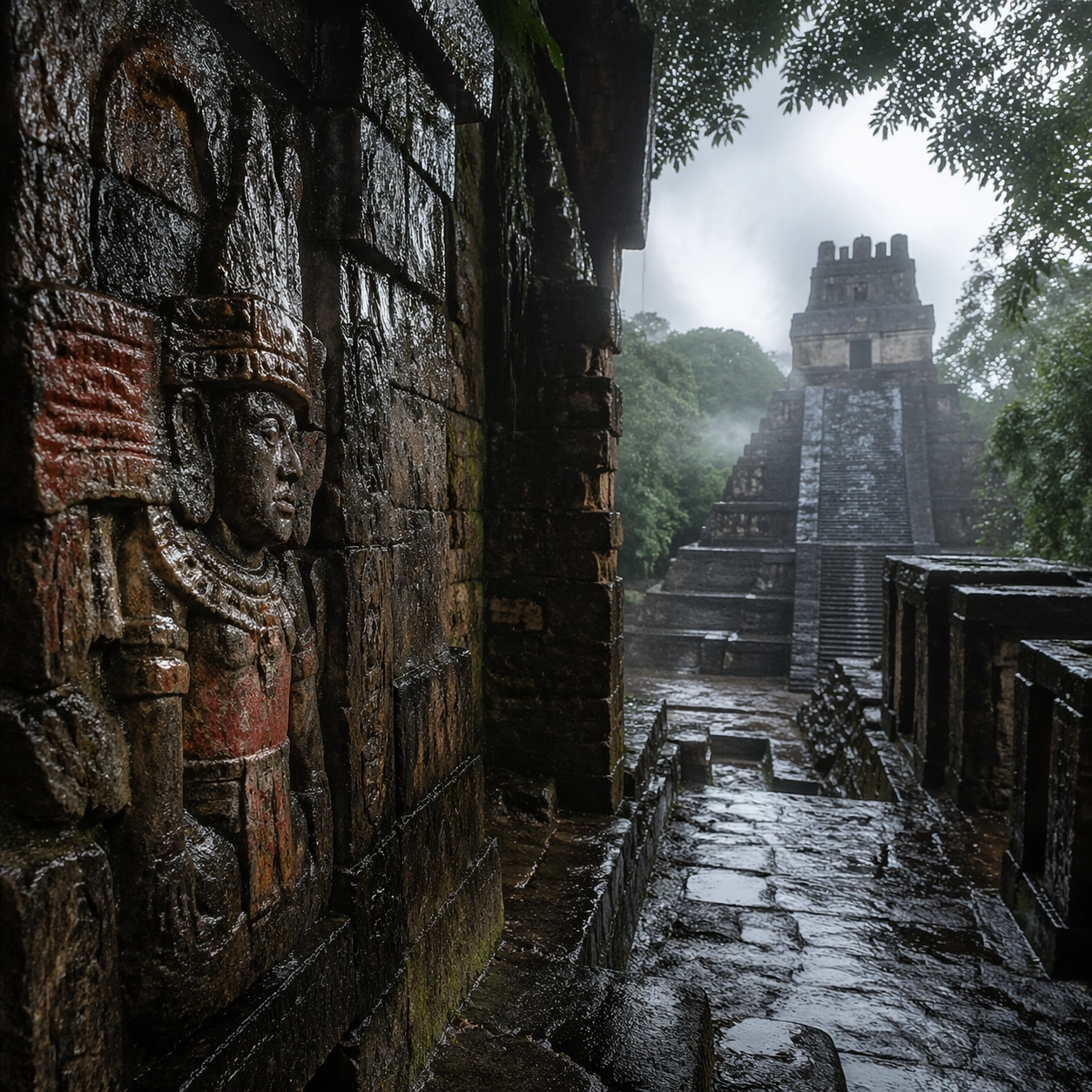
Keep the architecture unmistakably Maya rather than generic fantasy ruins, with steep stepped geometry, roof-comb silhouettes, believable glyph blocks, and dense tropical vegetation that respects the stone volumes instead of swallowing them completely. This image should reward close looking by showing infrastructural logic: how stone courses align, how water moves, how rooms connect, how carved masses sit inside geology, or how vegetation interacts with built form. Avoid explicit annotation. Let composition, light, and scale cues do the explanatory work. Keep any measuring elements generic and unreadable, and make the image feel like serious research made visually elegant.

Use case:
Maya Temple Dawn Discovery single study 8/9.

Constraints:
No readable text, no watermark, no logos, preserve exact 1:1 aspect ratio, no modern vehicles, no sci-fi glow, no fantasy monsters, no glass skyscrapers, no infographic arrows, no split-screen layout, no impossible aerial geometry, no unrelated settlements.
사용 방법
- 매개변수를 포함한 전체 원본 프롬프트를 복사하세요.
- 주제, 문구, 구도를 자신의 요구에 맞게 바꾸세요.
- 호환되는 외부 도구에서 사용하고 이용 조건과 결과를 확인하세요.
시작 전 확인
- 참조 이미지가 필요한지 확인하세요. 호환 표시는 해당 모델로 이 예시를 생성했다는 뜻이 아닙니다.
- 이름, 수치, 이미지 속 문구를 확인하세요. 모델 버전에 따라 결과가 다를 수 있습니다.