
원본 문서
GPT Image 2 · en
Scene:
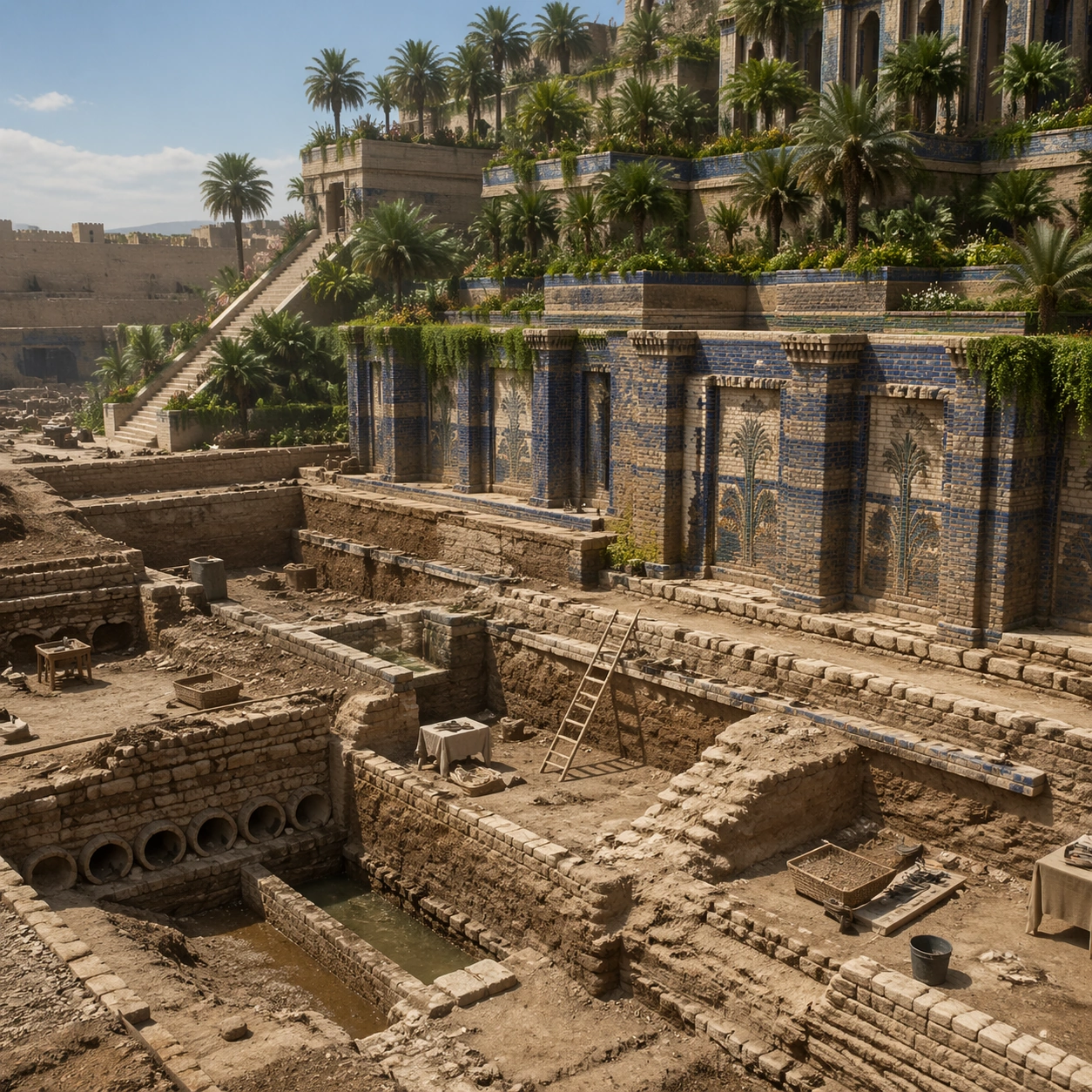
A square independent archaeology study composed from a slightly elevated fieldwork viewpoint. Use balanced natural light, crisp evidence hierarchy, and practical site organization so the image feels publishable in a museum report and still visually strong enough for a gallery wall. The frame should explain where excavation is happening without relying on readable markers or diagrams.

Subject:
Show a ground-level archaeological interpretation view where foundations, channel remains, and reconstructed terrace relationships can be studied with technical clarity. Include grounded human traces such as ladders, trays, brushes, baskets, light rigs, or measuring tools only when they support archaeological realism and remain visually secondary. The site should stay culturally specific, with architecture, surface treatment, sediment, and environmental context all belonging to the correct civilization rather than a generic dig.

Important details:
Keep the reconstruction architecturally disciplined, with Near Eastern massing, stepped terrace engineering, visible hydraulic logic, and planted abundance that feels maintained by ancient infrastructure rather than magical floating greenery. Prioritize evidence relationships: exposed layers, cleaned edges, protected surfaces, loose fragments, and transitions between buried and revealed material. Let color, wear, and composition explain what has just been uncovered. The image must feel methodical rather than adventurous. Keep any site tags, notes, or markers abstract and unreadable. Avoid sensational treasure imagery and keep the atmosphere scholarly, patient, and materially convincing.

Use case:
Babylon Hanging Gardens single study 5/9.

Constraints:
No readable text, no watermark, no logos, preserve exact 1:1 aspect ratio, no fantasy dragons, no neon glow, no steel frameworks, no modern city skyline, no treasure-chest clichés, no action-movie posing, no arbitrary props, no infographic overlay.
사용 방법
- 매개변수를 포함한 전체 원본 프롬프트를 복사하세요.
- 주제, 문구, 구도를 자신의 요구에 맞게 바꾸세요.
- 호환되는 외부 도구에서 사용하고 이용 조건과 결과를 확인하세요.
시작 전 확인
- 참조 이미지가 필요한지 확인하세요. 호환 표시는 해당 모델로 이 예시를 생성했다는 뜻이 아닙니다.
- 이름, 수치, 이미지 속 문구를 확인하세요. 모델 버전에 따라 결과가 다를 수 있습니다.