원본 문서
GPT Image 2 · en
Scene:
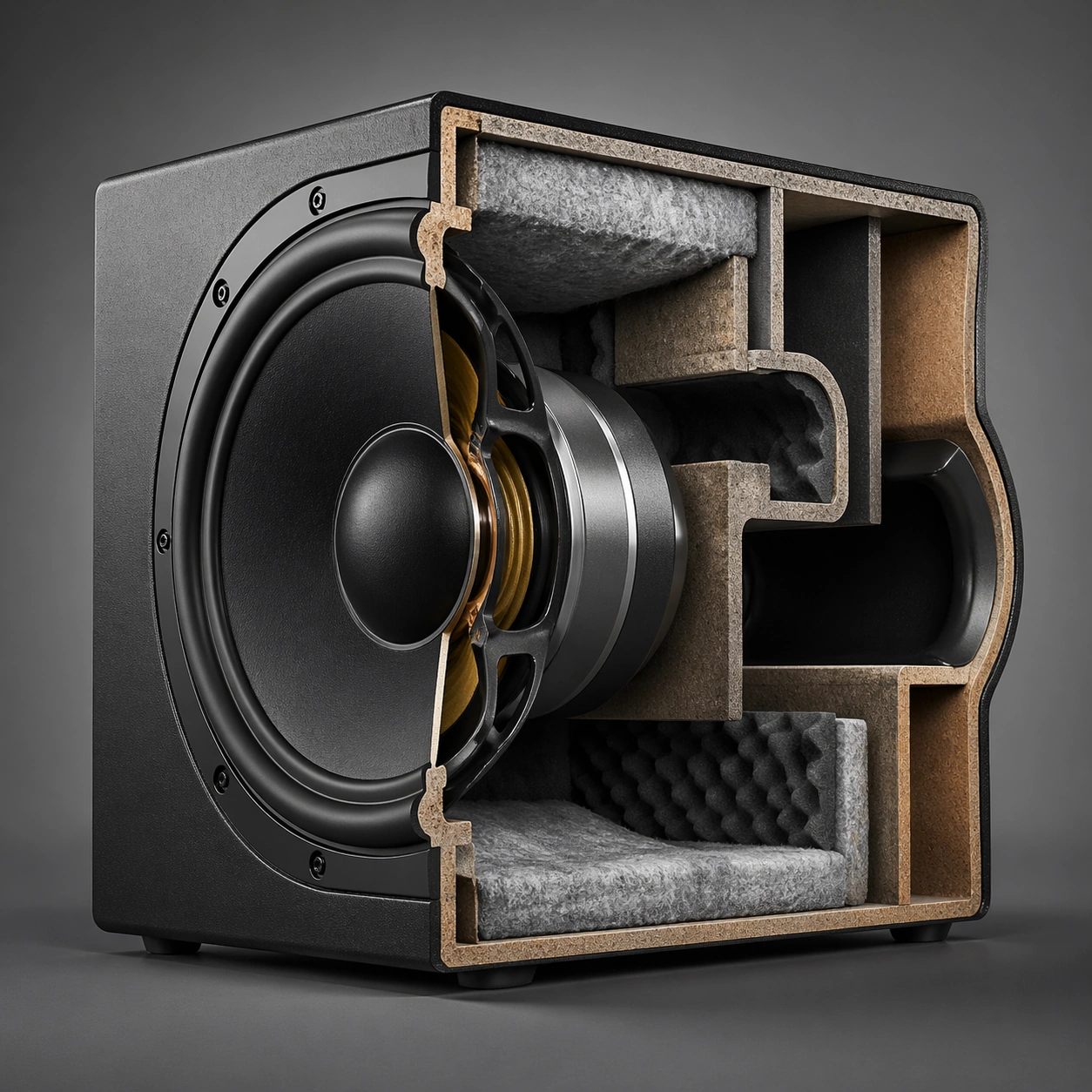
A square studio technical plate with crisp neutral lighting and strong object-legibility against a calm background. Compose the frame as a square key visual with disciplined camera placement, premium lighting control, and believable real-world scale. The tonal range should feel polished and intentional, with enough atmosphere to create depth without obscuring form. Keep contrast calibrated for launch, catalog, or research presentation use rather than casual snapshot aesthetics.

Subject:
Center an original speaker-like engineered object split to reveal driver, chamber, bracing, and damping layers. Make the subject feel original, production-aware, and clearly grounded in Engineering Cutaway and Section Poster. Treat this as an independent study that must feel complete and coherent without relying on any external reference image. The focal hierarchy should be immediate: primary form first, then material behavior, then supporting environmental cues that clarify use context and difficulty.

Important details:
Keep the acoustic logic believable and the section precise. The image should read as engineering communication, not stylized gadget art. The visual language should still feel native to Engineering Cutaway and Section Poster, using disciplined industrial or campaign composition instead of generic stock photography. Use believable materials, engineering logic, and professional composition discipline. Reflections, shadows, edge breaks, texture scale, interface density, and small physical joints must all support realism. Avoid filler props, vague mood-board clutter, or any element that weakens the sense of a purpose-built industrial or automotive image.

Use case:
Cutaway Poster single study 5/9 for Engineering Cutaway and Section Poster, built as image support-one.

Constraints:
No readable text, no watermark, no logos, preserve exact 1:1 aspect ratio, no readable labels, no logos, no impossible internals, no chaotic arrows, no random infographic decoration, no fantasy glow.
사용 방법
- 매개변수를 포함한 전체 원본 프롬프트를 복사하세요.
- 주제, 문구, 구도를 자신의 요구에 맞게 바꾸세요.
- 호환되는 외부 도구에서 사용하고 이용 조건과 결과를 확인하세요.
시작 전 확인
- 참조 이미지가 필요한지 확인하세요. 호환 표시는 해당 모델로 이 예시를 생성했다는 뜻이 아닙니다.
- 이름, 수치, 이미지 속 문구를 확인하세요. 모델 버전에 따라 결과가 다를 수 있습니다.