원본 문서
GPT Image 2 · zh
{
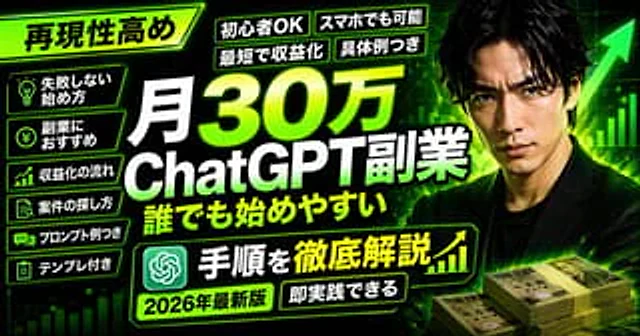
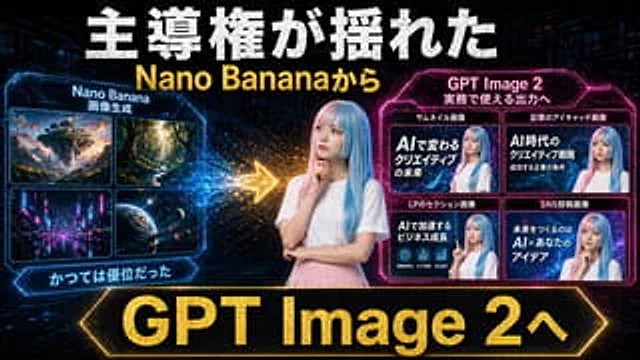
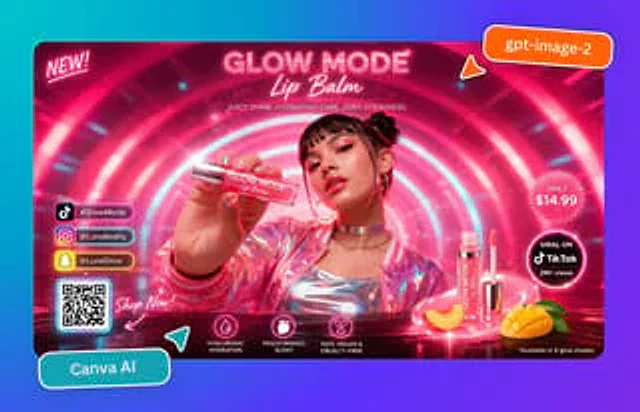
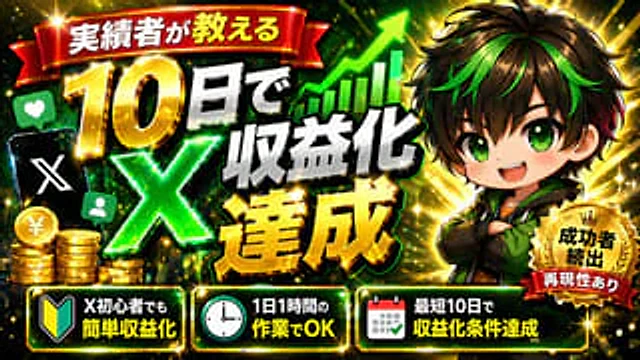
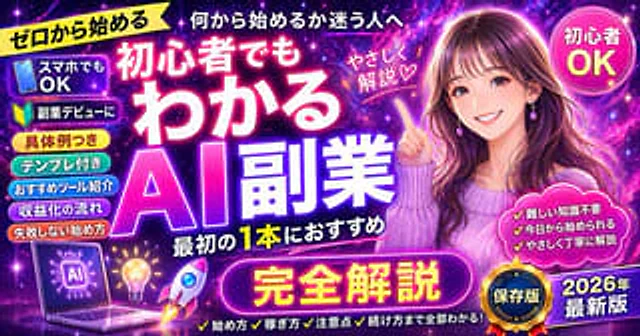
  "type": "Promotional banner thumbnail",
  "style": "Vibrant neon lights, cosmic galaxy background, anime illustration style, high-density Japanese typography, and glowing text effects.",
  "character": {
    "description": "A smiling young woman, her right index finger pointing diagonally upwards.",
    "appearance": "long{argument name=\"character hair color\" default=\"brown\"} Hair, purple teardrop earrings, textured purple sweater",
    "position": "right side"
  },
  "layout": {
    "background": "Purple, pink and blue starry sky nebulae",
    "center_typography": {
      "top_small_text": "For those who are unsure where to begin",
      "main_title": "{argument name=\"main title\" default=\"AI side hustle explained for beginners\"}",
      "subtitle": "Recommended for your first bottle",
      "floating_text_near_character": "A gentle explanation ♡"
    },
    "top_left": {
      "yellow_ribbon": "{argument name=\"top left ribbon text\" default=\"Starting from scratch\"}"
    },
    "top_right": {
      "pink_circle_badge": "Beginners welcome"
    },
    "left_column": {
      "count": 7,
      "description": "Pill-shaped badge stacks",
      "labels": [
        "Smartphones are OK (带手机图标)",
        "Side Hustle Debut (with beginner icon)",
        "With specific examples",
        "Template included",
        "Recommended Tools",
        "Monetization process",
        "How to get started without making mistakes"
      ]
    },
    "bottom_left_graphics": {
      "count": 3,
      "items": [
        "Laptop displaying AI brain circuit diagrams",
        "Light bulb",
        "Rocket taking off"
      ]
    },
    "bottom_center": {
      "large_purple_button": "{argument name=\"bottom center button text\" default=\"Complete explanation\"}",
      "checklist_text_below": "✓How to get started ✓How to earn money ✓Important points to note ✓How to continue – everything you need to know!"
    },
    "bottom_right": {
      "pink_cloud_shape": {
        "count": 3,
        "bullet_points": [
          "✓ No difficult knowledge required",
          "✓ You can start today",
          "✓ Explained gently and carefully"
        ]
      },
      "gold_medal_seal": "Saved version",
      "purple_badge": "{argument name=\"year badge text\" default=\"2026 Latest Version\"}"
    }
  }
}
사용 방법
- 매개변수를 포함한 전체 원본 프롬프트를 복사하세요.
- 주제, 문구, 구도를 자신의 요구에 맞게 바꾸세요.
- 호환되는 외부 도구에서 사용하고 이용 조건과 결과를 확인하세요.
시작 전 확인
- 참조 이미지가 필요한지 확인하세요. 호환 표시는 해당 모델로 이 예시를 생성했다는 뜻이 아닙니다.
- 이름, 수치, 이미지 속 문구를 확인하세요. 모델 버전에 따라 결과가 다를 수 있습니다.