원본 문서
GPT Image 2 · en
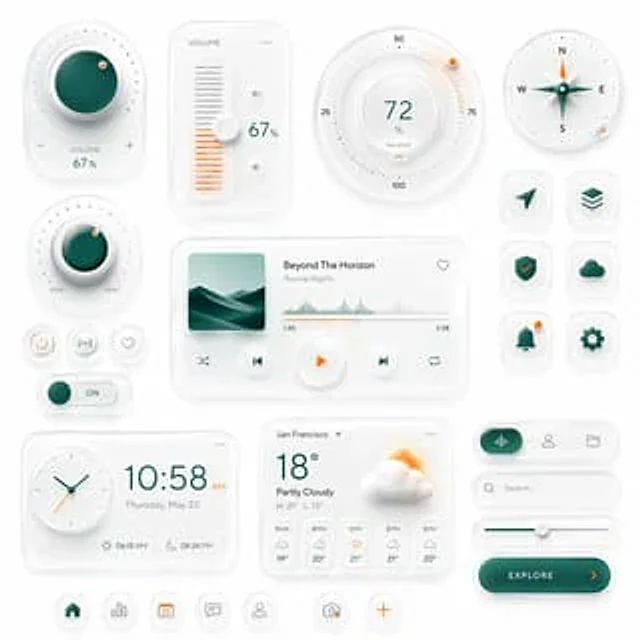
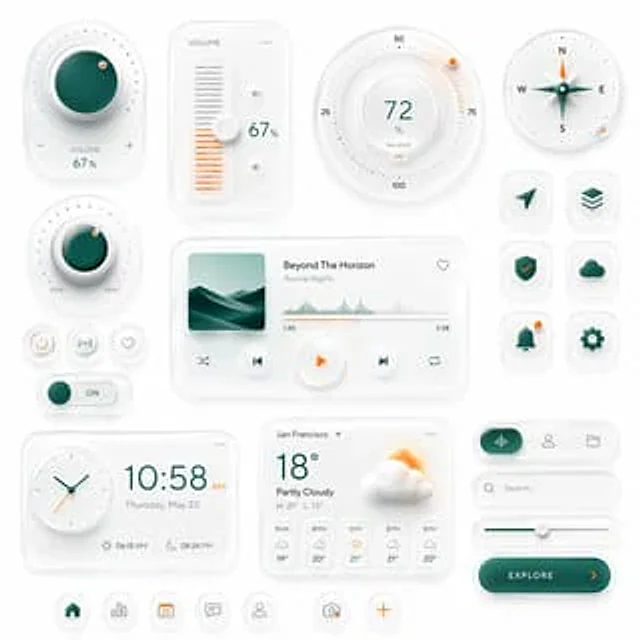
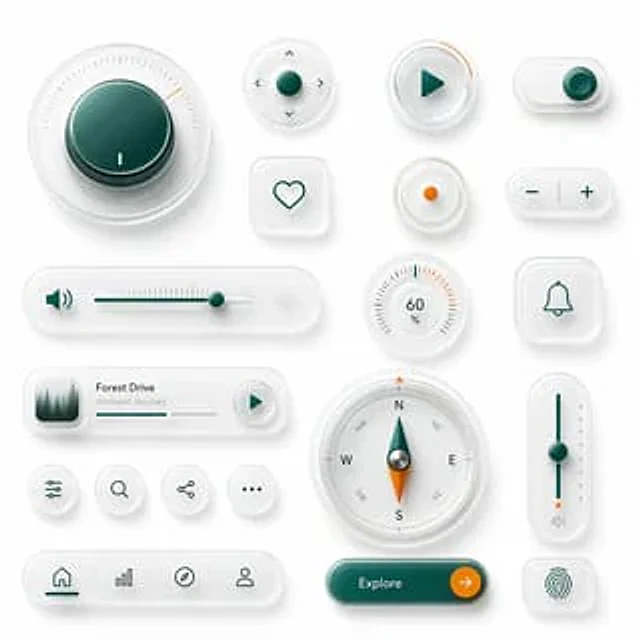
The design showcases clean, skeuomorphic UI components against a soft, light gray background. The layout comprises 18 individual interface elements in a balanced design, featuring subtle shadows, a frosted, translucent white plastic surface, rounded corners, and a polished glass-like texture. Employing a sophisticated minimalist product design aesthetic, it combines a white-on-white layered effect, soft ambient light masking, refined internal shadows, and restrained accents of deep turquoise and vibrant orange. Includes 18 unique components: a large circular rotary knob in the upper left corner with a deep cyan center, fine radial scale, and a small orange position indicator; a small circular directional control with a cyan center button and four tiny arrow icons around it; a circular play button with a cyan triangle icon and a short orange progress arc around the edge; a horizontal pill-shaped toggle switch in the upper right corner with a cyan knob on the right; a rounded square heart-shaped button with a simple cyan outline heart; a small circular indicator button with an orange dot in the center; a pill-shaped plus/minus control with a cyan minus sign on the left and a cyan plus sign on the right, separated by a vertical dividing line; a long horizontal volume slider with a cyan speaker icon, fine slider scale, cyan track, a cyan knob near the right, and a faint waveform icon on the far right; a circular percentage dial displaying 60% with radial scale and several orange highlights near the upper right; a rounded square bell notification button with a cyan outline bell icon; 1 A compact music player card, with a small square album art of evergreen trees shrouded in mist on the left, titled "..."{argument name="track title" default="Forest Drive"} The subtitle is{argument name="track subtitle" default="Ambient Journey"} The interface features a thin progress bar and a circular play button on the right; a row of four small, circular utility icon buttons displaying slider/settings, search, share, and ellipsis respectively; a large circular compass with directional letters N, E, S, W and diagonal labels, featuring a cyan and orange pointer and a metal center; a tall, vertical slider on the right with a cyan track, a cyan knob in the center, small dots on the side, orange accents near the bottom, and a tiny speaker icon below; a bottom navigation bar, shaped like a pill with rounded corners, containing four icons separated by subtle lines: Home, bar chart, compass, and user profile, with the Home label in cyan activation; and a large, rounded pill-shaped call-to-action button in a glossy dark cyan color, labeled as {argument name="button text" default="Explore"} On the right side is a circular orange arrow button and a rounded square fingerprint button with a cyan fingerprint icon. With ample spacing and grid-based alignment, the overall rendering is highly refined, tactile, and futuristic, resembling a prototype of a luxury smart device UI suite.사용 방법
- 매개변수를 포함한 전체 원본 프롬프트를 복사하세요.
- 주제, 문구, 구도를 자신의 요구에 맞게 바꾸세요.
- 호환되는 외부 도구에서 사용하고 이용 조건과 결과를 확인하세요.
시작 전 확인
- 참조 이미지가 필요한지 확인하세요. 호환 표시는 해당 모델로 이 예시를 생성했다는 뜻이 아닙니다.
- 이름, 수치, 이미지 속 문구를 확인하세요. 모델 버전에 따라 결과가 다를 수 있습니다.