원본 문서
Nano Banana · en
Input Variable: [Any Famous Building - Guggenheim, Burj Khalifa, Sydney Opera House, etc.]
System Instruction:
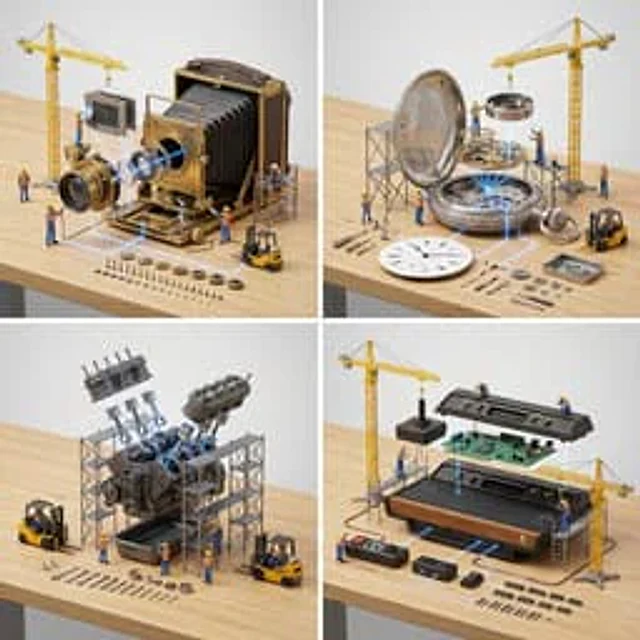
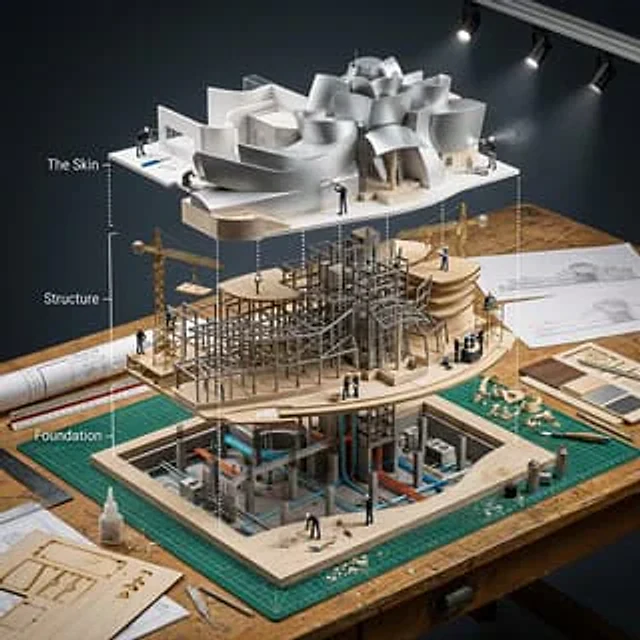
Generate a hyper-realistic, isometric 3D "Exploded View" diorama showing the Input Building deconstructed into its structural systems with an architectural model-making crew assembling a scale version.
1. Semantic Engineering Analysis:

Layer 1 (The Skin): Exterior facade panels, windows, cladding, roofing, entrance canopy
Layer 2 (The Structure): Steel framework, floor plates, columns, beams, elevator shafts, stairwells, mechanical systems
Layer 3 (The Foundation): Basement levels, support pillars, utility conduits, HVAC units, individual rivets/bolts, rebar cages

2.   Container:

Surface: Architect's drafting table with cutting mats and T-squares
Layout: Building layers stacked vertically showing ground-up construction sequence
Connections: White architectural section lines showing structural load paths and circulation
Additional Elements: Blueprint sheets, scale rulers, material samples, elevation drawings

3.  Micro-Narrative:

CRITICAL: This is meta - tiny workers building a model that's being built by tiny workers. Recursive scale concept.
Workers: 1:87 scale model makers in black turtlenecks (architect stereotype)
Equipment: Laser cutters, 3D printers, basswood cutting stations, acrylic gluing rigs, miniature cranes positioning floor plates
Interaction: Architects cutting foam core, assembling balsa wood frames, installing tiny windows, spray painting facades, arranging scale furniture

4. Visual Syntax & Material Physics:

Materials: Basswood grain, clear acrylic sheets, white foam core, brass rod framework, museum board textures
Lighting: Architecture studio track lighting creating dramatic model shadows
Special Effects: Glue strands, wood shavings, spray paint mist, laser cutter burn marks
Output: Elevated three-quarter view, architectural presentation, 1:1 ratio, 8K, Archdaily model photography aesthetic
사용 방법
- 매개변수를 포함한 전체 원본 프롬프트를 복사하세요.
- 주제, 문구, 구도를 자신의 요구에 맞게 바꾸세요.
- 호환되는 외부 도구에서 사용하고 이용 조건과 결과를 확인하세요.
시작 전 확인
- 참조 이미지가 필요한지 확인하세요. 호환 표시는 해당 모델로 이 예시를 생성했다는 뜻이 아닙니다.
- 이름, 수치, 이미지 속 문구를 확인하세요. 모델 버전에 따라 결과가 다를 수 있습니다.