원본 문서
GPT Image 2 · en
Scene:
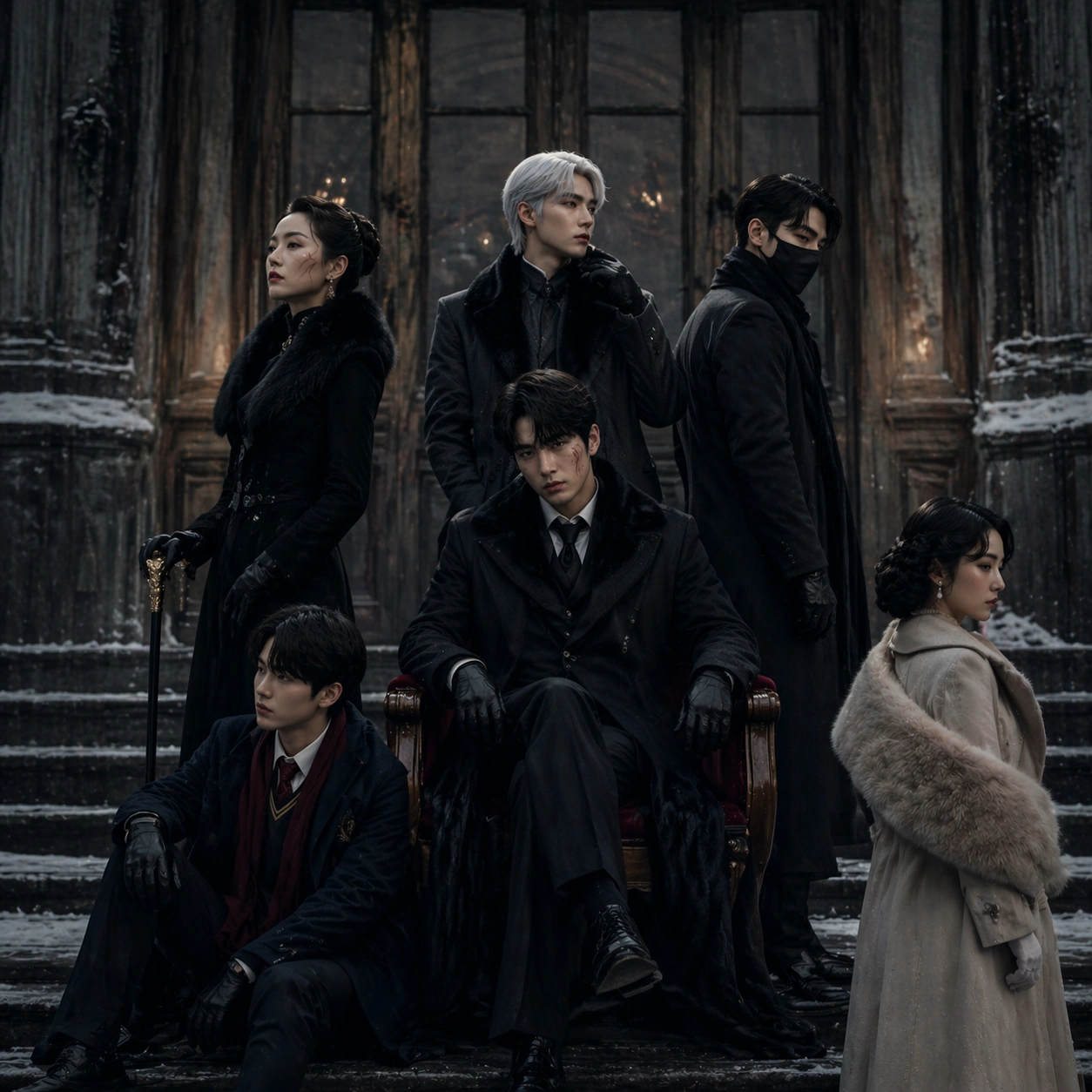
A square winter festival poster photographed outside a historic cinema facade after light snowfall, with cold blue daylight, smoked-glass doors, damp stone steps, and a restrained black, ivory, steel, and muted crimson palette. The composition should feel like a pressbook cover or jury-screening key art: elegant, sparse, heavy with atmosphere, and disciplined enough that blank design zones emerge naturally without any real typography.

Subject:
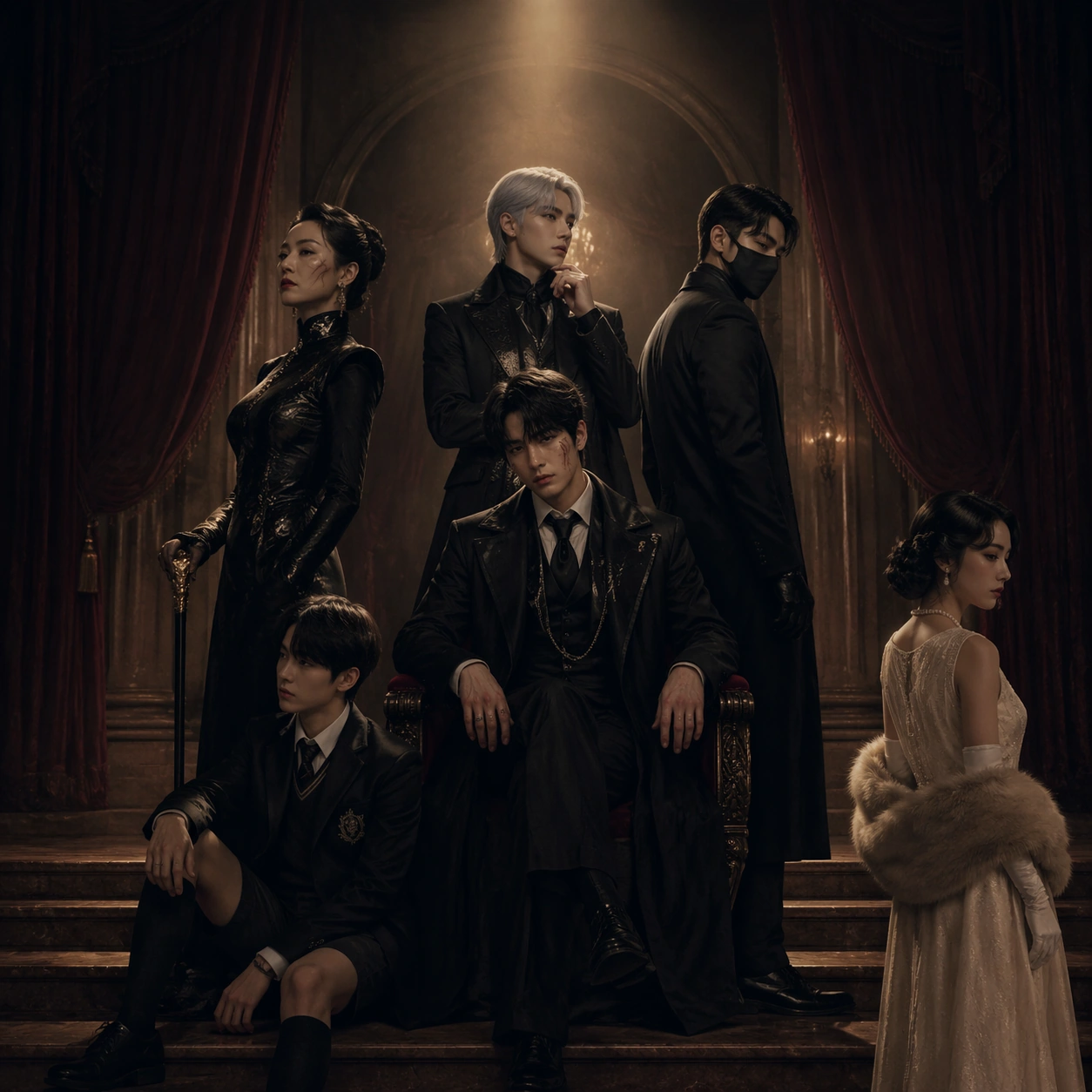
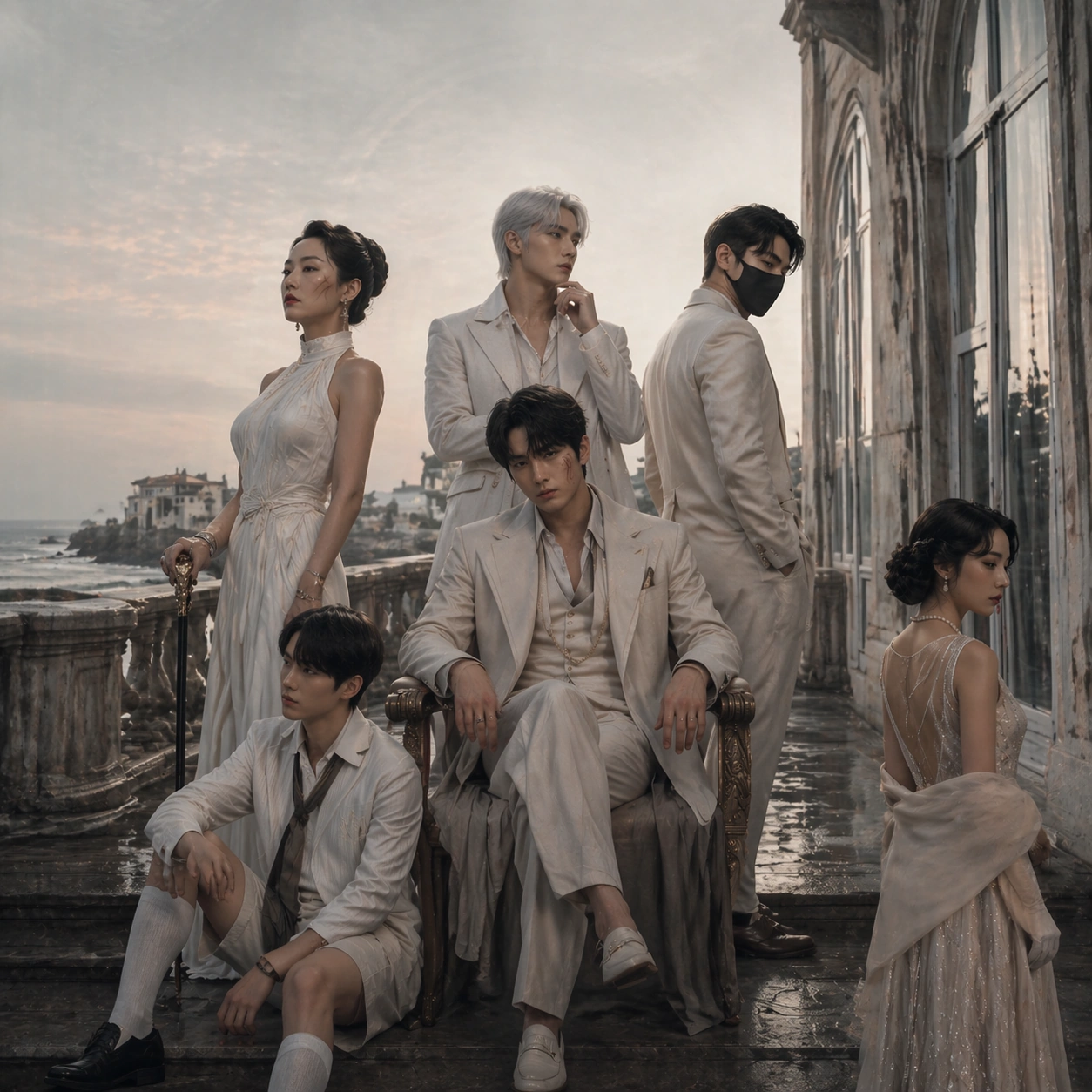
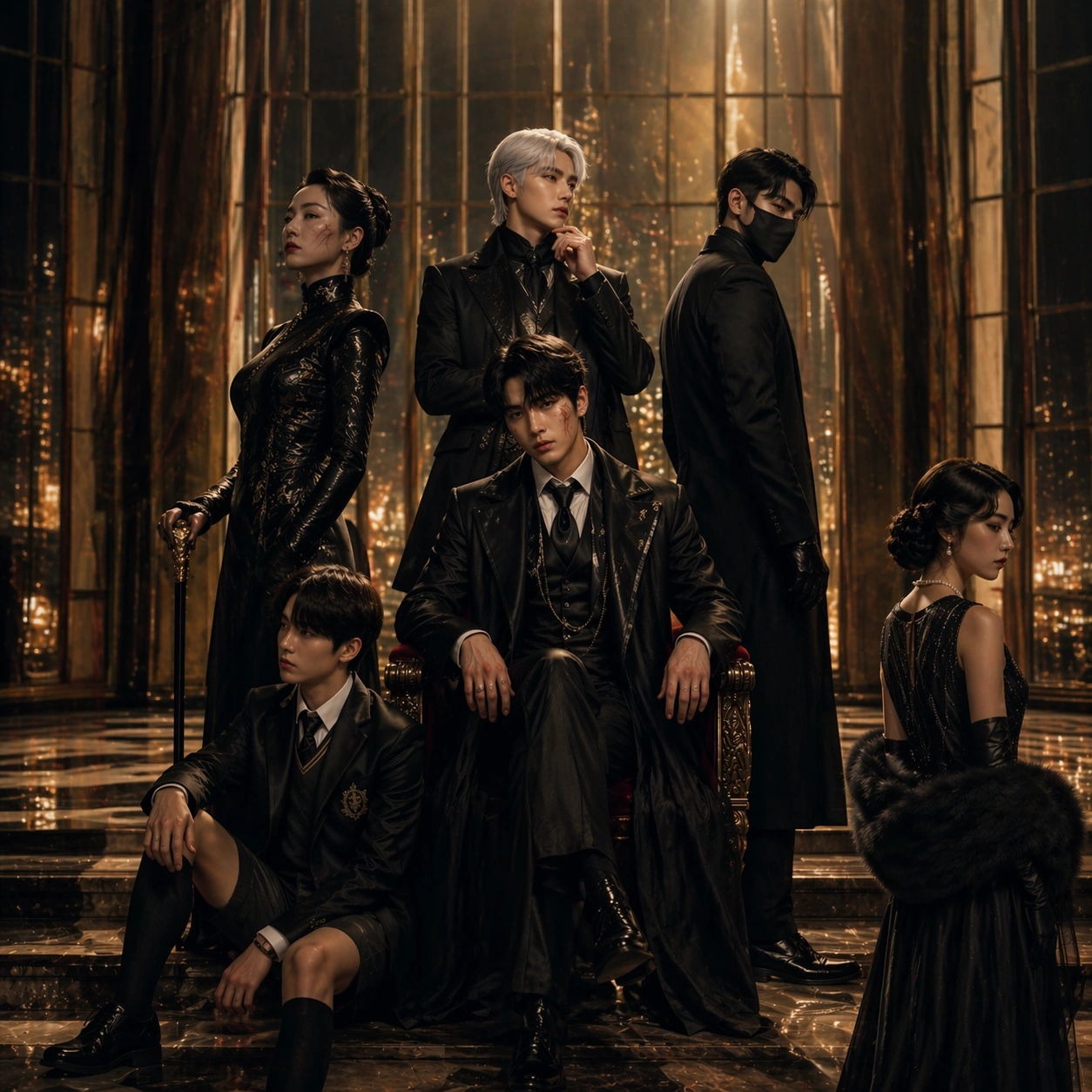
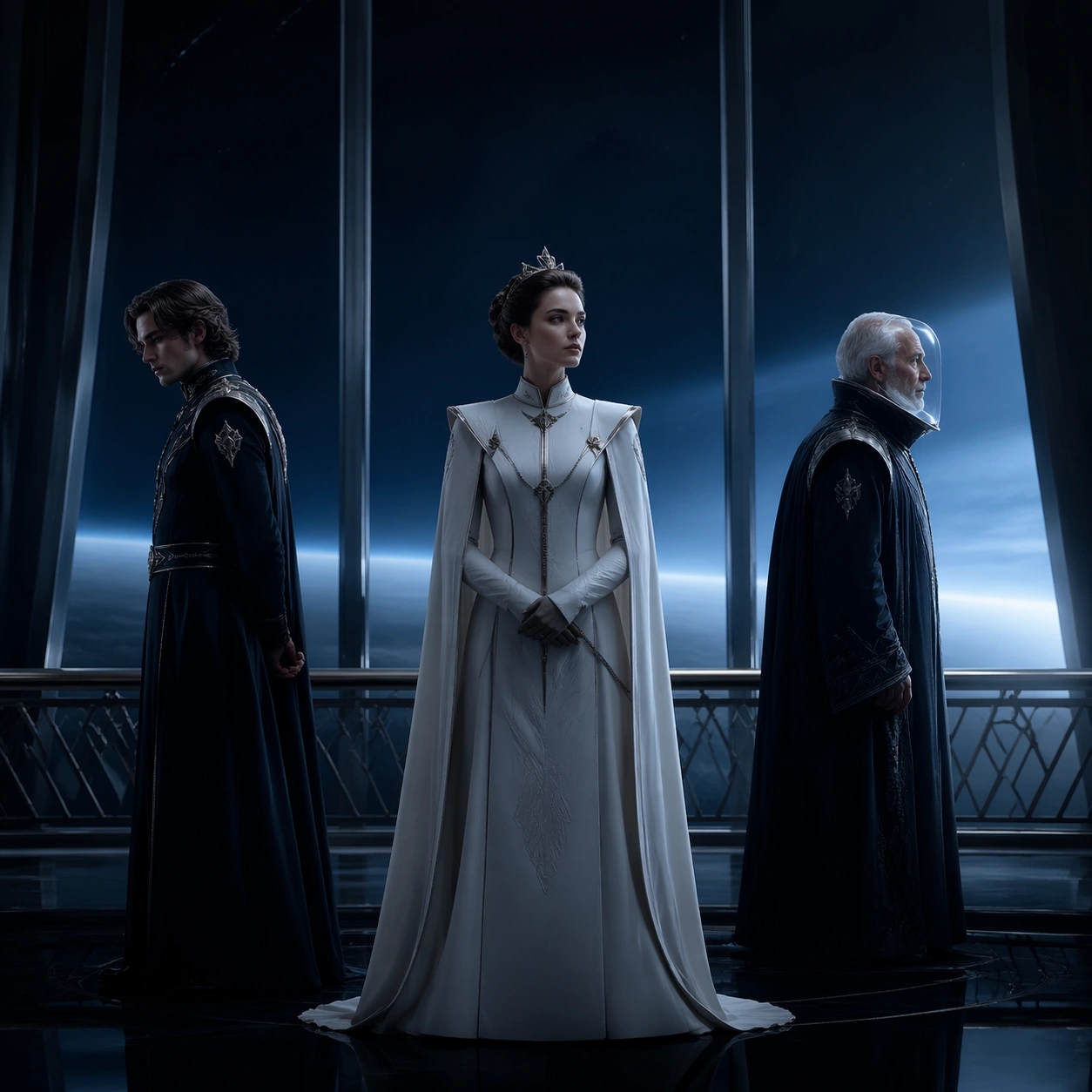
Using the referenced ensemble as the primary continuity source, preserve the same six characters, their height order, their dominant silhouettes, and their emotional geometry from image 01. Re-dress them in heavier winter layers, wool, leather gloves, dark coats, and one controlled crimson accent, but do not lose character identity. The central heir remains isolated yet important, the strategist still reads as the silent controller, the matriarch and bodyguard still form opposing vertical anchors, the prodigy stays low in frame, and the witness still adds ambiguity through a slight off-axis pose.

Important details:
The difficult part is maintaining cast continuity under a colder, more austere packaging system. Faces and costume signatures must remain recognizable even with winter styling and flatter daylight. Keep the festival-poster language premium and restrained: subtle reflective pavement, a few snow traces, precise negative space, and the feeling of serious awards-circuit marketing rather than fantasy concept art. The image must read as prestigious and human, not action-forward.

Use case:
Festival Poster Fandom Crossover series study 3/9, testing cast continuity and prestige packaging under a cold winter pressbook treatment.

Constraints:
No readable text, no watermark, no logos, preserve exact 1:1 aspect ratio, no action scene energy, no dramatic snowfall storm, no costume redesign that erases identities, no busy city traffic, no broad smiles, no shallow depth blur hiding faces, no posterized comic shading.
사용 방법
- 매개변수를 포함한 전체 원본 프롬프트를 복사하세요.
- 주제, 문구, 구도를 자신의 요구에 맞게 바꾸세요.
- 호환되는 외부 도구에서 사용하고 이용 조건과 결과를 확인하세요.
시작 전 확인
- 참조 이미지가 필요한지 확인하세요. 호환 표시는 해당 모델로 이 예시를 생성했다는 뜻이 아닙니다.
- 이름, 수치, 이미지 속 문구를 확인하세요. 모델 버전에 따라 결과가 다를 수 있습니다.