원본 문서
Nano Banana Pro · en
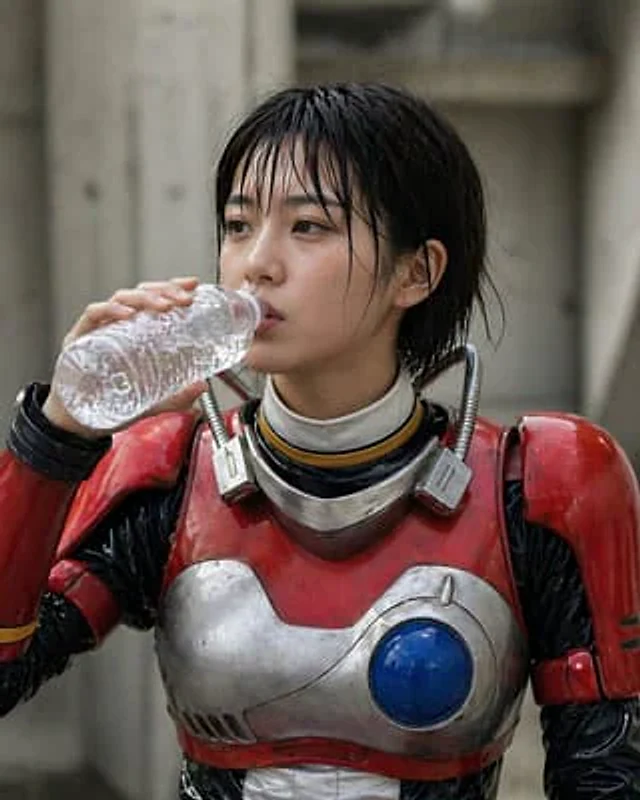
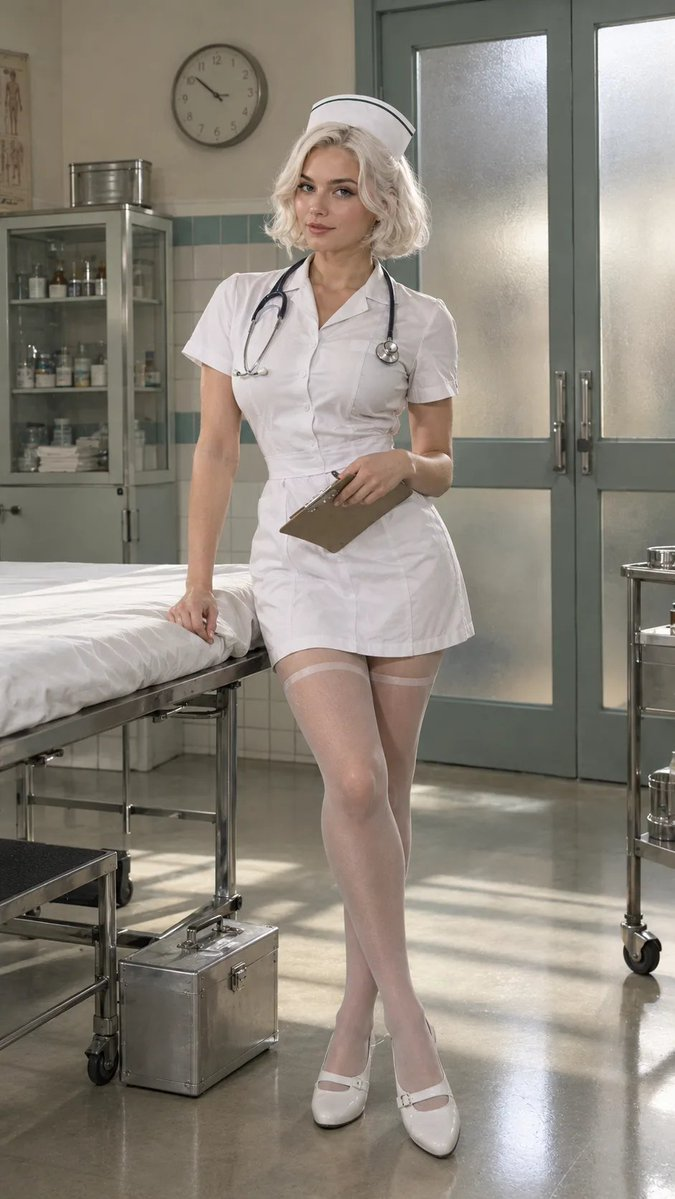
Photograph a real adult woman in her late 20s as the Character Concept, wearing the Costume and Wig And Hair Color. Place her in the Setting with the Props arranged naturally around her. Use the Pose and compose the image according to the Shot Type, keeping the entire costume visible with believable adult proportions. Light the scene like a real cosplay photoshoot, using soft directional studio light with gentle window fill, subtle shadows and realistic reflections on metal and glass. Show authentic fabric, stitching, wig fibers, makeup texture and small imperfections in the costume materials. Use the Color Palette across the set and wardrobe without making the image look artificially color graded. The result should feel like a polished convention portrait or editorial cosplay photograph, not an illustration or 3D render. Keep props safe-looking and gore-free. No text, watermarks or logos.

Use these details:
Character Concept: "{argument name="character concept" default="Adult retro hospital nurse cosplay"}"
Costume: "{argument name="costume" default="Short white nurse dress with fitted waist, modest neckline, white cap, sheer stockings and practical white nursing shoes"}"
Wig And Hair Color: "{argument name="wig hair color" default="Short softly waved platinum-white bob wig"}"
Props: [{argument name="props" default="Vintage metal medical case, clipboard and stethoscope"}]
Setting: "{argument name="setting" default="A carefully dressed 1950s-inspired hospital ward set with tiled walls, a metal examination bed and frosted glass doors"}"
Pose: "{argument name="pose" default="Standing beside the examination bed, one hand resting on the clipboard and a calm, confident expression"}"
Shot Type: "{argument name="shot type" default="9:16 full-body portrait"}"
Color Palette: "{argument name="color palette" default="White, cream, muted teal and brushed metal"}"
사용 방법
- 매개변수를 포함한 전체 원본 프롬프트를 복사하세요.
- 주제, 문구, 구도를 자신의 요구에 맞게 바꾸세요.
- 호환되는 외부 도구에서 사용하고 이용 조건과 결과를 확인하세요.
시작 전 확인
- 참조 이미지가 필요한지 확인하세요. 호환 표시는 해당 모델로 이 예시를 생성했다는 뜻이 아닙니다.
- 이름, 수치, 이미지 속 문구를 확인하세요. 모델 버전에 따라 결과가 다를 수 있습니다.