
원본 문서
GPT Image 2 · en
Scene:
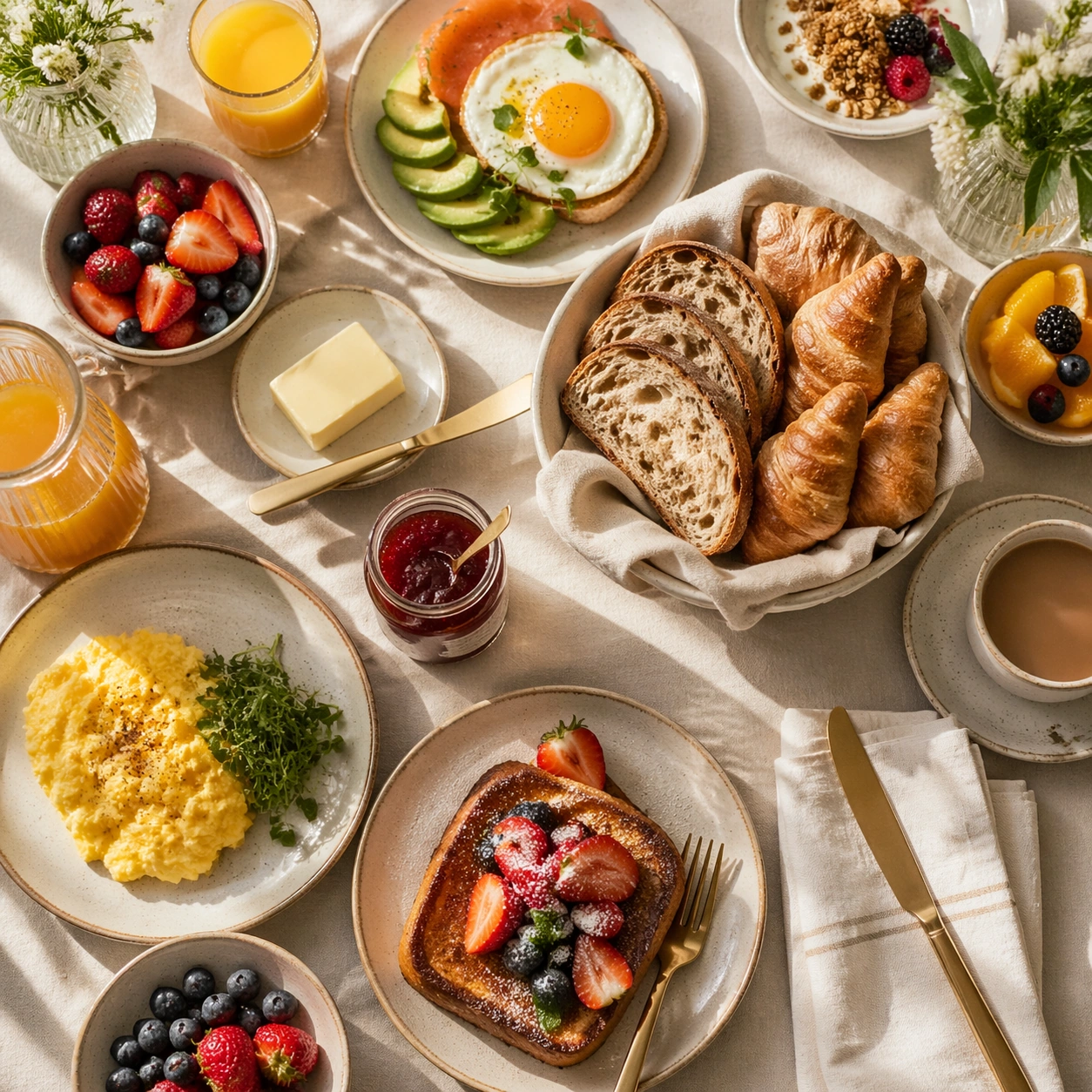
Compose a square brunch tabletop image with layered tableware, generous daylight, and a sense of weekend abundance that still feels organized enough for real hospitality and publishing use. The scene should balance multiple objects without losing the hero focal point, making table choreography and dish relationships a core part of the image. Use a strict top-down square composition with toast, butter dish, jam pot, knife, and folded napkin arranged with clean hospitality logic.

Subject:
The food must look fresh, warm, and genuinely shareable: eggs, breads, fruit, spreads, juices, and plated brunch mains should feel cooked and plated for service, not arranged as fake prop food. Treat simple breakfast components as premium objects through texture, spacing, and restraint rather than excess plating.

Important details:
Table logic matters. Plates, glasses, linens, and serving utensils need believable spacing, overlap, and hierarchy so the image can support menus, social assets, and campaign layouts. Make the abundance feel intentional rather than chaotic, with appetizing textures and natural daylight carrying the mood. This image should feel fully self-contained while still belonging to the same broader topic and commercial world. Crumb control, butter softness, preserve translucency, and table linen rhythm should make the frame feel elevated and editorial-ready.

Use case:
Brunch Tabletop single study 9/9, built for Prompt Atlas coverage of a food and beverage commercial visual system.

Constraints:
No readable text, no watermark, no logos, preserve exact 1:1 aspect ratio, no buffet chaos, no greasy diner styling unless specifically implied, no visible phone screens, no plastic takeaway packaging, no fake stock-family posing, no unreadable signage, no packaged jam labels, no breakfast cereal boxes, no cluttered newspaper props.
사용 방법
- 매개변수를 포함한 전체 원본 프롬프트를 복사하세요.
- 주제, 문구, 구도를 자신의 요구에 맞게 바꾸세요.
- 호환되는 외부 도구에서 사용하고 이용 조건과 결과를 확인하세요.
시작 전 확인
- 참조 이미지가 필요한지 확인하세요. 호환 표시는 해당 모델로 이 예시를 생성했다는 뜻이 아닙니다.
- 이름, 수치, 이미지 속 문구를 확인하세요. 모델 버전에 따라 결과가 다를 수 있습니다.