원본 문서
GPT Image 2 · en
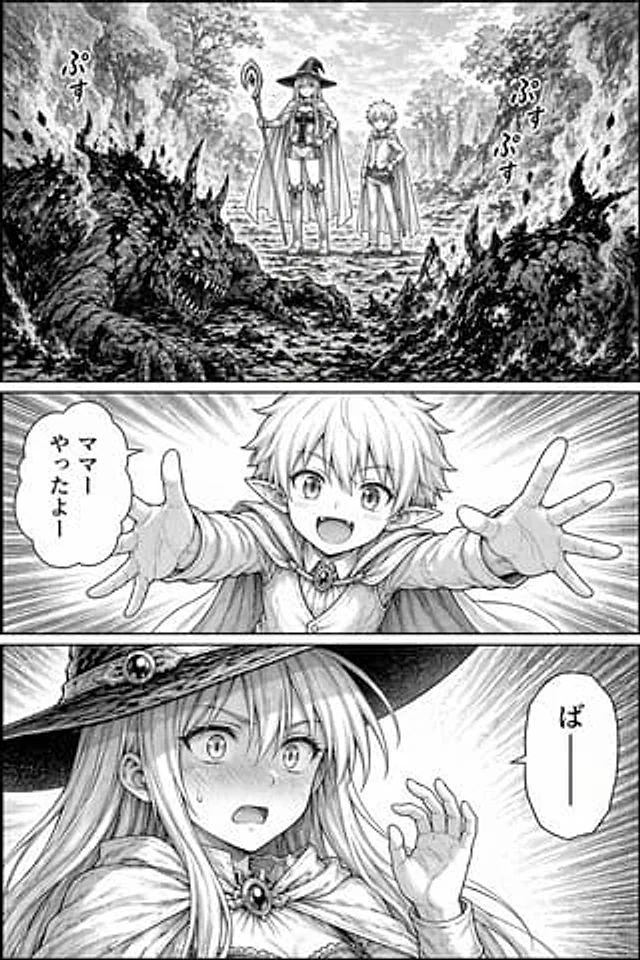
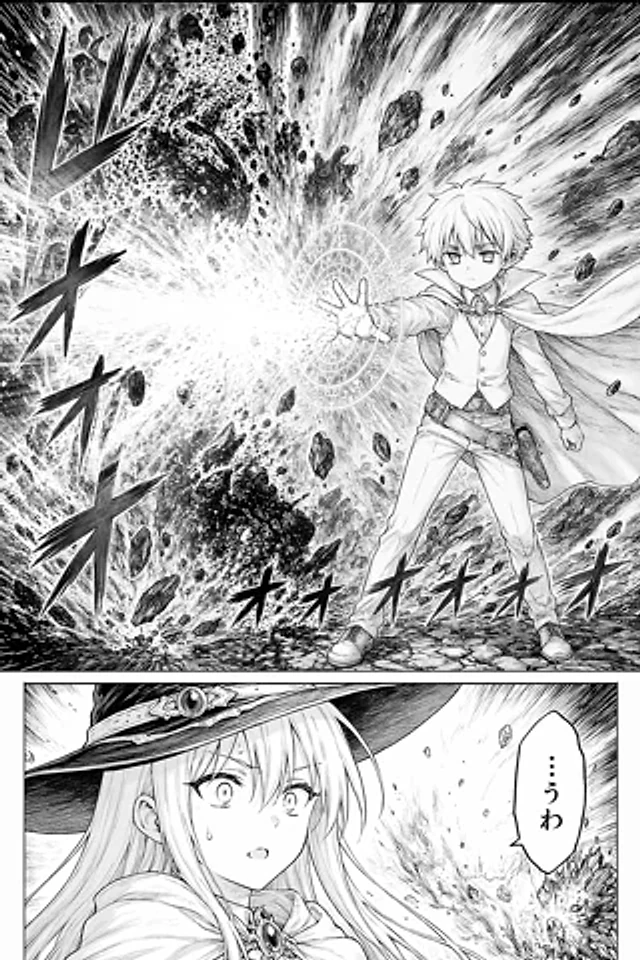
A highly dramatic black-and-white fantasy comic page, employing high-detail ink line art and halftone paper style, vertical comic layout, and two panels. The upper panel is a full-width action scene, showcasing a young, anime-style male mage, around his teens, standing on cracked rocky ground, his right hand outstretched to the left of the image, casting a powerful spell. He has messy, short, light-colored hair, large, serious eyes, and a calm, focused expression. He wears a high-necked cloak that billows in the wind, over which he wears a shirt and buttoned vest, fitted trousers, boots, a belt with a small pouch around his waist, and a leather sheath for a wand or small magical tool, with a jeweled buckle at the collar. In front of his outstretched palm is a large, glowing circular magic circle, decorated with intricate concentric symbols and runes. The spell erupts with a massive burst of white light and energy, surging outwards, accompanied by dense acceleration lines, black fragment clouds, shattered rocks, dust, and a striking texture that fills the background. The left and lower foreground of the image incorporate large, stylized Japanese onomatopoeia, creating a continuous, booming impact. The composition is dynamic and highly contrasting, with the boy positioned slightly to the right of center, while the explosion dominates the left half. The lower panel is a narrow reaction close-up, showing one character: a long-haired witch in profile, facing left, wearing a wide-brimmed pointed hat with ornate ribbons and jewels, and a jeweled brooch on her cloak. Her face is partially obscured by a solid rectangular censor block. Behind her, the same explosion and flying debris continue in the distance. On the right is a vertical Japanese speech bubble that reads "...uwa". The composition utilizes clean manga panel borders, a refined and professional shonen fantasy manga style, strong dynamism, clear hatching, halftone shading, and cinematic visual impact.사용 방법
- 매개변수를 포함한 전체 원본 프롬프트를 복사하세요.
- 주제, 문구, 구도를 자신의 요구에 맞게 바꾸세요.
- 호환되는 외부 도구에서 사용하고 이용 조건과 결과를 확인하세요.
시작 전 확인
- 참조 이미지가 필요한지 확인하세요. 호환 표시는 해당 모델로 이 예시를 생성했다는 뜻이 아닙니다.
- 이름, 수치, 이미지 속 문구를 확인하세요. 모델 버전에 따라 결과가 다를 수 있습니다.