원본 문서
GPT Image 2 · en
Scene:
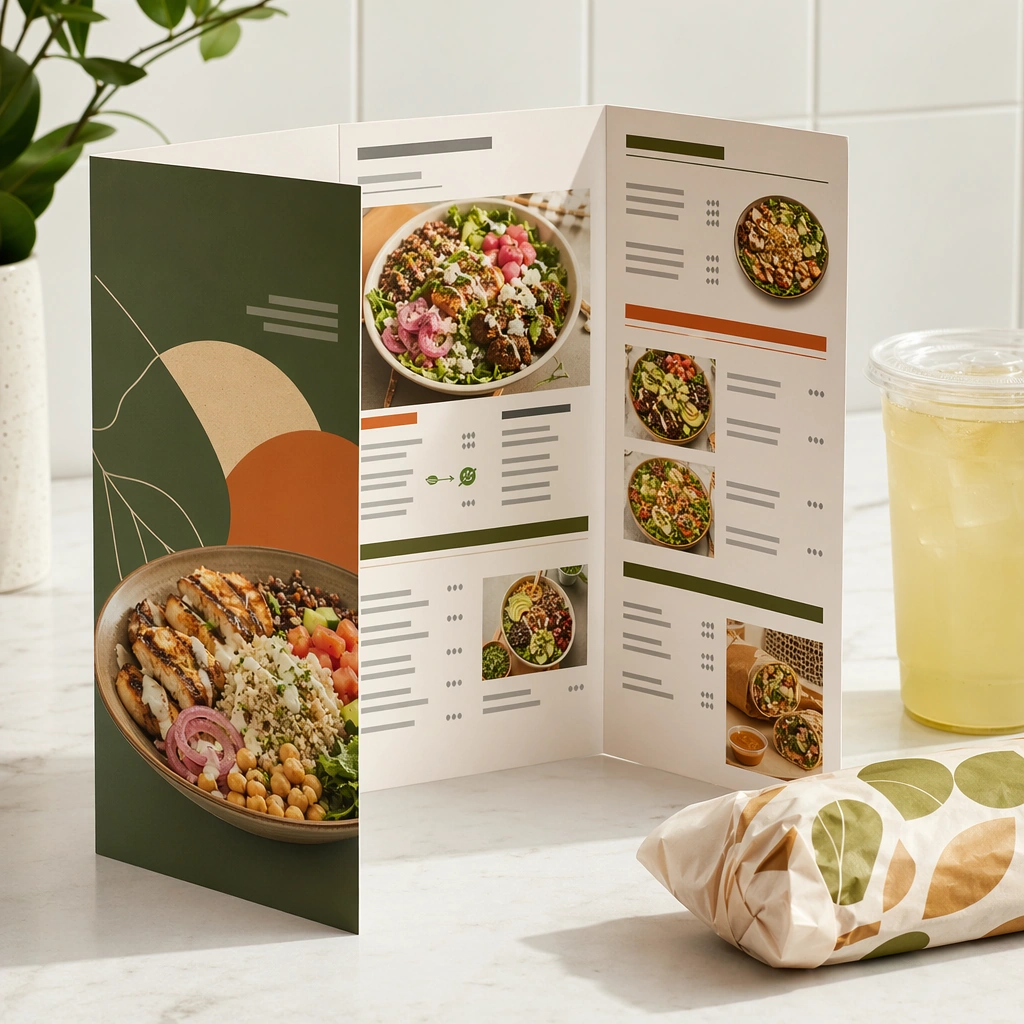
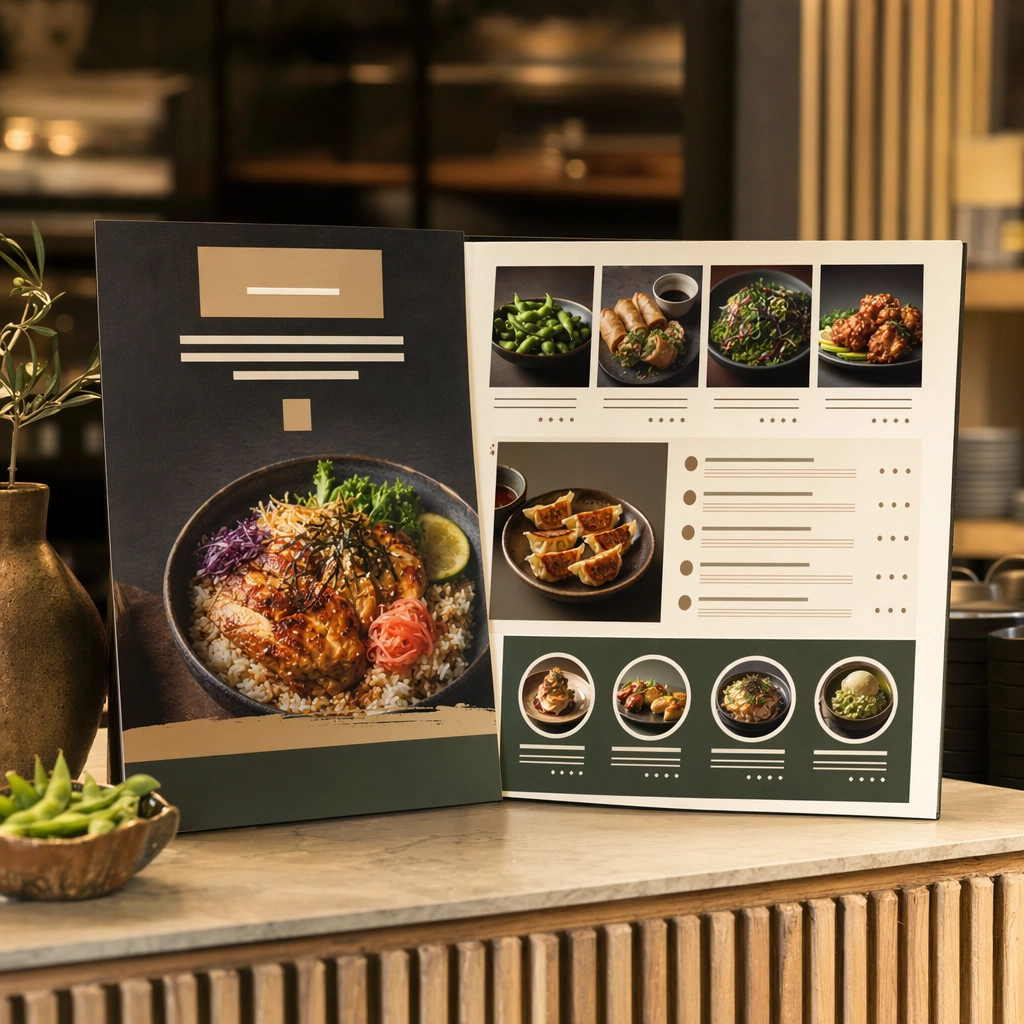
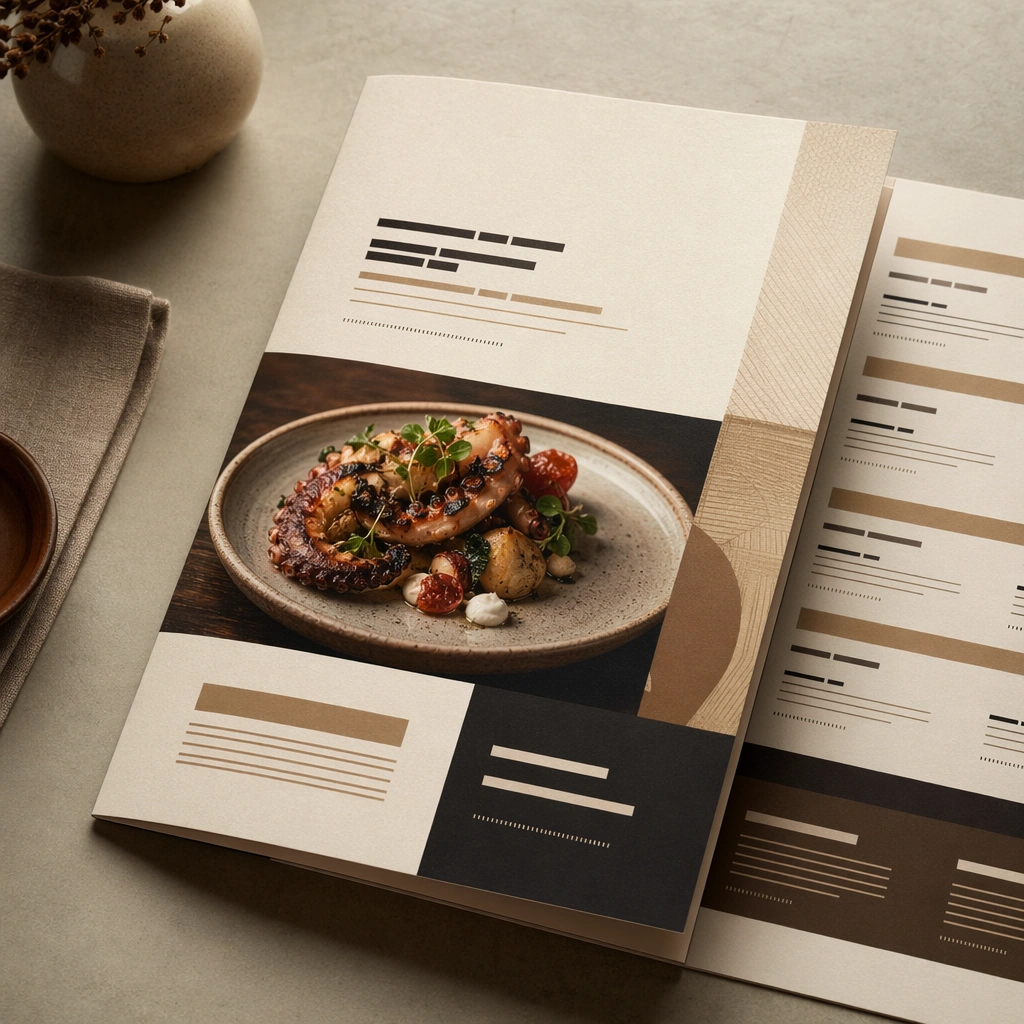
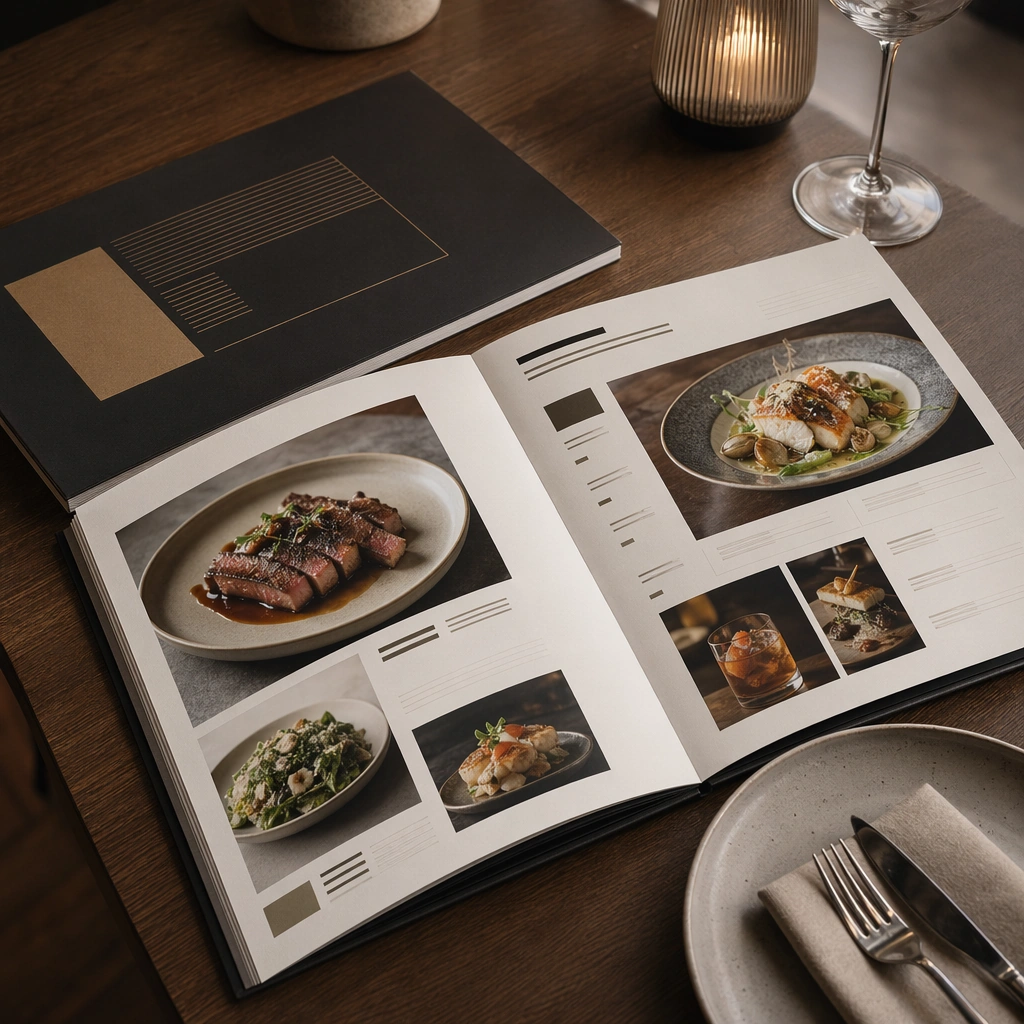
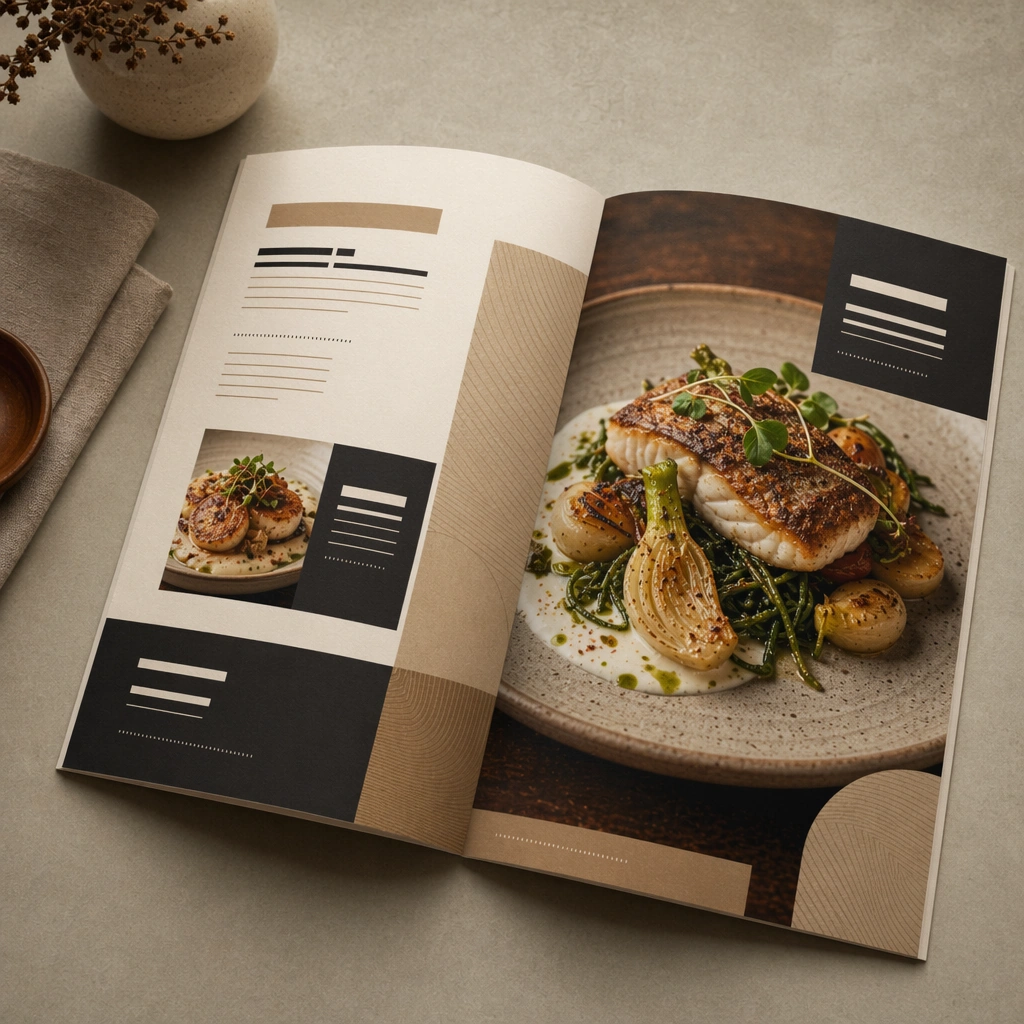
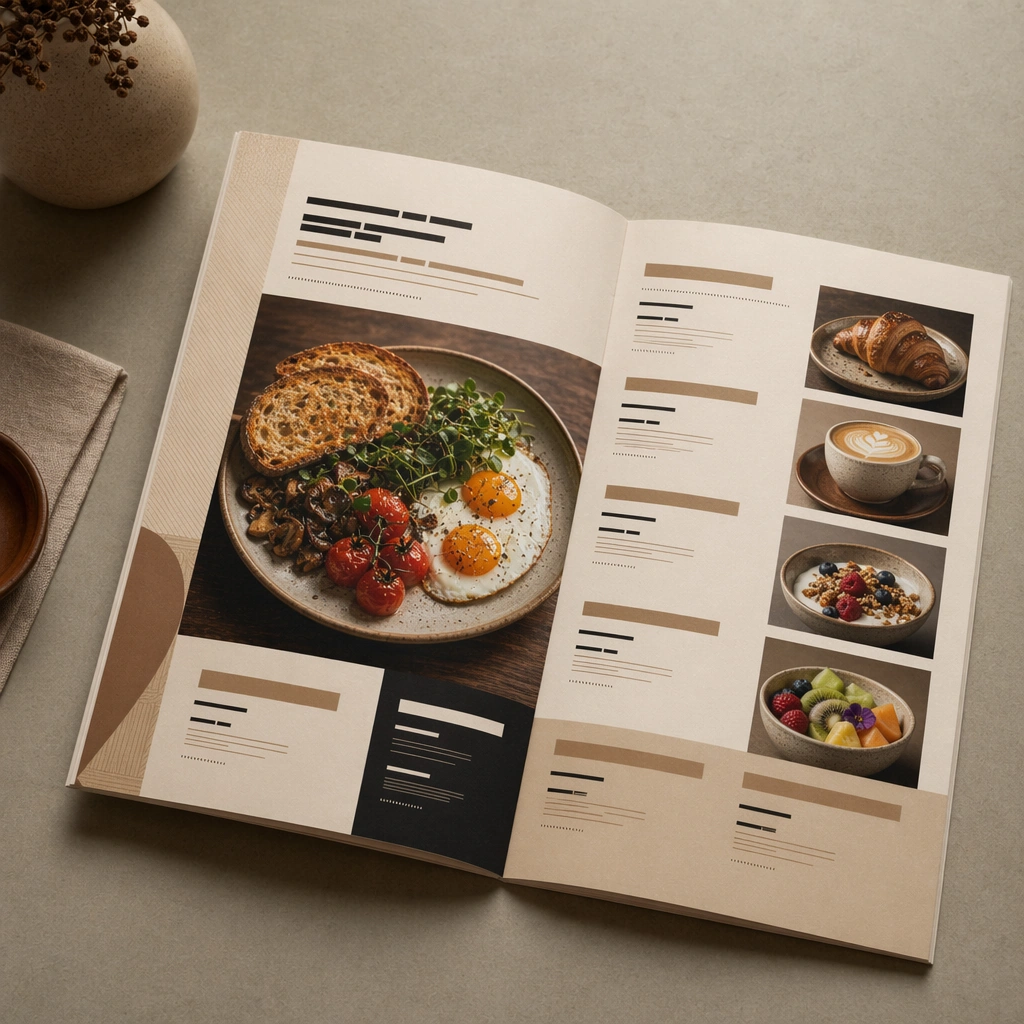
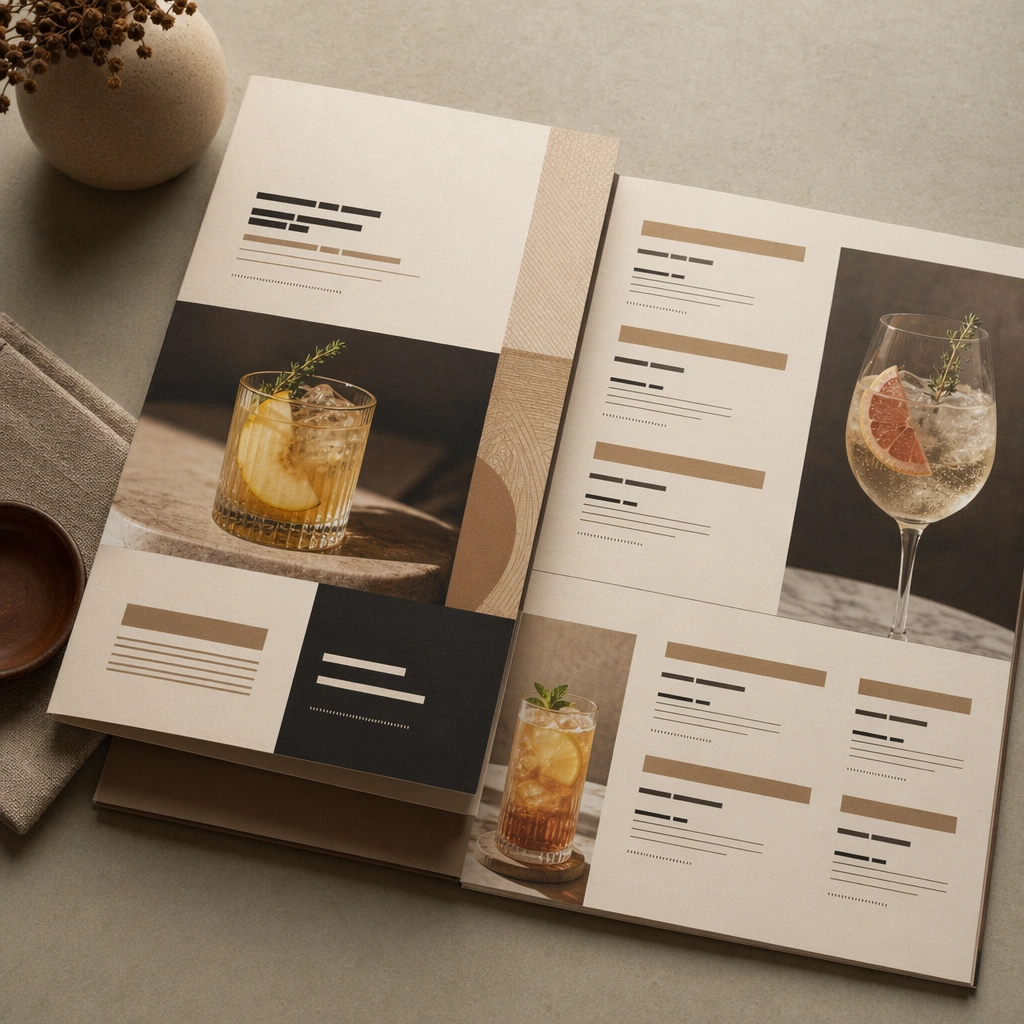
Compose a square menu-design mockup that combines printed surfaces, structured page hierarchy, and appetizing food photography into one coherent brand-authored system. The page layouts should feel intentional and premium, with strong margins, modular blocks, and realistic print or board materials even though all textual zones remain unreadable. Retain the same print stock, margin system, and tabletop context, but introduce brighter beverage imagery, glass reflections, and smaller modular blocks.

Subject:
The menu should communicate category structure, hero dish placement, and brand tone through composition, image framing, typographic blocks, and page rhythm rather than through readable copy. Food imagery must stay believable and publication-ready. Show a drinks-focused insert layout with one or two beverage images and clean placeholder typographic zones that feel like a premium sub-menu.

Important details:
This topic tests layout reasoning as much as food styling. Preserve clean grids, realistic paper behavior, credible shadows, and strong focal hierarchy between cover, spreads, dish photos, and placeholder text zones. Text-like marks can exist only as abstract or unreadable forms; clarity must come from design structure. Preserve the exact camera height, lens feel, prop family, tabletop scale, palette discipline, and brand logic established by 01-cover-anchor. The goal is continuity with the anchor cover and spreads, not a new design. Preserve grid discipline, color restraint, and material realism while shifting category emphasis.

Use case:
Menu System series study 4/9, built for Prompt Atlas coverage of a food and beverage commercial visual system.

Constraints:
No readable text, no watermark, no logos, preserve exact 1:1 aspect ratio, no readable text, no logos, no fake menu prices, no warped paper errors, no amateur flyer clutter, no chaotic collage, no obvious software UI chrome, no cocktail recipe copy, no readable drink names, no nightclub flyer energy.
사용 방법
- 매개변수를 포함한 전체 원본 프롬프트를 복사하세요.
- 주제, 문구, 구도를 자신의 요구에 맞게 바꾸세요.
- 호환되는 외부 도구에서 사용하고 이용 조건과 결과를 확인하세요.
시작 전 확인
- 참조 이미지가 필요한지 확인하세요. 호환 표시는 해당 모델로 이 예시를 생성했다는 뜻이 아닙니다.
- 이름, 수치, 이미지 속 문구를 확인하세요. 모델 버전에 따라 결과가 다를 수 있습니다.