원본 문서
GPT Image 2 · en
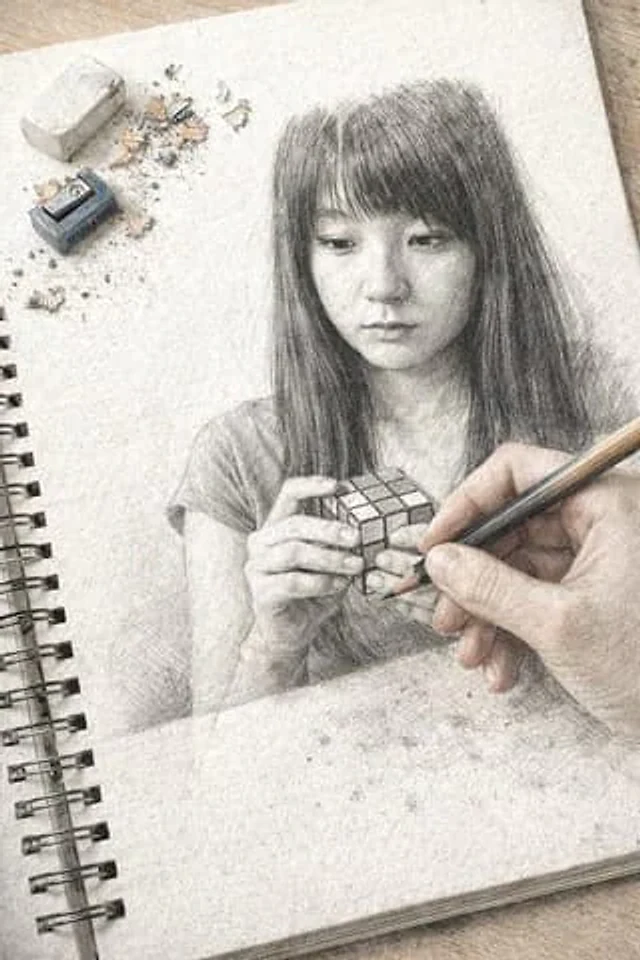
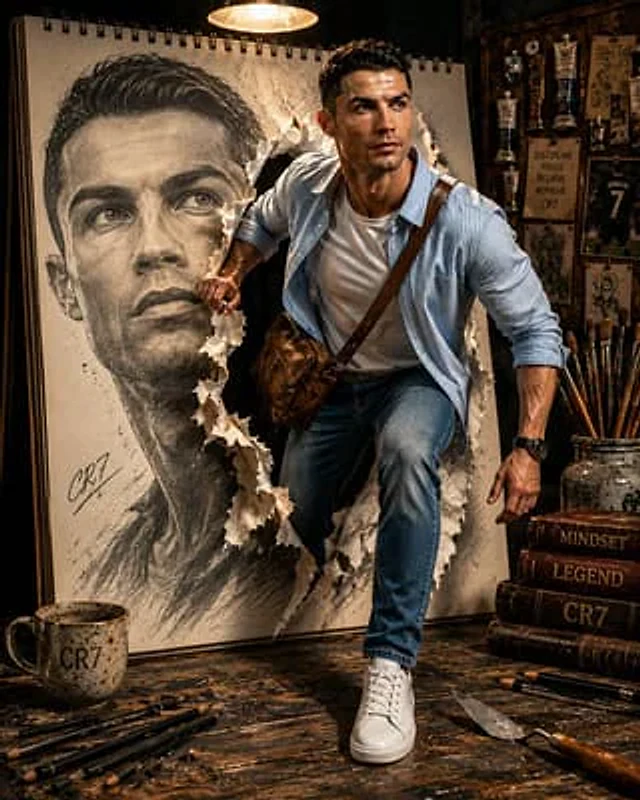
In the center of the frame, a massive, oversized spiral-bound {argument name="object" default="sketchbook"} stands vertically upon a rustic, weathered dark-wood workbench. On the paper, a giant, realistic graphite pencil sketch of a man’s face is depicted. In a mind-bending moment, the thick paper of the sketchbook is violently torn open from the inside. A person is captured in mid-motion, stepping through the jagged, white-edged tear from the two-dimensional drawing into the three-dimensional world. The person’s right hand is firmly gripping the edge of the torn paper as they stride forward, with one foot planted on the wooden table and the other still emerging from the book. The lighting is cinematic and dramatic, provided by a single warm overhead industrial lamp that casts long shadows and creates a high-contrast, moody atmosphere. The person is dressed in a specific outfit: a {argument name="shirt" default="light blue and white pinstriped button-down shirt"} worn open over a plain white crew-neck t-shirt. A textured, brown leather-style crossbody sling bag is worn across the chest. They are wearing classic medium-wash blue slim-fit jeans and clean, white leather sneakers. A black digital watch is visible on their left wrist. The surrounding environment is rich with detail: scattered across the scarred wooden workbench are thick charcoal pencils, a speckled ceramic mug, a stack of vintage leather-bound books, and a metal palette. In the soft-focus background, a corkboard is pinned with various tubes of oil paint, and a ceramic jar filled with assorted artist brushes sits nearby. The overall mood is one of creative intensity and a powerful transition from art to reality, captured with high-fidelity textures and a shallow depth of field. However, there is one critical instruction: for the subject person, you MUST use the exact {argument name="reference" default="face and likeness"} of the person in the provided image. Preserve their identity and facial features perfectly. Integrate this person seamlessly into the described scene.사용 방법
- 매개변수를 포함한 전체 원본 프롬프트를 복사하세요.
- 주제, 문구, 구도를 자신의 요구에 맞게 바꾸세요.
- 호환되는 외부 도구에서 사용하고 이용 조건과 결과를 확인하세요.
시작 전 확인
- 참조 이미지가 필요한지 확인하세요. 호환 표시는 해당 모델로 이 예시를 생성했다는 뜻이 아닙니다.
- 이름, 수치, 이미지 속 문구를 확인하세요. 모델 버전에 따라 결과가 다를 수 있습니다.