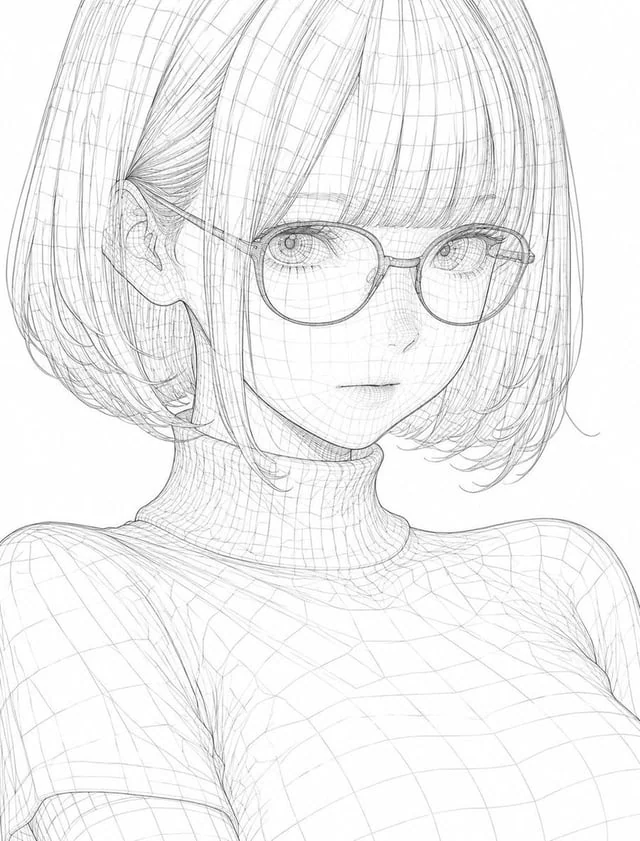
3D Wireframe Illustration Transformation

3D Wireframe Illustration Transformation

원본 문서

GPT Image 2 · ja

このイラストを、{argument name="スタイル" default="ワイヤーフレーム(Wireframe)"}スタイルで変換してください。細く精密な線で輪郭と内部構造を表現し、3Dモデルのようにポリゴンエッジやジオメトリックな線を全体に重ねて描いてください。線は均一でシャープ、交差する線による立体感と奥行きを強調し、透明感のある軽やかな構造体のように見えるようにしてください。全体の雰囲気はクールでテクノロジカル、未来的でミニマル、デジタルデザインや3Dモデリングのような洗練された美しさに仕上げてください。元のイラストの構図・キャラクターの表情・ポーズ・シルエット・主要な特徴は一切崩さず、{argument name="スタイル" default="ワイヤーフレーム"}として美しく再構築してください。

사용 방법

  1. 매개변수를 포함한 전체 원본 프롬프트를 복사하세요.
  2. 주제, 문구, 구도를 자신의 요구에 맞게 바꾸세요.
  3. 호환되는 외부 도구에서 사용하고 이용 조건과 결과를 확인하세요.

시작 전 확인

  • 참조 이미지가 필요한지 확인하세요. 호환 표시는 해당 모델로 이 예시를 생성했다는 뜻이 아닙니다.
  • 이름, 수치, 이미지 속 문구를 확인하세요. 모델 버전에 따라 결과가 다를 수 있습니다.
비슷한 예시

Lo-Fi Art Style Transformation
GPT Image 2ja

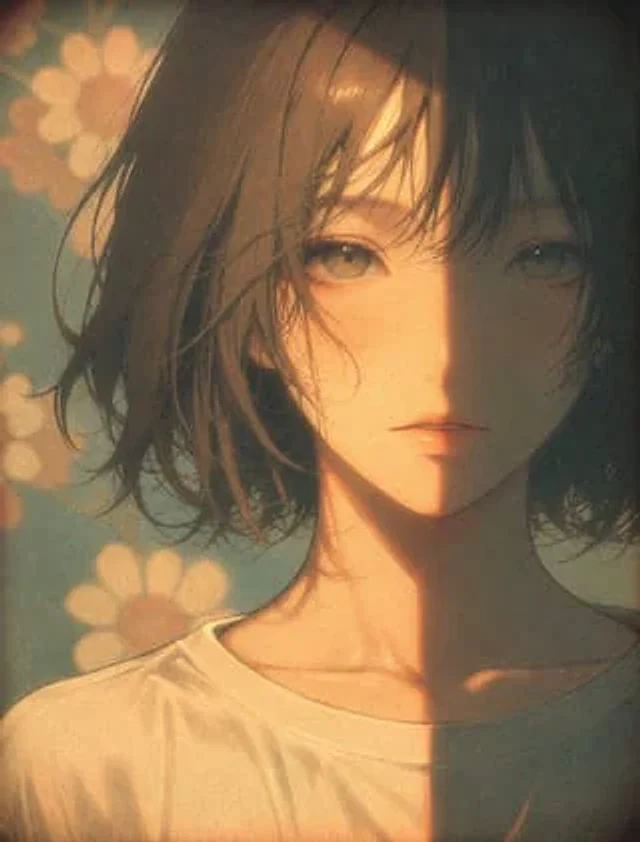
このイラストを、{argument name="スタイル" default="本格的なLo-Fiアートスタイル"}で変換してください。暖かく少しくすんだパステル調の色味、フィルムグレイン、ソフトフォーカス、軽い色褪せとビネットを加えて、ノスタルジックでチルな雰囲気を強く表現してください。柔らかい自然光がキャラクターを優しく包み込み、肌や髪に温かみのある光と影を落とす。全体をゆったりと落ち着いた、どこか懐かしく心地よいLo-Fi特有のムードに仕上げてください。元の構図・キャラクターを完全に維持。

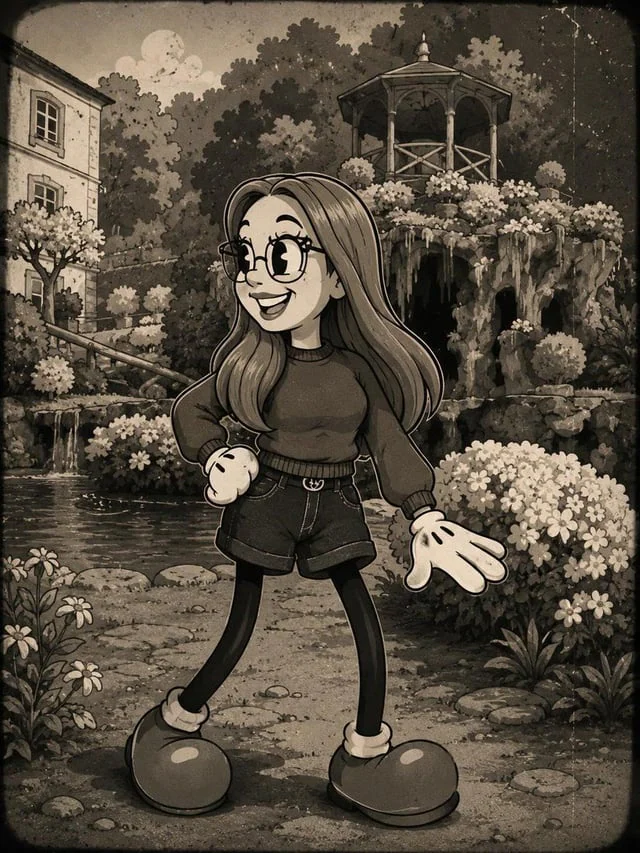
Vintage Rubber Hose Cartoon Transformation
GPT Image 2en

Transform the person in the photo into a {argument name="style" default="vintage 1930s–1940s cartoon character"} inspired by classic “rubber hose animation” styles such as {argument name="references" default="Betty Boop, Cuphead, Steamboat Willie"}, and old Fleischer Studios cart

Couple Pub Portrait Transformation
GPT Image 2en

Using REFERENCE_0, transform the older couple so they both look directly at the camera and smile. For the man on the left, add a {argument name="man's facial hair" default="Thick white beard"} Take off his glasses and put a coat on him.{argument name="man's clothing" default="Gre

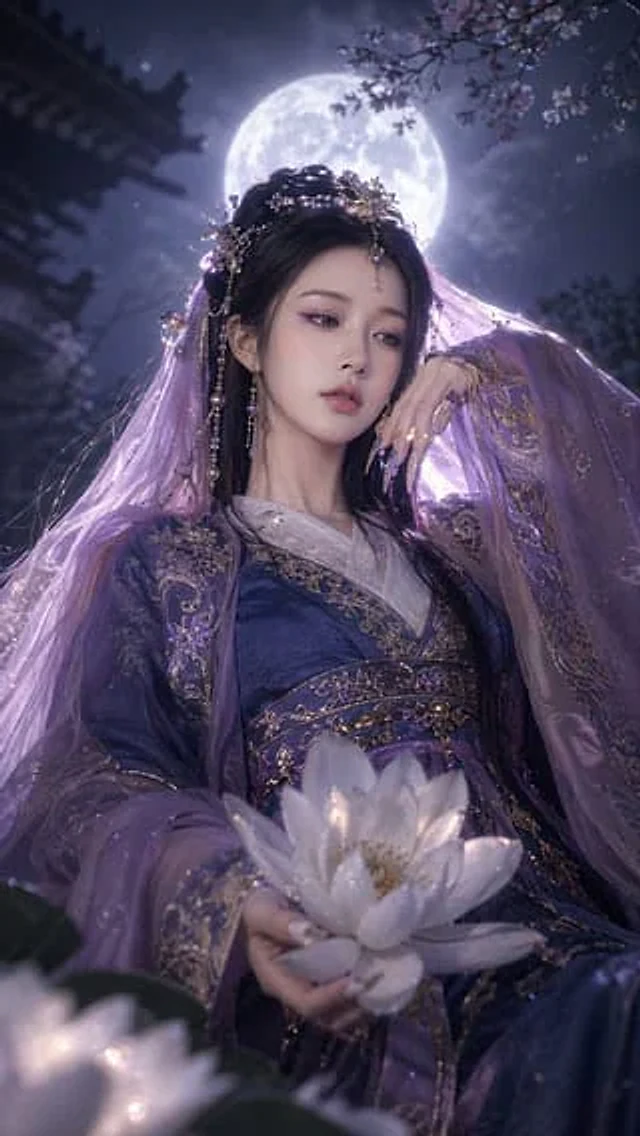
Fantasy Xianxia Portrait Transformation
GPT Image 2en

Using REFERENCE_0 as the character's face and base, the subject is transformed into {argument name="theme" default="Dark fantasy"} Style. Change their clothing to something more refined.{argument name="clothing style" default="Purple and gold color scheme traditional Hanfu"} Ador

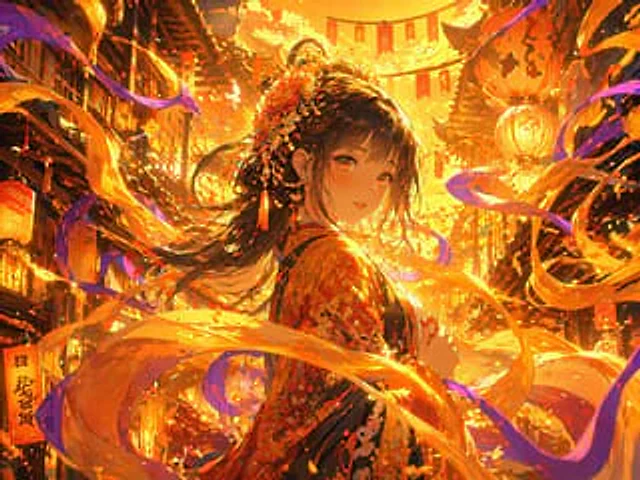
Magical Glowing Ribbon Style Transformation
GPT Image 2en

Using the provided reference image, apply a strong {argument name="lighting color" default="Gold and orange"} Use lighting effects to transition scenes. Add dynamic, rotating effects.{argument name="magical element" default="Glowing ribbons and energy trails"} This allows the lig

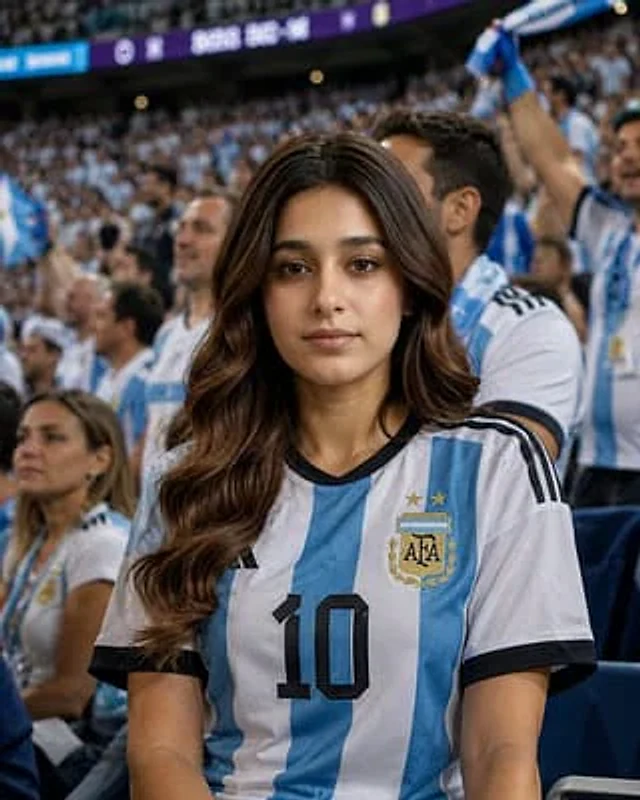
World Cup Stadium Fan Transformation
GPT Image 2en

Transform the uploaded photo into a realistic World Cup stadium fan scene. Place the person naturally among thousands of supporters in a packed football stadium during a major international tournament. The person should be wearing the official national team jersey of {argument na