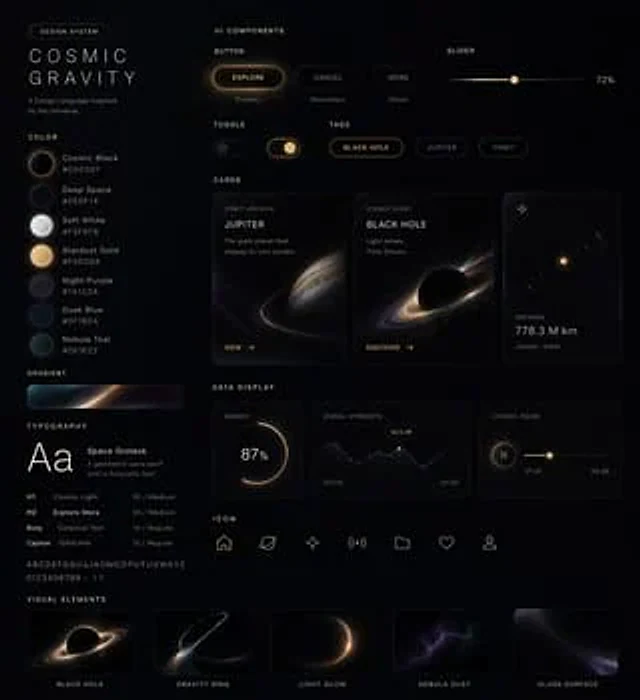
UI Design System Prompt

UI Design System Prompt

원본 문서

GPT Image 2 · en

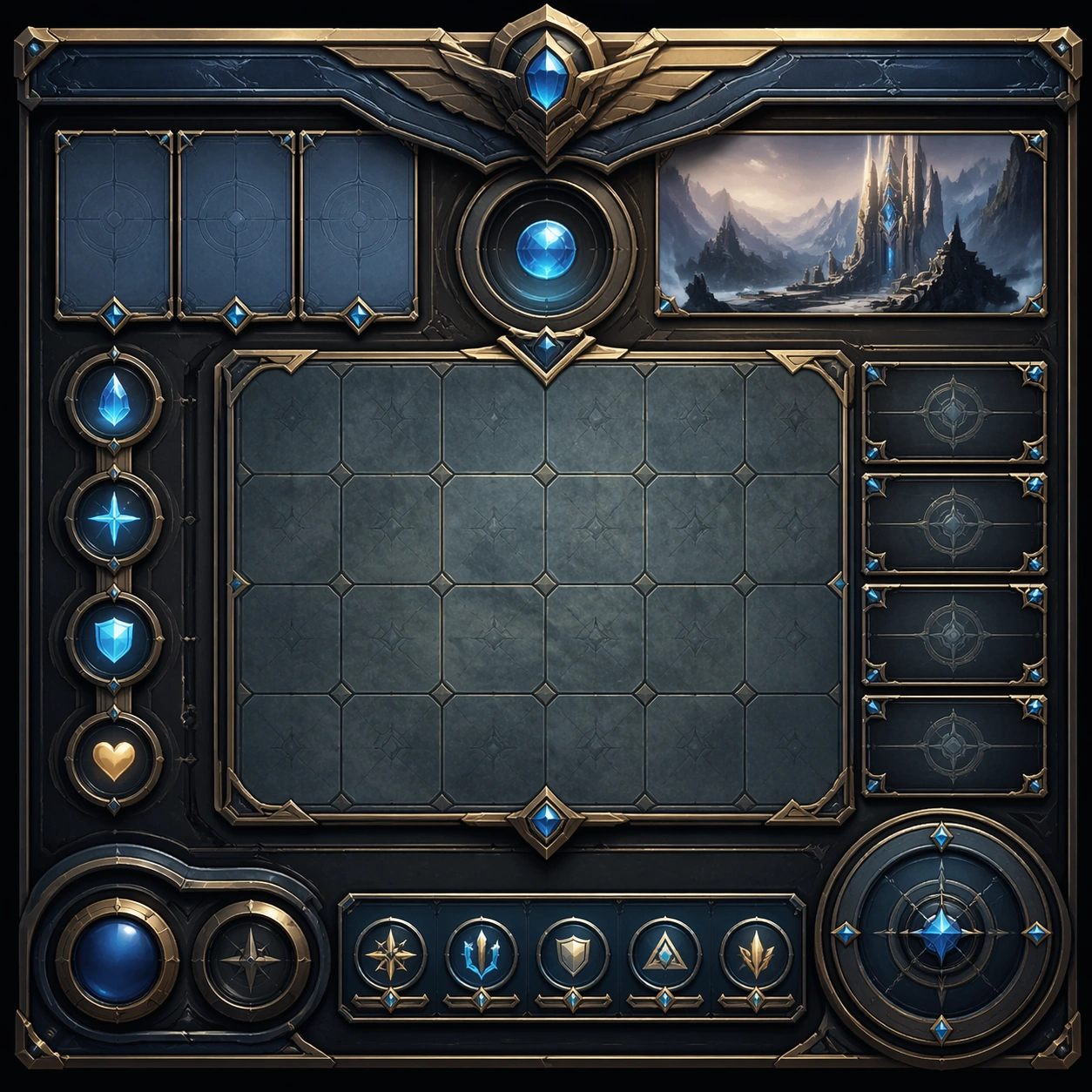
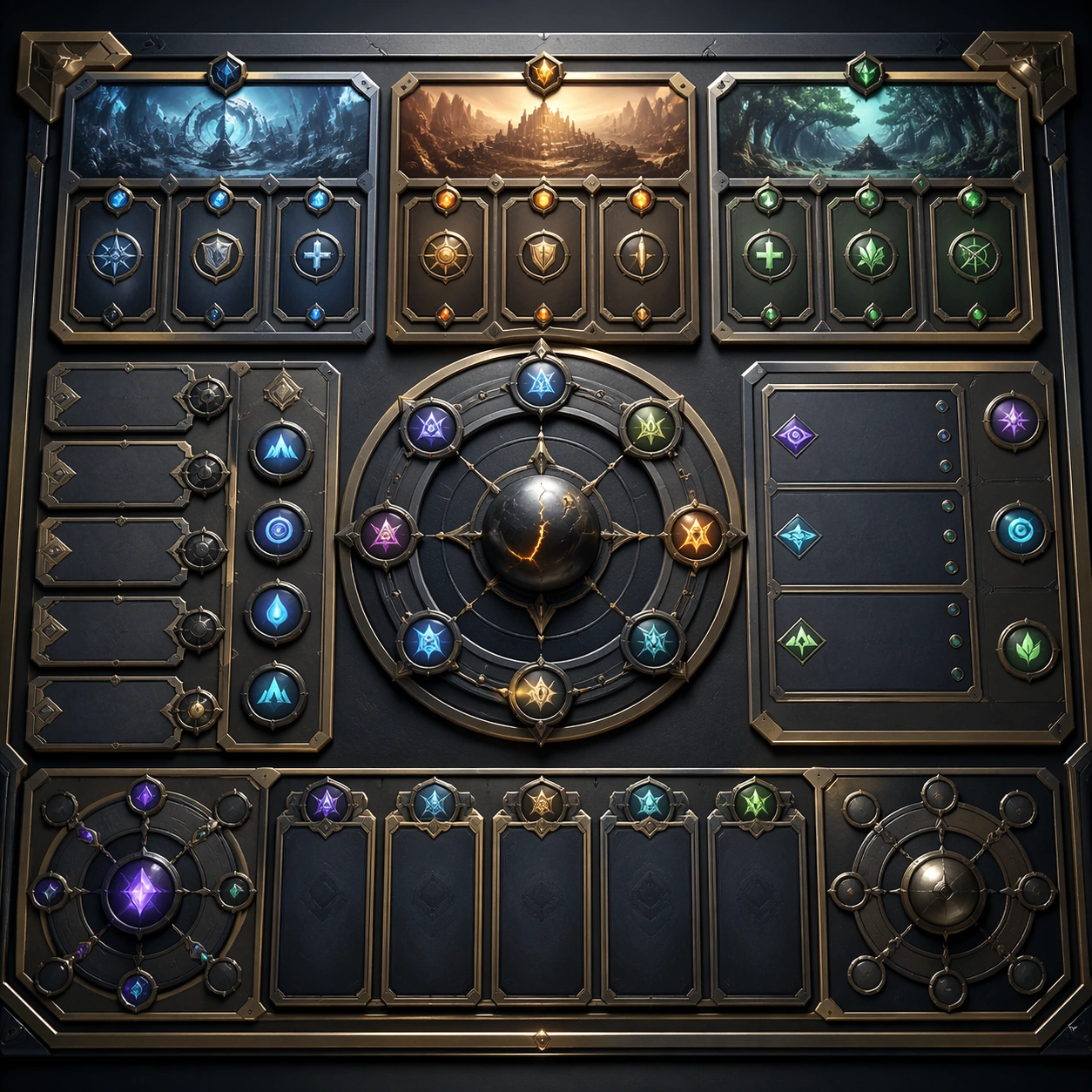
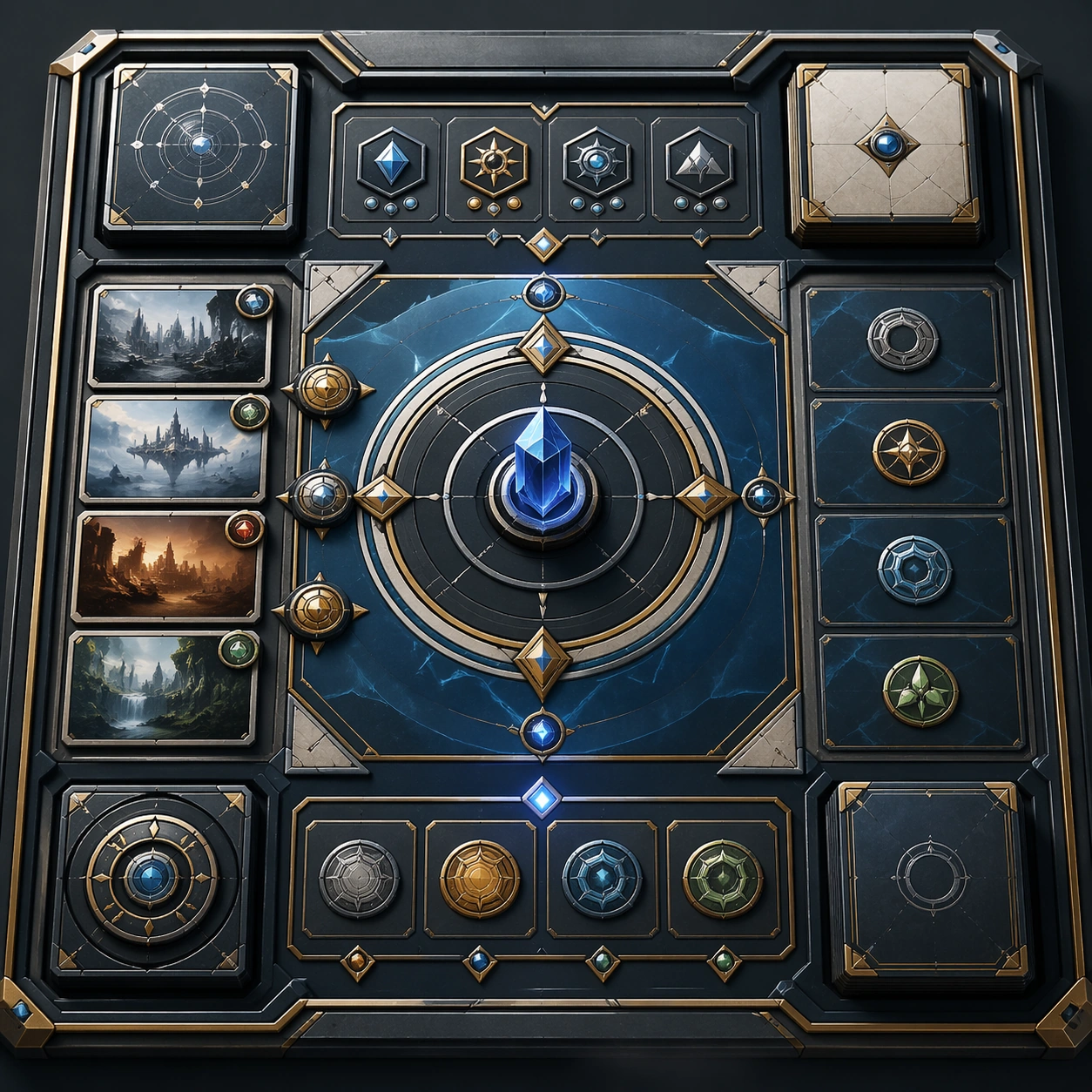
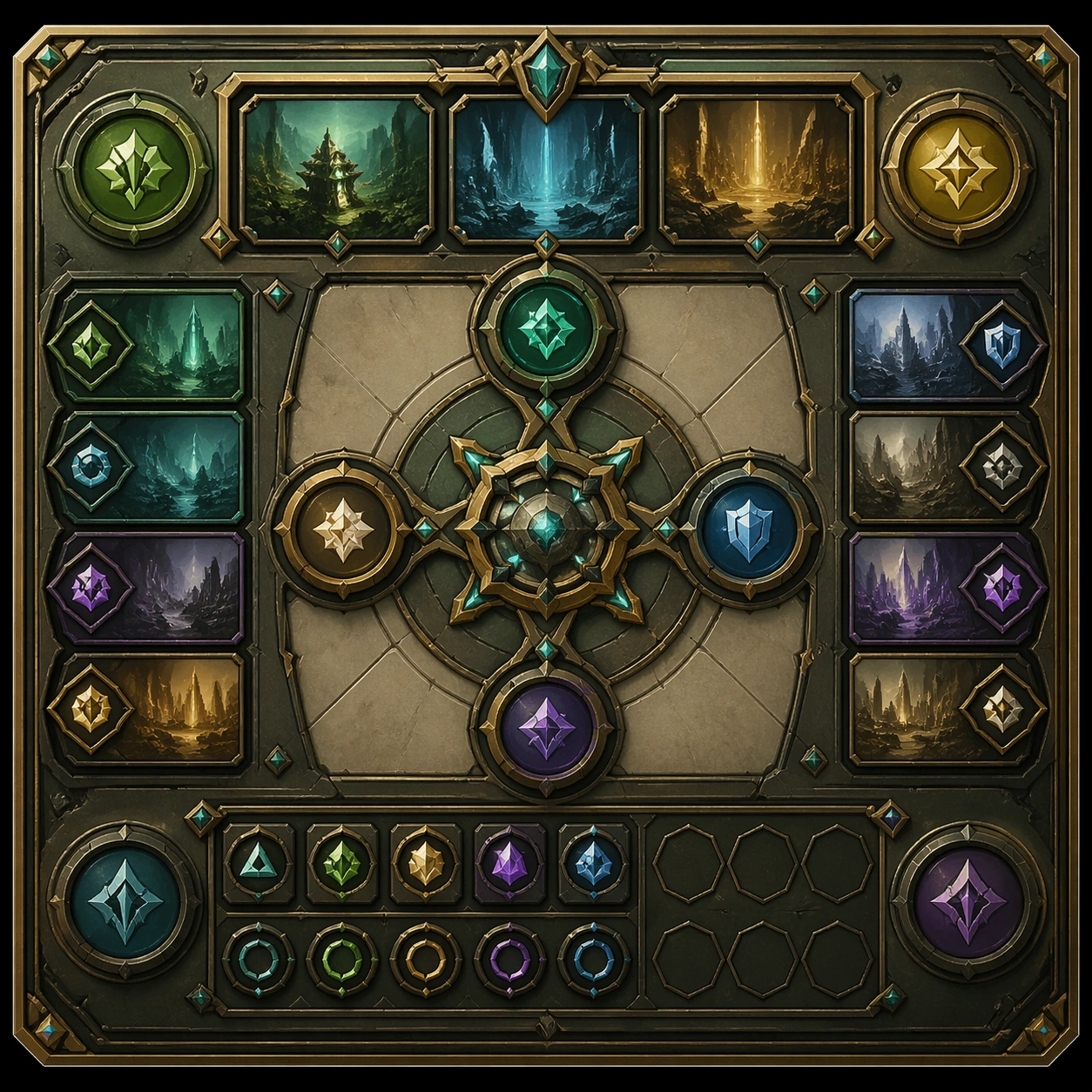
Using this style helped me generate a set{argument name="theme" default="UI design system"} ,include{argument name="components" default="Web, mobile, cards, controls, buttons and other components"} Please use this visual style as a reference to generate a webpage.

사용 방법

  1. 매개변수를 포함한 전체 원본 프롬프트를 복사하세요.
  2. 주제, 문구, 구도를 자신의 요구에 맞게 바꾸세요.
  3. 호환되는 외부 도구에서 사용하고 이용 조건과 결과를 확인하세요.

시작 전 확인

  • 참조 이미지가 필요한지 확인하세요. 호환 표시는 해당 모델로 이 예시를 생성했다는 뜻이 아닙니다.
  • 이름, 수치, 이미지 속 문구를 확인하세요. 모델 버전에 따라 결과가 다를 수 있습니다.
비슷한 예시

Three Dimensional Product Ui Depth System — Support Two
GPT Image 2en

Scene: Create a square standalone support image for Three-Dimensional Product UI Depth System. Build a second support-surface study with a clear focal hierarchy and a finished professional surface. Use a polished modular board or campaign surface with clean spacing, premium game-

Wellness App Soft Premium Ui System — Variation Three
GPT Image 2en

Scene: A square premium key-art frame built for a reference-dependent production series. Stage the same core concept in a third polished variation that completes the reference-led set for wellness app soft premium ui system wellness app soft premium ui system with controlled ligh

Three Dimensional Product Ui Depth System — Support One
GPT Image 2en

Scene: Create a square standalone support image for Three-Dimensional Product UI Depth System. Build a support-surface study with a clear focal hierarchy and a finished professional surface. Use a polished modular board or campaign surface with clean spacing, premium game-UI fini