원본 문서
GPT Image 2 · en
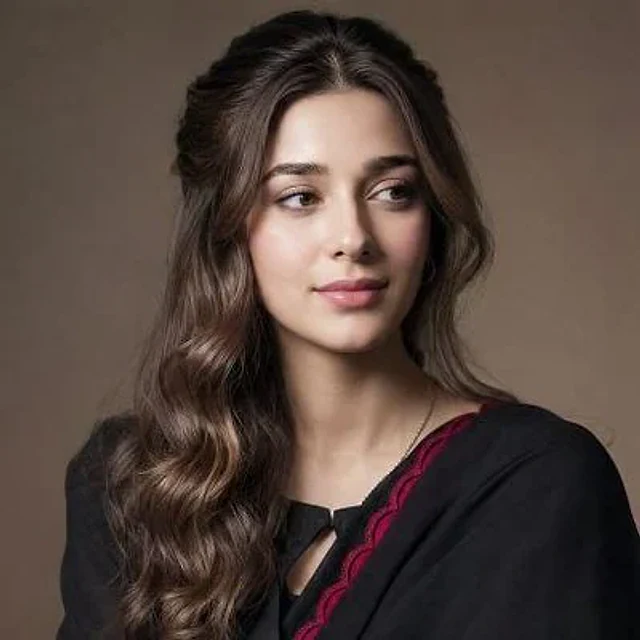
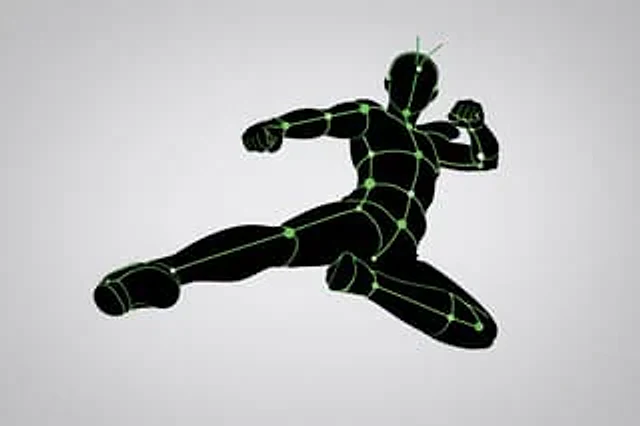
[Core Task] Convert the provided input image into a pose and lighting analysis diagram. This is not a finished character illustration. This is not a costume design drawing. This is not a redraw that preserves aesthetics. This is a conversion of a white line sketch human body model. [Main Objective] Extract and visualize only the following: - Pose structure - Body balance - Camera angle - Body line flow - Inferred light source position - Illuminated area and light intensity [Input Character] Use the provided image as a strict anchor point for the following: - Pose - Camera angle - Body tilt - Center of gravity distribution - General lighting conditions Do not retain: - Facial rendering - Hairstyle rendering - Clothing details - Accessories - Weapon details - Background architecture - Character identity - Emotional expression [Character Transformation] Single, rough human model White body outline White internal construction lines Simple model Head No face No eyes No mouth No eyelashes No personality No individual identity The human model should be presented as: - Rough pose model - Anatomical proxy model - Line-based body guide - Structural sketch - White line Rough model Retain: - Pose readability - Outline flow - Head tilt - Torso direction - Pelvis direction - Limb position [Background] Pure black background Negative style Dark field No scene No props No architecture No environmental narrative [Line style] Rough white line drawing, simple yet sketch-like; structural lines visible, anatomical guide lines visible, joint flow visible; emphasizes body contours; not a detailed illustration. [Light and Shadow Estimation] Predict possible light source locations based on the input image; visualize light sources and illuminated areas using only green halos. Use varying green light intensities: - Strongest green: Direct light - Medium green: Wrapping light - Soft green: Reflected or diminished light. Use labels and arrows to mark estimated light sources, such as: - Main Light - Rim Light - Fill Light - Floor Bounce - Back Light. Use only where appropriate. Important note: Do not fabricate light sources; infer lighting from the original input image. If lighting is blurry, keep labels simple and reasonable. [Green Light and Shadow Visualization] Display green halos in the following areas: - Head/Skull plane - Neck - Shoulders - Chest plane - Thoracic direction - Pelvic edge - Thigh plane - Knee contact point - Floor contact reflection (if applicable) The use of green light and shadow is not for decoration, but as information for light and shadow analysis [pose priority]: 1. Preserve pose structure; 2. Preserve camera angle; 3. Preserve body balance; 4. Preserve head-to-body relationship; 5. Visualize possible lighting directions; 6. Show the lit areas through readable green intensity variations [negative hints]. Finished character, cute girl, detailed face, hair rendering, clothing rendering, weapon emphasis, beautified anatomical structure.사용 방법
- 매개변수를 포함한 전체 원본 프롬프트를 복사하세요.
- 주제, 문구, 구도를 자신의 요구에 맞게 바꾸세요.
- 호환되는 외부 도구에서 사용하고 이용 조건과 결과를 확인하세요.
시작 전 확인
- 참조 이미지가 필요한지 확인하세요. 호환 표시는 해당 모델로 이 예시를 생성했다는 뜻이 아닙니다.
- 이름, 수치, 이미지 속 문구를 확인하세요. 모델 버전에 따라 결과가 다를 수 있습니다.