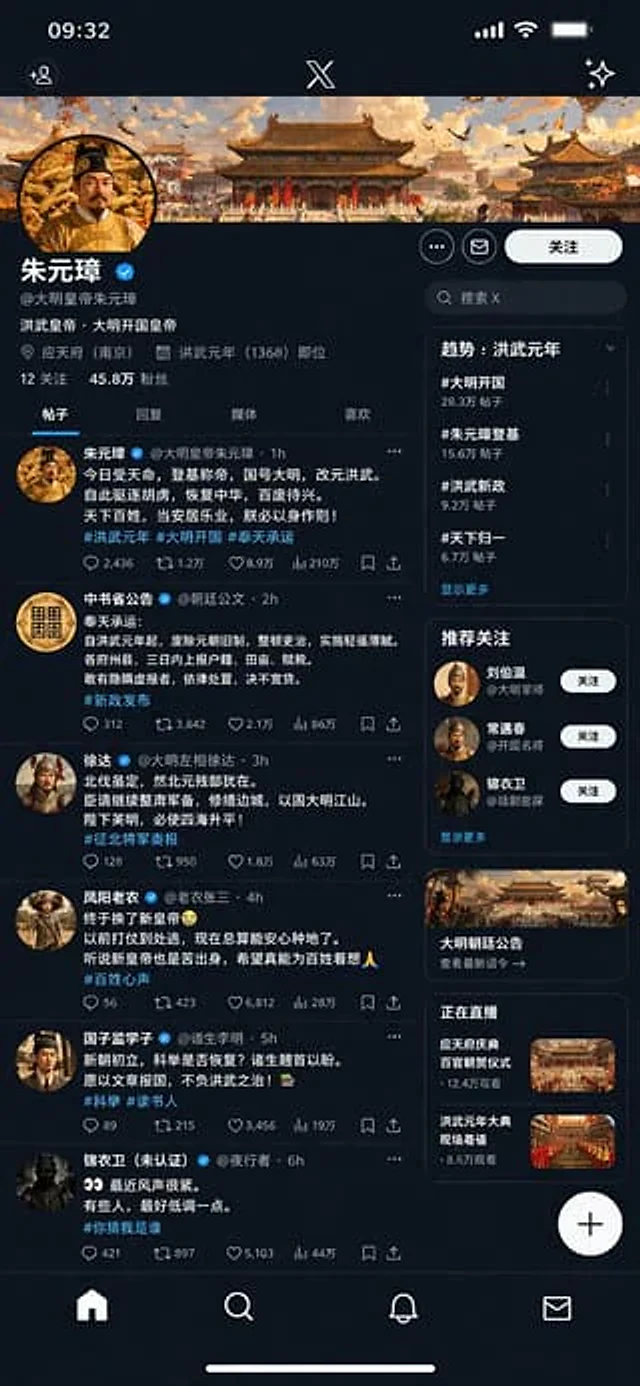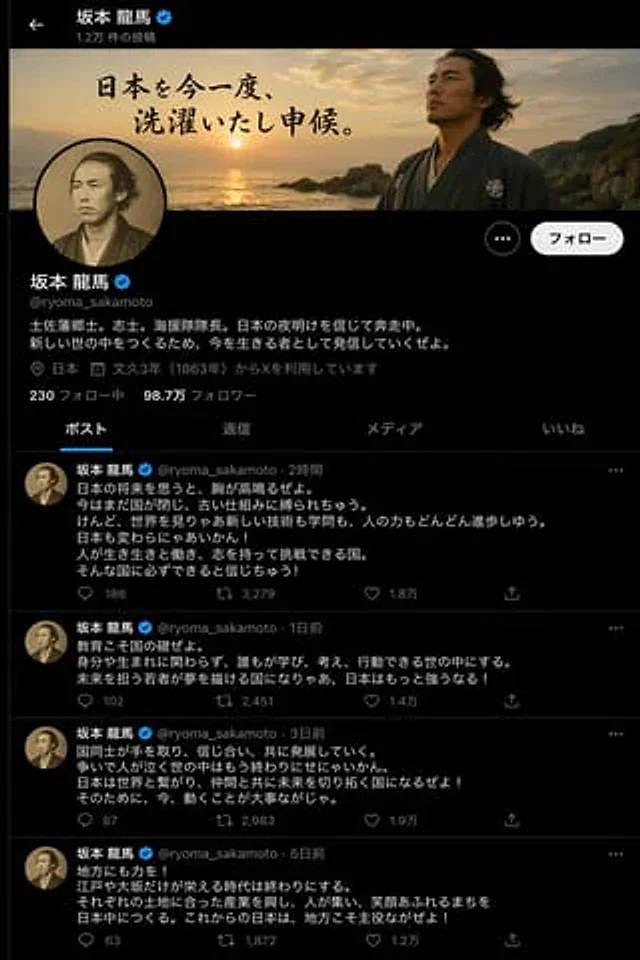
Historical Figure X Post Design

Historical Figure X Post Design

원본 문서

GPT Image 2 · en

Create an X (Twitter) post page with the following content:{argument name="person" default="Sakamoto Ryoma"} Talking passionately about Japan's future

사용 방법

  1. 매개변수를 포함한 전체 원본 프롬프트를 복사하세요.
  2. 주제, 문구, 구도를 자신의 요구에 맞게 바꾸세요.
  3. 호환되는 외부 도구에서 사용하고 이용 조건과 결과를 확인하세요.

시작 전 확인

  • 참조 이미지가 필요한지 확인하세요. 호환 표시는 해당 모델로 이 예시를 생성했다는 뜻이 아닙니다.
  • 이름, 수치, 이미지 속 문구를 확인하세요. 모델 버전에 따라 결과가 다를 수 있습니다.
비슷한 예시

Historical Social Media Feed Mockup
GPT Image 2en

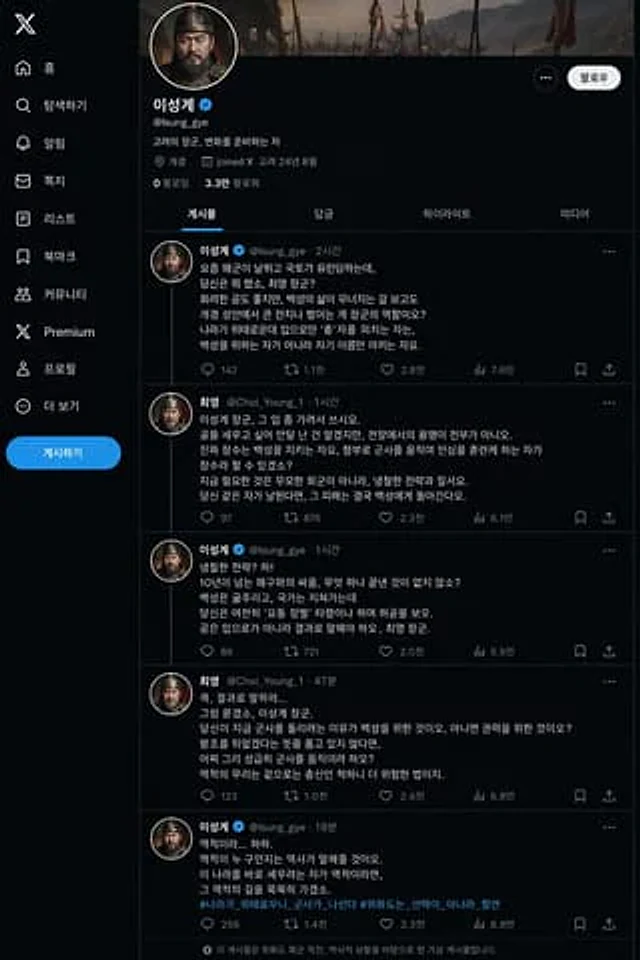
Please create an X page, with the main character being {argument name="person" default="Taejo Yi Seong-gye"} (description){argument name="context" default="On the eve of the return of troops from Weihua Island"} The moment—including his and{argument name="opponent" default="Gener

Ming Dynasty Social Media Post
GPT Image 2en

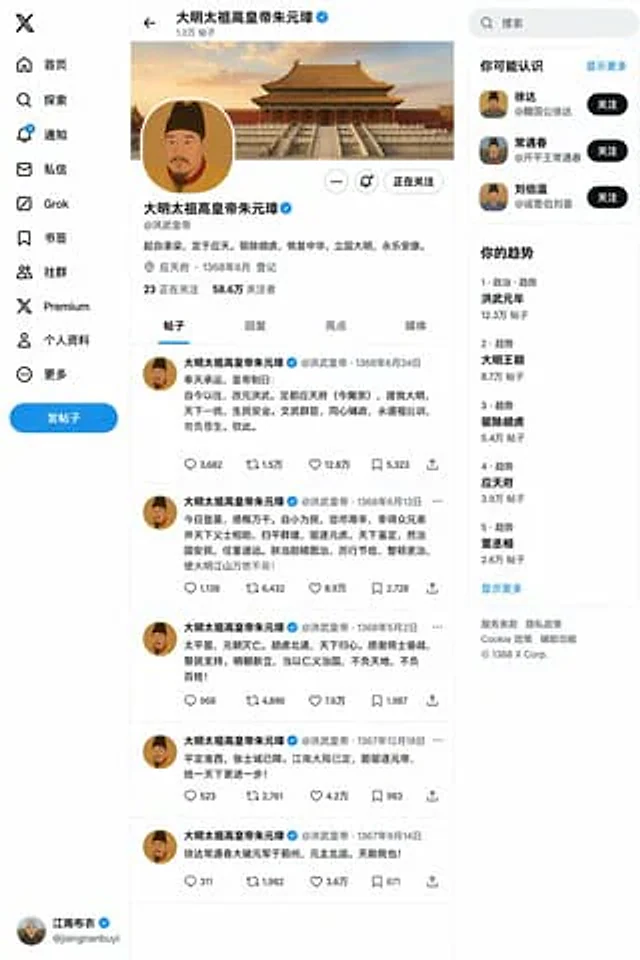
for{argument name="dynasty and figure" default="Zhu Yuanzhang of the Ming Dynasty"} exist{argument name="event" default="Ascension to the throne"} Then create an X post page.

Historical Figure Social Media Mockup
GPT Image 2en

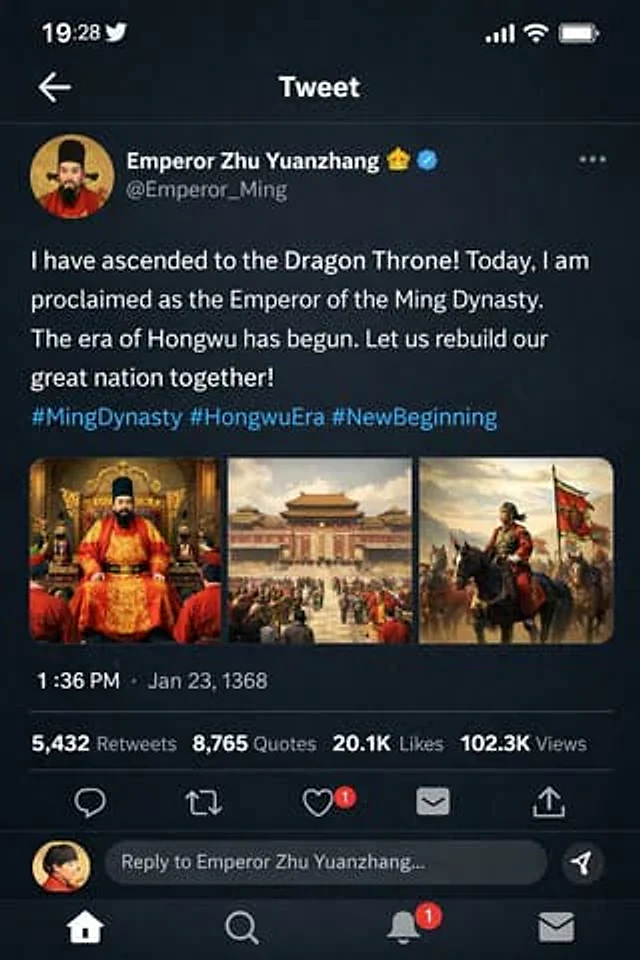
{ "type": "Mobile social media application UI simulation diagram", "platform": "Twitter/X Dark Mode", "header": { "status_bar": "Time 19:28, bird icon, signal, WiFi, battery", "navigation": "Back arrow, 'Tweet' title" }, "post": { "author": { "avatar":

Xuanwu Gate Incident Moments Post
GPT Image 2en

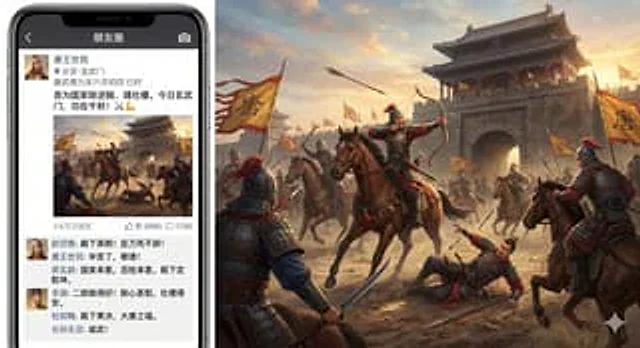
A humorous and richly detailed composite image shows a modern smartphone displaying a WeChat Moments update about the Xuanwu Gate Incident on the left, and a battlefield image posted in the update on the right, extending into a grand, cinematic historical scene. The phone appears

Historical Figure Social Media UI Mockup
GPT Image 2en

{ "type": "Mobile social media app interface model", "theme": "Dark mode, Chinese Ming Dynasty historical theme", "header": { "banner_image": "Traditional Chinese palace complex at sunset", "avatar": "Portrait of a Chinese emperor wearing a yellow robe", "profil