원본 문서
GPT Image 2 · en
{
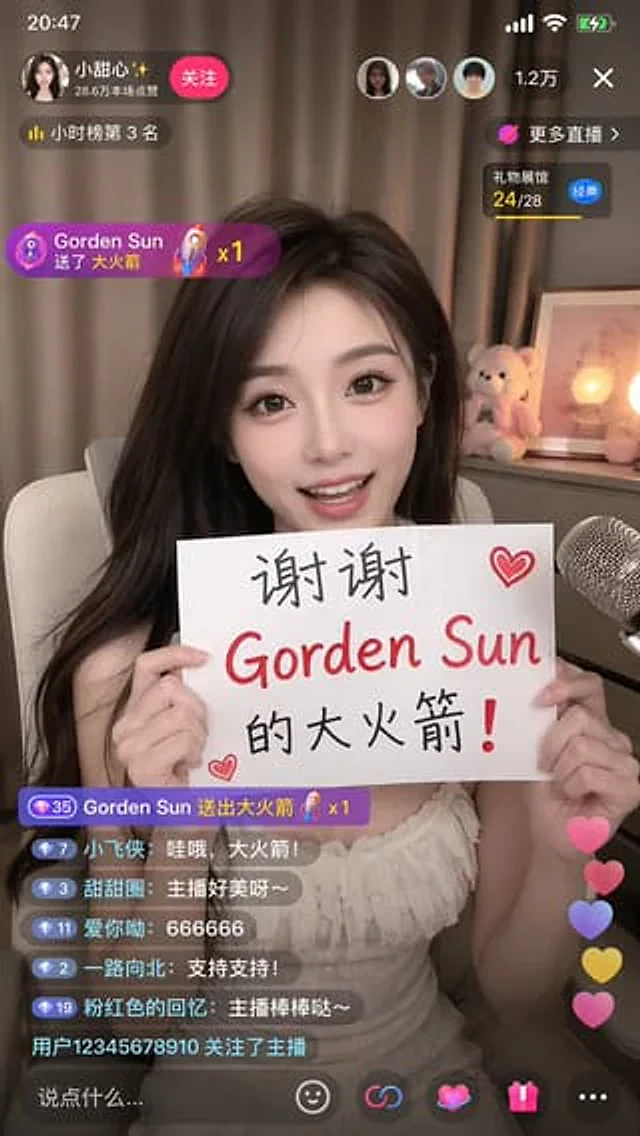
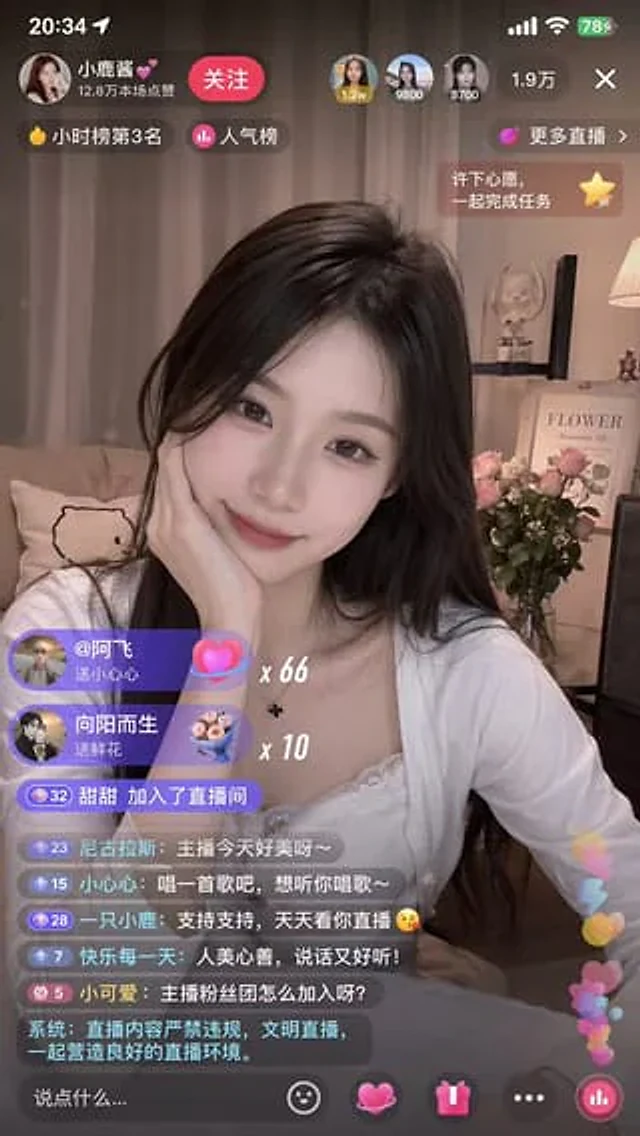
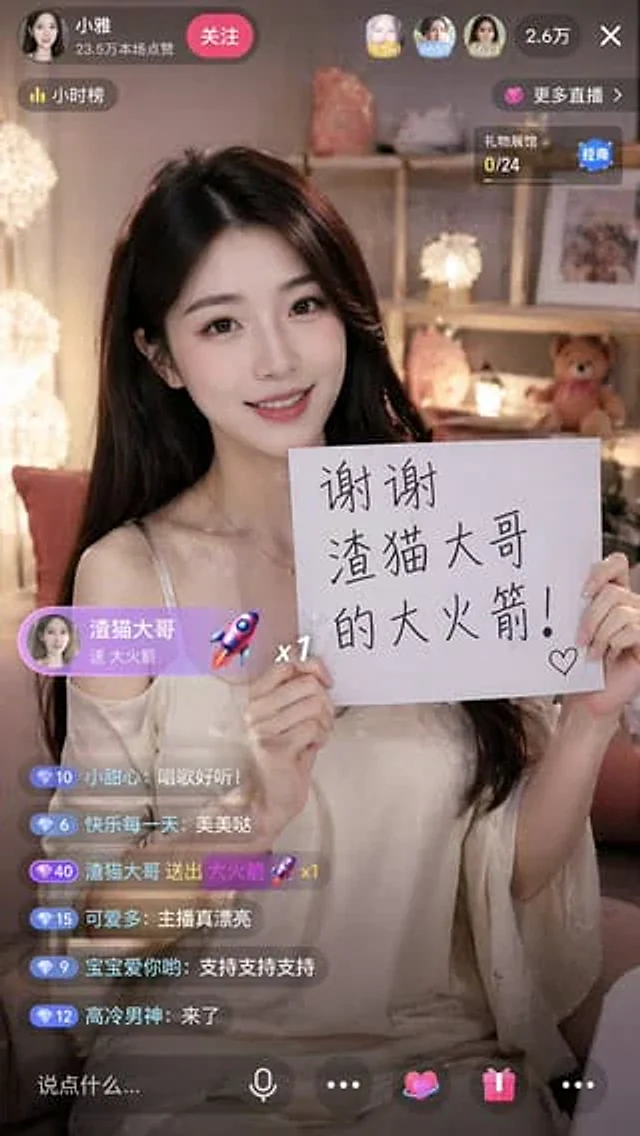
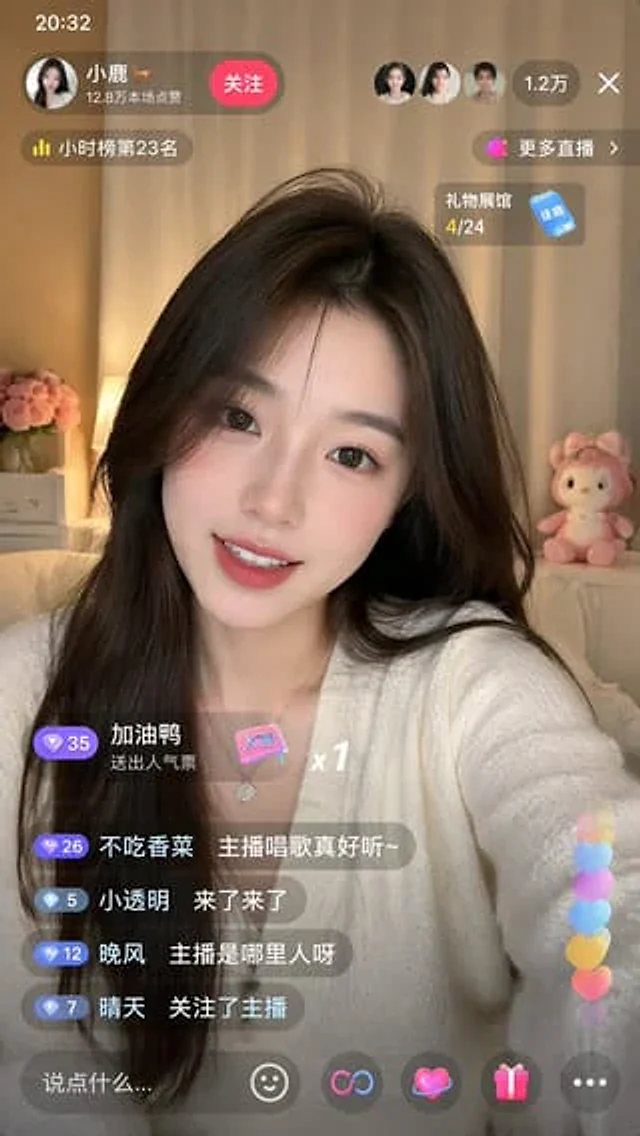
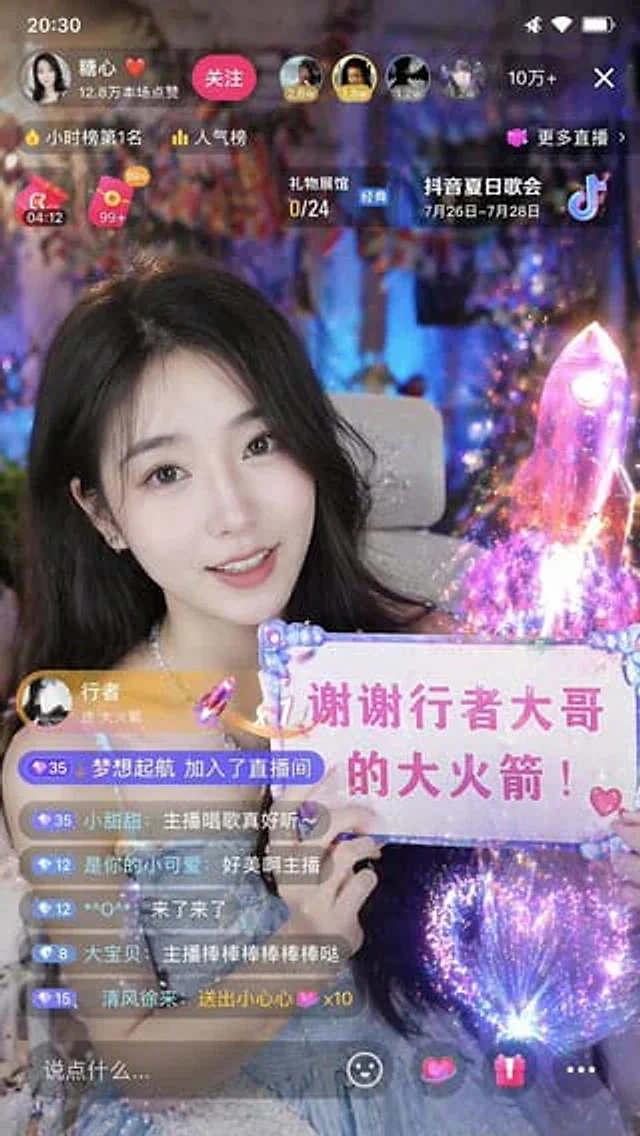
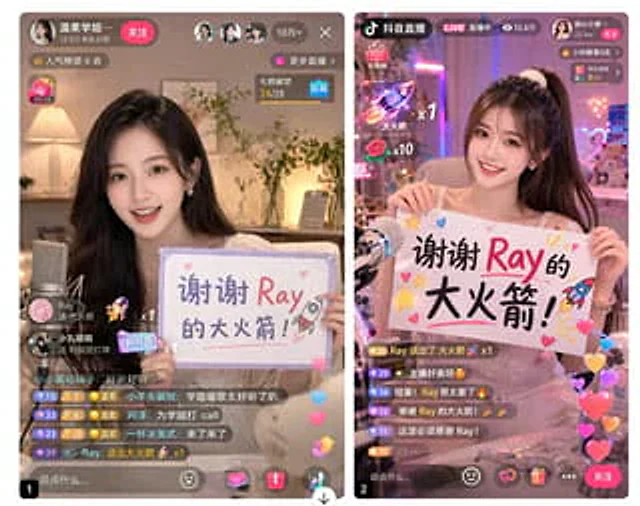
  "type": "Side-by-side mobile UI models",
  "theme": "{argument name=\"app style\" default=\"China Mobile Live Streaming App\"}",
  "panels": [
    {
      "position": "Left side",
      "subject": "{argument name=\"streamer appearance\" default=\"Young Asian woman, beautiful, smiling.\"} Long, wavy hair, holding a handwritten sign.",
      "sign_content": "{argument name=\"sign text\" default=\"Thanks for the big rocket, Ray!\"} Featuring small rockets and heart-shaped graffiti",
      "ui_elements": {
        "top_bar": "Personal profile information, follow button, 3 viewer avatars,{argument name=\"viewer count\" default=\"100,000+\"} Number of viewers, close button",
        "overlays": "Popularity ranking badges, gift bar widgets, display{argument name=\"gift name\" default=\"Big Rocket\"} The floating gift animation of x1",
        "chat_stream": "7 different chat message bubbles",
        "bottom_bar": "Text input box, 4 operation icons, floating like heart"
      }
    },
    {
      "position": "right side",
      "subject": "The same streamer, with her hair in a high ponytail and a hair tie, was holding a handwritten sign.",
      "sign_content": "{argument name=\"sign text\" default=\"Thanks for the big rocket, Ray!\"} It features graffiti with stars, hearts, and rockets.",
      "ui_elements": {
        "top_bar": "App Logo, LIVE Badge, 126,000 Viewers, Profile Information, Follow Button",
        "overlays": "Hourly ranking badge, gift goal widget, and two floating gift animations (1 rocket and 10 roses).",
        "chat_stream": "6 different chat message bubbles",
        "bottom_bar": "Text input box, 4 operation icons, follow button, floating like heart."
      }
    }
  ]
}
사용 방법
- 매개변수를 포함한 전체 원본 프롬프트를 복사하세요.
- 주제, 문구, 구도를 자신의 요구에 맞게 바꾸세요.
- 호환되는 외부 도구에서 사용하고 이용 조건과 결과를 확인하세요.
시작 전 확인
- 참조 이미지가 필요한지 확인하세요. 호환 표시는 해당 모델로 이 예시를 생성했다는 뜻이 아닙니다.
- 이름, 수치, 이미지 속 문구를 확인하세요. 모델 버전에 따라 결과가 다를 수 있습니다.