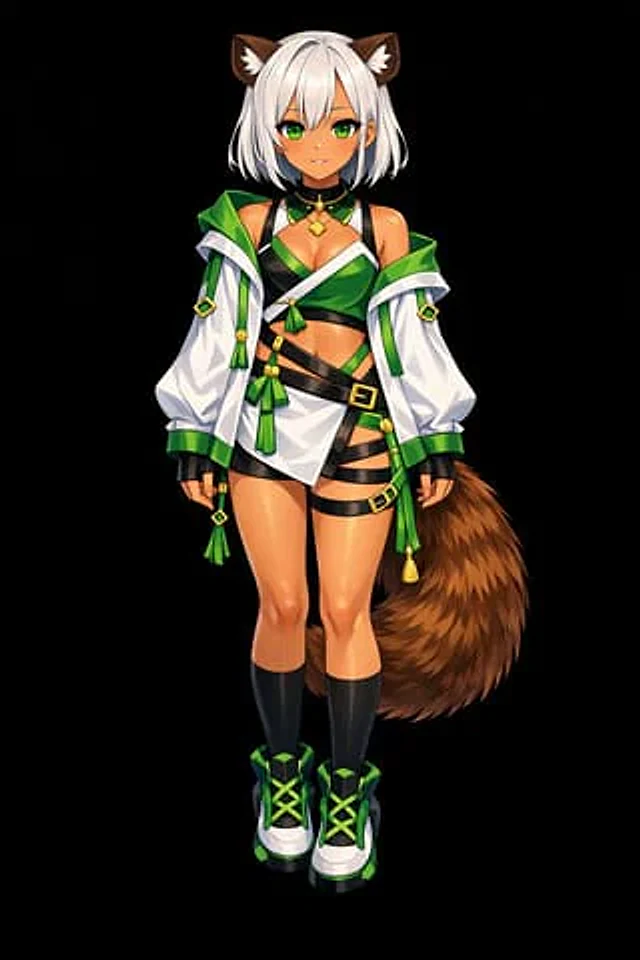
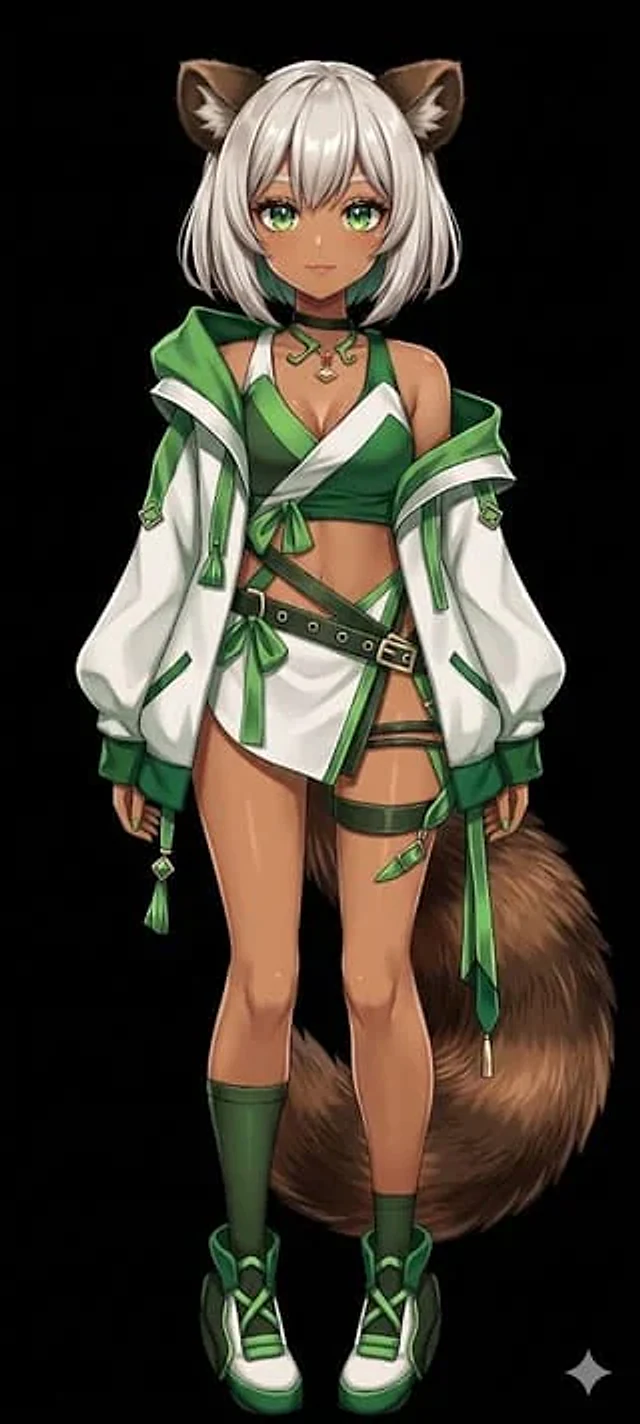
Glossy Anime Shading Transformation

Glossy Anime Shading Transformation

원본 문서

GPT Image 2 · en

Based on REFERENCE_0, convert the flat color scheme to{argument name="rendering style" default="High-detail, glossy anime illustration style"} Apply deep shadows, dramatic lighting, and bright highlights, especially on the character's skin, hair, and tail. Enhance the texture of clothing folds and give metallic accents a realistic feel. Change the background to {argument name="background color" default="pure black"} .

사용 방법

  1. 매개변수를 포함한 전체 원본 프롬프트를 복사하세요.
  2. 주제, 문구, 구도를 자신의 요구에 맞게 바꾸세요.
  3. 호환되는 외부 도구에서 사용하고 이용 조건과 결과를 확인하세요.

시작 전 확인

  • 참조 이미지가 필요한지 확인하세요. 호환 표시는 해당 모델로 이 예시를 생성했다는 뜻이 아닙니다.
  • 이름, 수치, 이미지 속 문구를 확인하세요. 모델 버전에 따라 결과가 다를 수 있습니다.
비슷한 예시

Flat Color to Rendered Anime Shading
GPT Image 2en

Using REFERENCE_0, convert the flat-colored character to {argument name="art style" default="High-quality anime illustrations with full rendering"} Apply fine coatings to the skin, hair, eyes, clothing, and tail.{argument name="lighting effect" default="Shadows, gloss, highlights

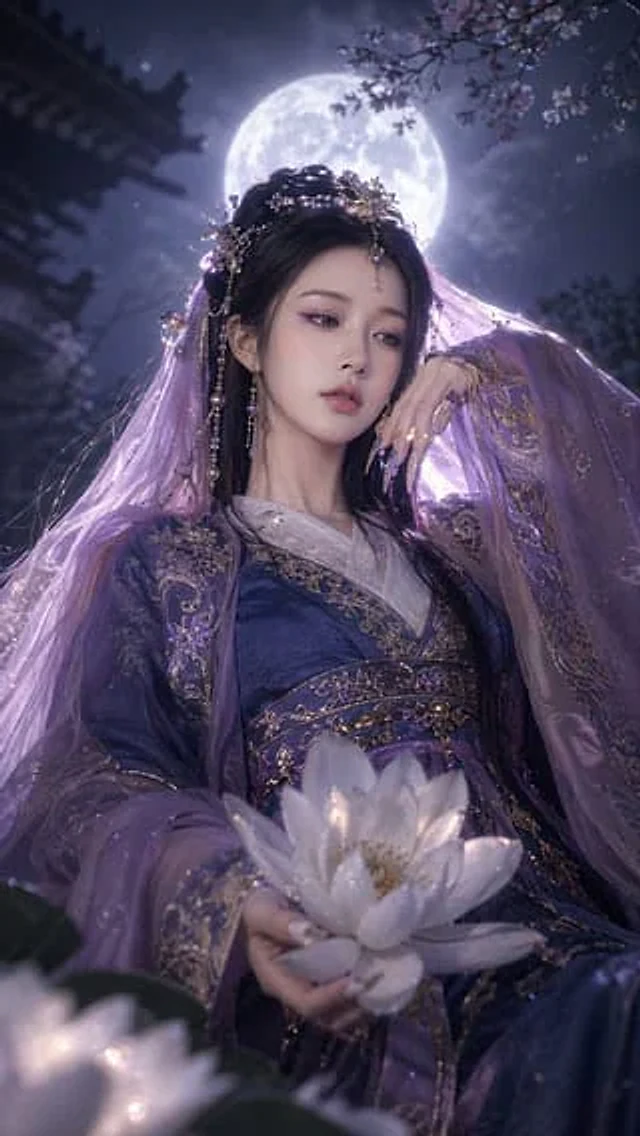
Fantasy Xianxia Portrait Transformation
GPT Image 2en

Using REFERENCE_0 as the character's face and base, the subject is transformed into {argument name="theme" default="Dark fantasy"} Style. Change their clothing to something more refined.{argument name="clothing style" default="Purple and gold color scheme traditional Hanfu"} Ador

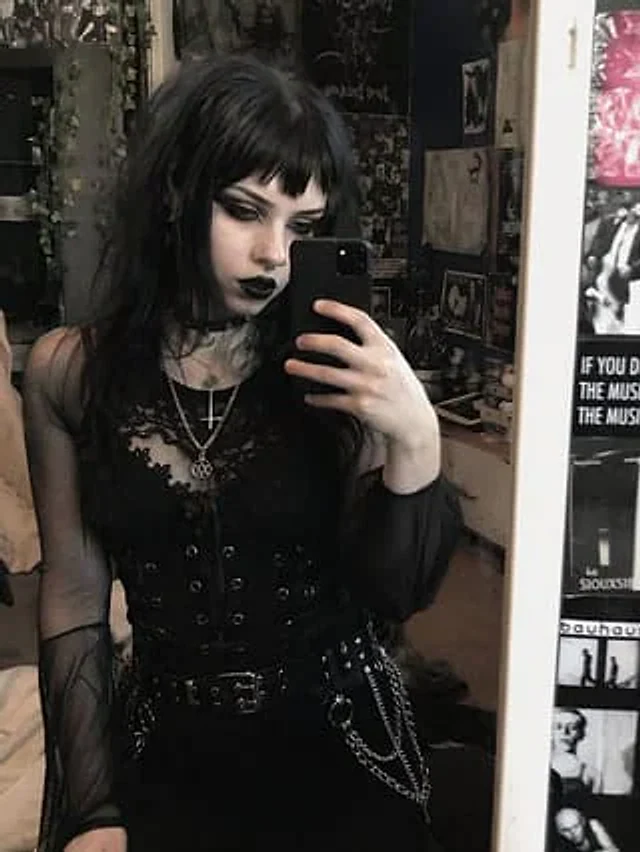
Goth Style Transformation
GPT Image 2en

Use REFERENCE_0 to convert the main appearance to{argument name="style" default="Traditional Gothic"} The aesthetic style, while retaining its precise poses, clothing construction, and background. Her hair was changed {argument name="hair color" default="black"} And accompanied b

Couple Pub Portrait Transformation
GPT Image 2en

Using REFERENCE_0, transform the older couple so they both look directly at the camera and smile. For the man on the left, add a {argument name="man's facial hair" default="Thick white beard"} Take off his glasses and put a coat on him.{argument name="man's clothing" default="Gre

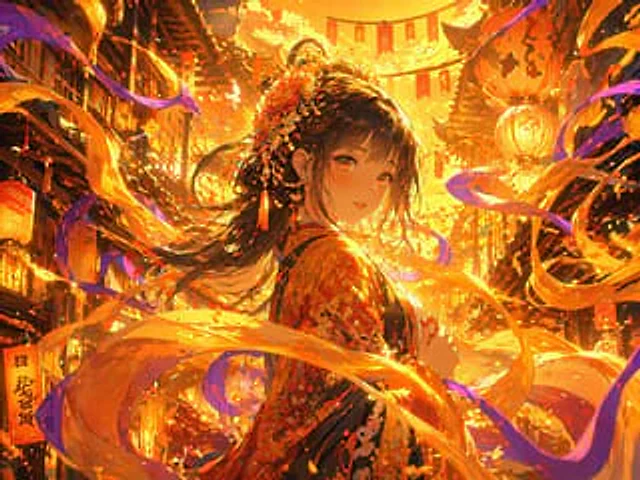
Magical Glowing Ribbon Style Transformation
GPT Image 2en

Using the provided reference image, apply a strong {argument name="lighting color" default="Gold and orange"} Use lighting effects to transition scenes. Add dynamic, rotating effects.{argument name="magical element" default="Glowing ribbons and energy trails"} This allows the lig

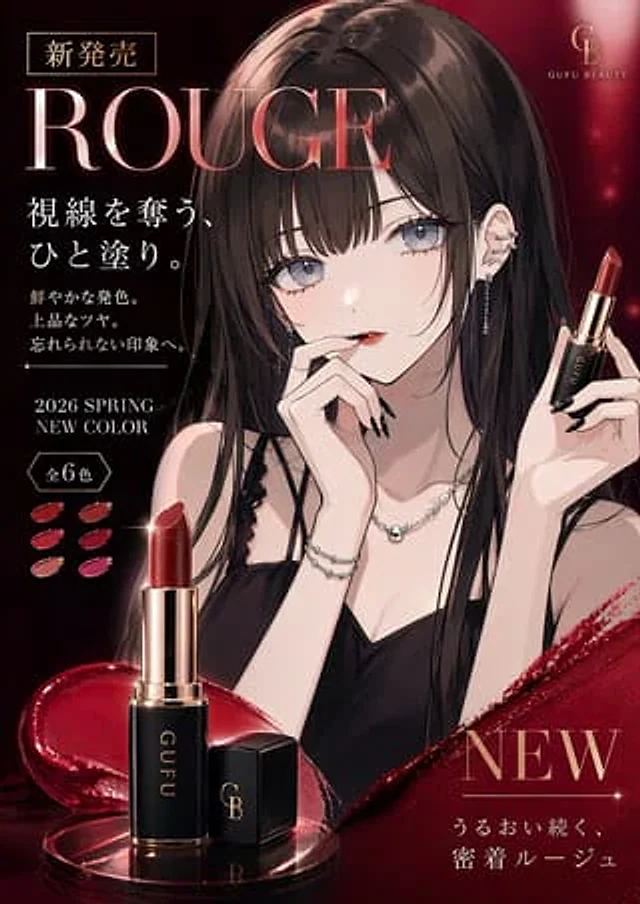
Luxury Lipstick Ad Transformation
GPT Image 2zh

Using the provided reference image, transform the portrait into a luxury lipstick advertisement while retaining the original girl's image, hairstyle, clothing, accessories, and elegant anime illustration style. Adjust the composition to a sophisticated beauty advertisement style,