원본 문서
GPT Image 2 · en
Scene:
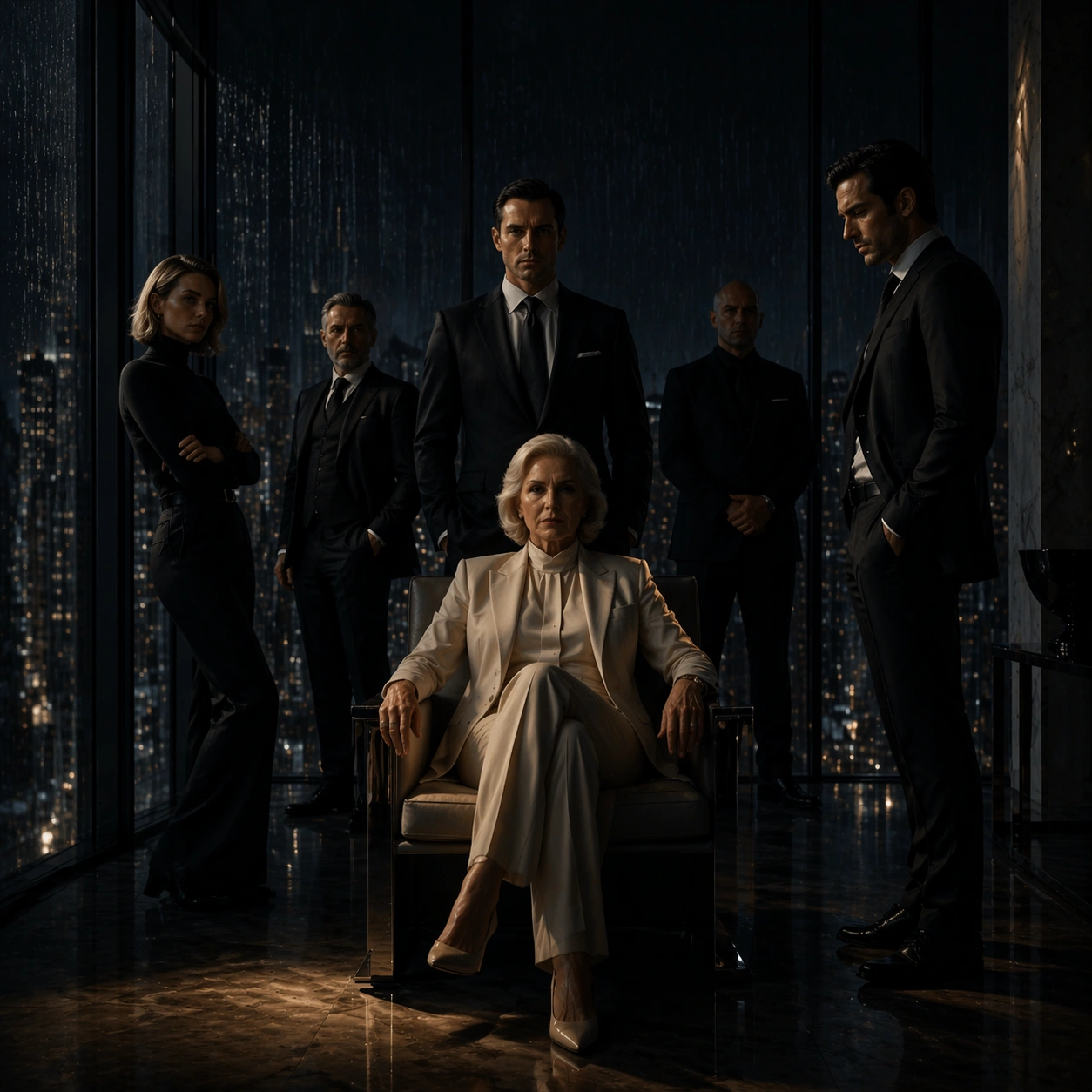
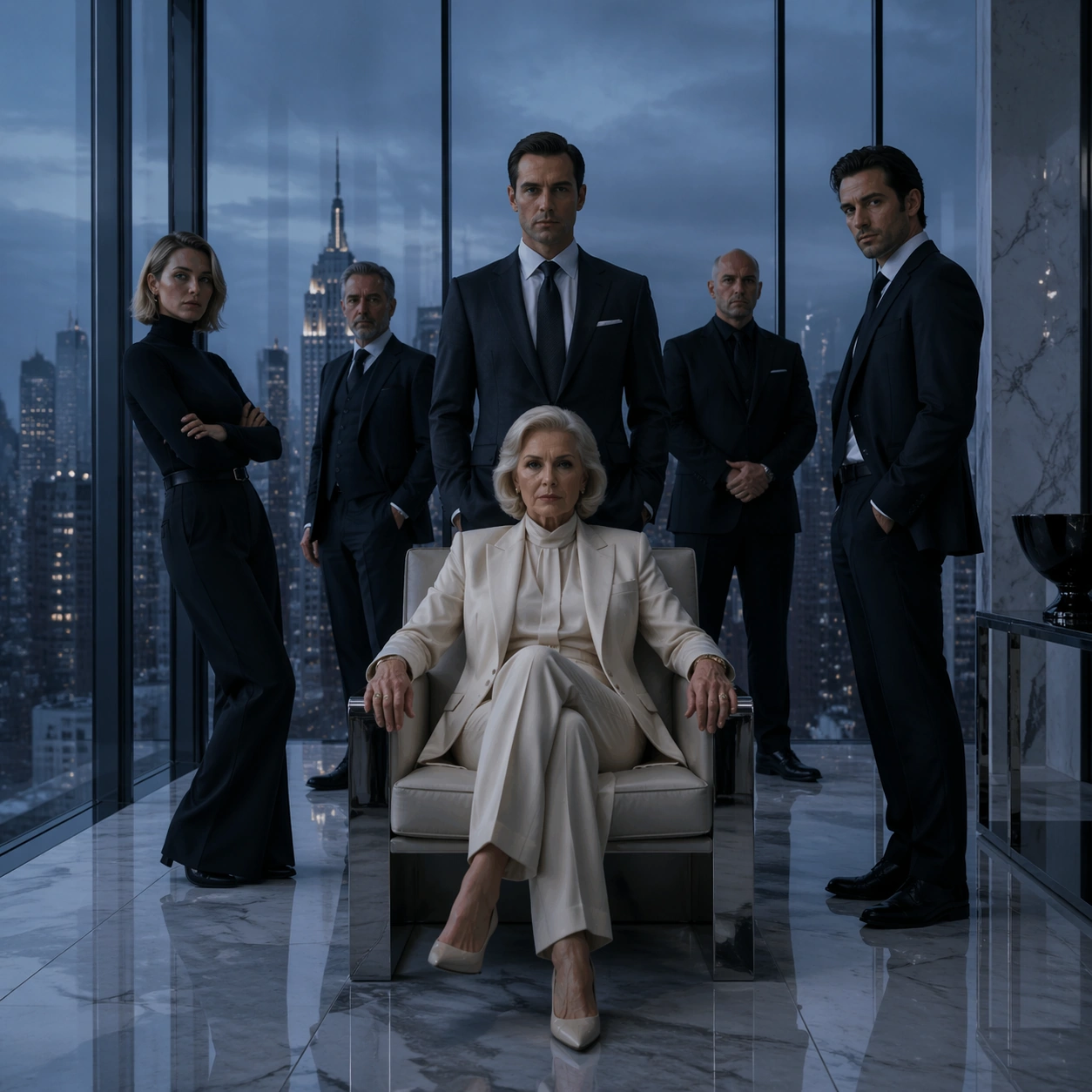
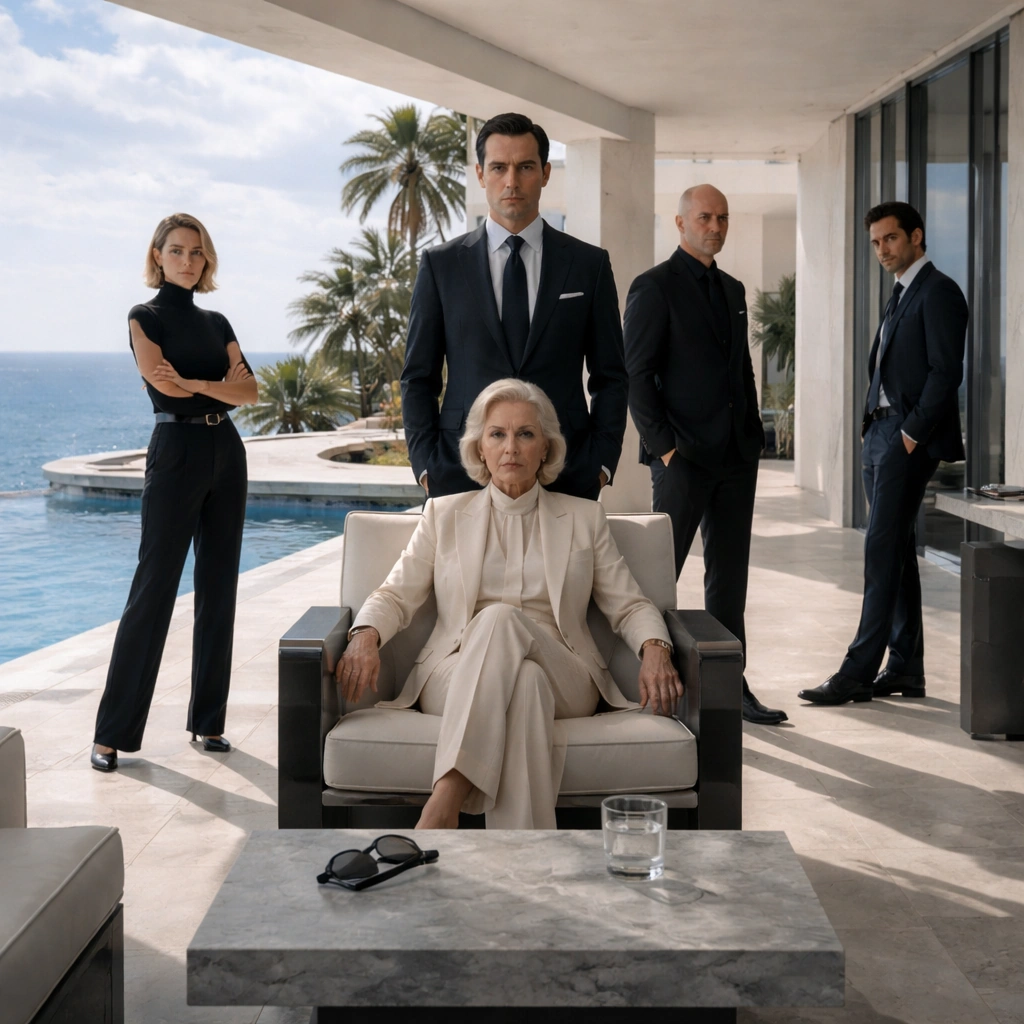
Use the reference ensemble key art as the identity source. Create a square prestige-series campaign variant on a luxury seaside resort terrace at noon, with bleached stone, pale water, and a deceptively serene brightness. The frame should feel sunlit but emotionally cold, with crisp shadows and enough architectural depth to imply wealth, surveillance, and private agendas beneath a vacation surface.

Subject:
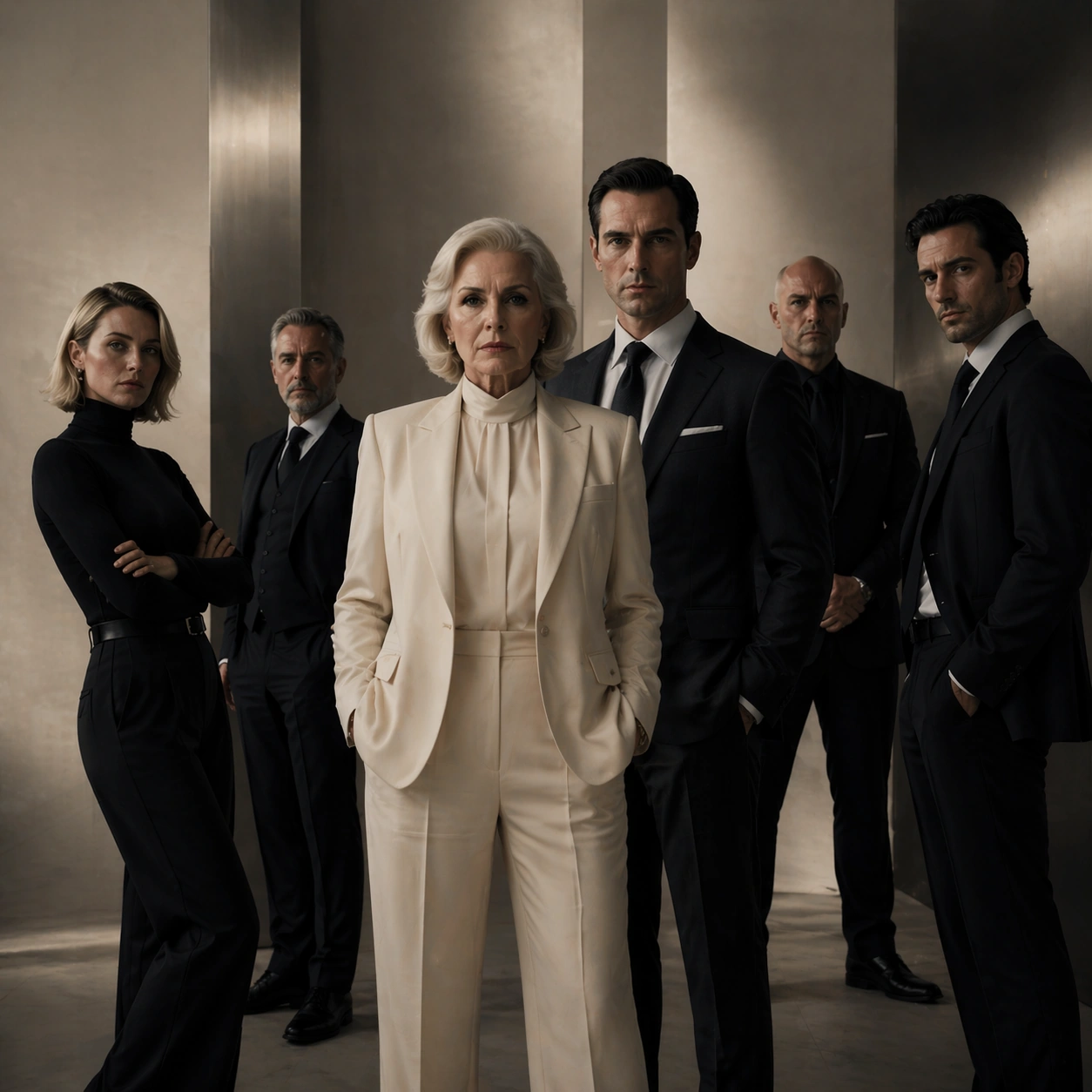
Show the same six characters from image 01 with preserved faces, clothing signatures, and role order, but redistribute them across a terrace composition that suggests temporary alliance and fracture. The matriarch occupies the central shaded seat near a stone table; the heir stands nearest to her, visibly protective but constrained. The daughter watches from a bright edge near the pool; the outsider son-in-law is separated by a table corner and a visible gap, hinting at exclusion. The fixer and bodyguard remain in supporting positions, one near a doorway, one near a reflective glass panel. Every pose should feel controlled, minimal, and loaded with subtext.

Important details:
The core task is to preserve campaign recognizability while changing environment and temperature. The same family must remain instantly identifiable from image 01, and their power geometry must still read clearly even in a wider, sunnier setting. Keep wardrobe in the same luxury neutral palette, maintain serious expressions, and use resort props sparingly so the image never becomes travel advertising. The visual message is privilege under pressure.

Use case:
Prestige TV Key Art Remix series study 3/9, translating the same fictional ensemble into a luxury-resort fracture variant.

Constraints:
No readable text, no watermark, no logos, preserve exact 1:1 aspect ratio, no tropical postcard cheer, no swimwear, no extra hotel guests, no slapstick body language, no dramatic wind effects that break identity continuity.
사용 방법
- 매개변수를 포함한 전체 원본 프롬프트를 복사하세요.
- 주제, 문구, 구도를 자신의 요구에 맞게 바꾸세요.
- 호환되는 외부 도구에서 사용하고 이용 조건과 결과를 확인하세요.
시작 전 확인
- 참조 이미지가 필요한지 확인하세요. 호환 표시는 해당 모델로 이 예시를 생성했다는 뜻이 아닙니다.
- 이름, 수치, 이미지 속 문구를 확인하세요. 모델 버전에 따라 결과가 다를 수 있습니다.