원본 문서
GPT Image 2 · en
Scene:
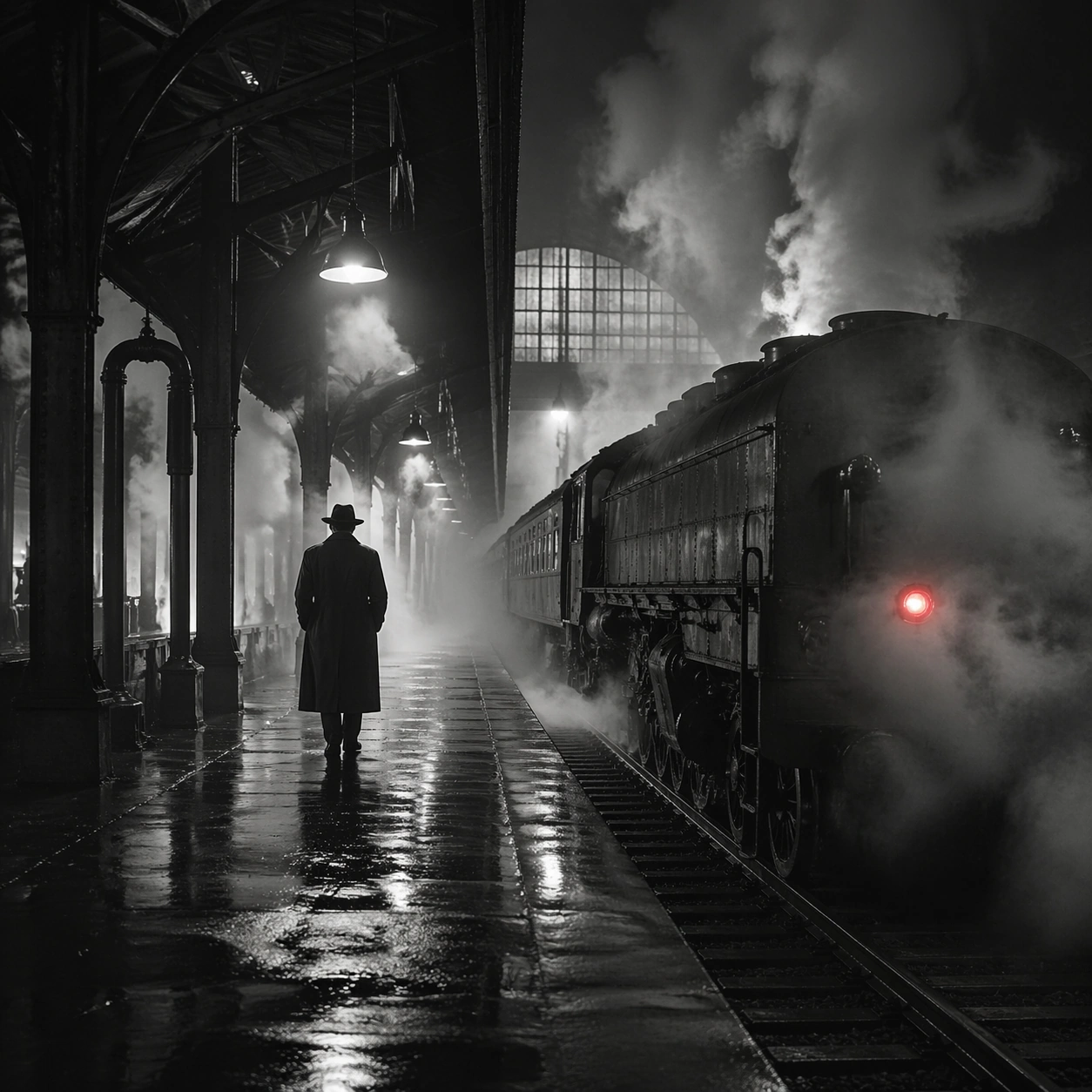
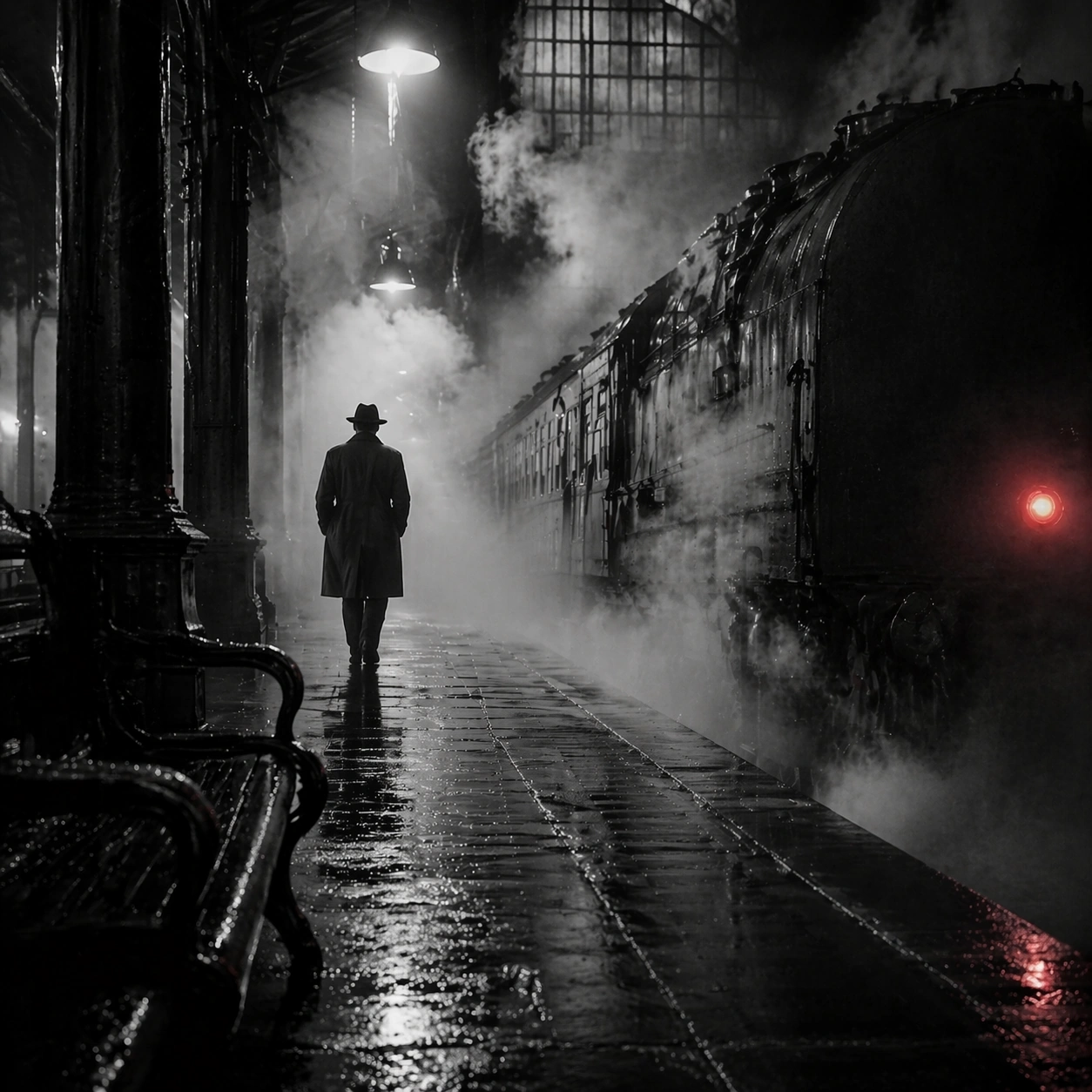
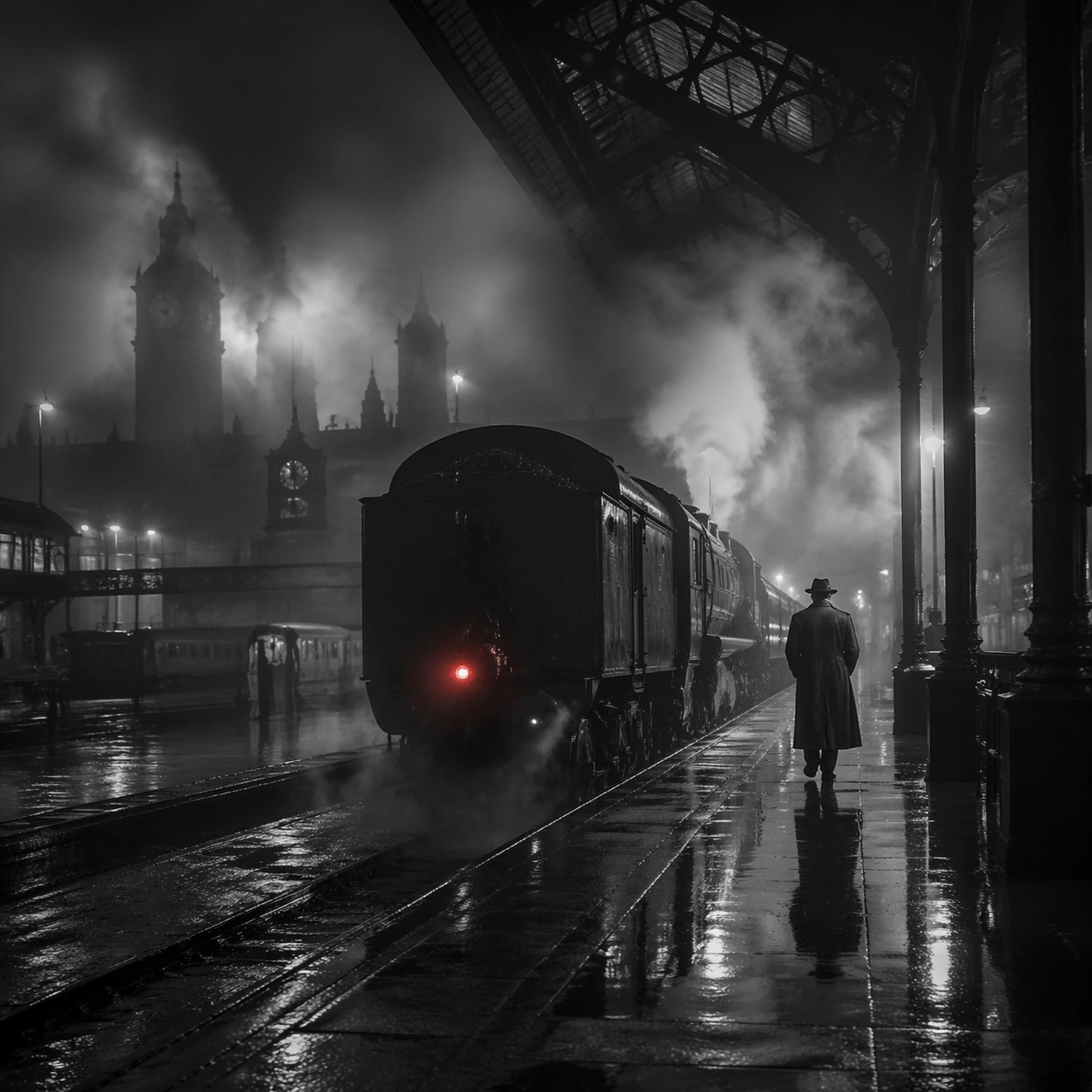
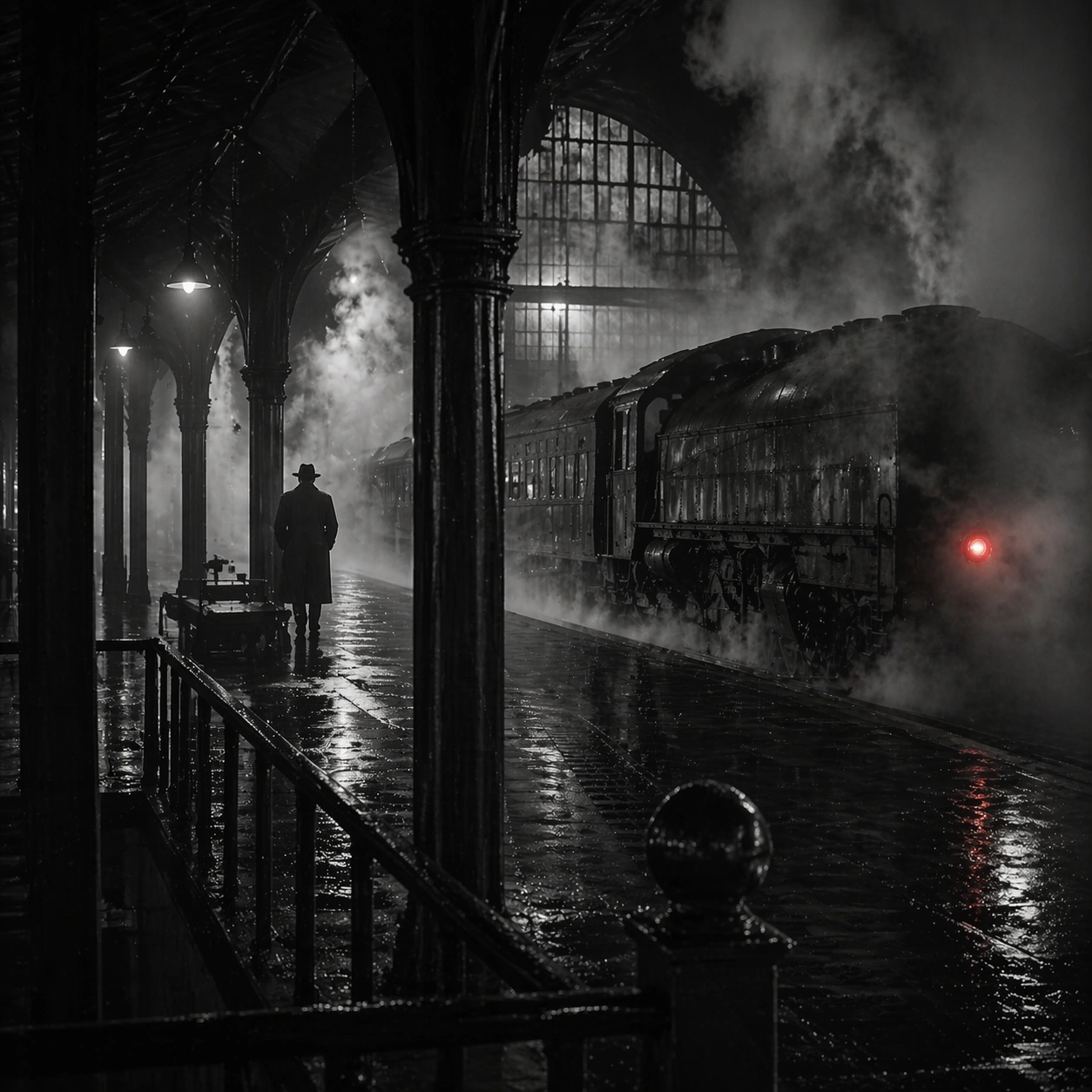
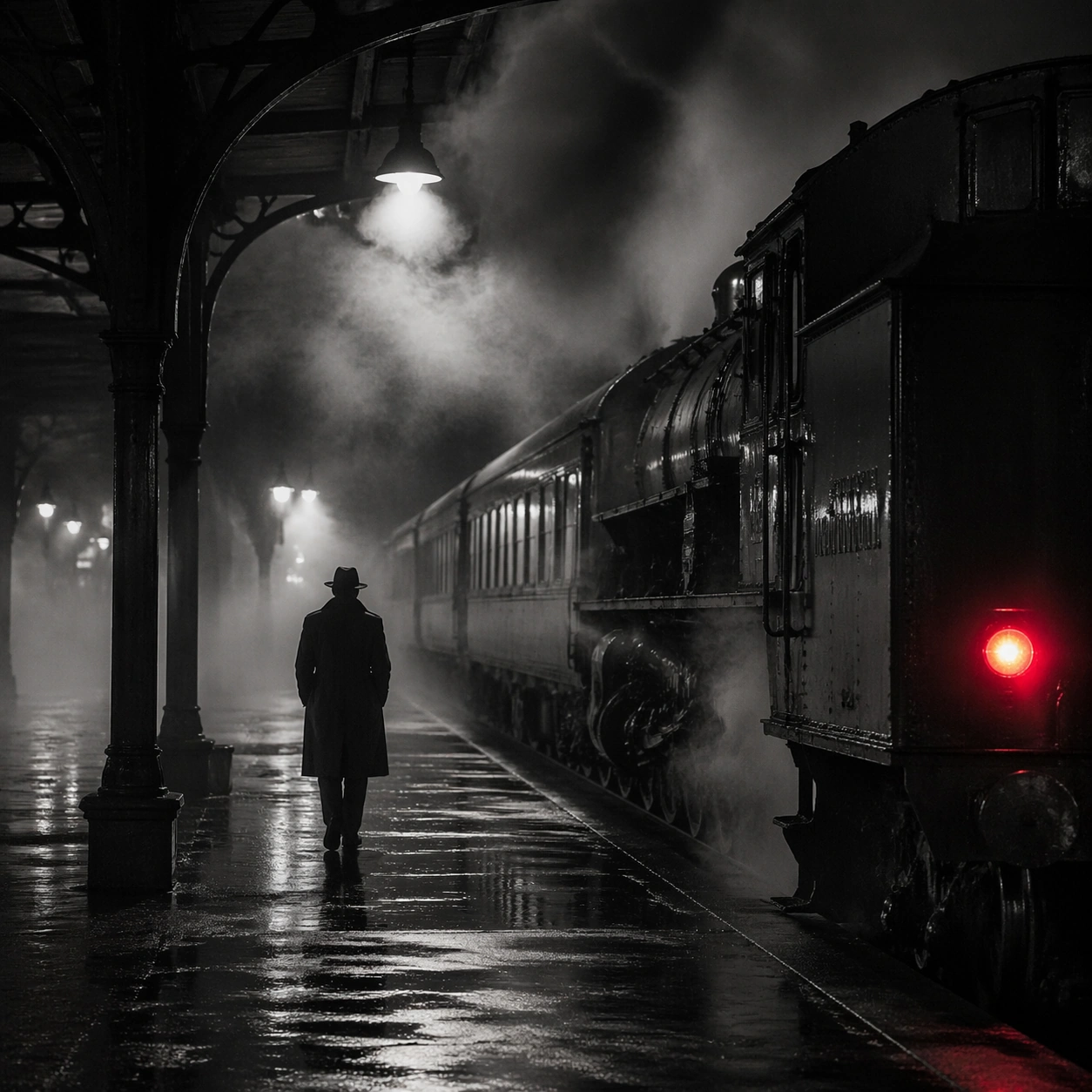
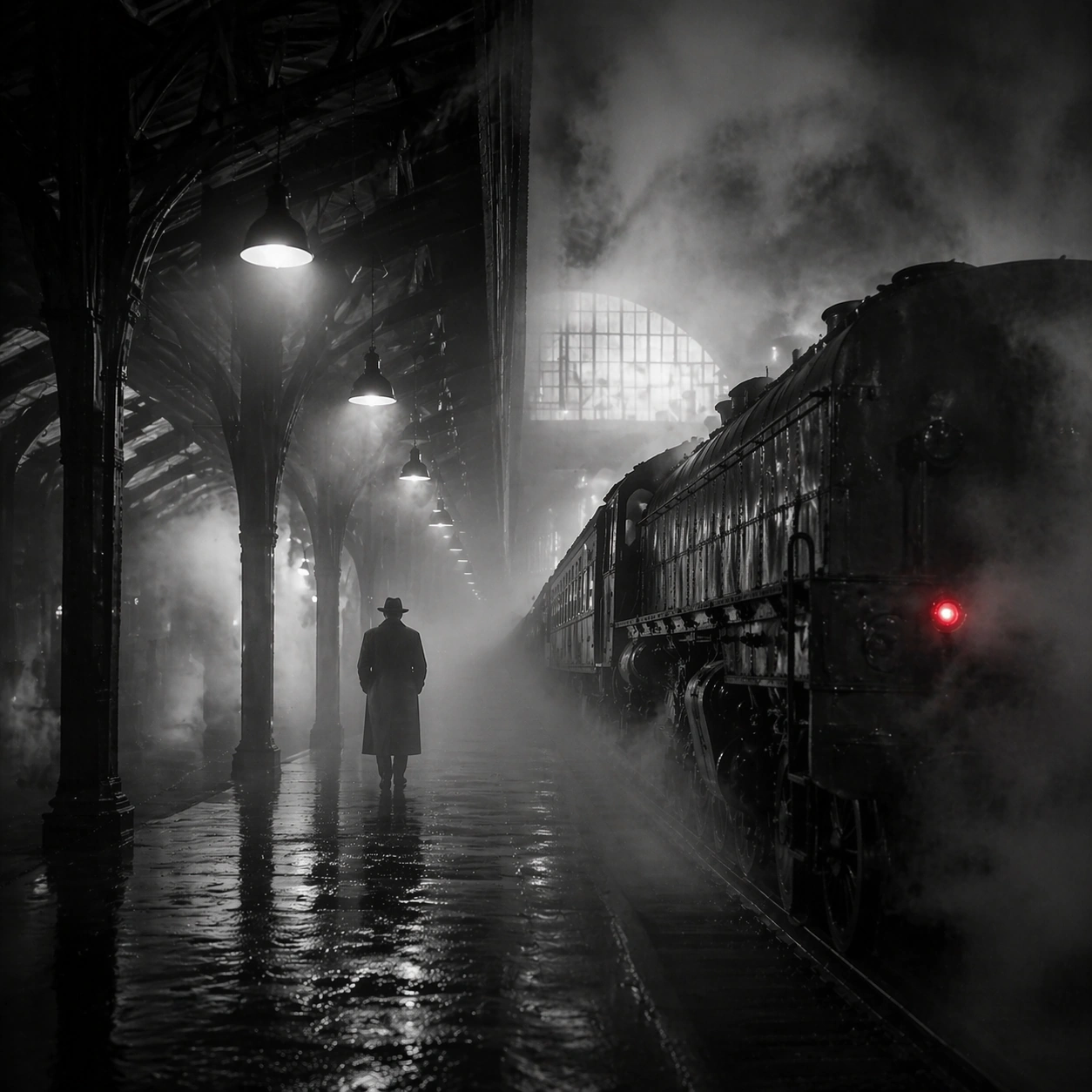
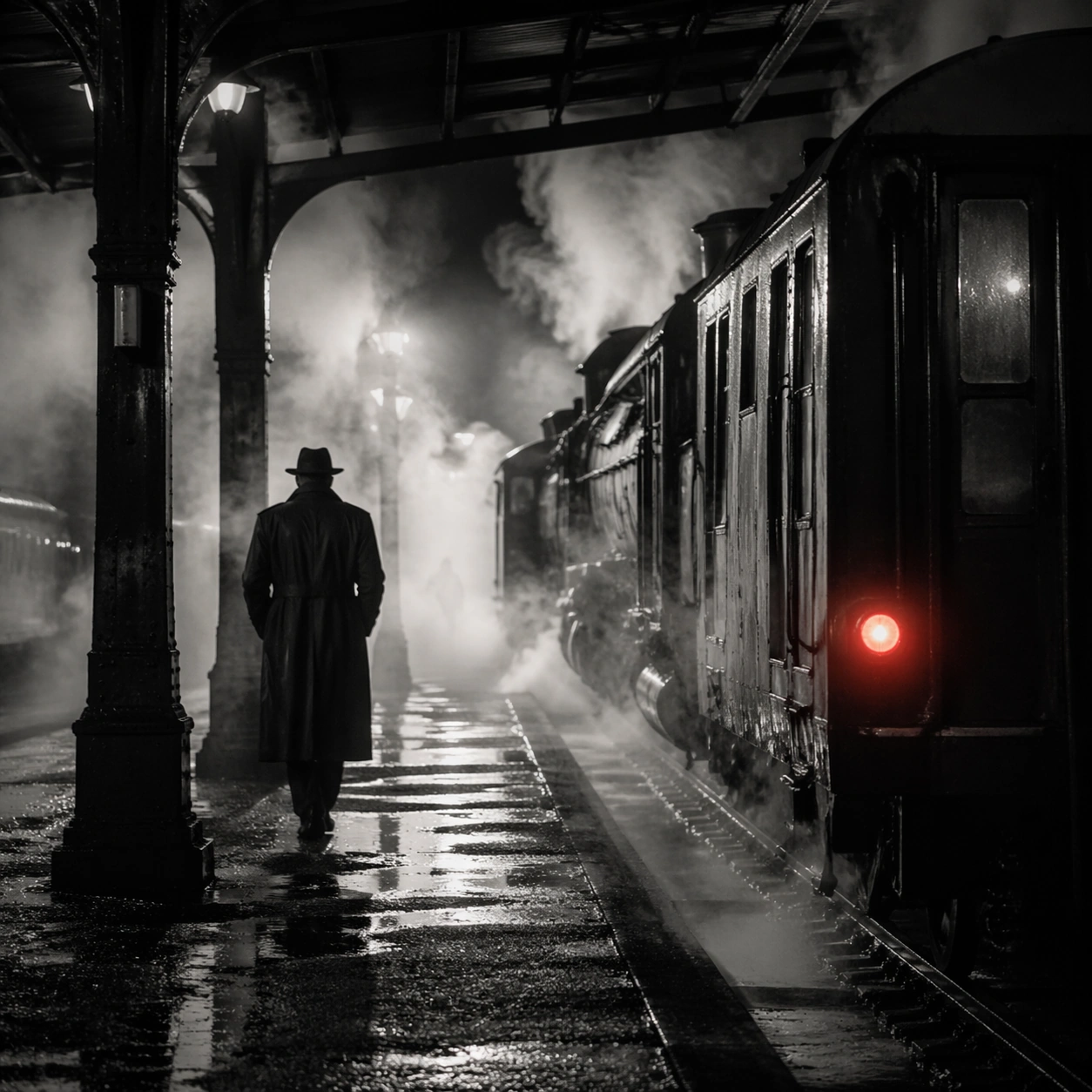
Create a square cinematic still for Steam Engine Station Noir. Use production-grade photoreal lighting, disciplined lens behavior, and a composition that feels like a finished key frame from an original film rather than a casual snapshot. A mid-century rail platform is buried in rolling steam and hard-edged station light, with mostly monochrome tonality, wet pavement, iron structure, and one restrained red tail lamp or signal glowing through the vapor. Treat this as an adjacent moment before or after the main event, preserving the same topic language while letting the atmosphere shift slightly in intensity or position.

Subject:
Build a coherent original scene whose emotional center comes from atmosphere, light physics, and spatial clarity. Avoid relying on celebrity likeness, franchise iconography, or stylized illustration shortcuts. A lone figure in a trench coat, the locomotive mass, steel beams, and layered steam curtains should build the scene, but the person remains anonymous and secondary to the environment and the light-cutting fog. Show the environment in transition, with clear evidence of recent motion, changing weather, or fading light, but without turning it into action spectacle.

Important details:
Preserve a believable physical world with strong depth layering, careful color separation, and premium image discipline. Prioritize steam density layering, wet-surface sheen, noir contrast, and restrained color use, so the image feels like a lost still from a serious black-and-white crime film rather than a cosplay set. Subtle temporal storytelling matters here more than maximal drama, so let traces, gradients, and environmental residue do the work.

Use case:
Steam Station single study 7/9.

Constraints:
No readable text, no watermark, no logos, preserve exact 1:1 aspect ratio, no readable station boards, no crowded commuters, no exaggerated detective props, no pristine modern train design, no bright advertising.
사용 방법
- 매개변수를 포함한 전체 원본 프롬프트를 복사하세요.
- 주제, 문구, 구도를 자신의 요구에 맞게 바꾸세요.
- 호환되는 외부 도구에서 사용하고 이용 조건과 결과를 확인하세요.
시작 전 확인
- 참조 이미지가 필요한지 확인하세요. 호환 표시는 해당 모델로 이 예시를 생성했다는 뜻이 아닙니다.
- 이름, 수치, 이미지 속 문구를 확인하세요. 모델 버전에 따라 결과가 다를 수 있습니다.