원본 문서
GPT Image 2 · en
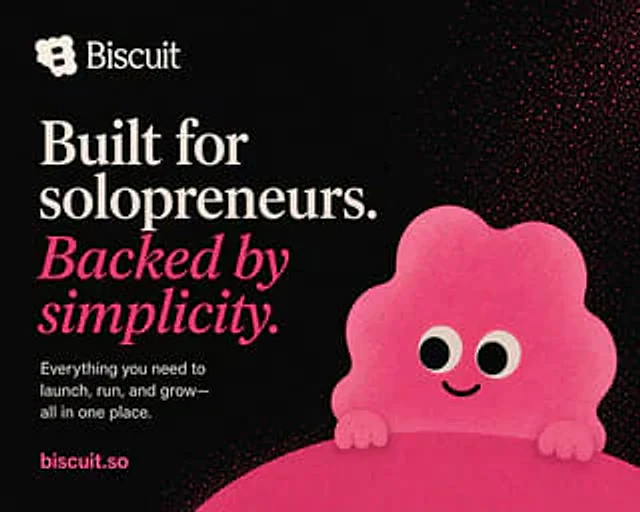
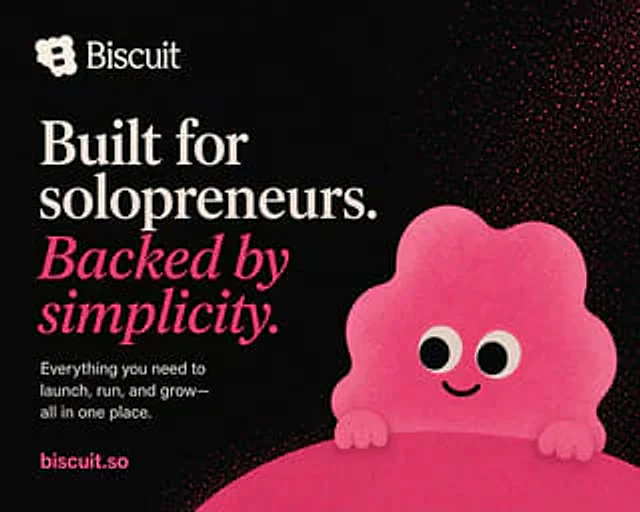
A bold, minimalist brand poster with a matte black background and a soft, grainy print texture, reminiscent of a startup's landing page graphic. A simple cream-colored logo icon is placed in the top left corner, followed by the brand name.{argument name="brand name" default="Biscuit"} The text uses a refined serif font. Below it, a large, left-aligned typographic block is created, occupying approximately half of the left side of the composition. The main title is {argument name="headline text" default="Built for solopreneurs."} The text uses an oversized, elegant cream serif font with strong contrast and ample line spacing. Directly below it, a second line heading is added, using a vibrant bright pink italic serif font, containing the following content:{argument name="tagline text" default="Backed by simplicity."} Add a smaller white sans-serif text block below, left-aligned, with the following content:{argument name="body text" default="Everything you need to launch, run, and grow—all in one place."} Place the URL near the bottom left corner.{argument name="website text" default="biscuit.so"} The design uses a bold, bright pink sans-serif font. The right half features a cute, abstract mascot: a rounded, irregularly shaped, cloud-like pink blob with scalloped edges, two large, round, cream-colored and black eyes, a tiny, curved, smiling mouth, and two small, rounded hands resting on a large, curved pink shape that rises from the bottom edge, resembling a small mountain or product surface. Dense bright pink splatter-like spots and particles are added to the upper right quadrant, grading towards the center to create a playful cosmic ink splatter effect. The design utilizes a limited color palette of black, cream, white, and saturated pink; high-contrast editorial layout; ample white space; a clean, modern, approachable, and founder-friendly SaaS brand aesthetic; a centered, right-side character; and a vertical poster composition.사용 방법
- 매개변수를 포함한 전체 원본 프롬프트를 복사하세요.
- 주제, 문구, 구도를 자신의 요구에 맞게 바꾸세요.
- 호환되는 외부 도구에서 사용하고 이용 조건과 결과를 확인하세요.
시작 전 확인
- 참조 이미지가 필요한지 확인하세요. 호환 표시는 해당 모델로 이 예시를 생성했다는 뜻이 아닙니다.
- 이름, 수치, 이미지 속 문구를 확인하세요. 모델 버전에 따라 결과가 다를 수 있습니다.