원본 문서
GPT Image 2 · en
Scene:
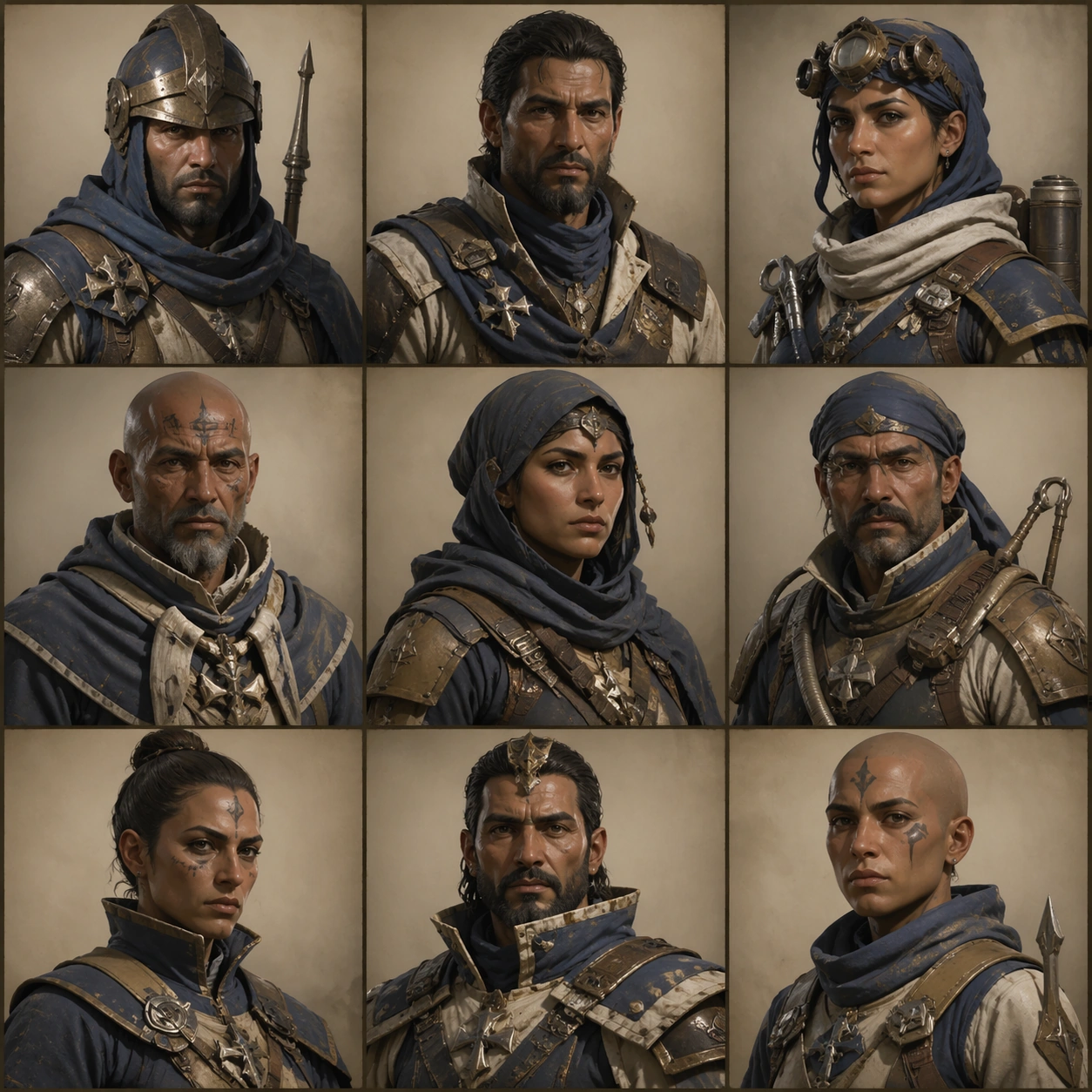
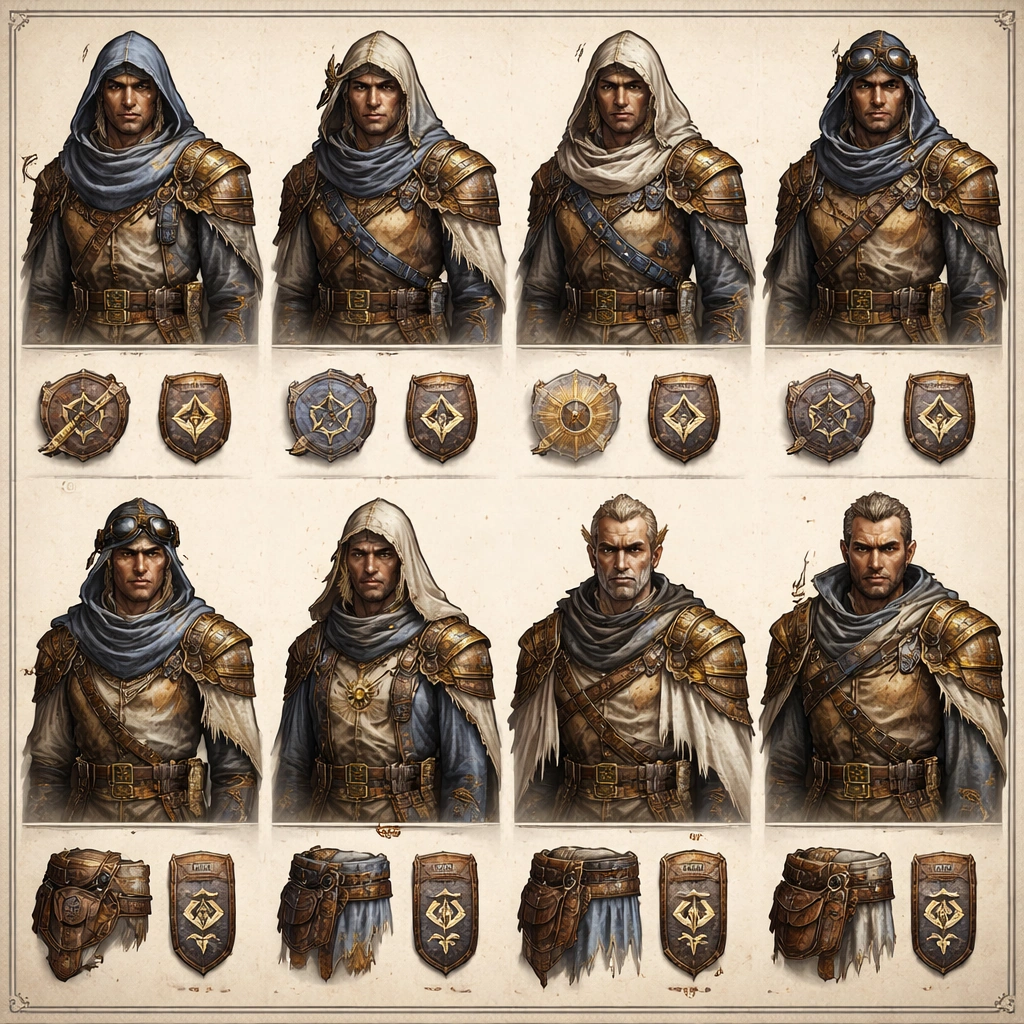
Design a square comparison board with busts, shoulder details, stitched insignia patches, and belt or scarf callouts arranged like a practical approval page. Keep the overall frame square, polished, and production-ready game art bible presentation with crisp panel rhythm, believable costume construction, and enough visual hierarchy for downstream UI or documentation reuse. Let materials, lighting, and spacing feel intentional enough for gallery, research, campaign, or approval-board reuse without depending on readable text.

Subject:
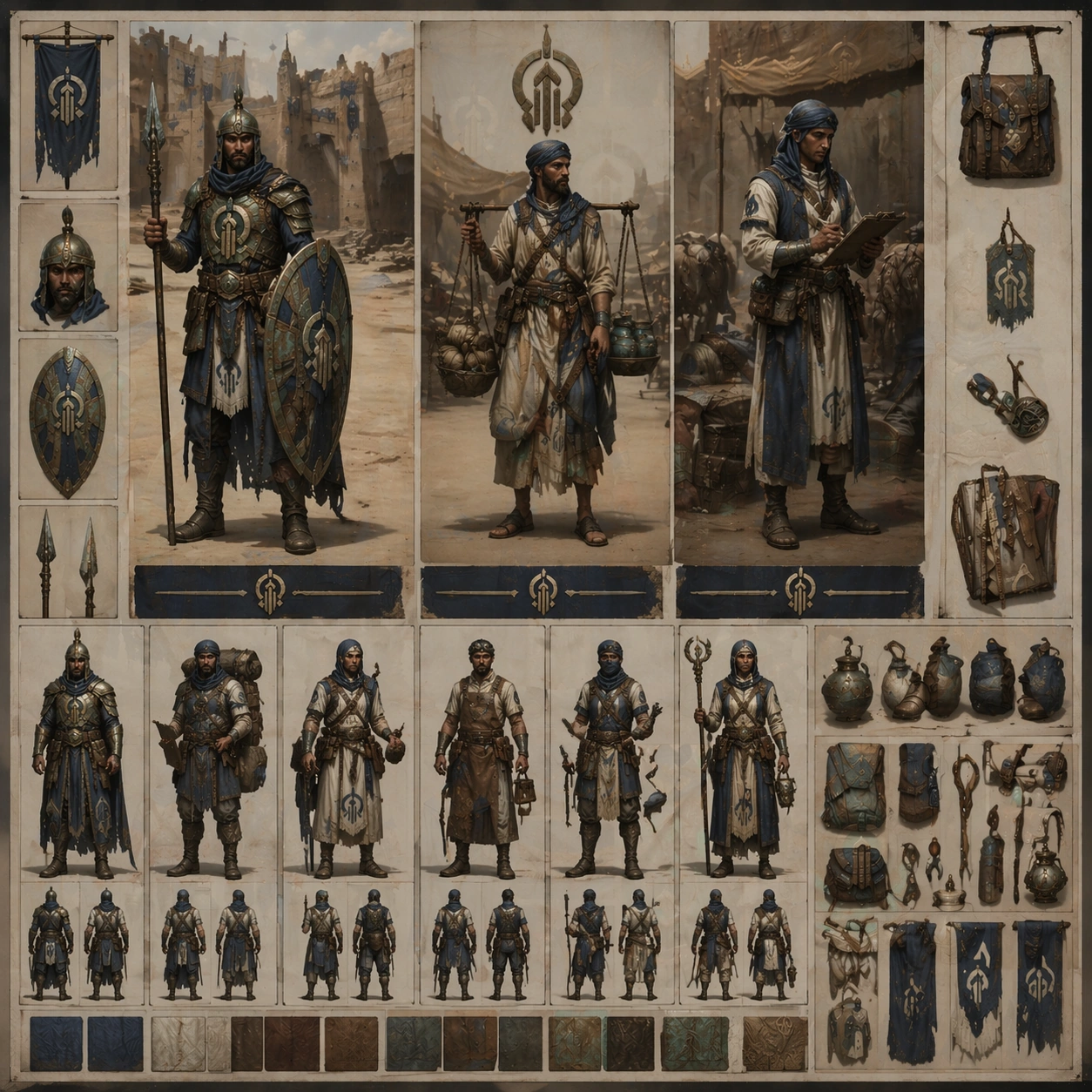
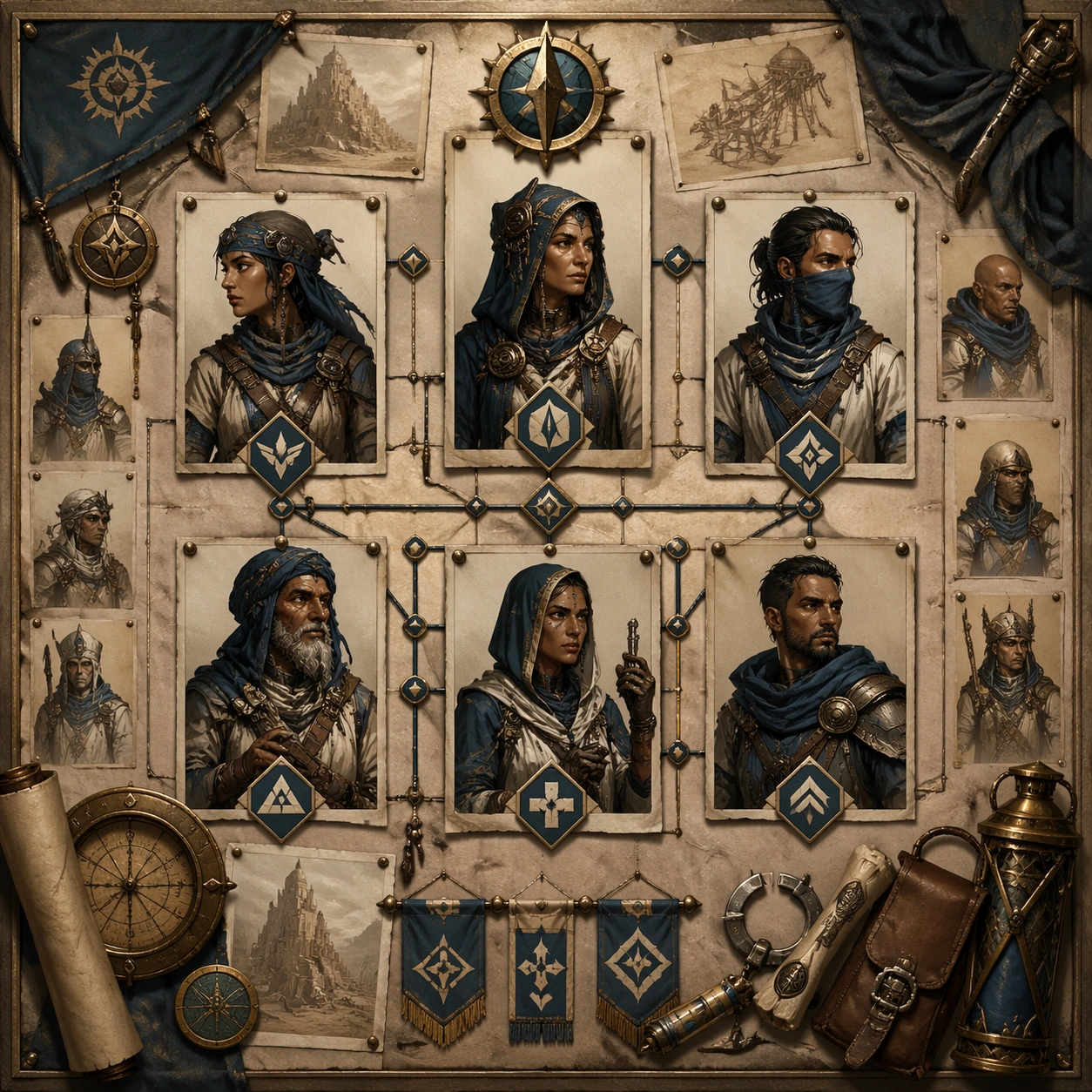
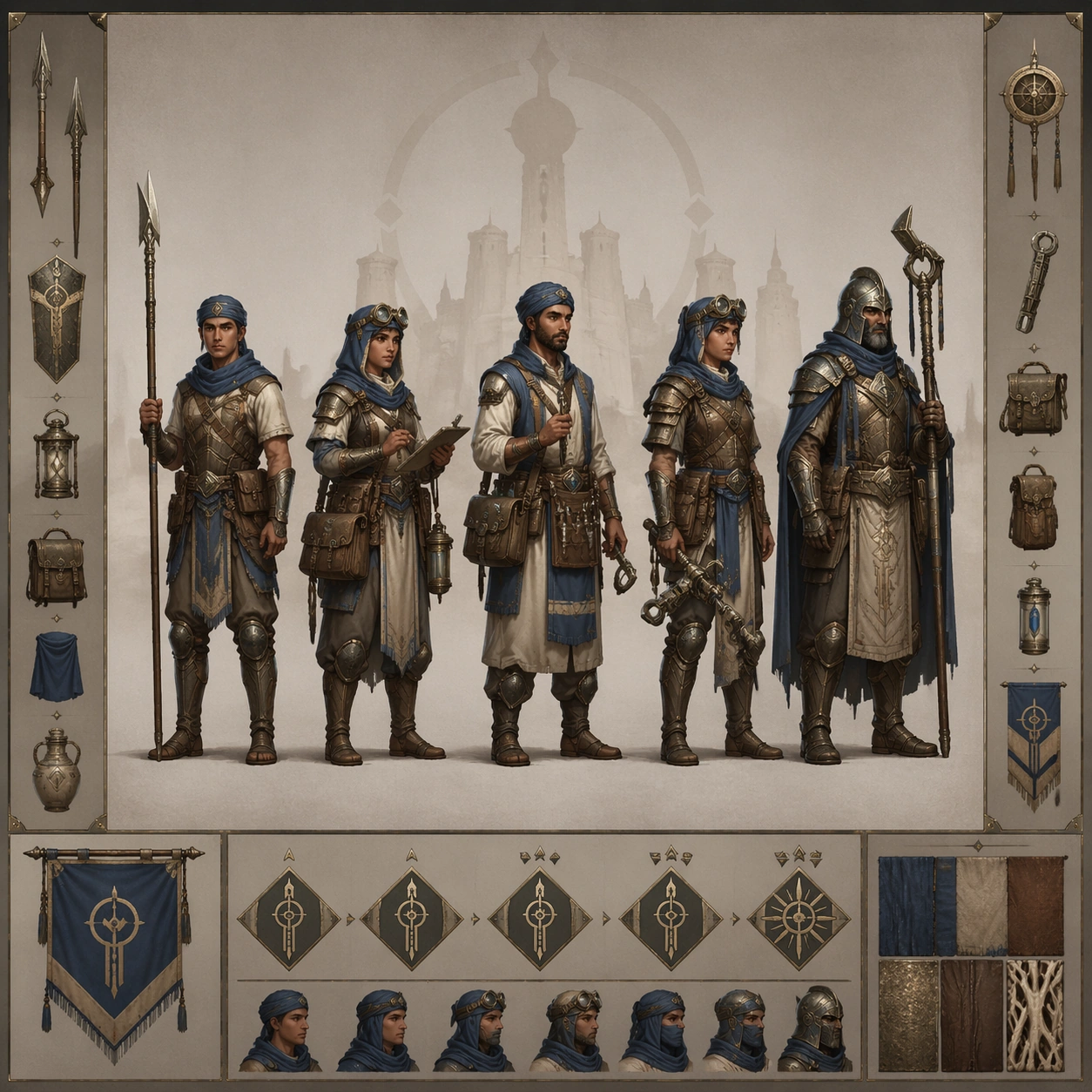
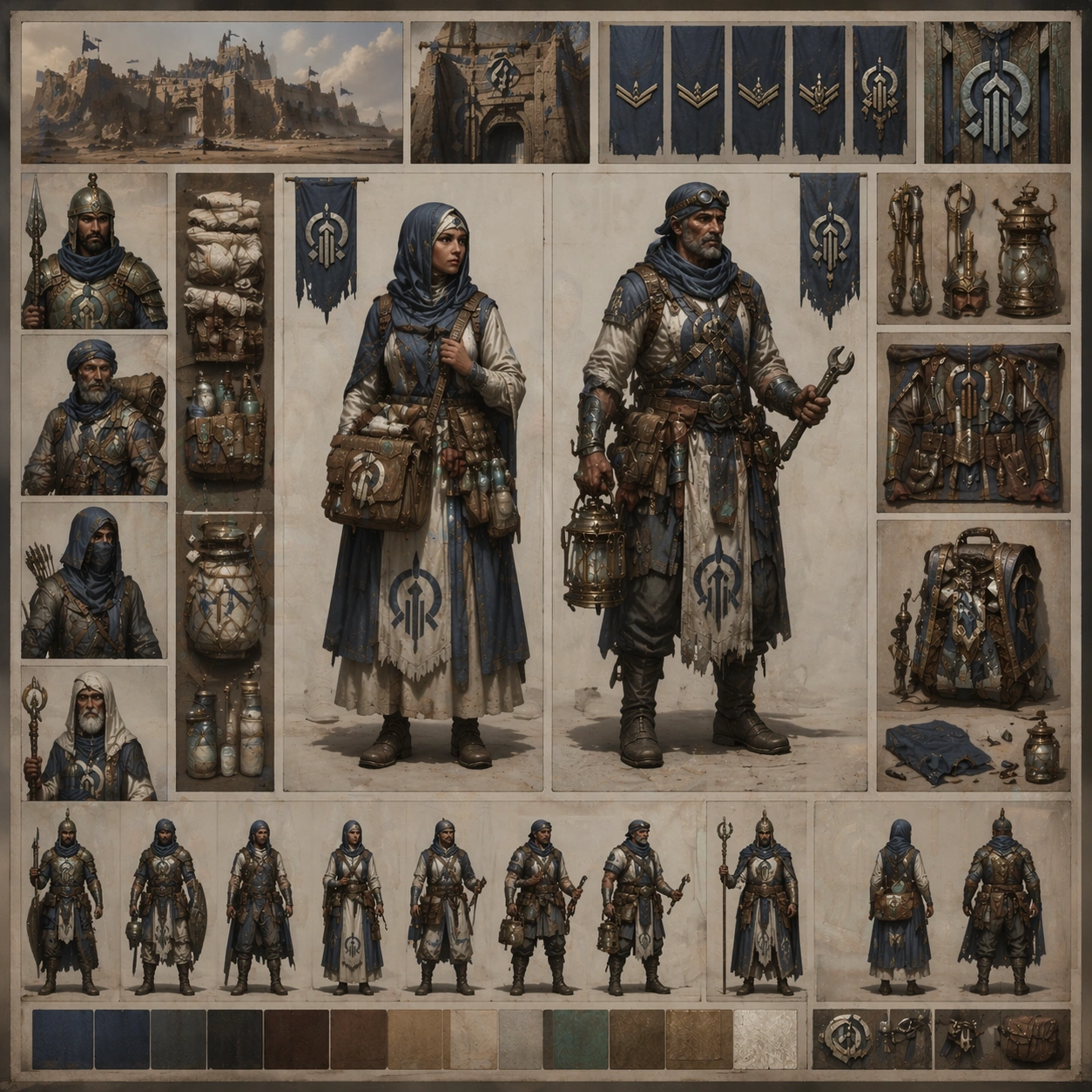
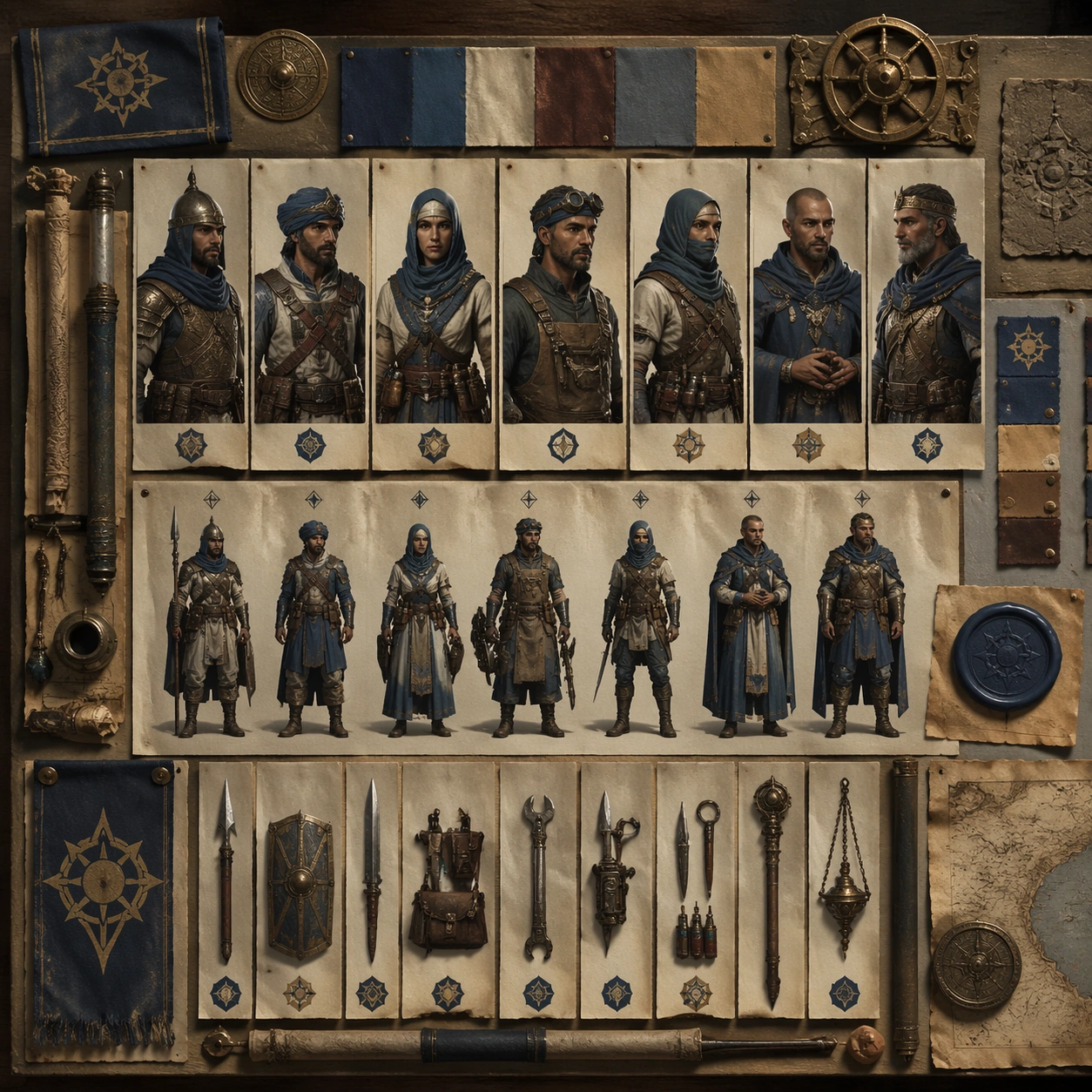
Explain how rank is communicated across the same faction through cloth trims, metallic pins, collar patterns, and weathered ceremonial accents. Ground the image inside a wind-carved desert citadel faction with oxidized bronze, indigo cloth, pale bone accents, practical leather, and a sun-faded military-monastic attitude. Use multiple adult NPC archetypes such as guard, quartermaster, medic, machinist, scout, priest, and captain, but keep them visually linked through the same regional craft language and social hierarchy.

Important details:
Keep insignia geometry, rank markers, cloth layering, tool silhouettes, and color hierarchy coherent across every role so the cast reads like one population rather than unrelated hero concepts. Human figures must remain the focus, with insignia closeups acting as support evidence rather than replacing character design. Treat this frame as an independent study that still honors the same overall theme and production logic. Favor believable production craft, clean hierarchy, and reusable visual logic over empty spectacle or random decoration.

Use case:
NPC Faction Casting Sheet single study 8/9, rank communication reference for implementation teams.

Constraints:
No readable text, no watermark, no logos, preserve exact 1:1 aspect ratio, no abstract symbol-only poster, no unreadable tiny clutter, no glowing fantasy sigils everywhere, no modern medals.
사용 방법
- 매개변수를 포함한 전체 원본 프롬프트를 복사하세요.
- 주제, 문구, 구도를 자신의 요구에 맞게 바꾸세요.
- 호환되는 외부 도구에서 사용하고 이용 조건과 결과를 확인하세요.
시작 전 확인
- 참조 이미지가 필요한지 확인하세요. 호환 표시는 해당 모델로 이 예시를 생성했다는 뜻이 아닙니다.
- 이름, 수치, 이미지 속 문구를 확인하세요. 모델 버전에 따라 결과가 다를 수 있습니다.