원본 문서
GPT Image 2 · en
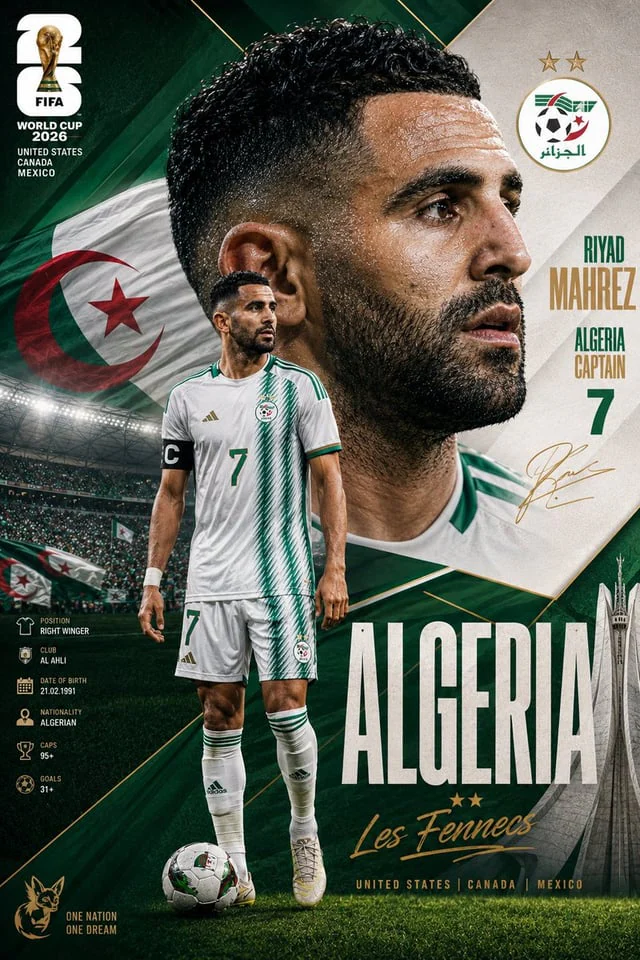
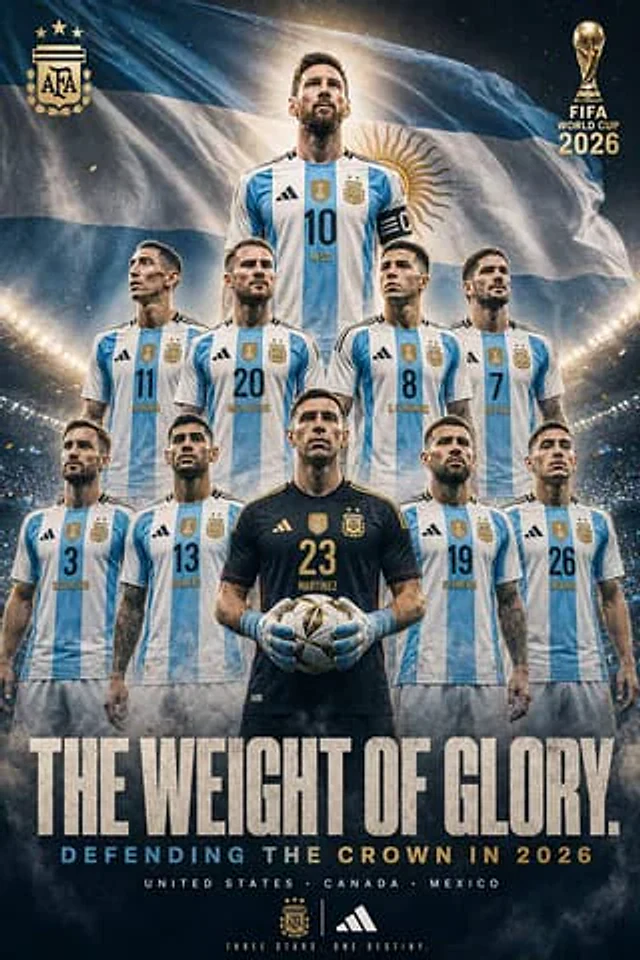
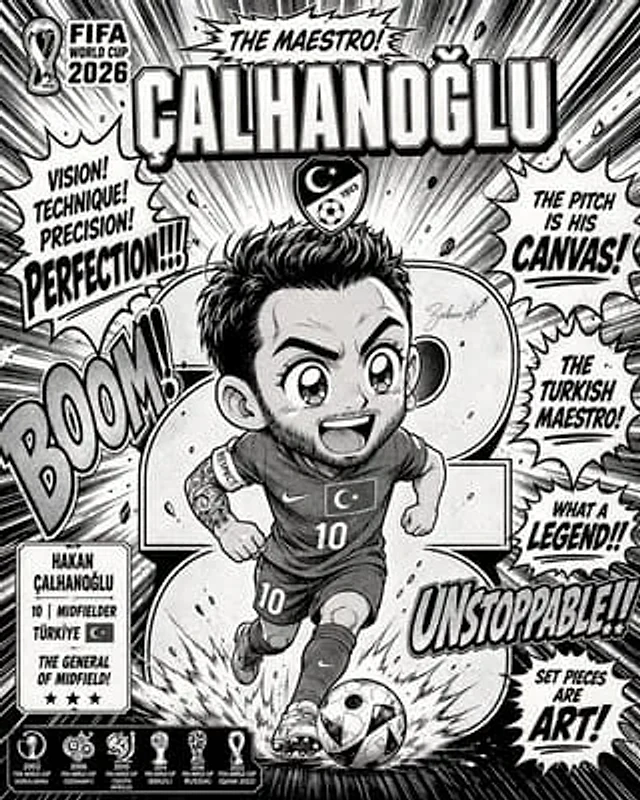
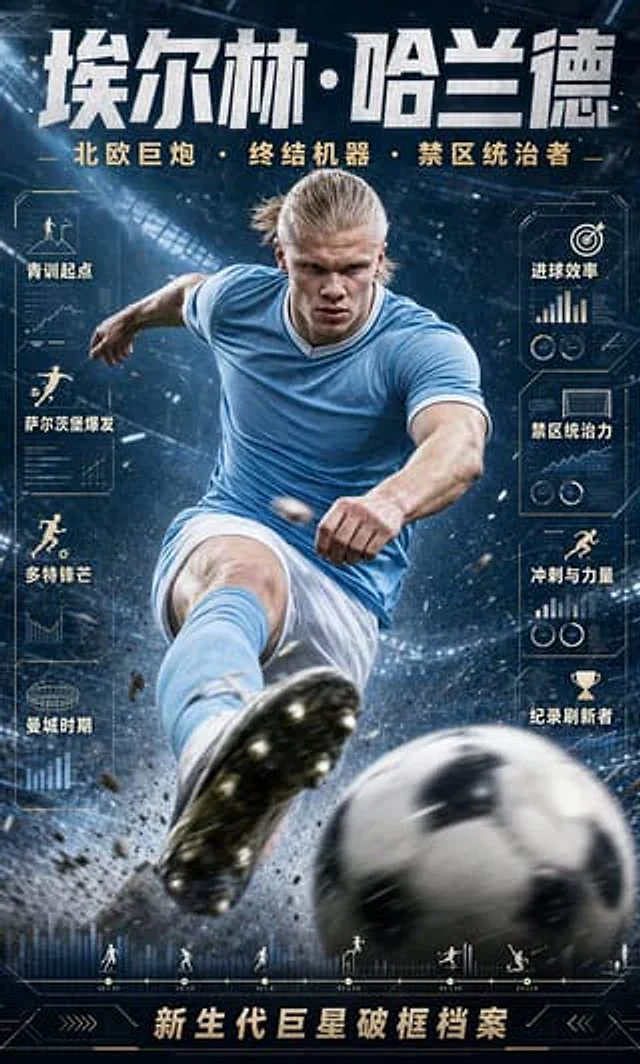
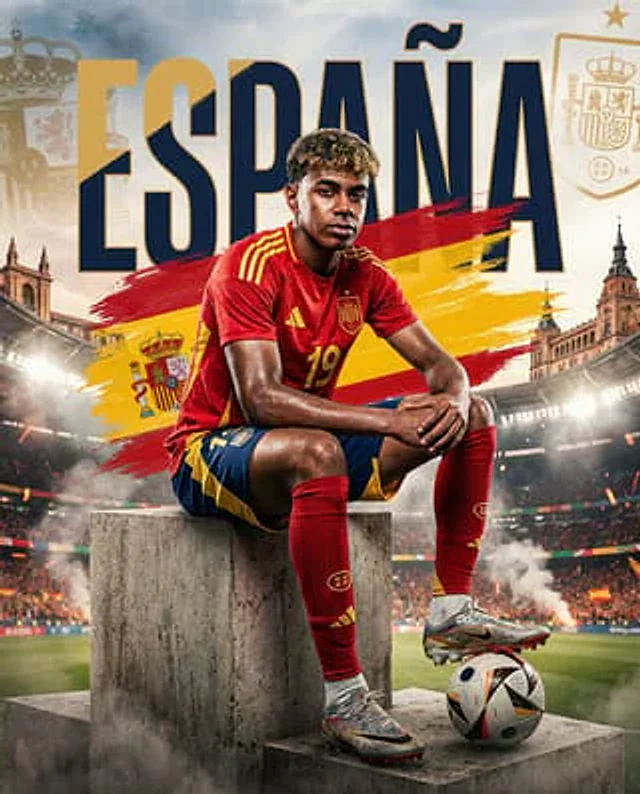
Create a dramatic square sports poster for Spain’s national football team at the FIFA World Cup. Center a young male footballer with {argument name="skin tone" default="medium-brown skin"} and short curly dark hair, seated confidently on stacked rough concrete podium blocks in a packed stadium. He wears a red Spain jersey with yellow shoulder stripes, the Spain crest, and the number {argument name="jersey number" default="19"}, blue shorts with yellow accents, red socks, and metallic football boots; place one foot near or lightly on a modern white match ball with dark blue, orange, and black panel graphics. His face should be intentionally obscured by a soft rectangular blur, while the rest of the body is sharp and realistic. Behind him, add huge bold uppercase typography reading {argument name="headline text" default="ESPAÑA"} across the top in navy blue with a gold outline, partially hidden behind the player. Paint broad dynamic brush strokes of the Spanish flag, red-yellow-red, diagonally behind the player and text, with a small Spain coat of arms on the yellow band. Add exactly three faint heraldic/football federation elements in the background: a large pale crown emblem on the upper left, a gold shield crest with a crown and star on the upper right, and the small coat of arms within the flag brush stroke near the player’s left side. The environment is an intense football stadium at night with bright floodlights, smoky atmosphere, cheering crowd, scattered Spanish flags, warm sparks, and architectural hints of Spanish landmarks on both sides. Use cinematic sports photography mixed with graphic poster design, high contrast, gritty texture, golden light, volumetric smoke, shallow depth of field, and a triumphant tournament mood. Keep the composition vertical-square, centered, premium editorial, and avoid extra readable text beyond the main word {argument name="headline text" default="ESPAÑA"}.사용 방법
- 매개변수를 포함한 전체 원본 프롬프트를 복사하세요.
- 주제, 문구, 구도를 자신의 요구에 맞게 바꾸세요.
- 호환되는 외부 도구에서 사용하고 이용 조건과 결과를 확인하세요.
시작 전 확인
- 참조 이미지가 필요한지 확인하세요. 호환 표시는 해당 모델로 이 예시를 생성했다는 뜻이 아닙니다.
- 이름, 수치, 이미지 속 문구를 확인하세요. 모델 버전에 따라 결과가 다를 수 있습니다.