원본 문서
GPT Image 2 · en
Scene:
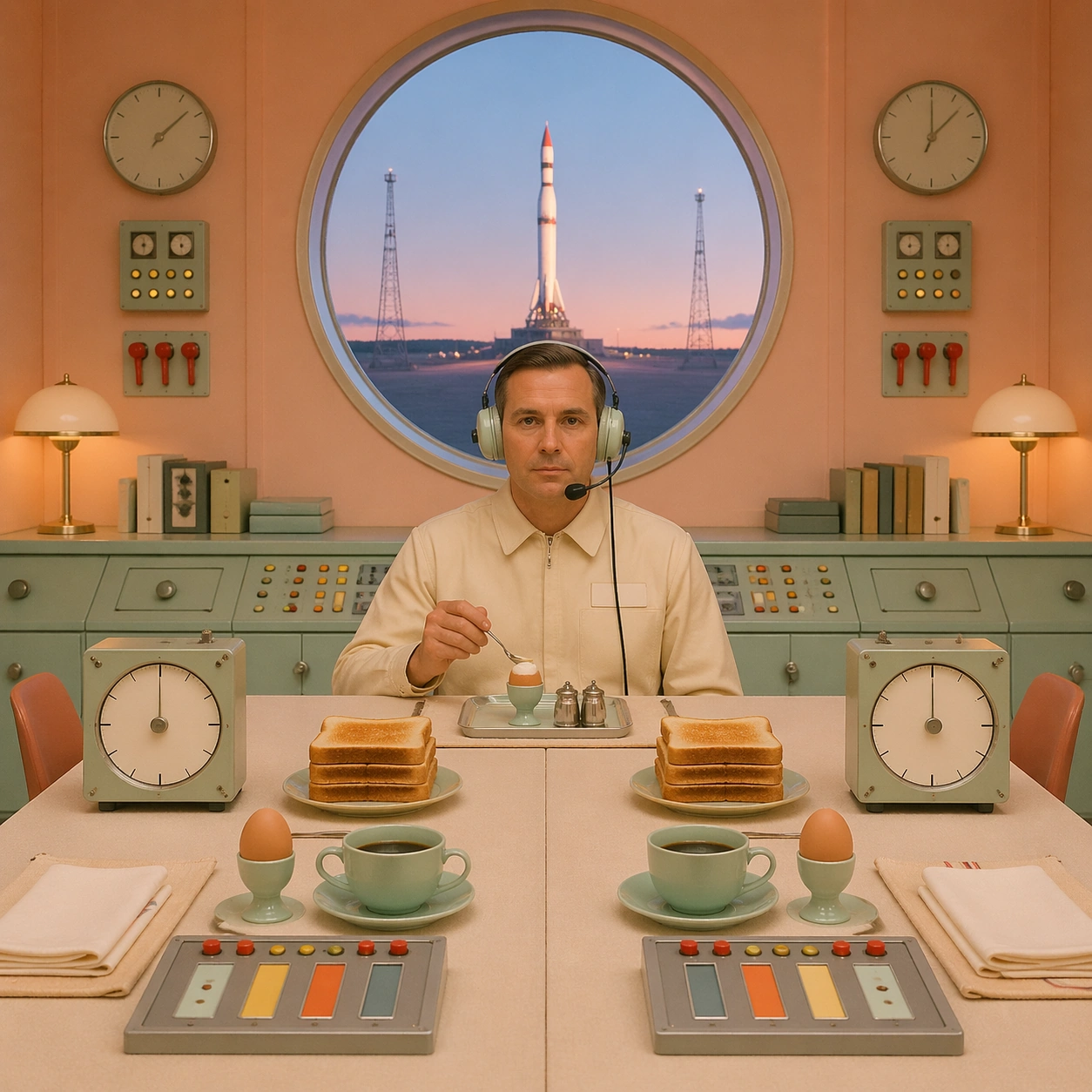
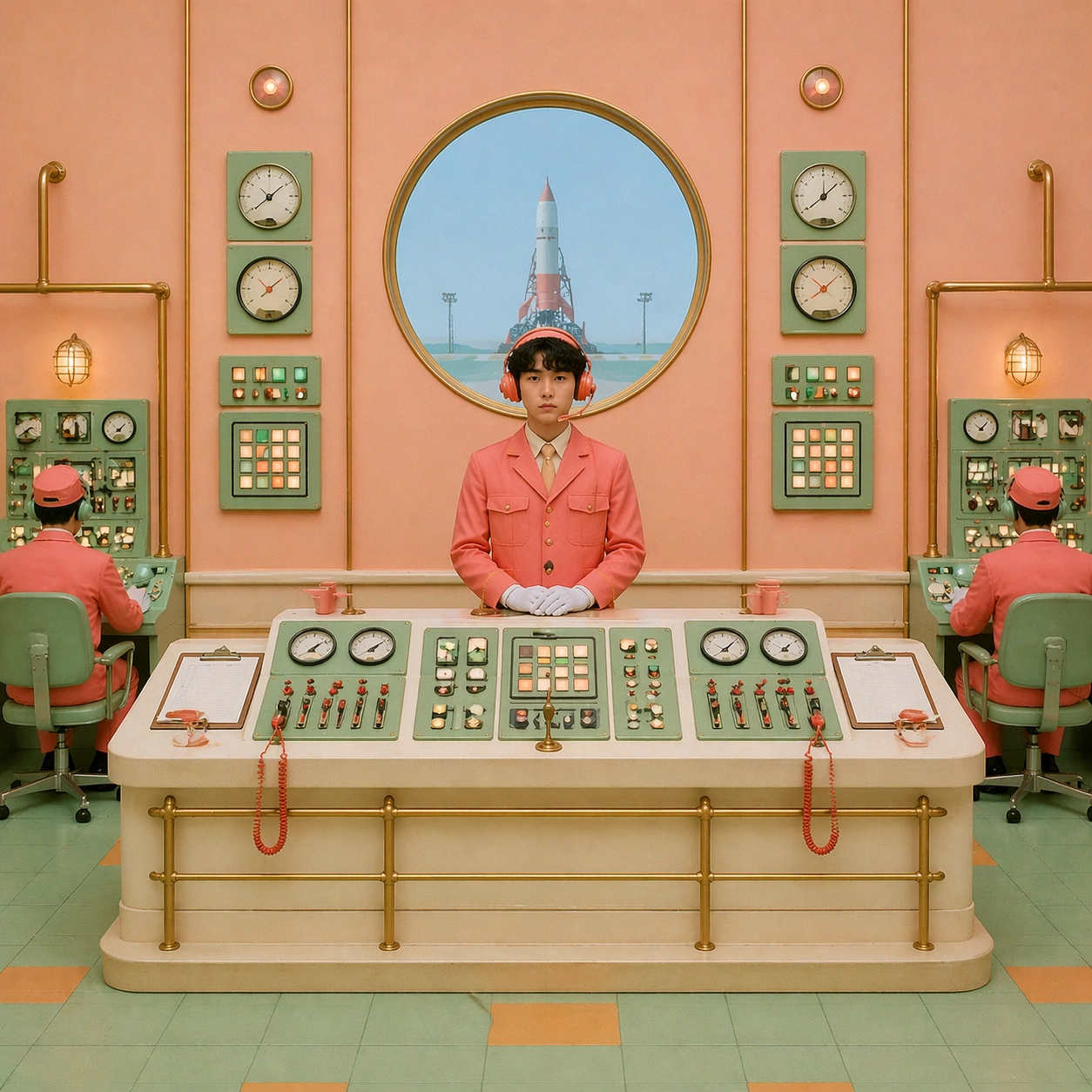
A square frontal launch-control room for a fictional small orbital mission, composed with the same centered-axis grammar as the reference. The camera is perfectly level, facing a central console beneath a circular observation window. The palette is unusual and controlled: pale apricot walls, mint instrument panels, cream consoles, red toggle caps, powder blue window glow, and matte brass handrails. Everything feels like a practical miniature set rather than a glossy science-fiction render.

Subject:
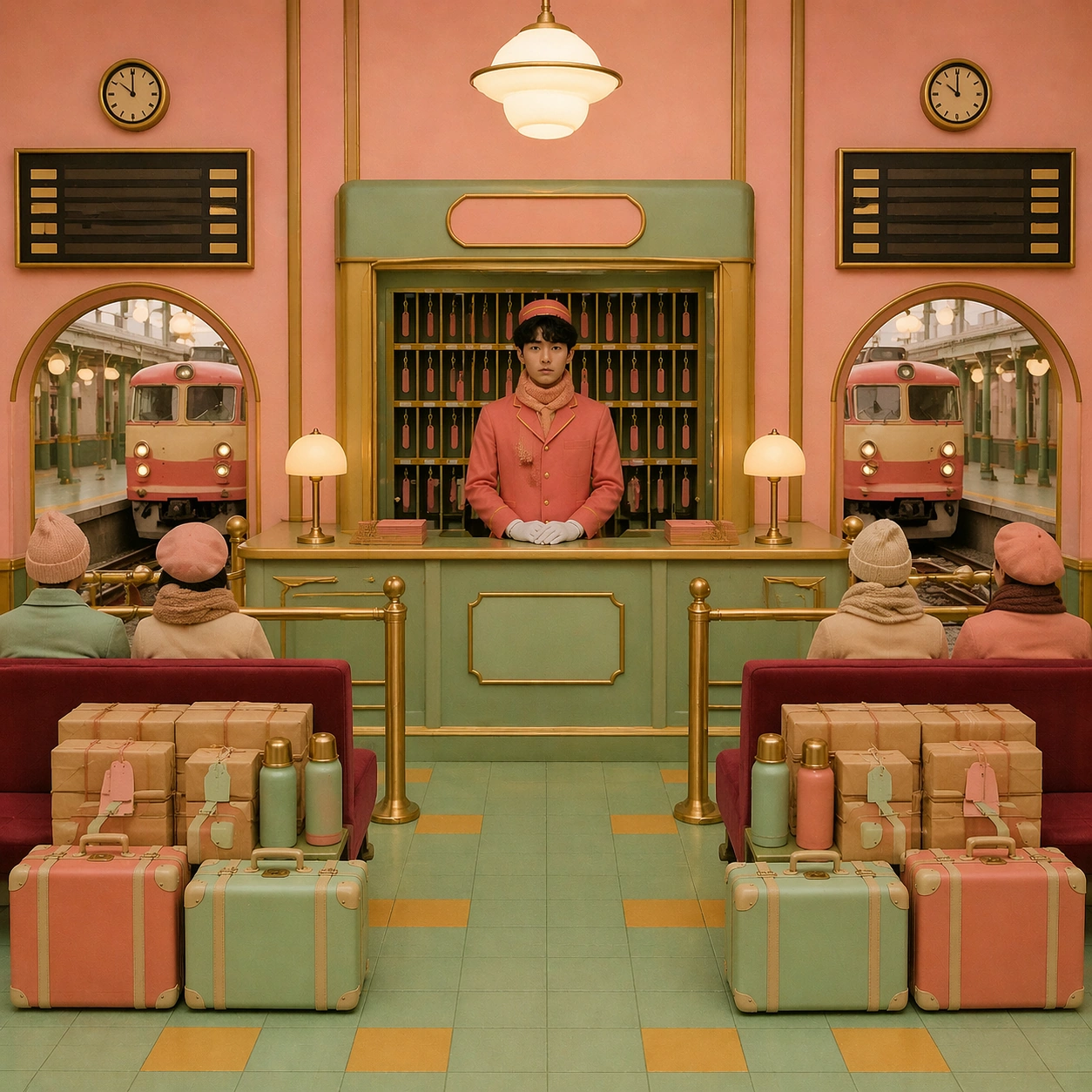
The same central clerk from the reference image stands at the main console, facing the viewer with the same quiet deadpan expression. Keep the coral uniform identity, now adapted with a short utility jacket, headset shape, and white gloves. Behind the clerk, the observation window frames a tiny rocket on a distant pad, centered exactly above the character's head. On both sides are mirrored analog dials, blank status panels, paired technicians seen as simplified seated figures, two coffee cups, two clipboards, and matching cable loops.

Important details:
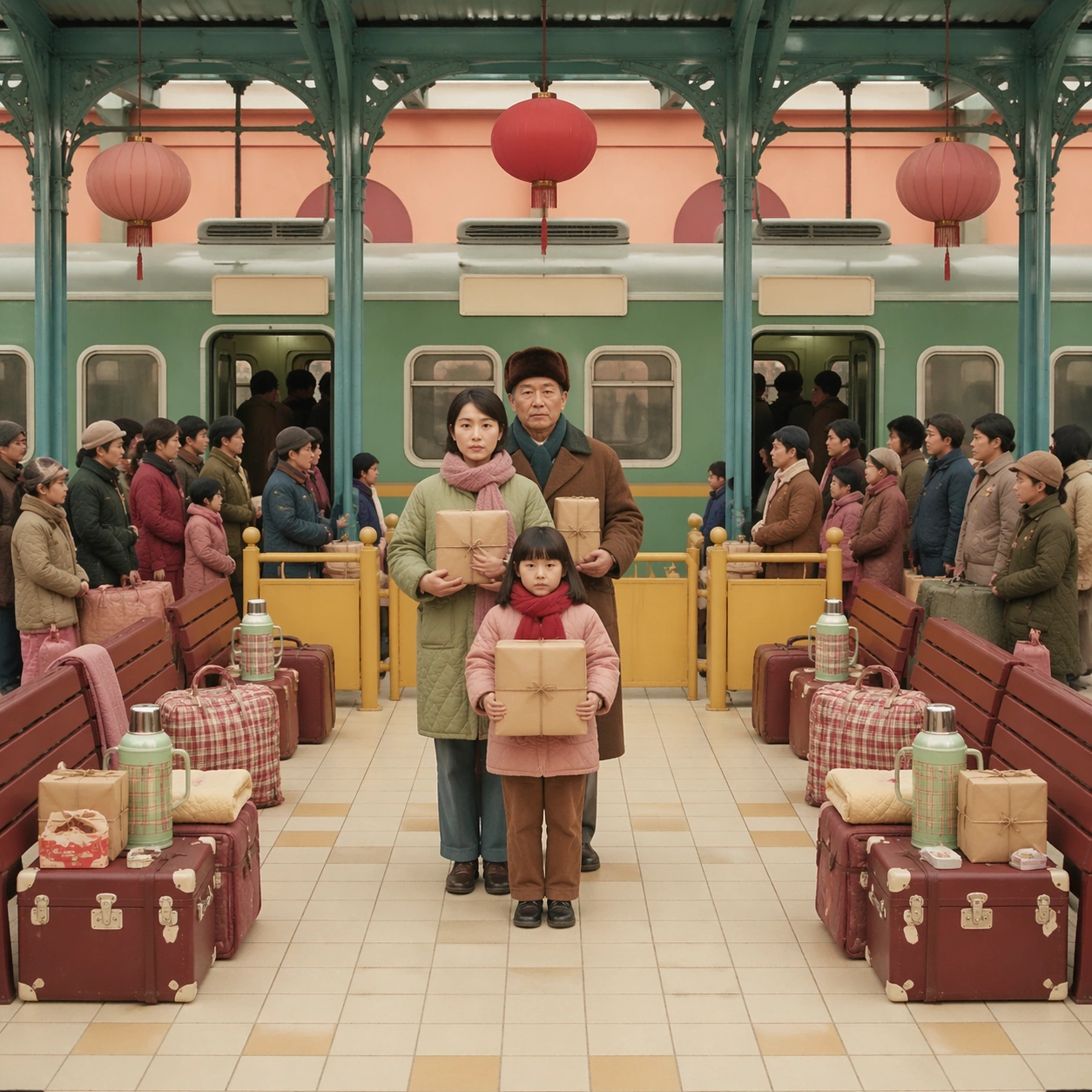
Use the reference image to preserve identity continuity, symmetrical prop choreography, flat frontal lighting, pastel production design, and miniature-world tactility. The scene must read as launch control without using real aerospace logos, readable mission text, or generic blue-black sci-fi atmosphere. All screens and panels should show abstract color blocks, dots, lines, and gauges only. The rocket view must remain centered and small, not explosive or dramatic.

Use case:
Wes Anderson Language series study 4/8, transferring the reference grammar into a fictional orbital launch room.

Constraints:
No readable text, no watermark, no logos, preserve exact 1:1 aspect ratio, no celebrity likeness, no named film references, no real space-company branding, no explosion, no dark futuristic interface, no tilted camera, no cluttered unreadable screens.
사용 방법
- 매개변수를 포함한 전체 원본 프롬프트를 복사하세요.
- 주제, 문구, 구도를 자신의 요구에 맞게 바꾸세요.
- 호환되는 외부 도구에서 사용하고 이용 조건과 결과를 확인하세요.
시작 전 확인
- 참조 이미지가 필요한지 확인하세요. 호환 표시는 해당 모델로 이 예시를 생성했다는 뜻이 아닙니다.
- 이름, 수치, 이미지 속 문구를 확인하세요. 모델 버전에 따라 결과가 다를 수 있습니다.