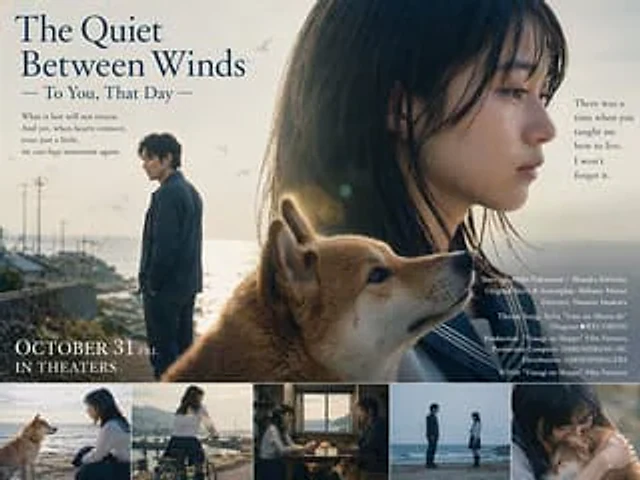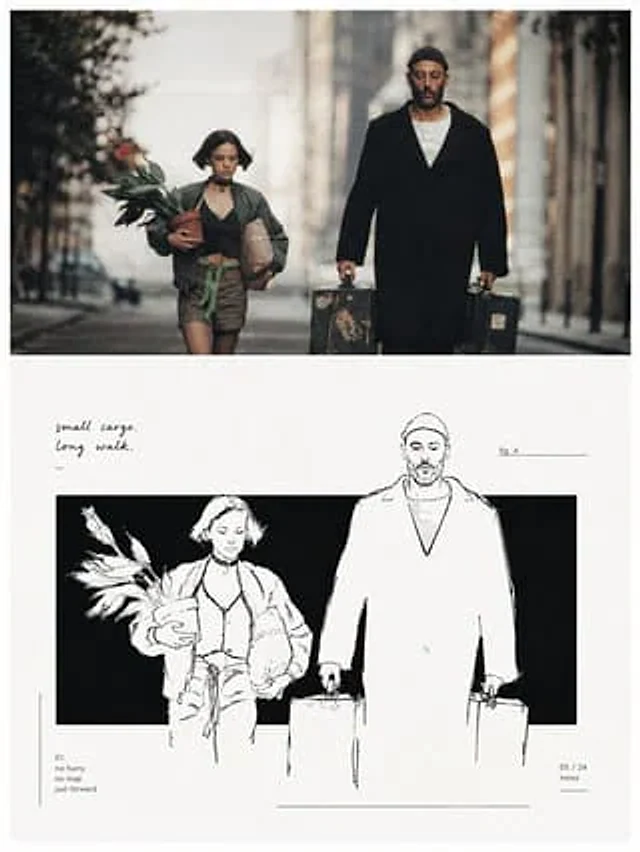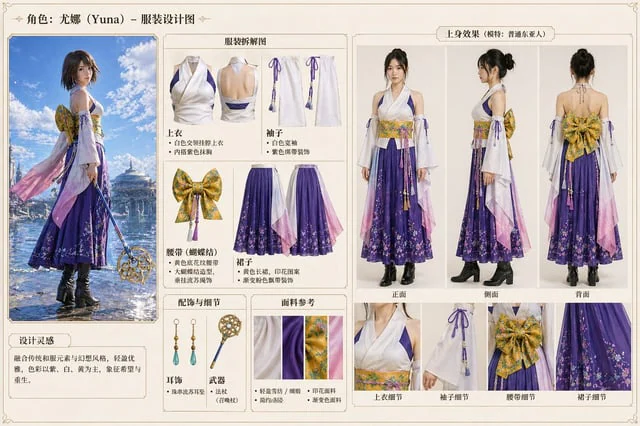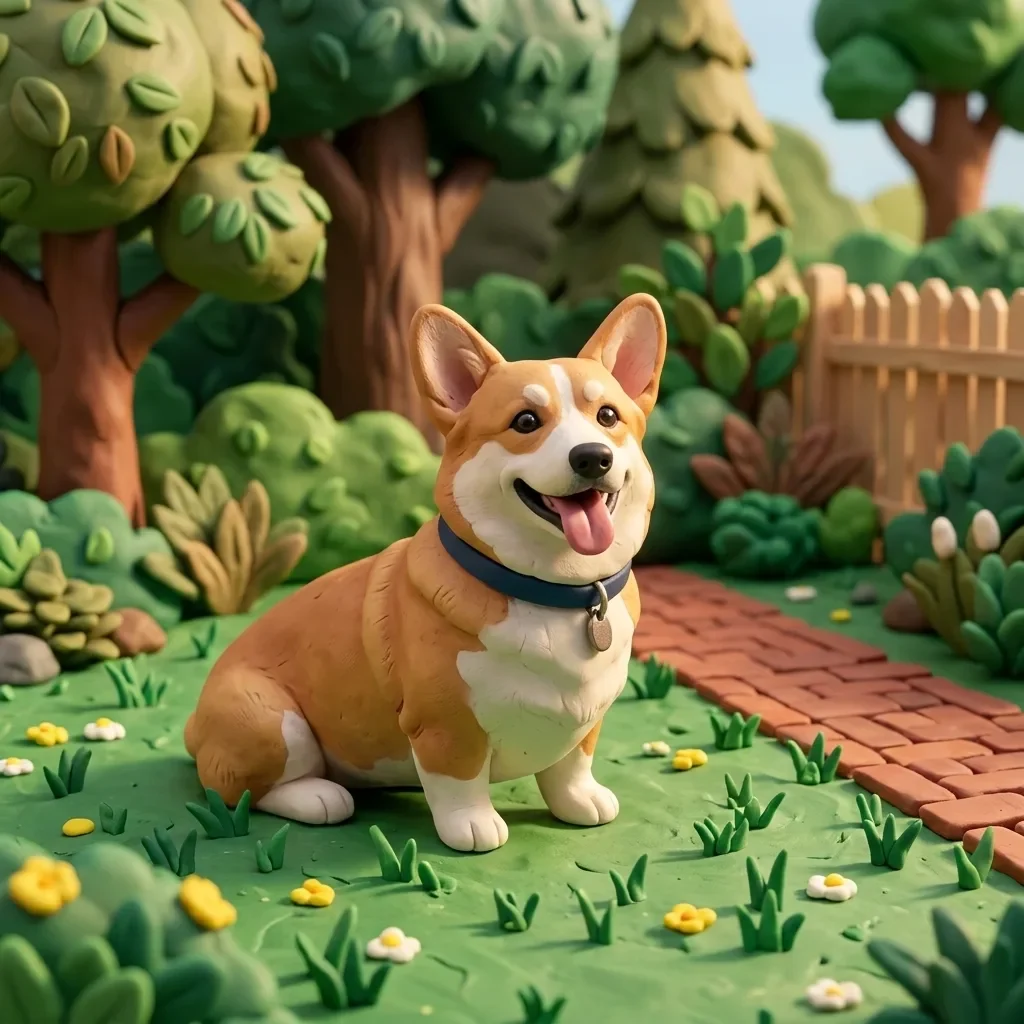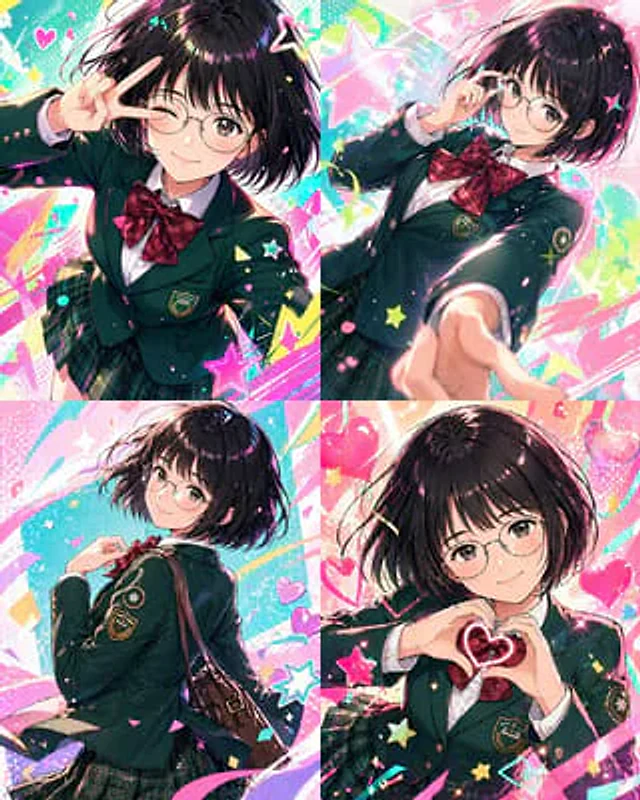
Character color and style adjustment

Character color and style adjustment

원본 문서

GPT Image 2 · en

Please adjust it to be more modern.{argument name="style" default="Vtuber-style"} The style incorporates vibrant colors and a fun, trendy feel. Please arrange all of them in order.{argument name="count" default="4 images"} Make the composition bolder.

사용 방법

  1. 매개변수를 포함한 전체 원본 프롬프트를 복사하세요.
  2. 주제, 문구, 구도를 자신의 요구에 맞게 바꾸세요.
  3. 호환되는 외부 도구에서 사용하고 이용 조건과 결과를 확인하세요.

시작 전 확인

  • 참조 이미지가 필요한지 확인하세요. 호환 표시는 해당 모델로 이 예시를 생성했다는 뜻이 아닙니다.
  • 이름, 수치, 이미지 속 문구를 확인하세요. 모델 버전에 따라 결과가 다를 수 있습니다.
비슷한 예시

3D Portrait with Chibi Characters and Doodles
GPT Image 2en

Create a cute 3D portrait in a {argument name="style" default="Cute Stylized 3D Semi-Realistic style"}. Rely completely on the attached reference image for the facial features, clothing, and identity. Do not change anything in the face, hair, or outfit. Main character: Standing f

Minimalist Black and White Outbound Illustration
GPT Image 2zh

请将我上传的每一张照片分别制作成一张独立的高级设计海报,不多图拼接,每张照片单独输出。整体采用{argument name="构图比例" default="3:4竖版构图"},上下两个区域高度严格1:1,各占画面50%。 上半部分保留原始照片,保持主体结构、真实质感、自然光影和原有色彩氛围,仅进行轻微高级摄影调色,使其具有艺术杂志、独立出版物与展览摄影质感。为适配画幅,可自然扩展环境背景,但不得拉伸、扭曲或改变主体。 下半部分提取照片中最具识别性的主体、轮廓、姿态与叙事关系,重构为极简黑白手绘编辑插画。以一个横向或纵向的纯黑矩形色域作为主要视觉场,让

Local Edit: Rotate Laptop and Add Logo
GPT Image 2en

Make some minor edits using the provided reference image: Rotate the laptop in the lower left corner so that the back of its screen faces the viewer instead of the keyboard, and add a cute robot mascot logo to the center of the back. Keep the rest of the illustration unchanged, i