원본 문서
GPT Image 2 · en
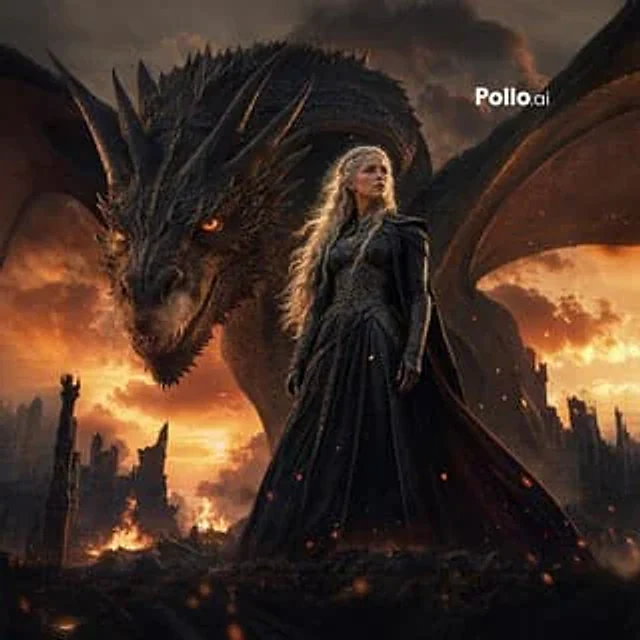
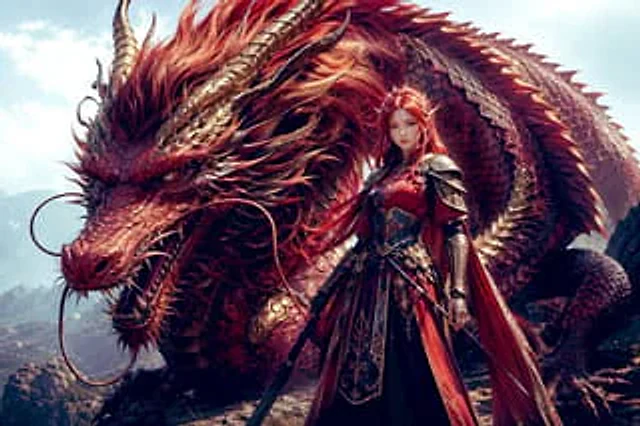
A cinematic, high-fantasy illustration depicts a colossal red dragon and a majestic female dragon rider standing beneath a bright, pale blue daylight sky, atop a rocky ridge. The dragon dominates the image, coiled behind the warrior, possessing two long, backward-extending brown-gold horns, a mane of fiery red and bronze billowing in the wind, layers of red scales shimmering with a metallic sheen, a long snout revealing sharp teeth, and two long, curling whiskers extending outwards from either side of its snout. Its fierce yet intelligent eyes gaze intently at the viewer. A row of sharp spines lines its back, and its massive body stretches across the entire background, emphasizing its immense size and power. Standing before the dragon is {argument name="character name" default="A Dragon Knight Queen"} She was a tall, armored woman, clad in magnificent red, black, and gold armor, facing forward with a valiant stance. She kept {argument name="hair color" default="red"} She has long, flowing hair, partially tied up, and wears exquisitely carved plate armor, complete with decorative shoulder armor, gauntlets, a fitted breastplate, and a long, tiered skirt of armor with intricate gold trim. A deep red cloak billows behind her. She holds a drawn sword at her side, and a second knife or dagger is visible at her waist, making the composition feature exactly two visible weapons. The color palette is dominated by scarlet, burgundy, copper, and antique gold, accompanied by dramatic sunlight, delicate textures, ultra-fine scales, polished metal, and flowing fabrics. The composition is grand and centered, shot from a low angle, with the warrior's entire body in the foreground, the giant dragon's head dominating the left, and the coiled body forming an arc in the background above and to the right. Style: Ultra-detailed fantasy concept art, grand, heroic, realistic painting style, sharp focus, high contrast, volumetric lighting, top-tier game visual quality.사용 방법
- 매개변수를 포함한 전체 원본 프롬프트를 복사하세요.
- 주제, 문구, 구도를 자신의 요구에 맞게 바꾸세요.
- 호환되는 외부 도구에서 사용하고 이용 조건과 결과를 확인하세요.
시작 전 확인
- 참조 이미지가 필요한지 확인하세요. 호환 표시는 해당 모델로 이 예시를 생성했다는 뜻이 아닙니다.
- 이름, 수치, 이미지 속 문구를 확인하세요. 모델 버전에 따라 결과가 다를 수 있습니다.