
원본 문서
GPT Image 2 · en
Scene:
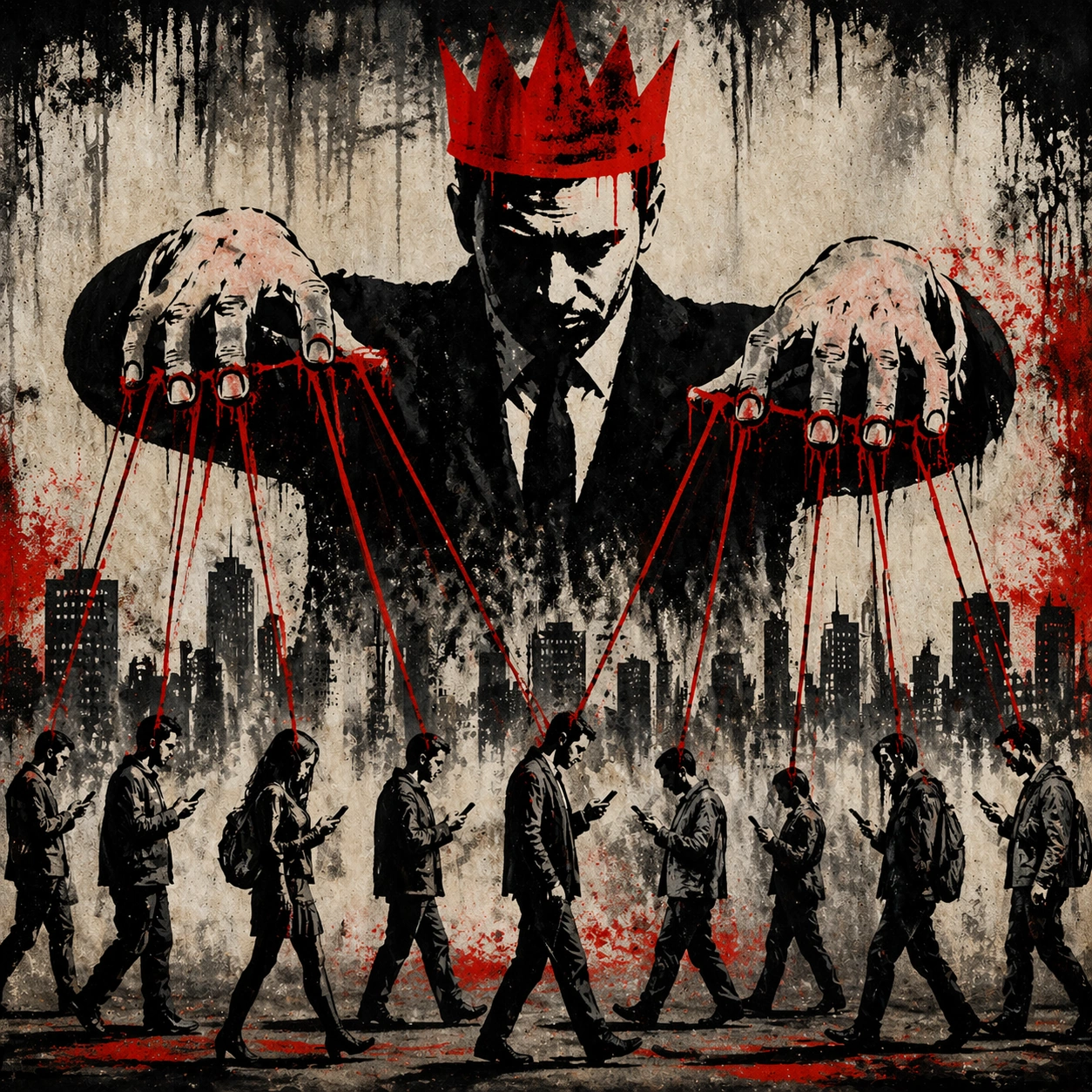
A square campaign image designed for distribution, with bold focal hierarchy, strong color blocking, and cinematic energy. The framing should read instantly from a distance while still rewarding close inspection with layered secondary details and coherent scene logic.

Subject:
The subject is a campaign-ready visual system for anonymous stencil street satire. Build the frame from anonymous stencil street satire. A Prompt Atlas theme for anonymous stencil street satire Street Satire, testing reasoning- composition, style- transfer with GPT Image 2.. anonymous stencil street satire. Focus on concrete visual elements, believable material behavior, and layered subject hierarchy so the result feels authored instead of template-like. Revelatory or highlight frame in the same language.

Important details:
This image depends on the reference anchor and must preserve the same core subject logic, silhouette memory, palette family, and visual grammar from the reference result. Keep the concept specific to anonymous stencil street satire, with concrete forms and believable relationships between primary subject, support elements, and background structure. Avoid visual noise. Every secondary detail should reinforce the main idea instead of competing with it. The composition should feel immediately legible and impressive, with a self-explaining core idea and enough finish to work without heavy post-production.

Use case:
anonymous stencil street satire series study 3/9 for Prompt Atlas.

Constraints:
No readable text, no watermark, no logos, preserve exact 1:1 aspect ratio, no irrelevant brand marks, no generic clip-art simplification, no broken anatomy, no muddy lighting, no random collage fragments, no empty background without purpose.
사용 방법
- 매개변수를 포함한 전체 원본 프롬프트를 복사하세요.
- 주제, 문구, 구도를 자신의 요구에 맞게 바꾸세요.
- 호환되는 외부 도구에서 사용하고 이용 조건과 결과를 확인하세요.
시작 전 확인
- 참조 이미지가 필요한지 확인하세요. 호환 표시는 해당 모델로 이 예시를 생성했다는 뜻이 아닙니다.
- 이름, 수치, 이미지 속 문구를 확인하세요. 모델 버전에 따라 결과가 다를 수 있습니다.