원본 문서
GPT Image 2 · en
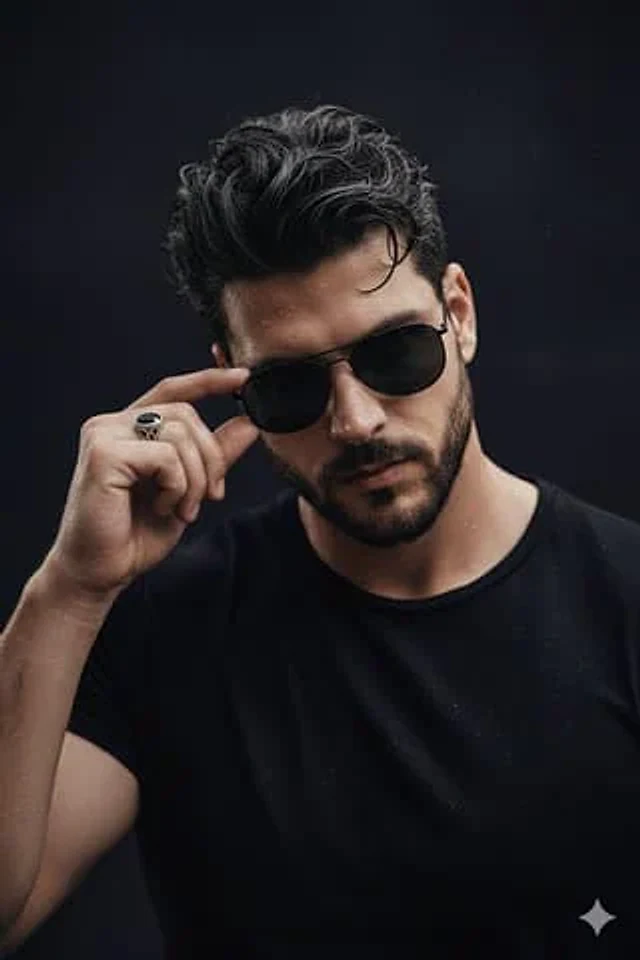
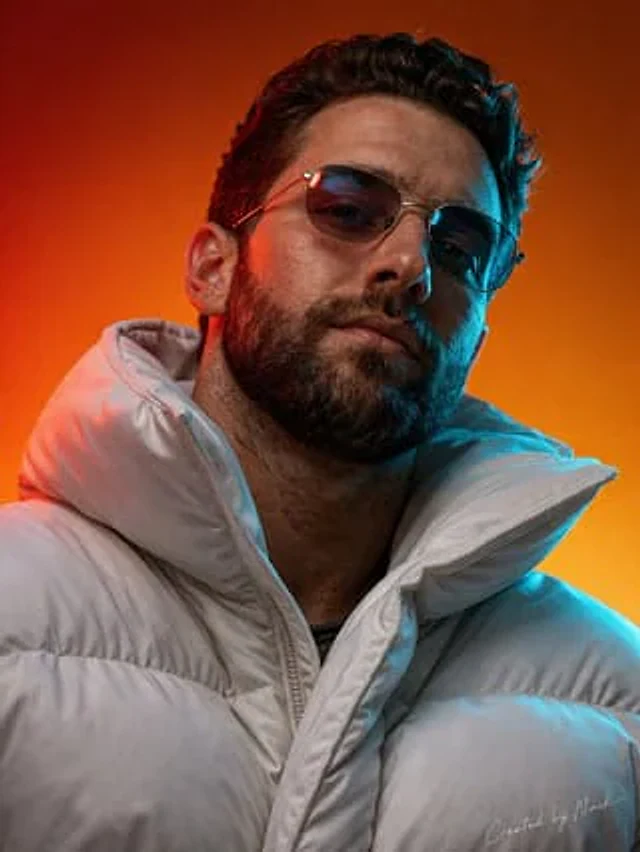
Create an ultra-photorealistic cinematic portrait of a man viewed from a slightly low angle looking upward with a confident, powerful expression. Generate his face using the uploaded portrait photo. The composition is a tight upper-body portrait with the head tilted slightly upward, emphasizing the jawline and beard structure.
The background is a smooth vibrant studio
gradient transitioning between deep orange and warm red tones, creating a
dramatic modern aesthetic. Use strong cinematic dual-color lighting: warm
red/orange light from one side and cool teal/blue rim lighting from the
opposite side to create striking contrast across the face and beard. The man
is wearing a futuristic white oversized puffer jacket with large quilted sections
and a high protective collar. The jacket should look premium and modern with
realistic fabric folds, padded insulation volume, and subtle material sheen
similar to high-end technical winter fashion. Add extremely detailed textures:
visible skin pores, beard hair strands, subtle facial imperfections, realistic lip
texture, micro skin reflections, and detailed hair follicles. The sunglasses
should have thin metal frames with realistic reflections and slightly tinted
lenses reflecting the colored lighting. The white puffer jacket must show
detailed stitching, fabric grain, padded segments, and realistic light interaction
across the material. Lighting should create soft shadows, strong color
contrast, and dramatic highlights across the face, beard, glasses, and jacket.
Maintain sharp focus on the subject with studio-quality depth and clarity.
Ultra photorealistic portrait photography, cinematic studio lighting, hyper-
detailed textures, 8K detail, premium editorial fashion portrait, extremely
realistic skin and fabric materials.
Add a subtle handwritten text in the bottom-right corner that reads "Created by Naik", elegant fashion-editorial signature style, thin white ink, slightly transparent, like a photographer's signature on a luxury magazine shoot.
사용 방법
- 매개변수를 포함한 전체 원본 프롬프트를 복사하세요.
- 주제, 문구, 구도를 자신의 요구에 맞게 바꾸세요.
- 호환되는 외부 도구에서 사용하고 이용 조건과 결과를 확인하세요.
시작 전 확인
- 참조 이미지가 필요한지 확인하세요. 호환 표시는 해당 모델로 이 예시를 생성했다는 뜻이 아닙니다.
- 이름, 수치, 이미지 속 문구를 확인하세요. 모델 버전에 따라 결과가 다를 수 있습니다.