원본 문서
GPT Image 2 · en
{
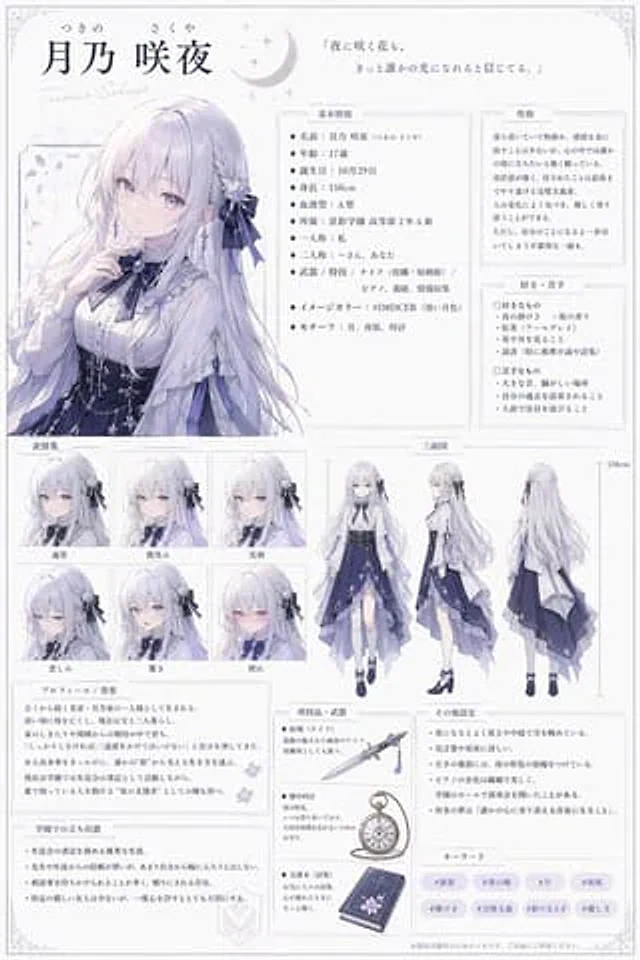
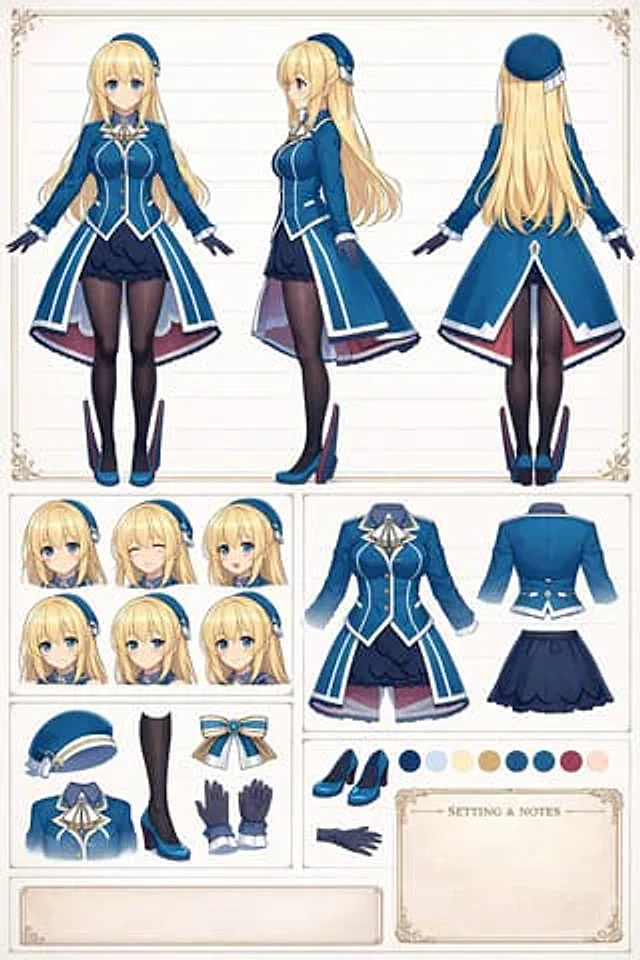
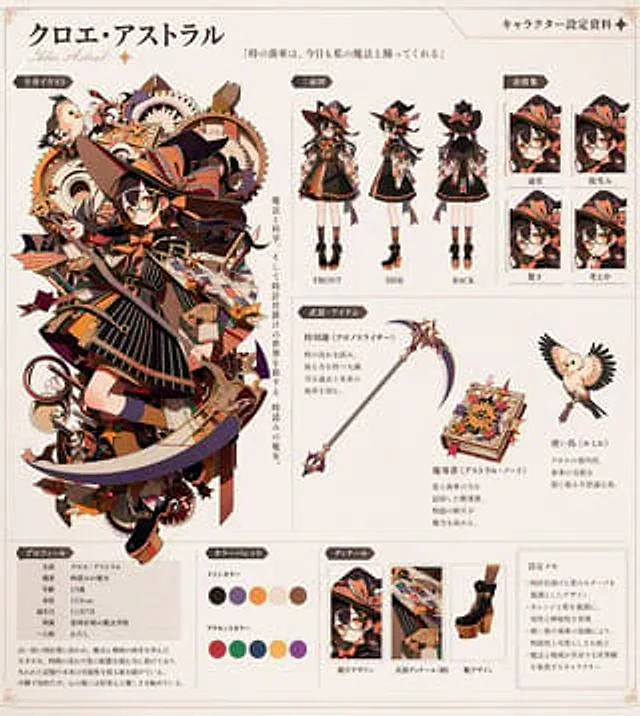
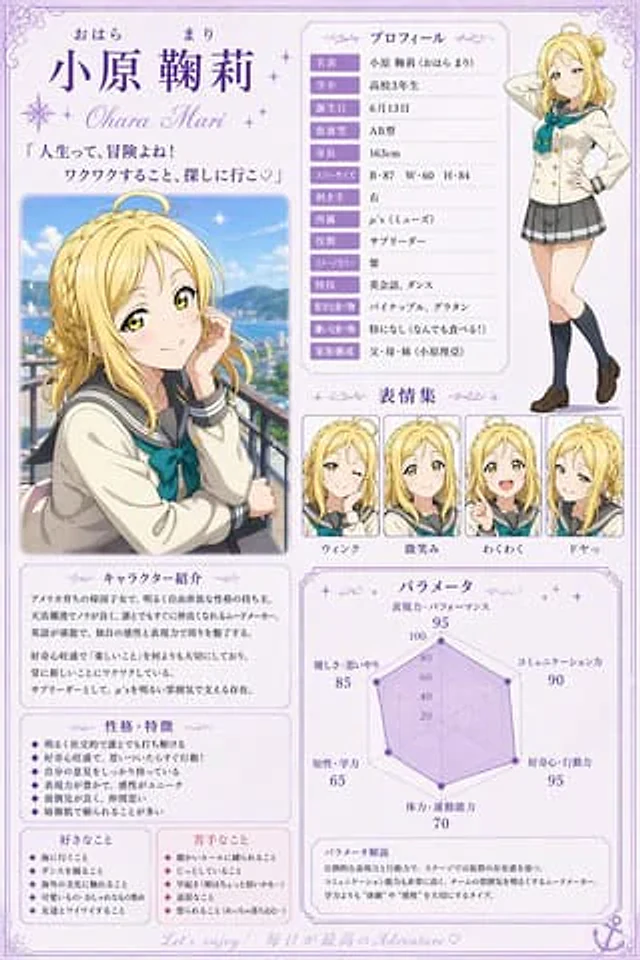
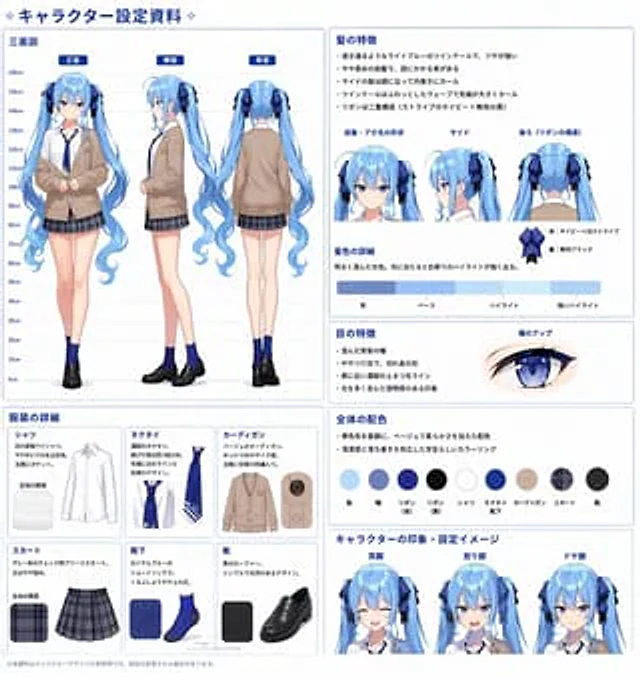
  "type": "Anime Character Design Reference Chart",
  "header": "{argument name=\"document title\" default=\"❖ Character Design Information ❖\"}",
  "character": {
    "description": "{argument name=\"character description\" default=\"Long twin-tailed anime girl\"}",
    "hair_color": "{argument name=\"hair color\" default=\"light blue\"}",
    "eye_color": "{argument name=\"eye color\" default=\"blue\"}",
    "outfit": "{argument name=\"outfit style\" default=\"Beige cardigan, white shirt, blue tie, gray plaid skirt, blue socks, black loafers\"}"
  },
  "layout": {
    "left_column": {
      "title": "Three-view diagram",
      "description": "Height chart (0cm-160cm) and full-body posture",
      "count": 3,
      "labels": [
        "front",
        "side",
        "back"
      ]
    },
    "bottom_left_grid": {
      "title": "Clothing details",
      "description": "Individual garment grids including text descriptions and fabric textures",
      "count": 6,
      "labels": [
        "shirt",
        "tie",
        "cardigan",
        "skirt",
        "sock",
        "shoe"
      ]
    },
    "top_right": {
      "title": "Hairstyle features",
      "description": "Key points, close-up of hairstyle angles, and ribbon details",
      "count": 3,
      "labels": [
        "Bangs and the shape of the ahoge",
        "side",
        "Back (ribbon structure)"
      ]
    },
    "middle_right_color_bar": {
      "title": "Hair color details",
      "description": "Horizontal color gradient bar",
      "count": 4,
      "labels": [
        "shadow",
        "background color",
        "Highlights",
        "Strong highlight"
      ]
    },
    "middle_right_eye": {
      "title": "Eye features",
      "description": "Key points and close-up illustrations of the eyes",
      "count": 1,
      "labels": [
        "Pupil close-up"
      ]
    },
    "middle_right_palette": {
      "title": "Overall color scheme",
      "description": "Key points and round color chart",
      "count": 9,
      "labels": [
        "hair",
        "pupil",
        "Ribbon (front)",
        "Ribbon (back side)",
        "shirt",
        "Ties/Socks",
        "cardigan",
        "skirt",
        "shoe"
      ]
    },
    "bottom_right_expressions": {
      "title": "Character impressions and character settings",
      "description": "Facial close-up",
      "count": 3,
      "labels": [
        "Smile",
        "angry",
        "good at"
      ]
    }
  }
}
사용 방법
- 매개변수를 포함한 전체 원본 프롬프트를 복사하세요.
- 주제, 문구, 구도를 자신의 요구에 맞게 바꾸세요.
- 호환되는 외부 도구에서 사용하고 이용 조건과 결과를 확인하세요.
시작 전 확인
- 참조 이미지가 필요한지 확인하세요. 호환 표시는 해당 모델로 이 예시를 생성했다는 뜻이 아닙니다.
- 이름, 수치, 이미지 속 문구를 확인하세요. 모델 버전에 따라 결과가 다를 수 있습니다.