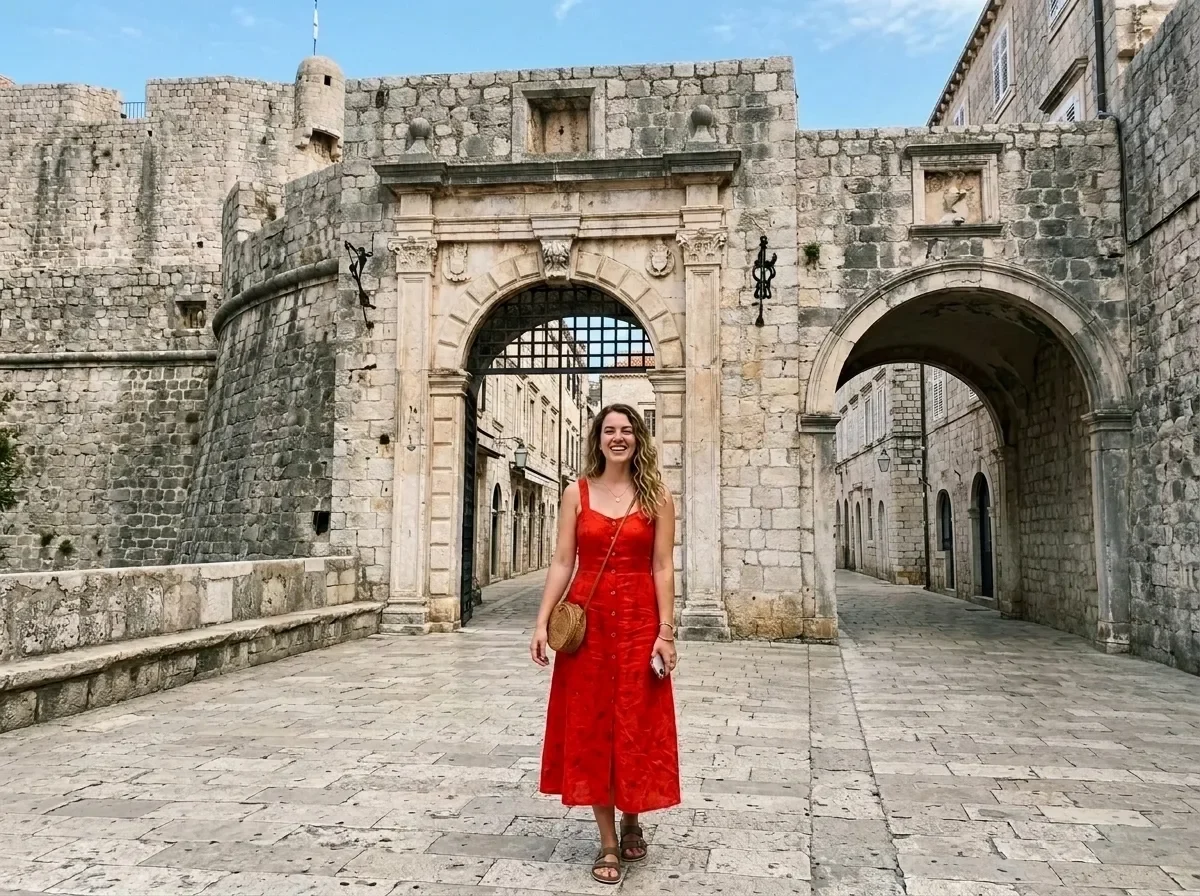
Remove People from the Background (mask required)

Remove People from the Background (mask required)

원본 문서

Nano Banana 2.1 · en

Remove the people in the marked area and rebuild the background behind them so the scenery, lighting and perspective continue naturally, with no blur, smears or leftover shadows. Keep the main subject and everything outside the marked area unchanged.

Apply the edit only inside the white region of the following mask.

사용 방법

  1. 매개변수를 포함한 전체 원본 프롬프트를 복사하세요.
  2. 주제, 문구, 구도를 자신의 요구에 맞게 바꾸세요.
  3. 호환되는 외부 도구에서 사용하고 이용 조건과 결과를 확인하세요.

시작 전 확인

  • 참조 이미지가 필요한지 확인하세요. 호환 표시는 해당 모델로 이 예시를 생성했다는 뜻이 아닙니다.
  • 이름, 수치, 이미지 속 문구를 확인하세요. 모델 버전에 따라 결과가 다를 수 있습니다.
비슷한 예시

Erase Barcode and Price Sticker (mask required)
Nano Banana 2.1en

Erase the barcode, price sticker and any text label in the marked area. Rebuild the packaging underneath so its color, texture and printed pattern continue naturally, with no smudges or leftover edges. Keep everything outside the marked area unchanged. Apply the edit only inside

Smooth Out Fabric Wrinkles (mask required)
Nano Banana 2.1en

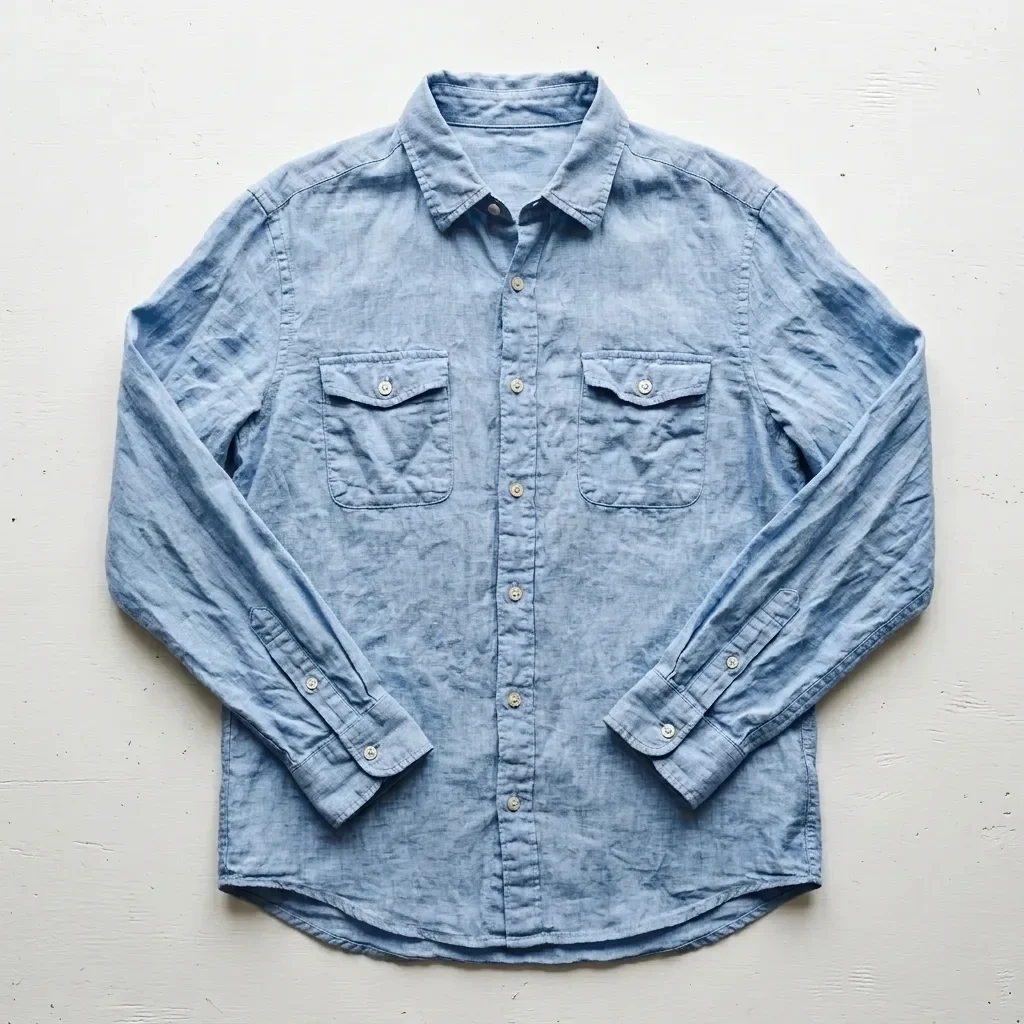
Smooth out the creases and wrinkles in the marked area as if the garment had been professionally steamed. Keep the woven fabric texture, color, seams and the garment's natural shading. Keep everything outside the marked area unchanged. Apply the edit only inside the white region

Change Hair to Platinum Blonde (mask required)
Nano Banana 2.1en

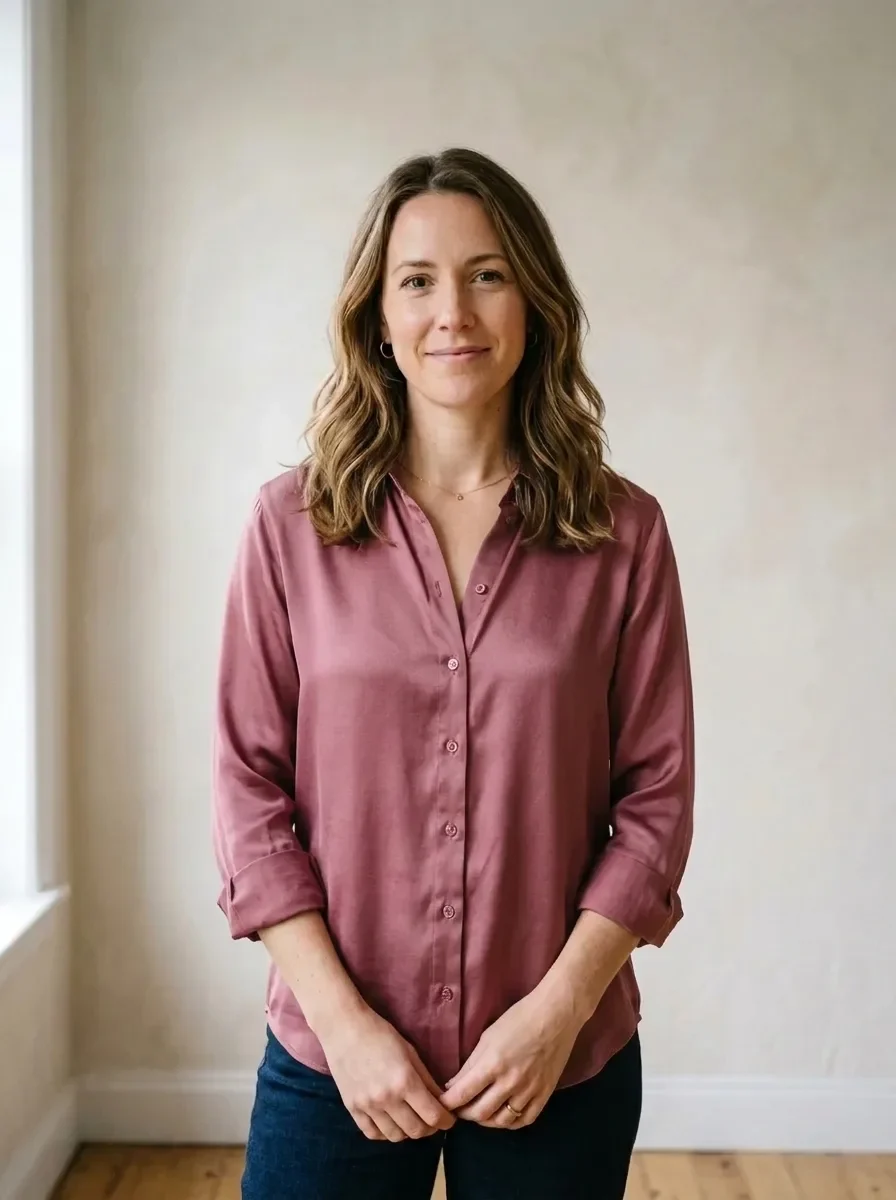
Recolor the hair in the marked area to a bright platinum blonde with soft golden undertones. Keep the hairstyle, individual strands, shine and natural hairline transitions. Keep the face and everything outside the marked area unchanged. Apply the edit only inside the white regio

Upgrade Fabric to Silk (mask required)
Nano Banana 2.1en

Change the fabric of the garment in the marked area to heavy, lustrous mulberry silk with a fluid drape and soft highlights along the folds. Keep the garment's cut, seams, color and fit unchanged, and keep everything outside the marked area as it is. Apply the edit only inside t

Recolor a Garment (mask required)
Nano Banana 2.1en

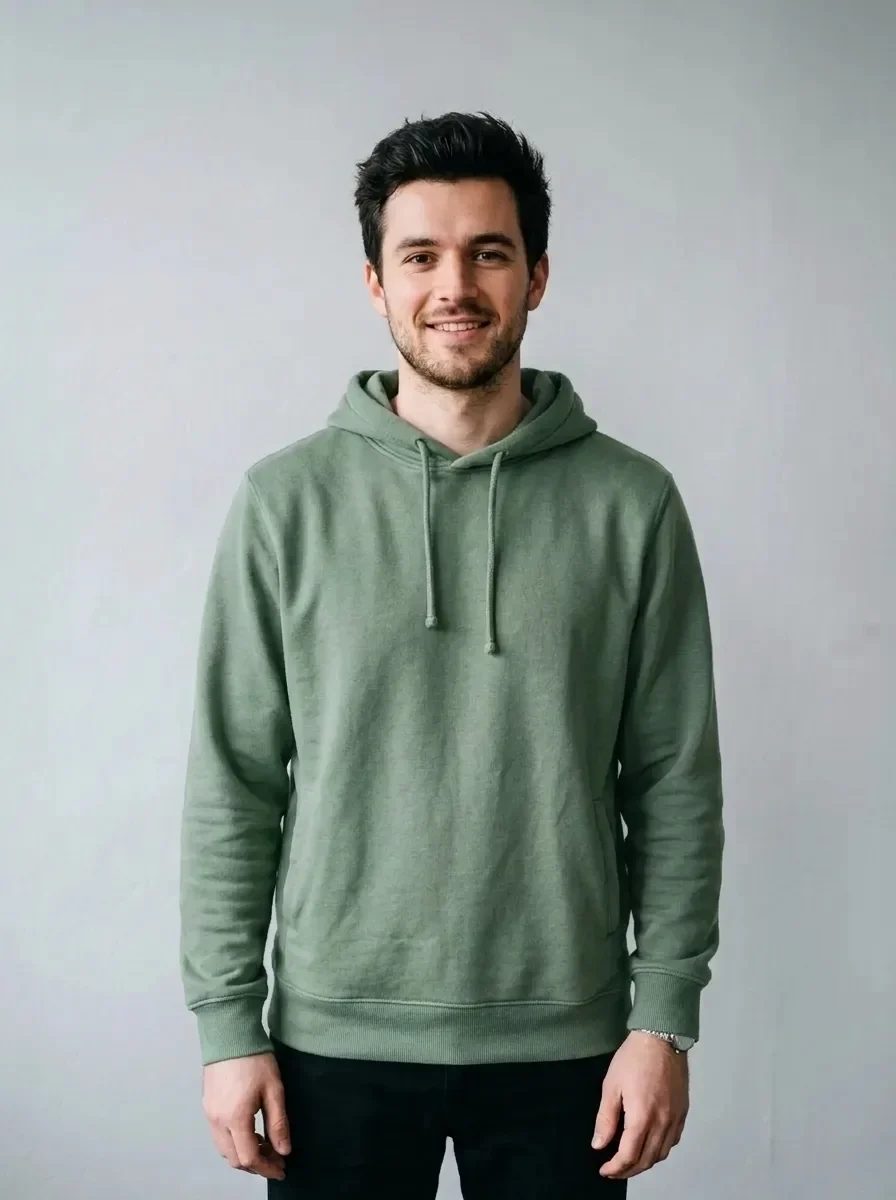
Change the color of the garment in the marked area to sage green. Keep the fabric texture, stitching, folds, shadows and highlights exactly as they are, so it looks like the same garment dyed in a new color. Keep everything outside the marked area unchanged. Apply the edit only

Remove Glare on Shiny Surfaces (mask required)
Nano Banana 2.1en

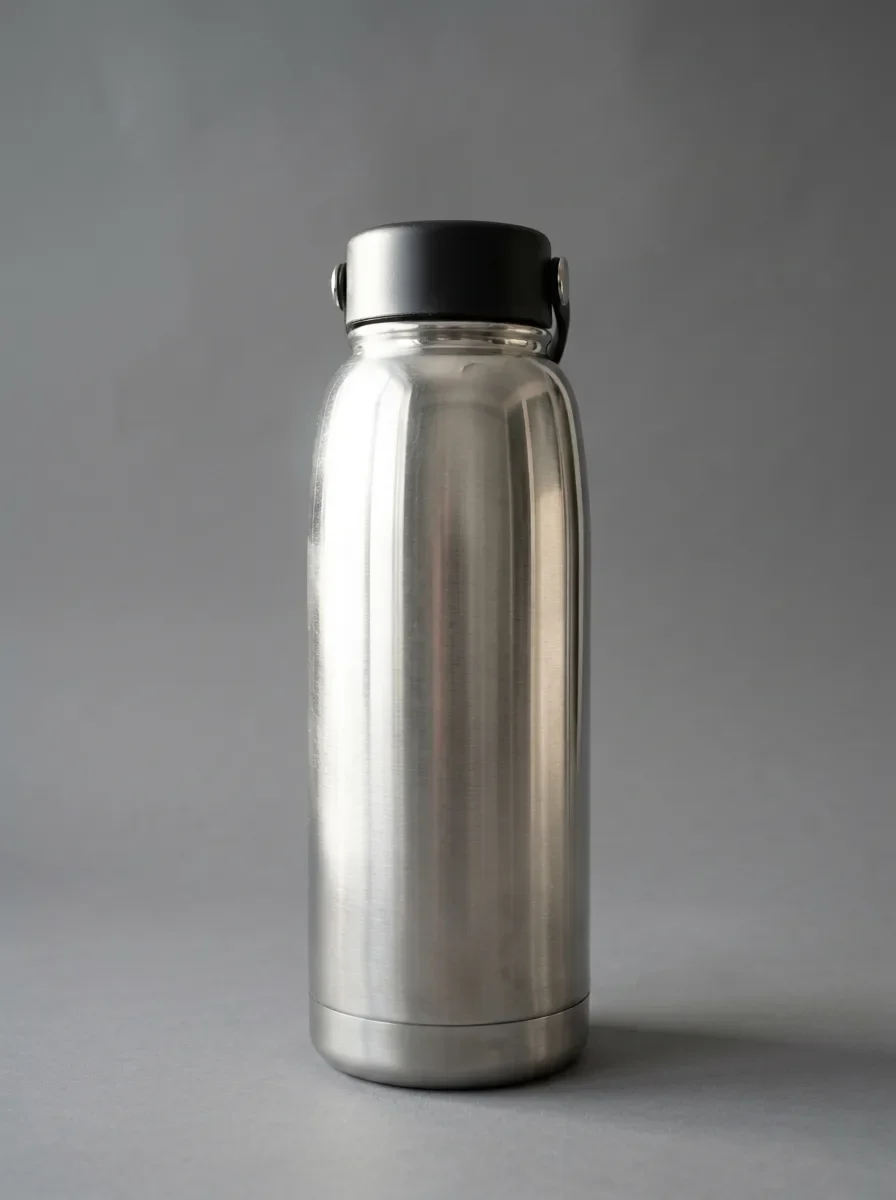
Remove the glare, window reflections and camera reflection in the marked area of the shiny surface. Replace them with a smooth, even highlight that follows the surface's curvature, so it blends seamlessly with the rest of the product. Keep everything outside the marked area uncha