원본 문서
GPT Image 2 · en
Scene:
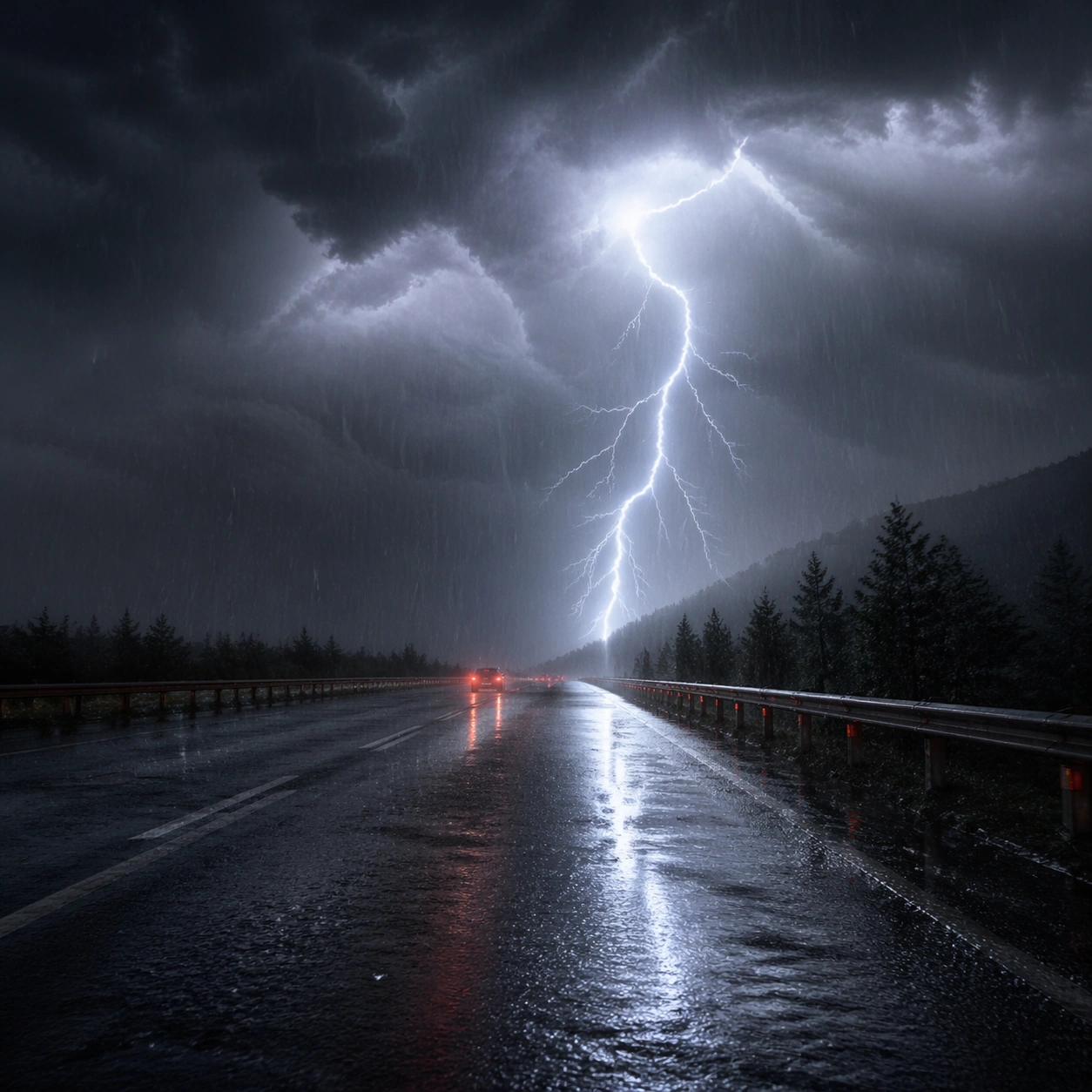
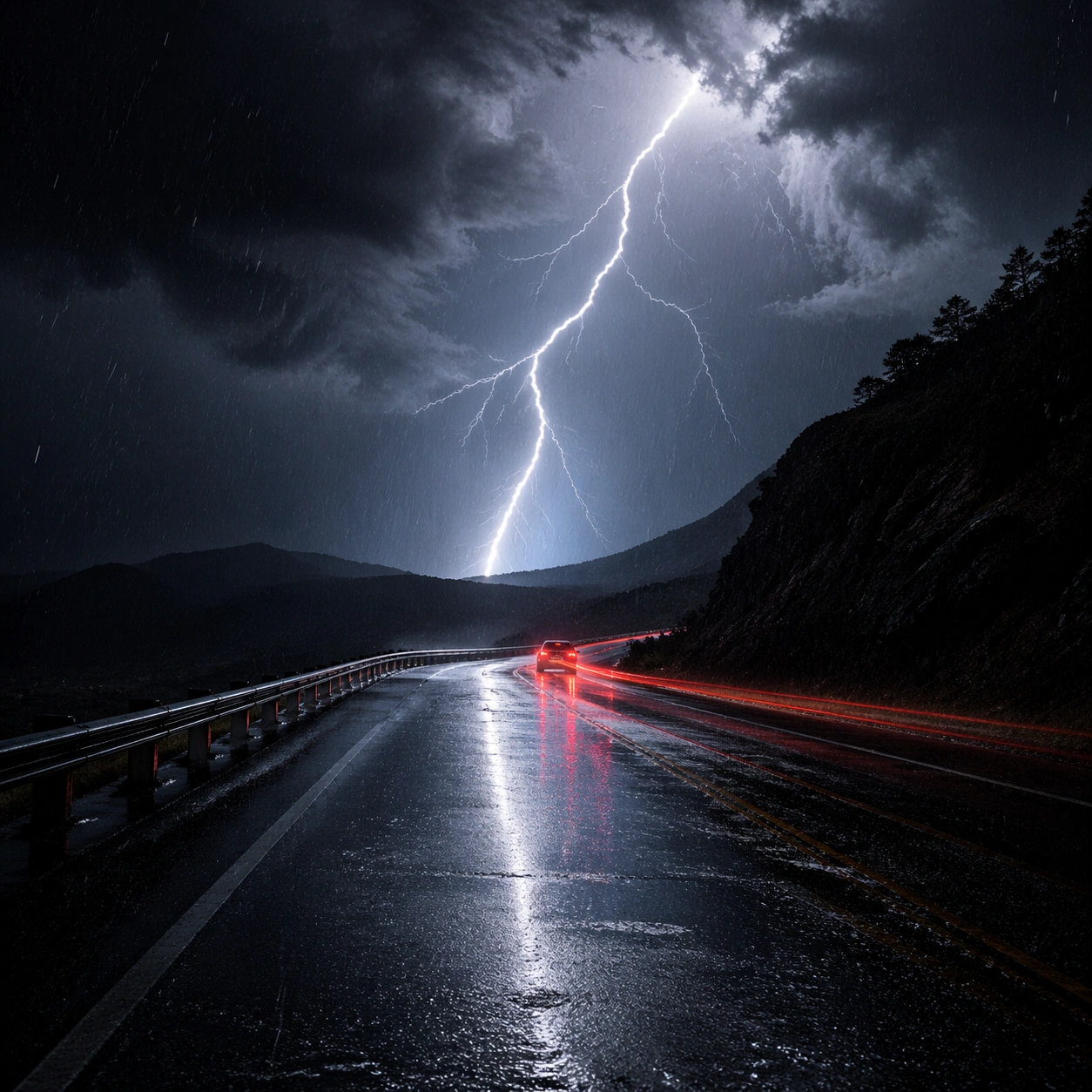
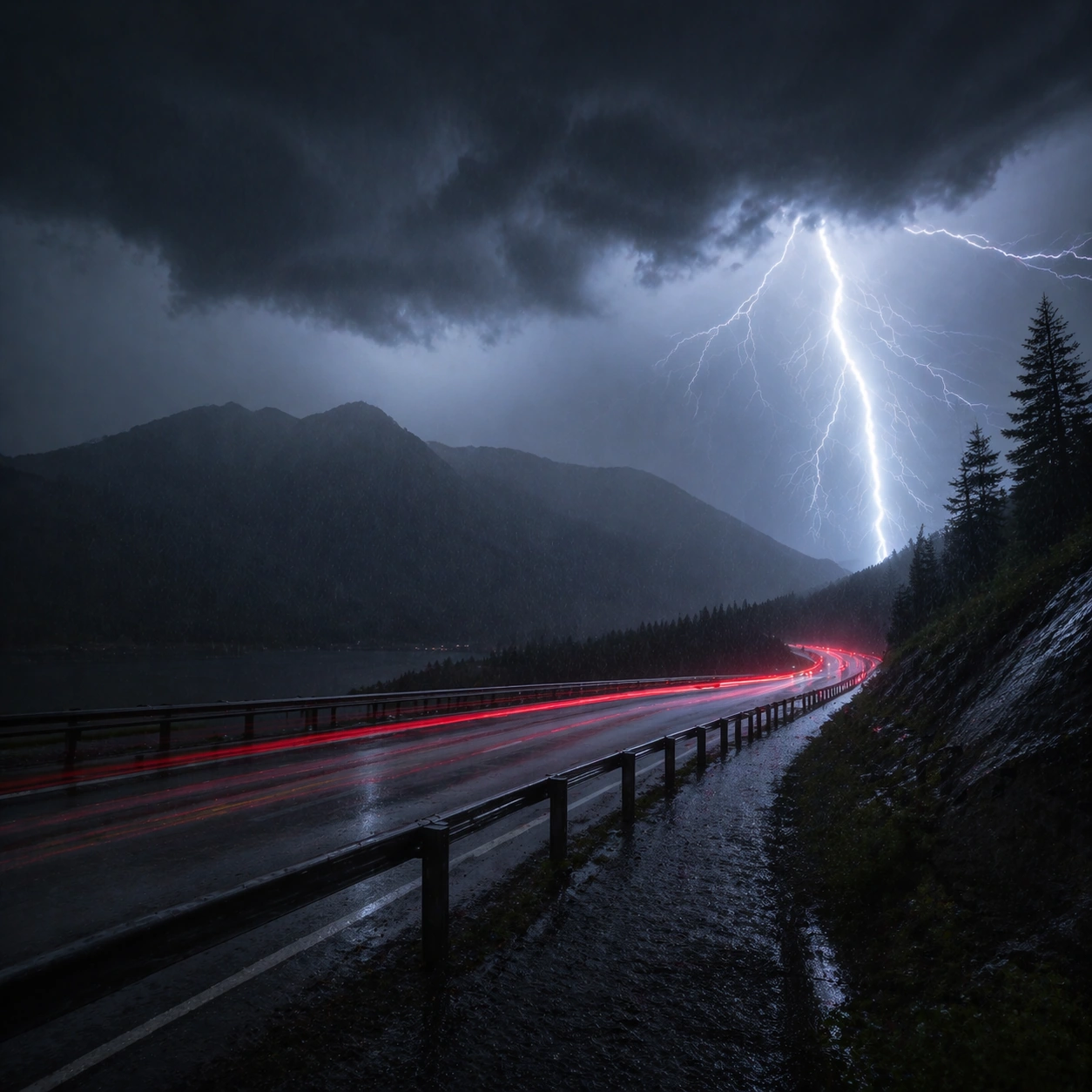
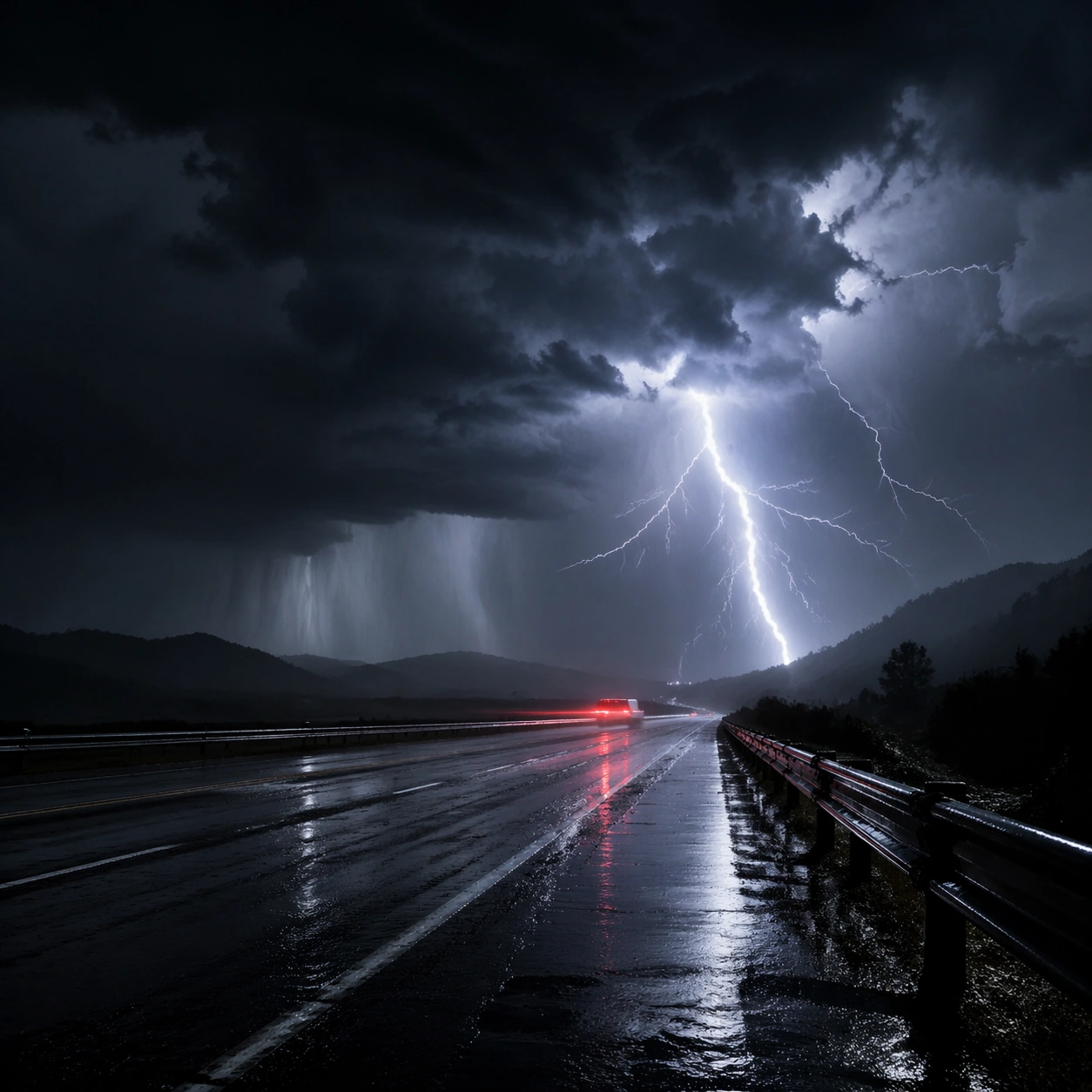
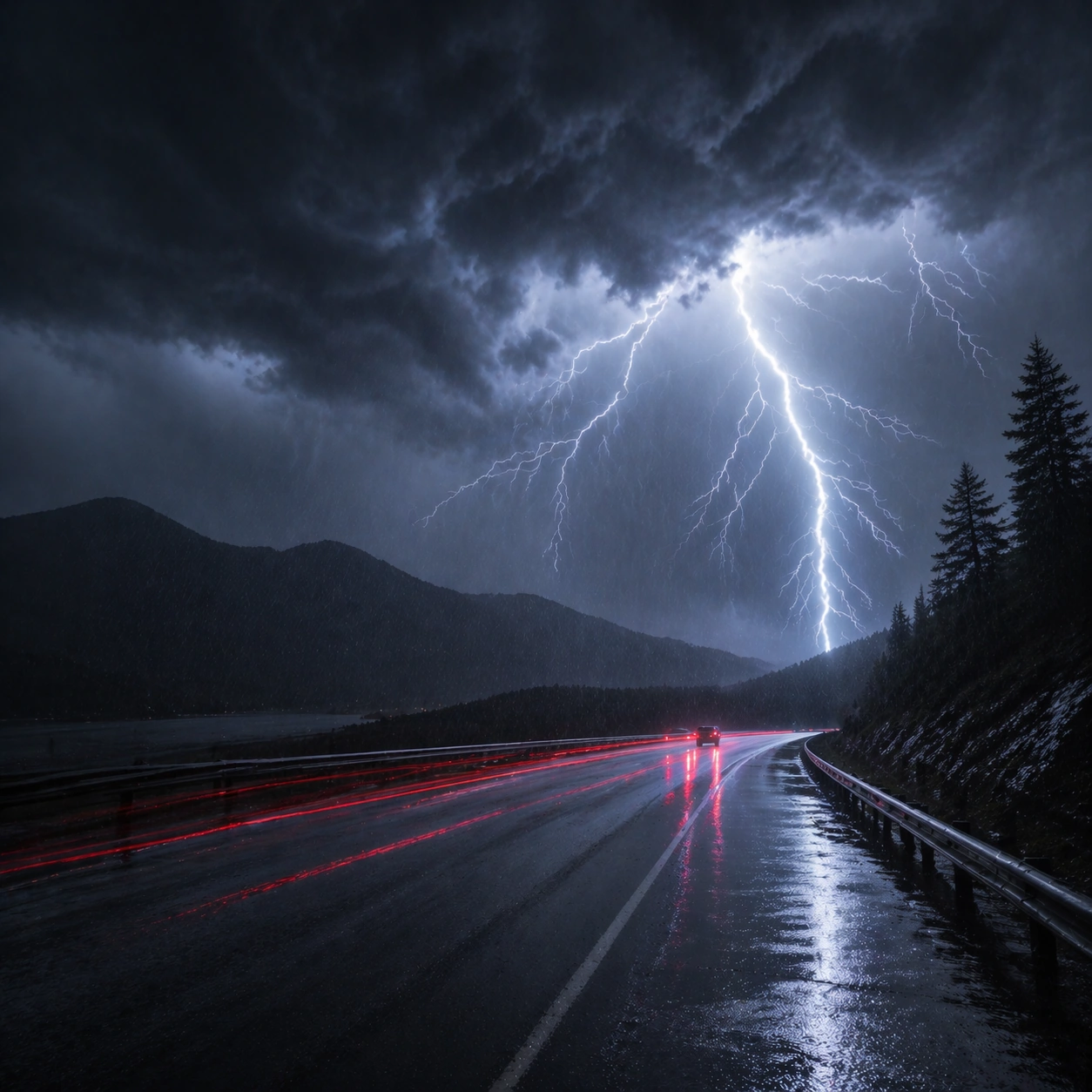
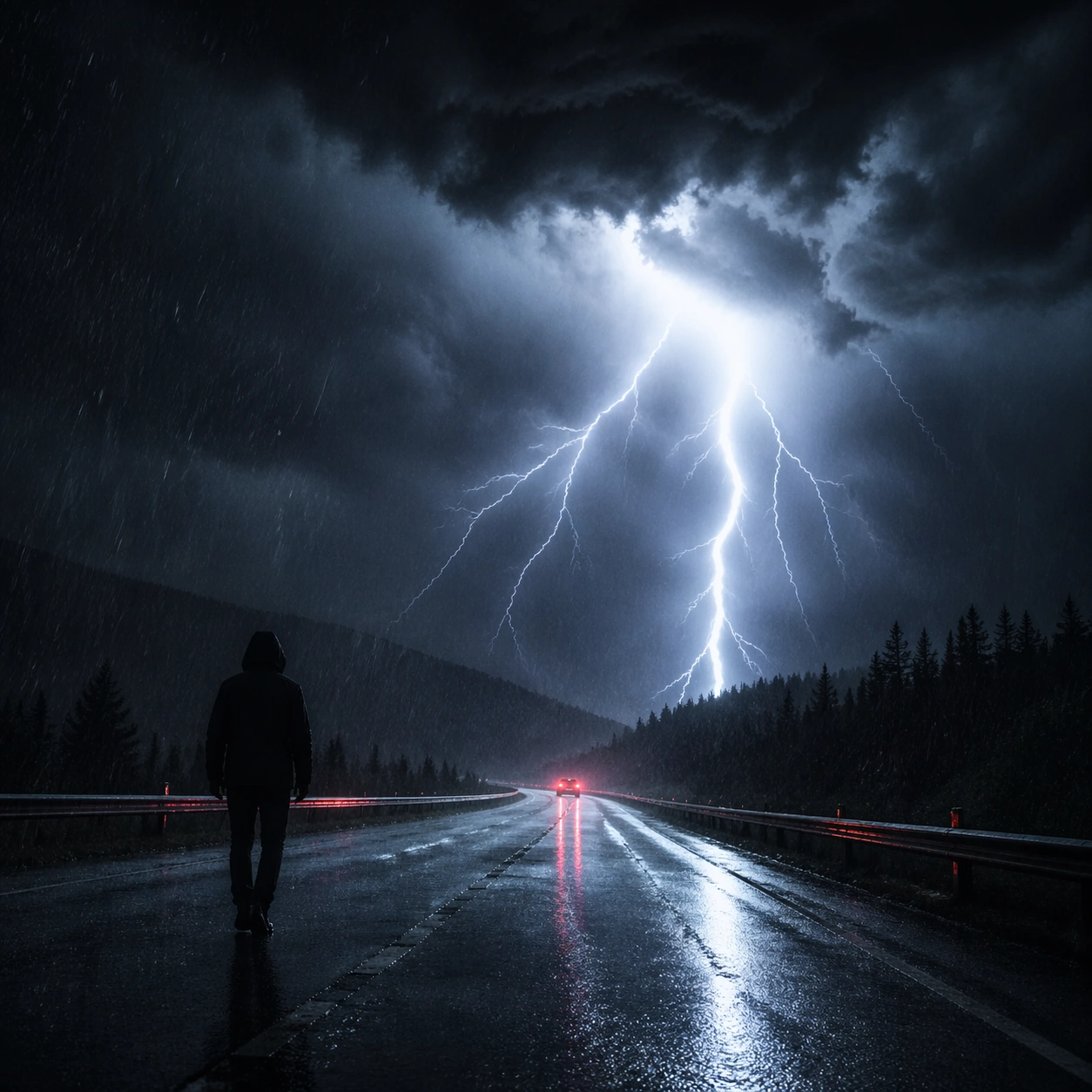
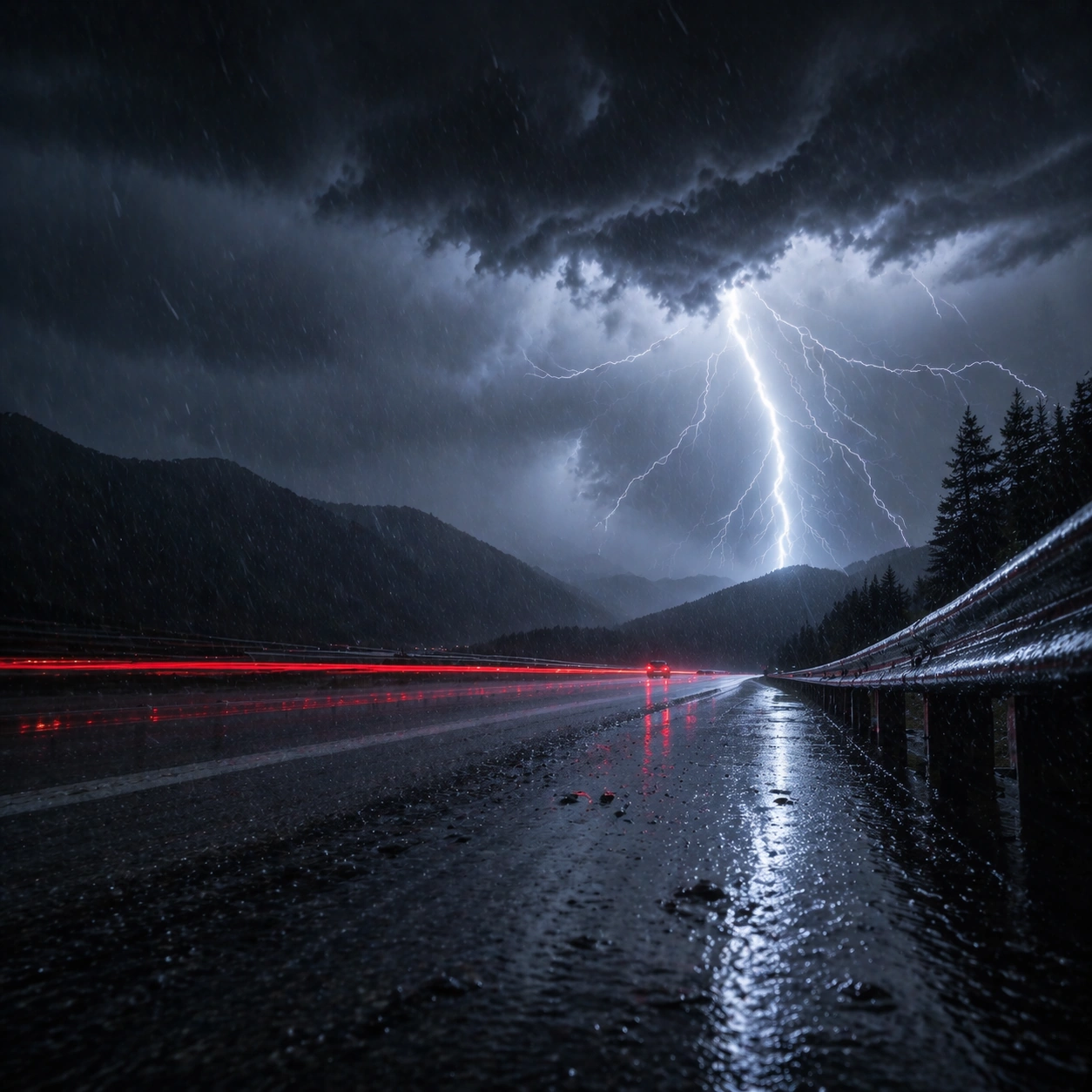
Create a square cinematic still for Thunderstorm Cinematic Strobe. Use production-grade photoreal lighting, disciplined lens behavior, and a composition that feels like a finished key frame from an original film rather than a casual snapshot. A lonely wet highway at night is split open by a lightning flash, with black storm mass above, slick asphalt reflecting cold light, distant taillight streaks cutting red through the rain, and sheets of water visible in the air. Move the camera closer or lower so the viewer feels more embedded inside the atmosphere while the same light direction and environment remain intact.

Subject:
Build a coherent original scene whose emotional center comes from atmosphere, light physics, and spatial clarity. Avoid relying on celebrity likeness, franchise iconography, or stylized illustration shortcuts. The roadway, the lightning event, and one or two vehicles far enough away to remain anonymous should carry the image, with guardrails, lane geometry, and storm cloud depth staying legible under the strobe. Preserve the same world logic from the reference and let one human-scale or material-scale element become more prominent without stealing focus from the atmosphere.

Important details:
Preserve a believable physical world with strong depth layering, careful color separation, and premium image discipline. Balance the feeling of a frozen lightning moment with believable long-exposure traces, crisp raindrops, internal cloud illumination, and directional reflections on the pavement so the weather feels physically dangerous and immediate. Keep the palette family, structural read, and light behavior from image 01 while increasing immediacy and tactile presence.

Use case:
Thunderstorm Strobe series study 2/9.

Constraints:
No readable text, no watermark, no logos, preserve exact 1:1 aspect ratio, no city skyline, no readable road signs, no disaster-movie debris, no fantasy electric colors, no vehicle close-up hero shot.
사용 방법
- 매개변수를 포함한 전체 원본 프롬프트를 복사하세요.
- 주제, 문구, 구도를 자신의 요구에 맞게 바꾸세요.
- 호환되는 외부 도구에서 사용하고 이용 조건과 결과를 확인하세요.
시작 전 확인
- 참조 이미지가 필요한지 확인하세요. 호환 표시는 해당 모델로 이 예시를 생성했다는 뜻이 아닙니다.
- 이름, 수치, 이미지 속 문구를 확인하세요. 모델 버전에 따라 결과가 다를 수 있습니다.