원본 문서
GPT Image 2 · en
{
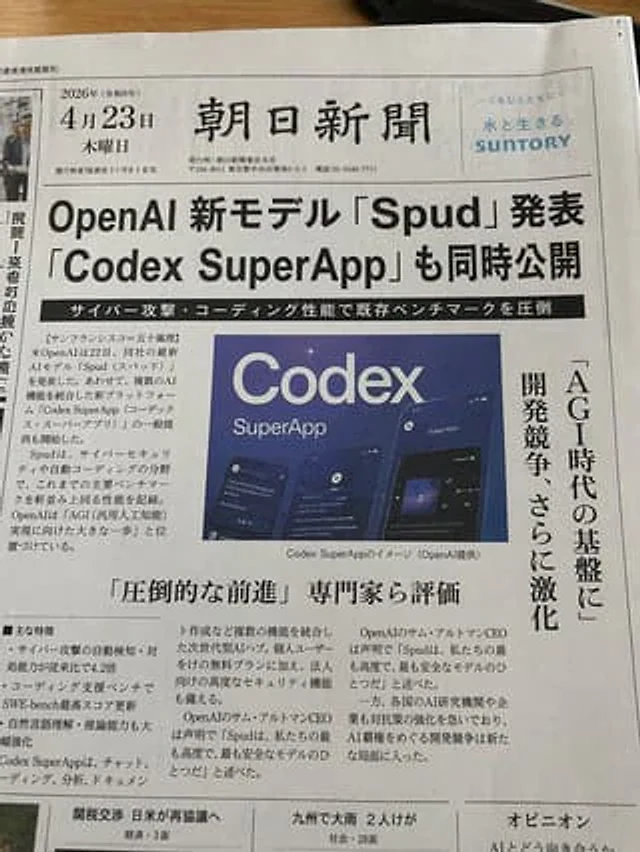
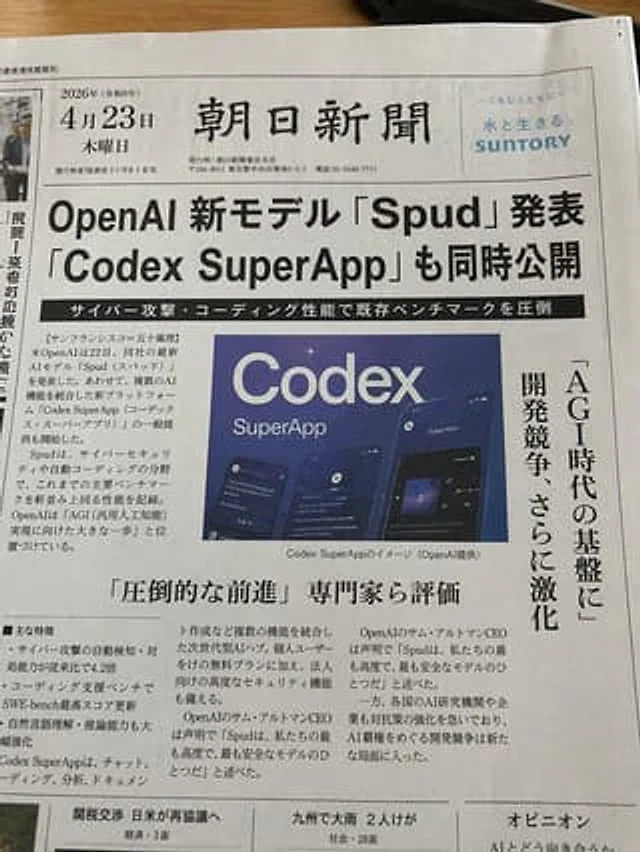
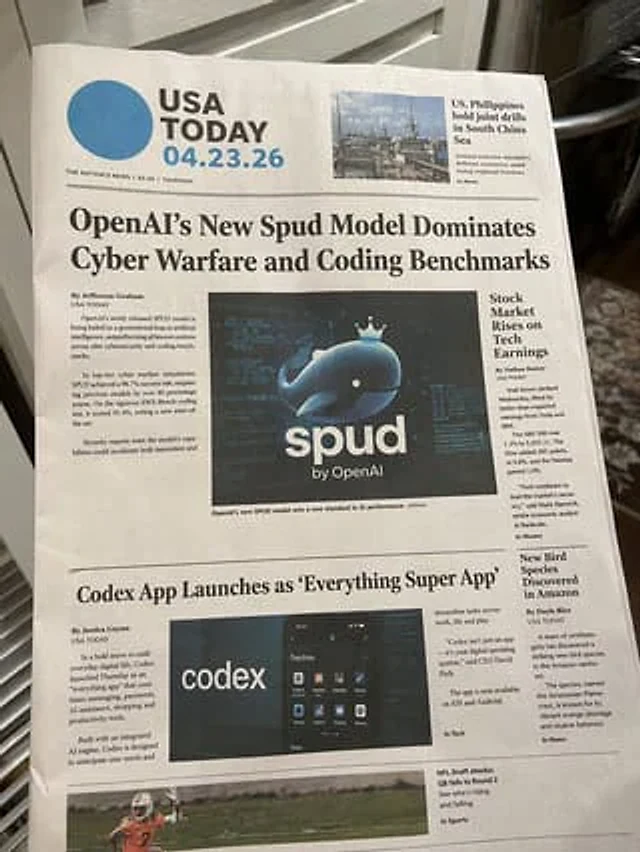
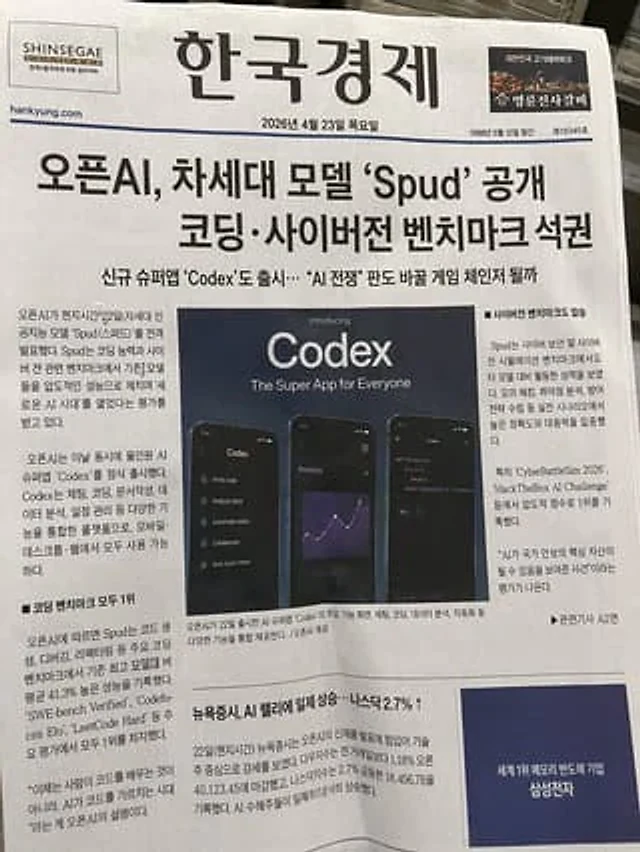
  "type": "Photos of the front page of a printed newspaper",
  "style": "Photorealistic, natural light, slightly angled perspective, printed on textured newsprint.",
  "header": {
    "left_ad": "SHINSEGAE DUTY FREE logo",
    "title": "{argument name=\"newspaper name\" default=\"South Korean economy\"}",
    "right_ad": "Myungryon Jinshi Spare Ribs (명륜진사갈비) logo and small image of the meat",
    "date_and_info": "{argument name=\"publication date\" default=\"Thursday, April 23, 2026\"}"
  },
  "headlines": {
    "main": "{argument name=\"main headline\" default=\"OpenAI releases next-generation model 'Spud', sweeping coding and cyber warfare benchmarks.\"}",
    "sub": "The simultaneous launch of the new super app 'Codex'... Could it become a game-changer in the \"AI war\" landscape?"
  },
  "layout": {
    "centerpiece": {
      "type": "Promotional image",
      "title_text": "Introduced with great fanfare{argument name=\"app name\" default=\"Codex\"} A super app for everyone",
      "visuals": "3 smartphones displaying dark mode UI",
      "phone_1": "The left side of the phone displays the function menu list.",
      "phone_2": "The middle mobile phone displays an analysis line chart.",
      "phone_3": "The phone on the right displays a code editor with Python scripts."
    },
    "sections": [
      {
        "title": "Left column",
        "position": "center left",
        "count": 2,
        "labels": [
          "Introduction Article Text",
          "First in all coding benchmark tests"
        ]
      },
      {
        "title": "Right-side column",
        "position": "center right",
        "count": 1,
        "labels": [
          "They also achieved a resounding victory in cyber warfare benchmark tests."
        ]
      },
      {
        "title": "Article in the bottom left corner",
        "position": "Bottom left",
        "count": 1,
        "labels": [
          "New York stocks rose across the board, driven by gains in AI-related stocks... The Nasdaq index rose 2.7% ↑"
        ]
      },
      {
        "title": "bottom right corner ad",
        "position": "Bottom right",
        "count": 1,
        "labels": [
          "{argument name=\"bottom ad text\" default=\"Samsung Electronics, the world's leading memory semiconductor company\"}"
        ]
      }
    ]
  }
}
사용 방법
- 매개변수를 포함한 전체 원본 프롬프트를 복사하세요.
- 주제, 문구, 구도를 자신의 요구에 맞게 바꾸세요.
- 호환되는 외부 도구에서 사용하고 이용 조건과 결과를 확인하세요.
시작 전 확인
- 참조 이미지가 필요한지 확인하세요. 호환 표시는 해당 모델로 이 예시를 생성했다는 뜻이 아닙니다.
- 이름, 수치, 이미지 속 문구를 확인하세요. 모델 버전에 따라 결과가 다를 수 있습니다.