원본 문서
GPT Image 2 · en
Scene:
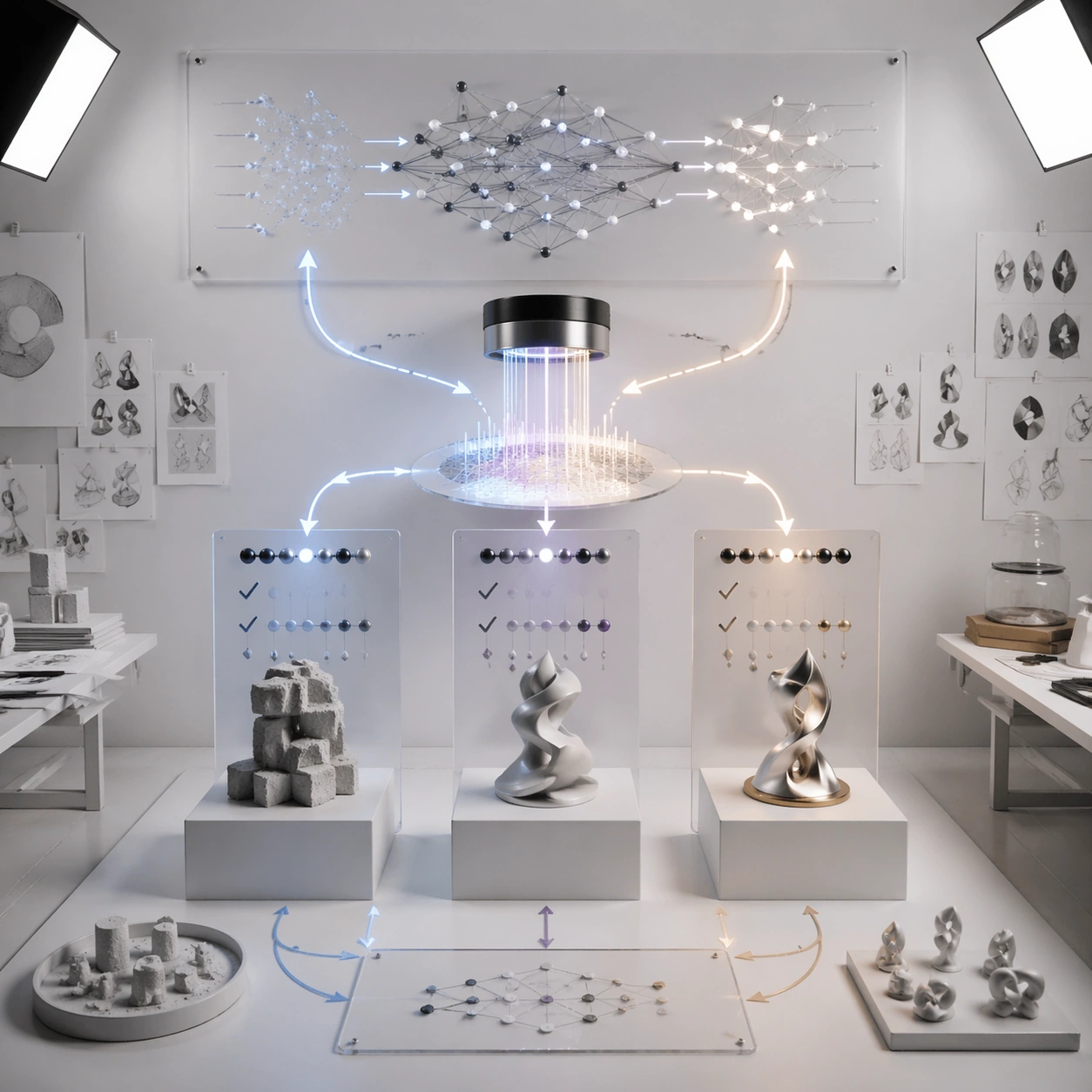
A square photoreal design studio where an AI system explains preference feedback and alignment as a visual production process. Use a clean white room, wall-mounted translucent panels, paper prototypes, softbox lighting, and precise shadows. The image should feel like a premium editorial shoot of a research workflow, not a corporate dashboard.

Subject:
Three candidate output sculptures sit on pedestals in the center, each connected to a preference comparison panel made of abstract check marks, ranking beads, and non-readable score marks. A reward-model lens gathers the comparison signals into a glowing evaluation surface, then sends a refined update stream back toward a neural-network lattice on the wall. Show before-and-after behavior as two clean paths: rough outputs on the left, improved output on the right, and a stable central alignment loop.

Important details:
The composition must explain feedback without showing real text or hidden reasoning. Make comparison, ranking, reward shaping, and update direction visually distinct. Avoid implying perfect moral judgment; this is a technical preference-training diagram. Use disciplined arrows, node spacing, translucent layers, and tactile materials such as paper, glass, steel, and light. The process should be legible from thumbnail scale and detailed on close inspection.

Use case:
Neural Network Self-Explanation single study 6/8, testing preference-feedback alignment as a photoreal studio workflow with comparison and update loops.

Constraints:
No readable text, no watermark, no logos, preserve exact 1:1 aspect ratio, no real user data, no chat transcripts, no private chain-of-thought, no code snippets, no brand UI, no moralizing symbols, no chaotic arrows, no human faces.
사용 방법
- 매개변수를 포함한 전체 원본 프롬프트를 복사하세요.
- 주제, 문구, 구도를 자신의 요구에 맞게 바꾸세요.
- 호환되는 외부 도구에서 사용하고 이용 조건과 결과를 확인하세요.
시작 전 확인
- 참조 이미지가 필요한지 확인하세요. 호환 표시는 해당 모델로 이 예시를 생성했다는 뜻이 아닙니다.
- 이름, 수치, 이미지 속 문구를 확인하세요. 모델 버전에 따라 결과가 다를 수 있습니다.