원본 문서
GPT Image 2 · en
{
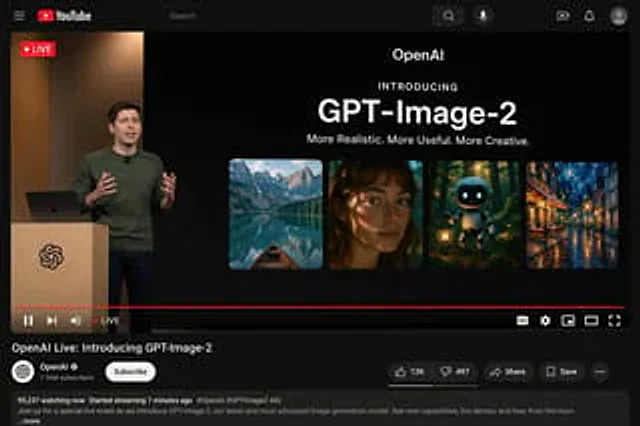
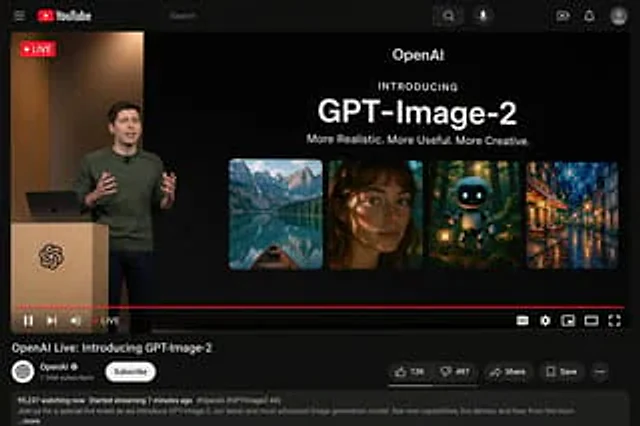
  "type": "YouTube live streaming interface demo",
  "theme": "Dark mode",
  "layout": {
    "top_bar": {
      "components": [
        "Hamburger menu",
        "YouTube logo",
        "Search bar",
        "microphone icon",
        "Create icon",
        "Notification icon",
        "Personal profile picture"
      ]
    },
    "video_player": {
      "status": "The LIVE logo is displayed in the top left corner.",
      "left_side": "One{argument name=\"presenter description\" default=\"The man wearing a green sweater\"} Standing in front of a wooden lectern with a spiral logo, they are communicating with gestures, and a laptop is placed on the lectern.",
      "right_side_presentation": {
        "text_elements": [
          "OpenAI",
          "Introduced with great fanfare",
          "{argument name=\"product name\" default=\"GPT-Image-2\"}",
          "{argument name=\"tagline\" default=\"More realistic, more practical, and more creative.\"}"
        ],
        "image_gallery": {
          "count": 4,
          "panels": [
            "Mountain lakes with small boats",
            "A close-up portrait of a woman with dappled light and shadow",
            "A cute robot carrying a lantern in the dark forest.",
            "Impressionist paintings of city streets illuminated at night"
          ]
        }
      },
      "bottom_controls": {
        "components": [
          "Play/Pause",
          "Next",
          "volume",
          "LIVE Text",
          "Red progress bar",
          "CC",
          "Set gears",
          "Mini Player",
          "Cinema mode",
          "full screen"
        ]
      }
    },
    "video_info": {
      "title": "{argument name=\"video title\" default=\"OpenAI Live Stream: GPT-Image-2 Officially Launched\"}",
      "channel_section": {
        "name": "{argument name=\"channel name\" default=\"OpenAI\"}",
        "badge": "Authentication checkmark",
        "subscribers": "1.36 million subscribers",
        "button": "Subscribe (white capsule button)"
      },
      "action_buttons": {
        "count": 5,
        "labels": [
          "Likes (12,000)",
          "Dislike (497)",
          "share",
          "keep",
          "..."
        ]
      },
      "description_box": {
        "metadata": "95,237 people are currently watching; the live stream started 7 minutes ago.",
        "hashtags": "#OpenAI #GPTImage2 #AI",
        "body_text": "Welcome to our special live stream event where we'll be showcasing OpenAI's latest and most advanced image generation model, GPT-Image-2. Learn about new features, watch a live demo, and hear from the team…and more."
      }
    }
  }
}
사용 방법
- 매개변수를 포함한 전체 원본 프롬프트를 복사하세요.
- 주제, 문구, 구도를 자신의 요구에 맞게 바꾸세요.
- 호환되는 외부 도구에서 사용하고 이용 조건과 결과를 확인하세요.
시작 전 확인
- 참조 이미지가 필요한지 확인하세요. 호환 표시는 해당 모델로 이 예시를 생성했다는 뜻이 아닙니다.
- 이름, 수치, 이미지 속 문구를 확인하세요. 모델 버전에 따라 결과가 다를 수 있습니다.