원본 문서
GPT Image 2 · en
Scene:
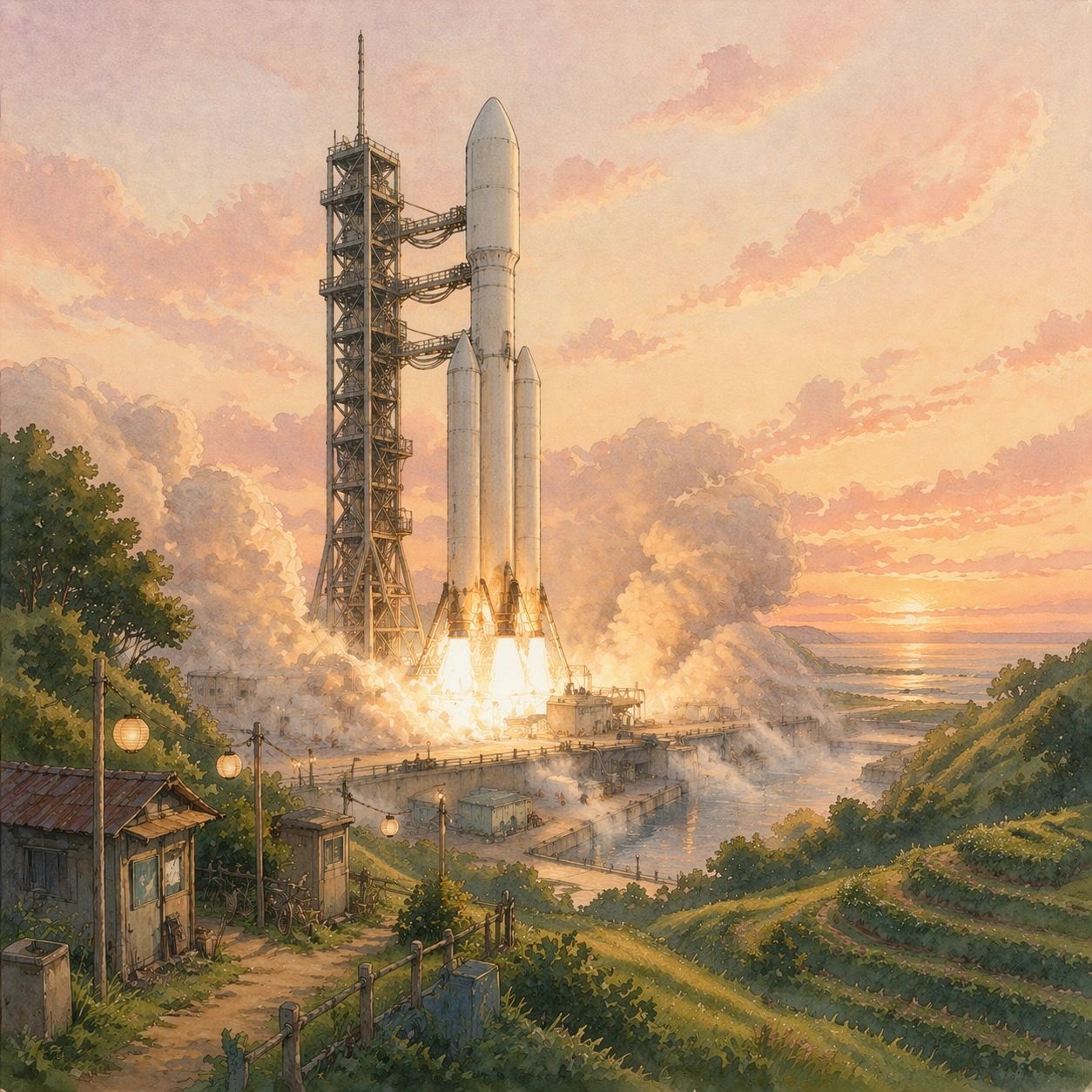
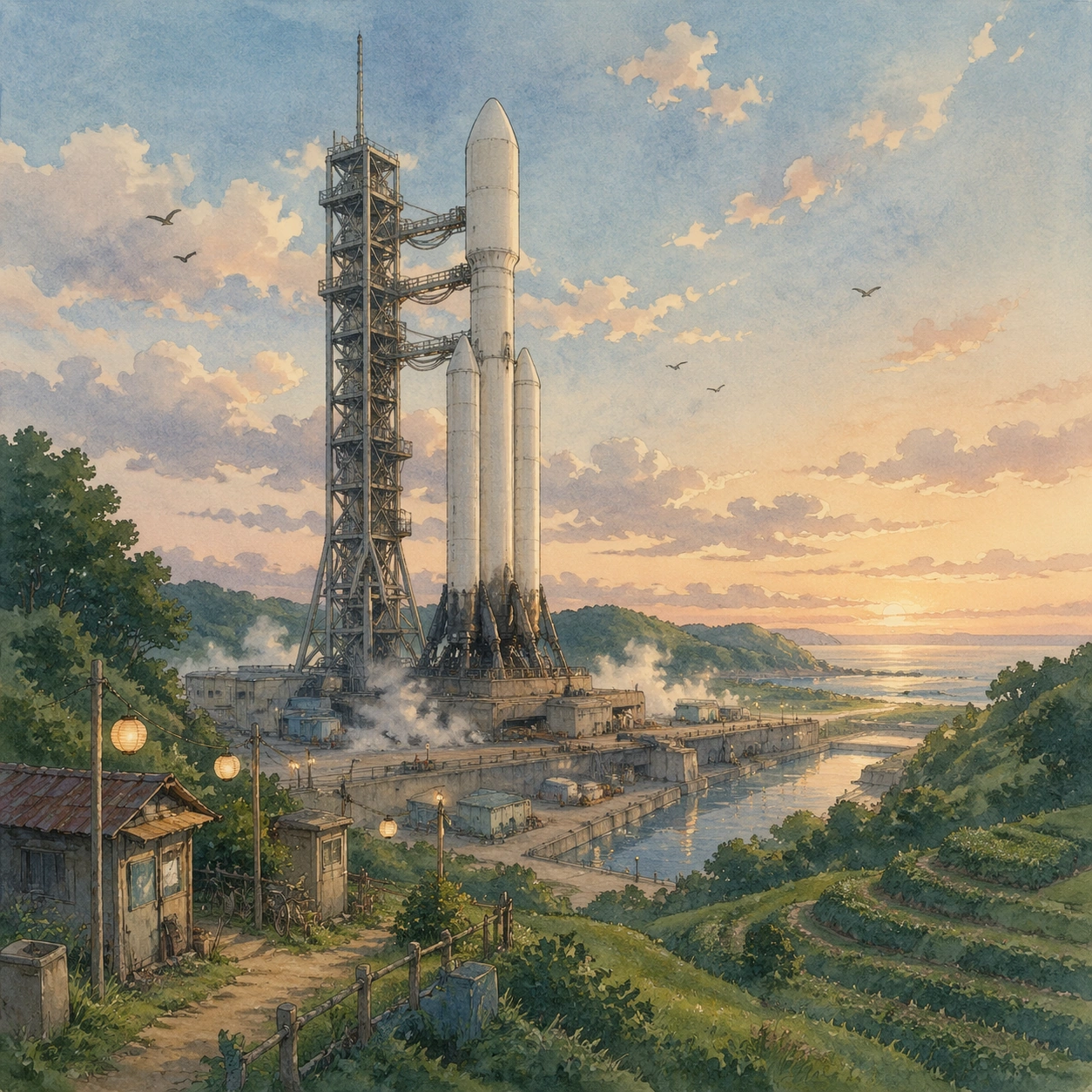
A square storybook frame looking across a coastal launch valley at early dawn, with a tall white orbital rocket and service gantry centered slightly left, green terraced hills in the foreground, shallow mist around the pad, and a luminous peach-blue sky painted with soft watercolor gradation. The camera is at hilltop eye level, far enough back to show the full vehicle, the pad deck, a reflective water channel, and tiny maintenance carts, while still feeling intimate and calm.

Subject:
The main subject is a real launch complex translated into a tender hand-painted animated-film world. The rocket should read as technically plausible, cylindrical, and heavy-lift capable, with frost on the lower tank, soot-streaked engine skirt, venting vapor, latticework umbilicals, and grounded piping. Around it, the facility feels lived in rather than militarized: paper lantern work lights, mossy concrete, small utility sheds with patched roofs, a bicycle leaning near a fence, and birds circling the gantry. No people need to dominate, but hints of human care should be visible in the tools, catwalks, and weathered paint.

Important details:
Preserve a soft watercolor-and-cel aesthetic, warm pastoral mood, clean rocket proportions, and legible launch hardware. The countergenre effect depends on keeping the engineering believable while the emotional tone stays gentle and domestic. Smoke vents must feel cool and low-pressure, not explosive. Colors should stay muted sage, cream, rust, pale sky blue, and warm amber. Every object should feel hand-painted, but not childish or simplified into a toy.

Use case:
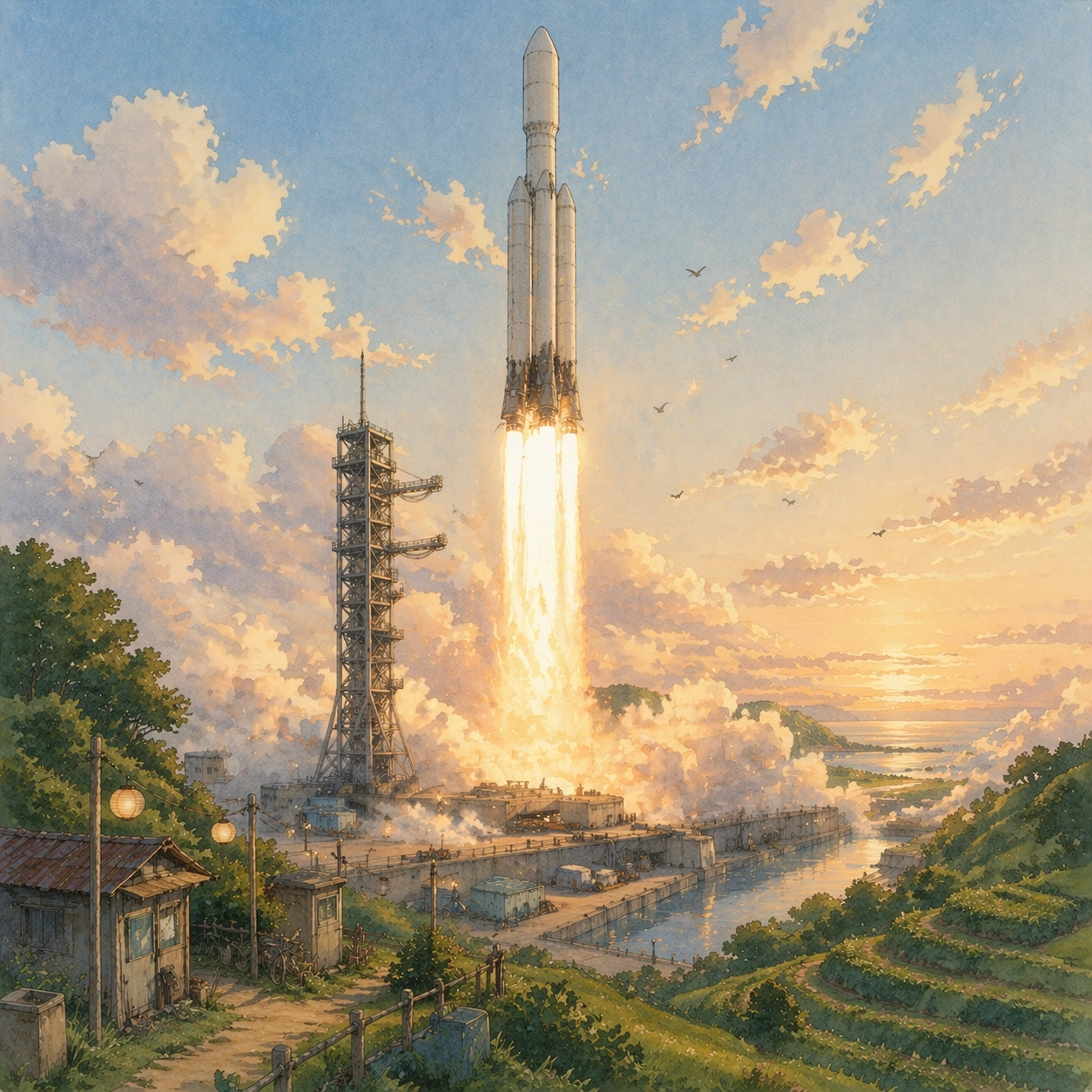
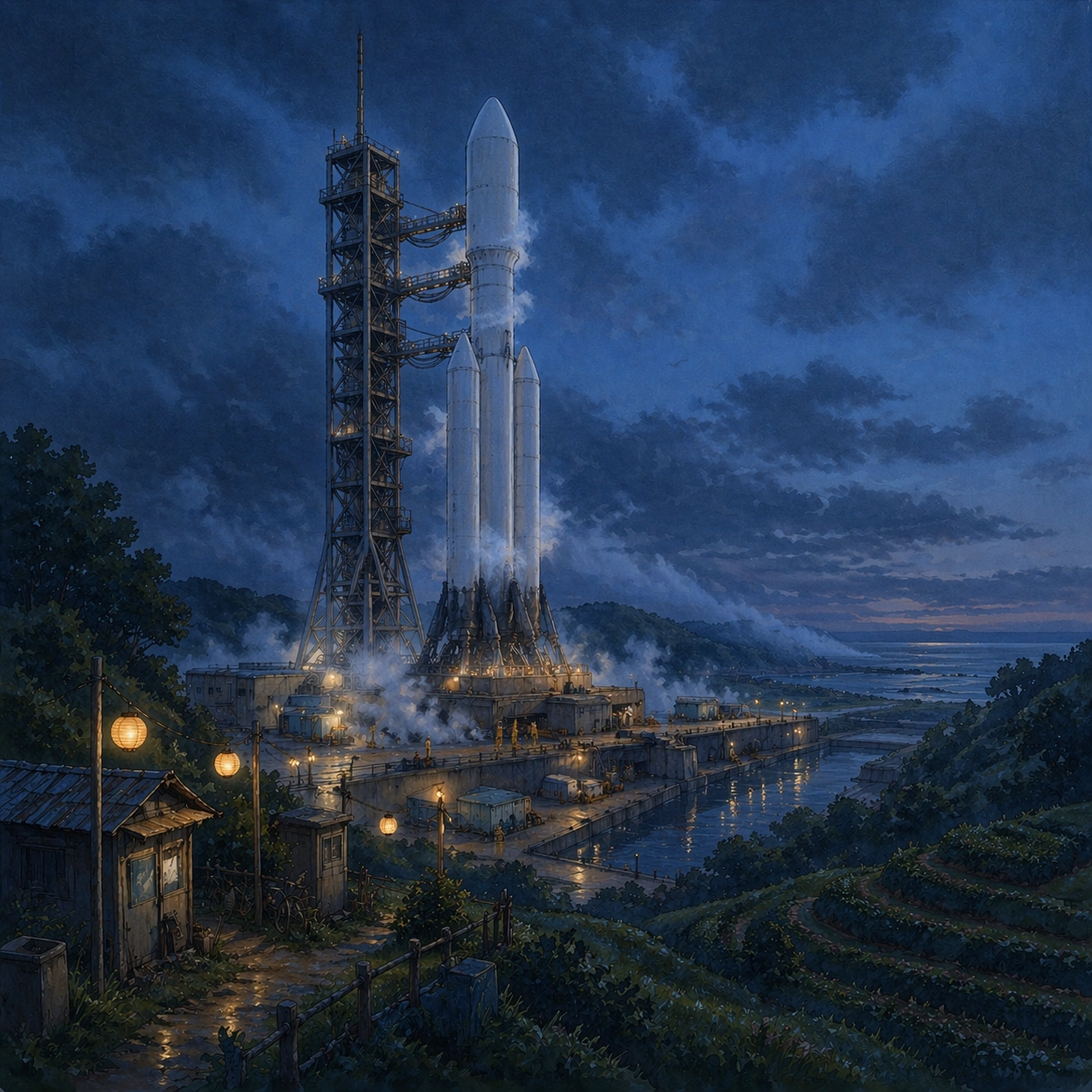
Ghibli Countergenre series study 1/8, establishing the reference rocket, pad, valley, and camera logic for later dependent shots.

Constraints:
No readable text, no watermark, no logos, preserve exact 1:1 aspect ratio, no exaggerated anime eyes, no giant robots, no fantasy castle silhouettes, no glossy sci-fi chrome, no launch viewed from space, no extra rockets.
사용 방법
- 매개변수를 포함한 전체 원본 프롬프트를 복사하세요.
- 주제, 문구, 구도를 자신의 요구에 맞게 바꾸세요.
- 호환되는 외부 도구에서 사용하고 이용 조건과 결과를 확인하세요.
시작 전 확인
- 참조 이미지가 필요한지 확인하세요. 호환 표시는 해당 모델로 이 예시를 생성했다는 뜻이 아닙니다.
- 이름, 수치, 이미지 속 문구를 확인하세요. 모델 버전에 따라 결과가 다를 수 있습니다.