원본 문서
GPT Image 2 · en
Scene:
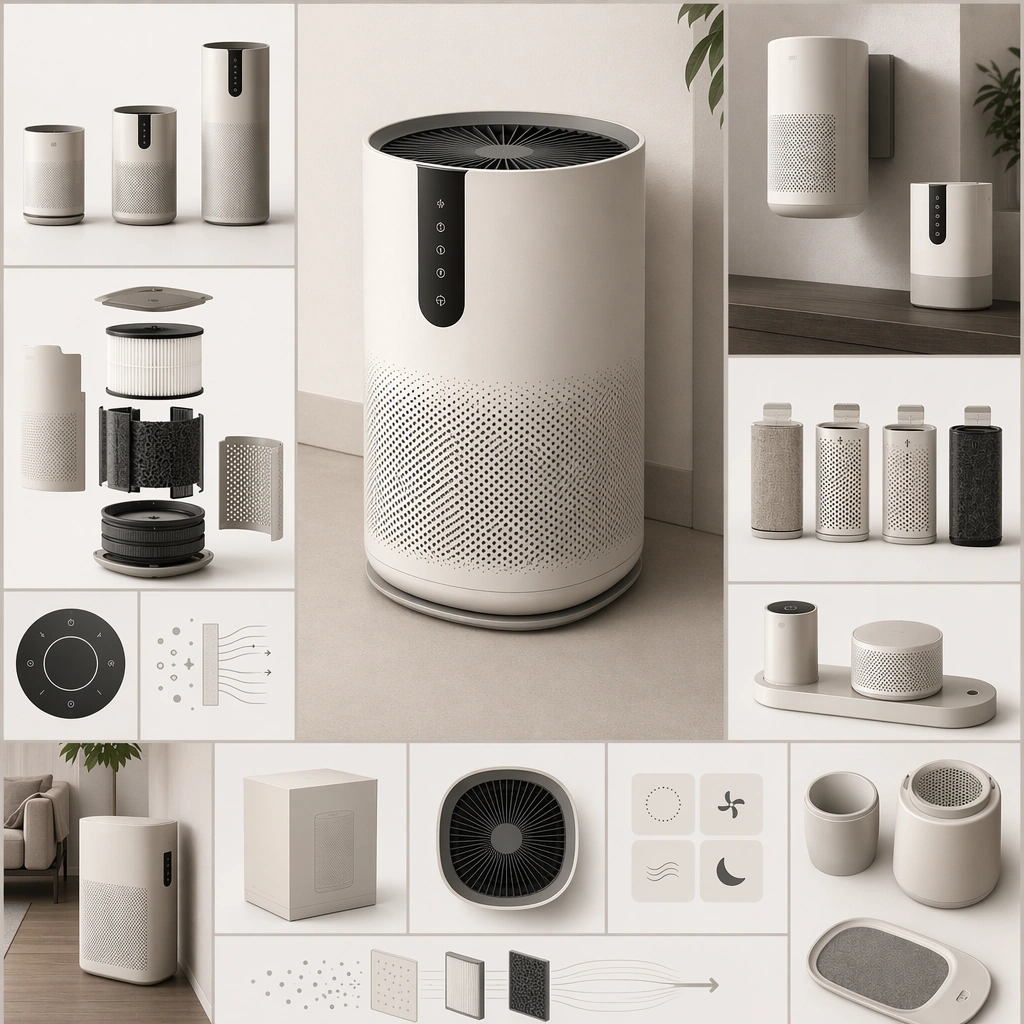
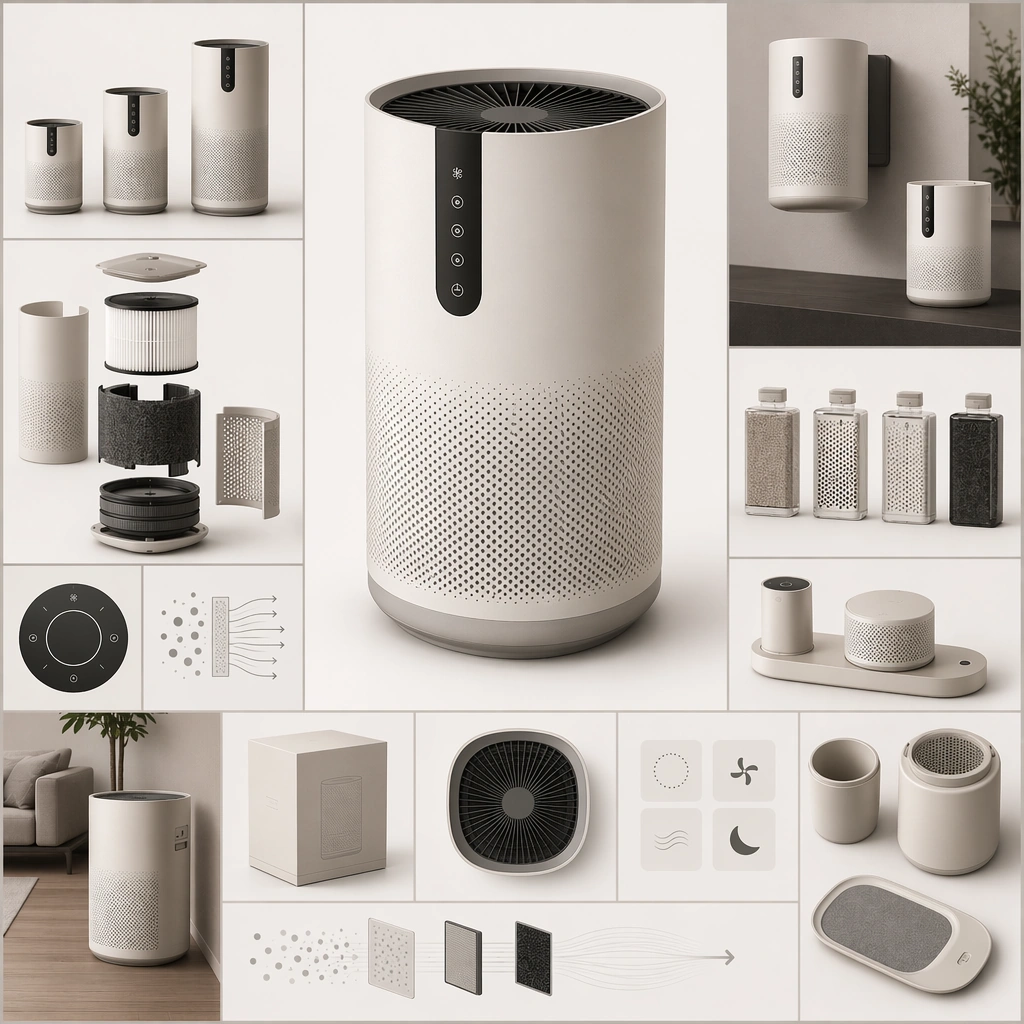
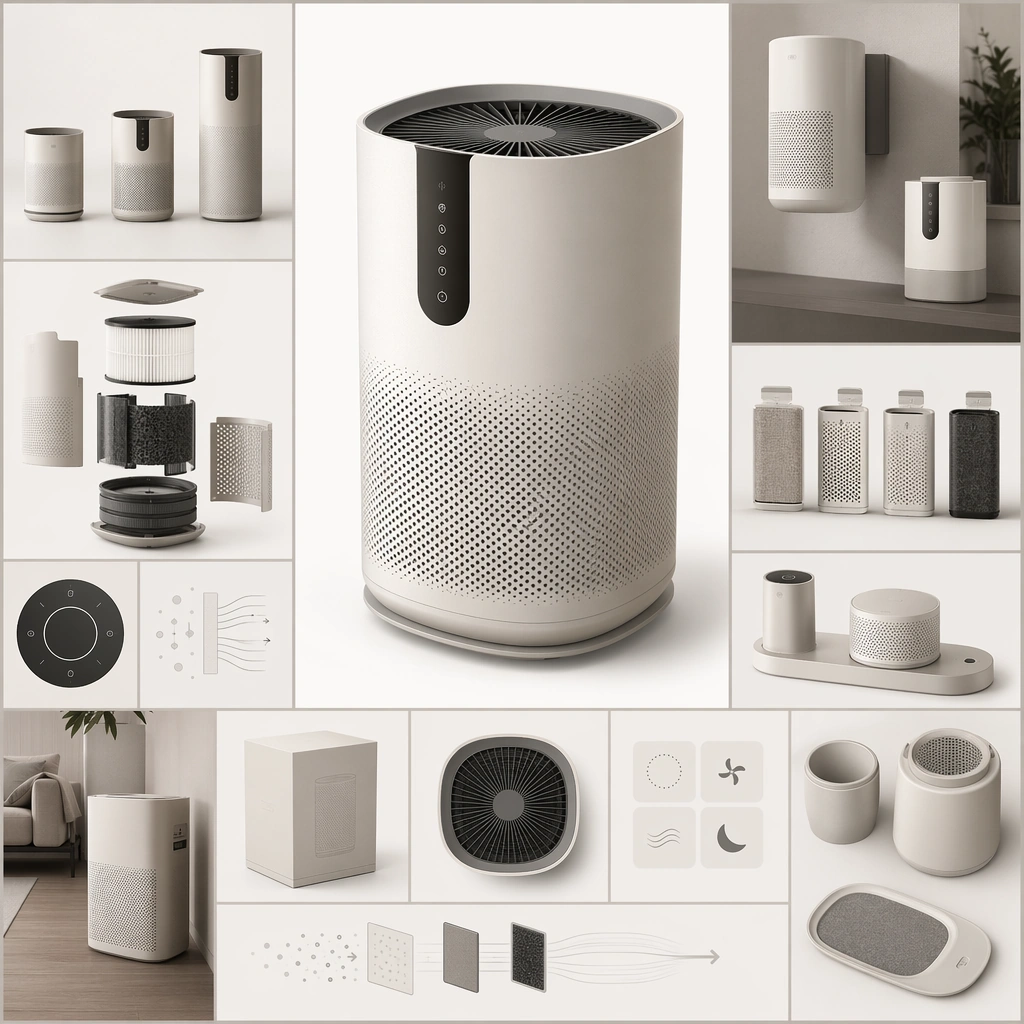
Create a square near-future catalogue board that feels like a premium consumer-product launch sheet without using readable copy. The composition should combine one hero product or family grouping with secondary modules, packaging-like shapes, and abstract information zones arranged in a clean commercial hierarchy. Lighting should be photographic, precise, and product-friendly. Present several near-future air-care devices on a clean catalogue grid with one hero unit centered, smaller companions nearby, and abstract information blocks balancing the frame.

Subject:
Center the image on a coherent consumer product family whose forms, finishes, interface surfaces, and accessory logic all belong together. The products can be speculative, but they must still feel market-positioned, manufacturable, and suited to a believable household or urban use case. Establish the reference family through matched finishes, vent geometry, touch surfaces, accessory docks, and calm household use cues.

Important details:
Think like a product marketer and industrial designer at once. Material choices, scale relationships, accessory combinations, and staged use cues should imply a clear category, audience, and feature set even though no readable text appears. The image should be strong enough for catalog, launch-page, or retail poster use. The anchor image should define how product hierarchy, family resemblance, and catalog balance work for later series variants. Resolve the anchor rules that later reference-dependent variants must inherit, especially the industrial design language, material palette, module family proportions, and catalog layout hierarchy.

Use case:
Spec Product Catalog series study 1/4, designed as a reusable core-system image for this topic.

Constraints:
No readable text, no watermark, no logos, preserve exact 1:1 aspect ratio, no real-world brand marks, no readable product copy, no random luxury nonsense props, no inconsistent industrial design, no smartphone-app screenshots with readable text.
사용 방법
- 매개변수를 포함한 전체 원본 프롬프트를 복사하세요.
- 주제, 문구, 구도를 자신의 요구에 맞게 바꾸세요.
- 호환되는 외부 도구에서 사용하고 이용 조건과 결과를 확인하세요.
시작 전 확인
- 참조 이미지가 필요한지 확인하세요. 호환 표시는 해당 모델로 이 예시를 생성했다는 뜻이 아닙니다.
- 이름, 수치, 이미지 속 문구를 확인하세요. 모델 버전에 따라 결과가 다를 수 있습니다.