원본 문서
GPT Image 2 · en
Scene:
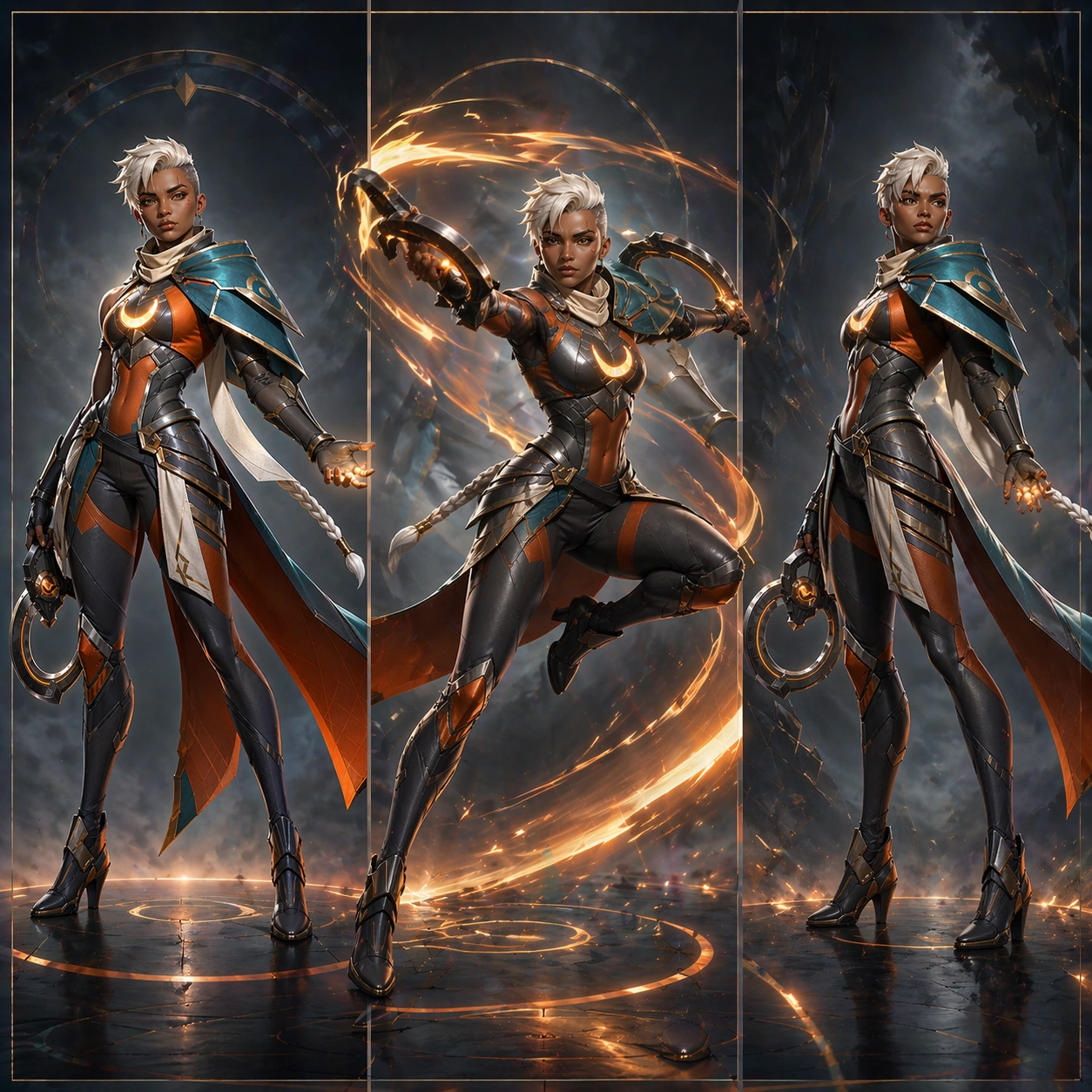
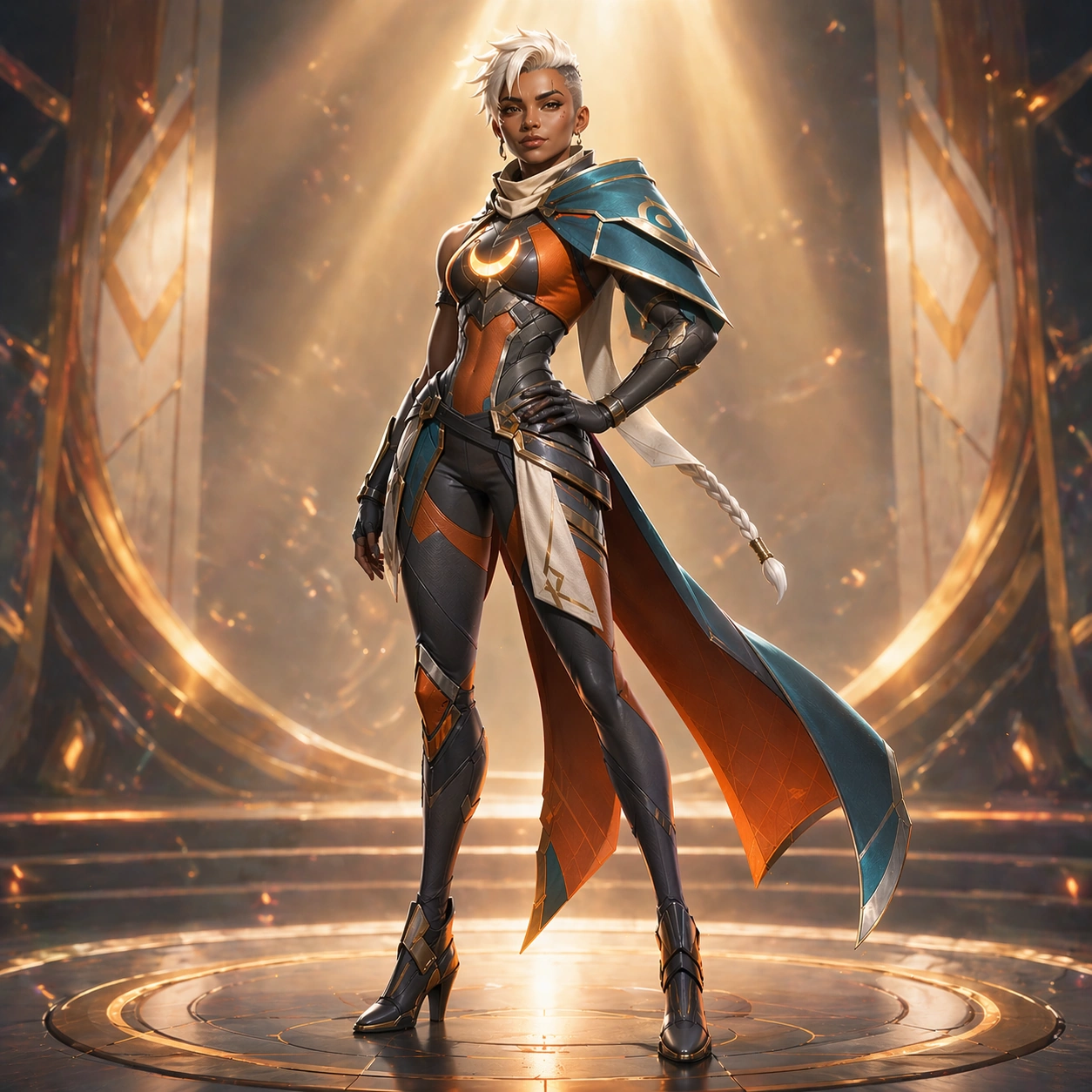
Compose a square banner-style hero shot intended for victory screens and campaign surfaces. Use a bright, polished environment with angled spotlight beams, floating embers, and a simplified arena backdrop that fades into soft depth. The camera should sit at mid-to-full body distance with a slightly elevated framing that feels triumphant without losing the body silhouette. The lighting is cleaner and more celebratory than the launch poster: crisp highlights, subtle bloom, and a controlled glow that makes the hero feel premium and collectible.

Subject:
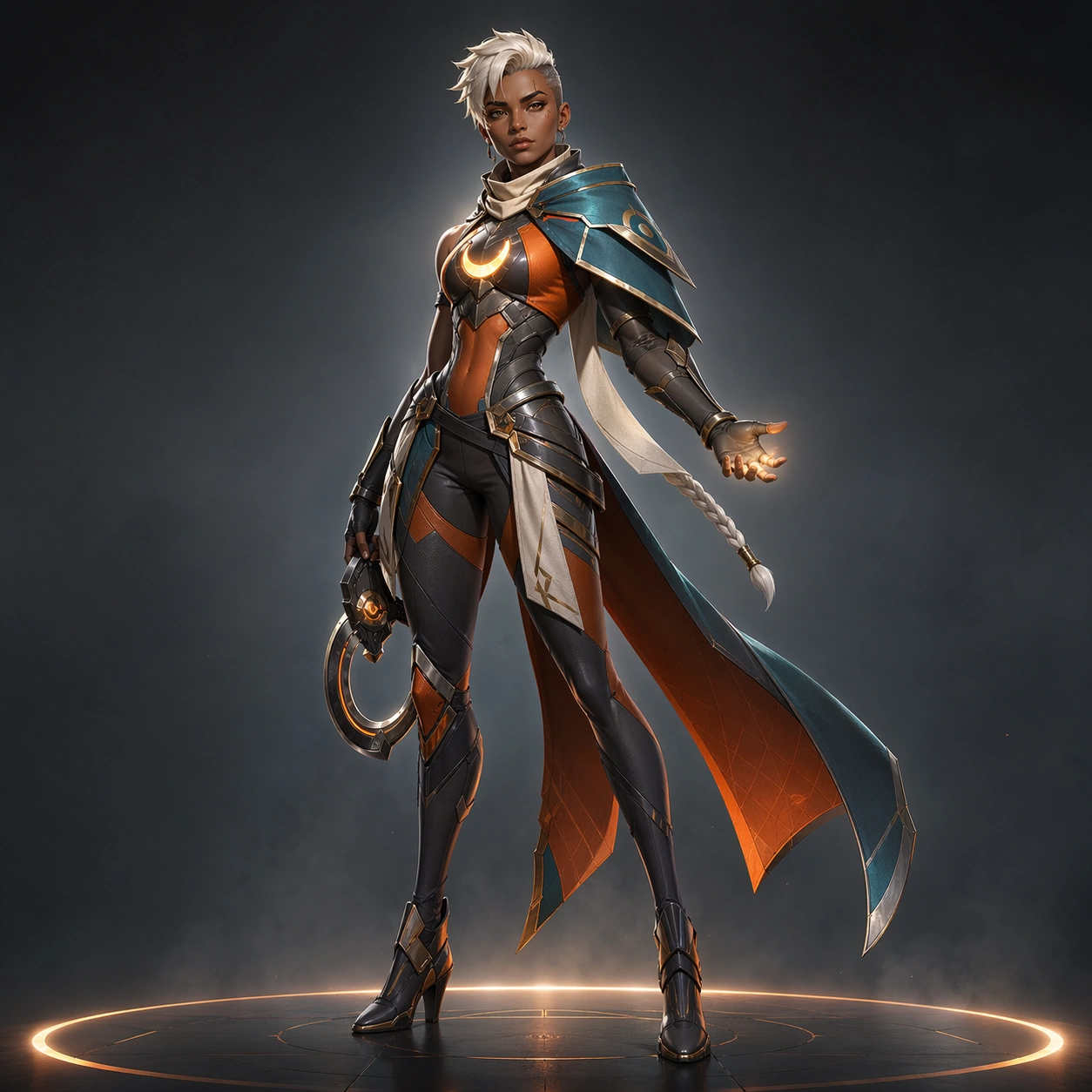
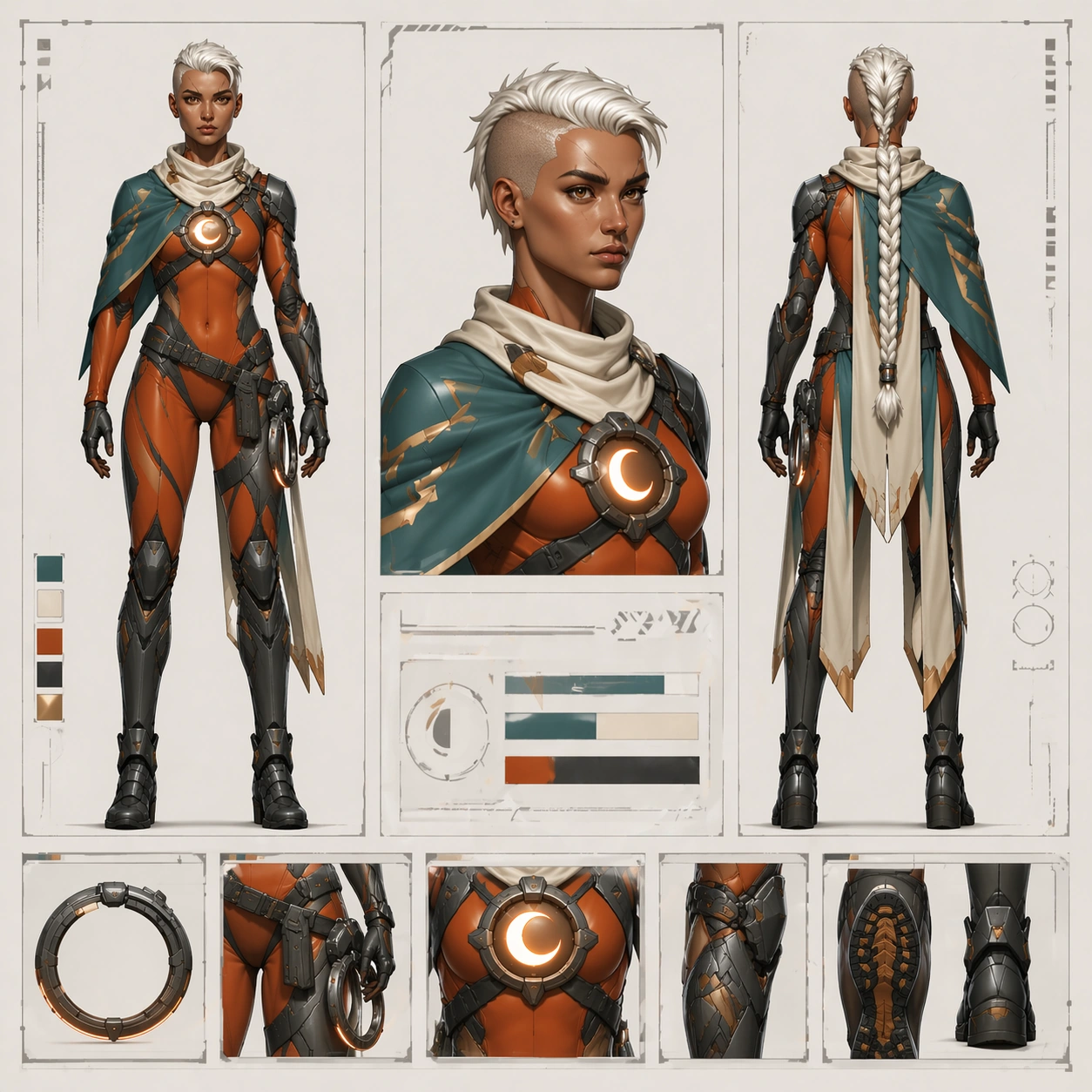
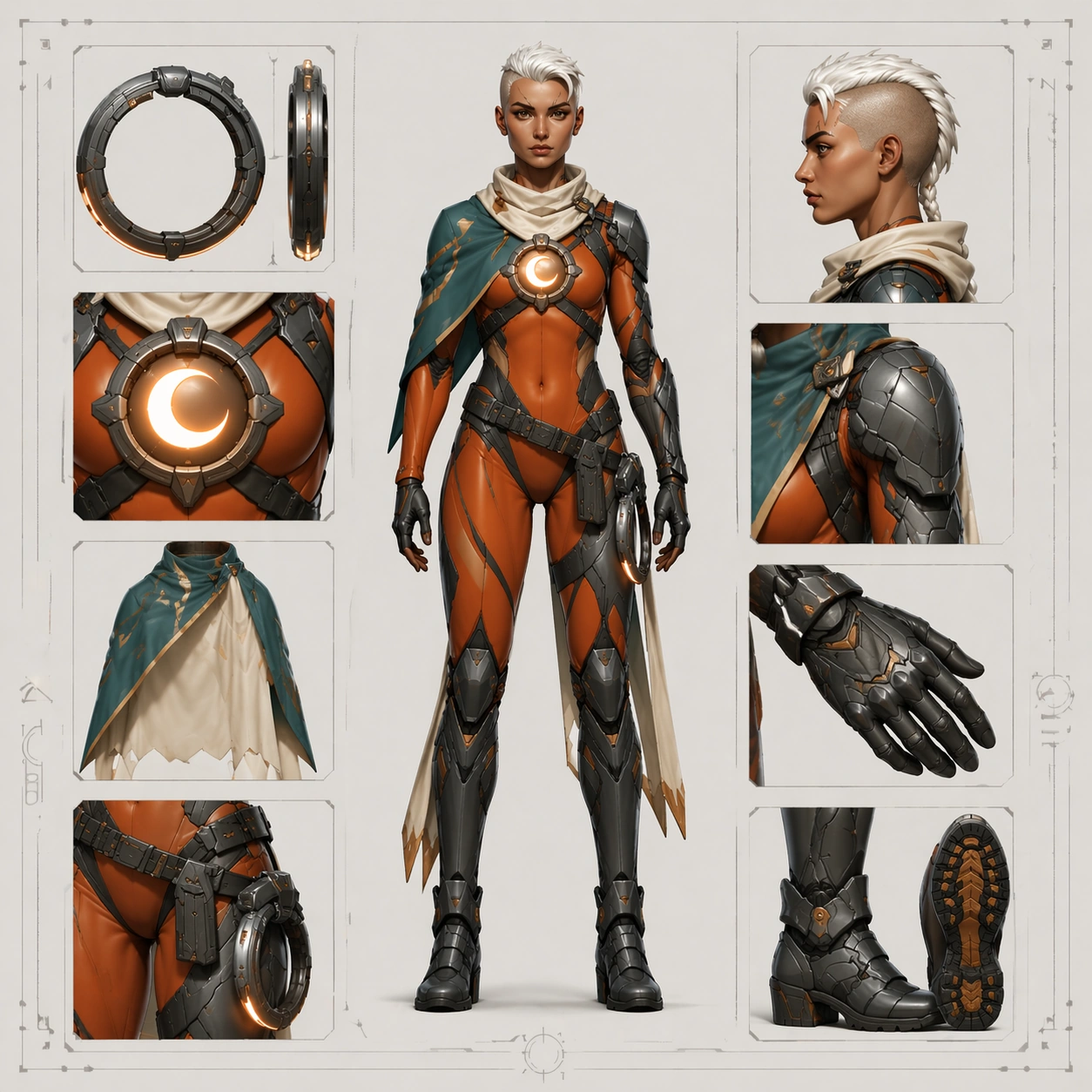
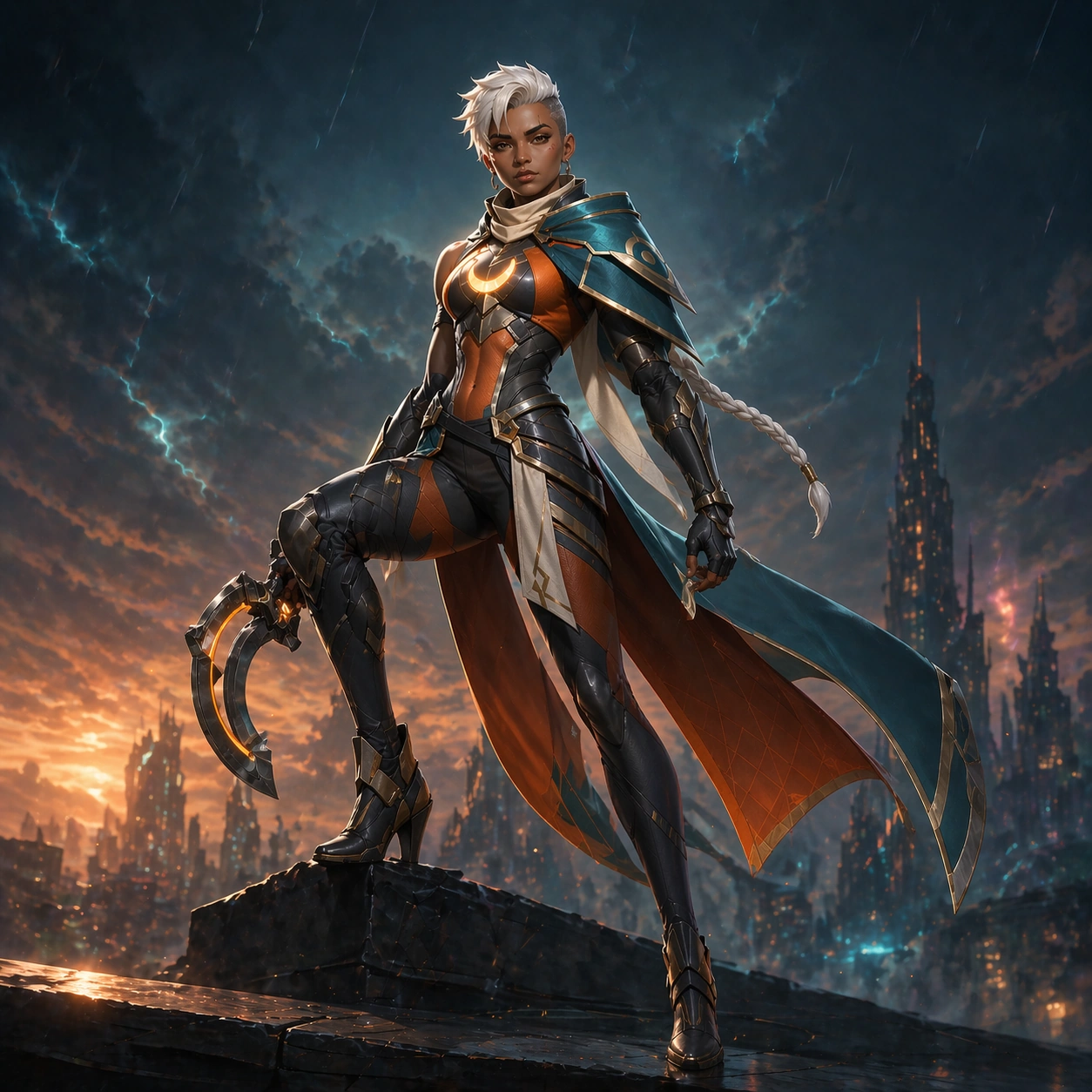
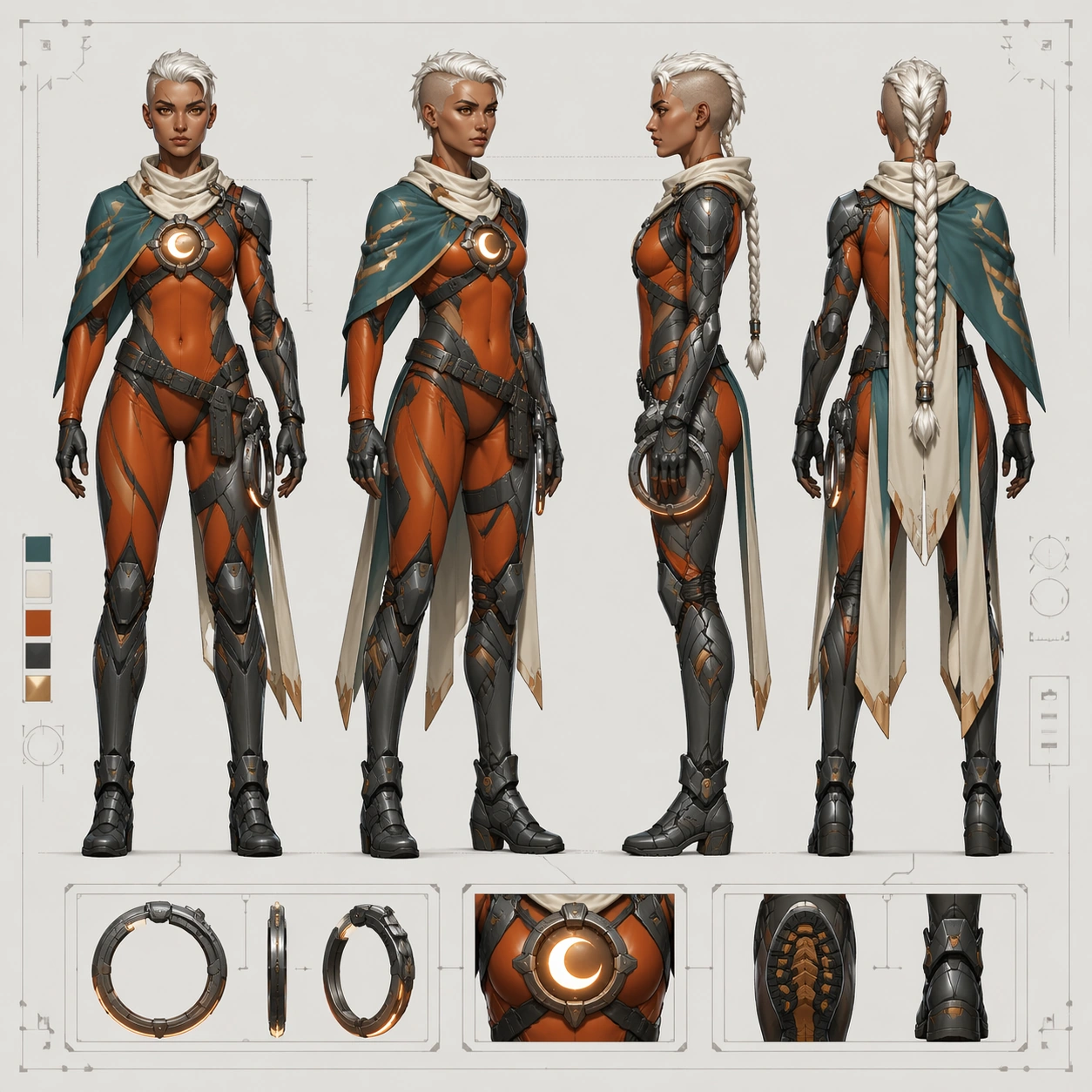
Present the same heroine from the reference model, preserving exact face, hair base, body proportions, and costume logic. She shifts into a confident post-match pose: one hip relaxed, shoulders squared, ring-blade folded, chin slightly raised, and a restrained victorious smile. Keep the eyebrow scar, amber-brown eyes, ivory undercut braid, chest reactor, teal mantle, ember-orange suit panels, and graphite armor placement unchanged. The image should read as the identical hero after a successful match, not as a redesigned variant.

Important details:
Focus on strong silhouette readability and celebratory polish. The split cape panels may flare slightly, but their shape must remain consistent. Emissive accents should stay elegant and limited to reactor and subtle edge lighting. Use a premium game-banner finish with clean gradients and material clarity rather than noisy battle effects. The costume seams, holster placement, boot structure, and shoulder asymmetry must remain locked for downstream marketing coherence.

Use case:
Hero Reveal Turnaround Pack series study 4/9, testing a victory-banner crop that still preserves the canonical launch identity.

Constraints:
No readable text, no watermark, no logos, preserve exact 1:1 aspect ratio, preserve exact face and body proportions from the reference model, no trophy props, no crowd, no confetti overload, no costume recolor, no exaggerated grin.
사용 방법
- 매개변수를 포함한 전체 원본 프롬프트를 복사하세요.
- 주제, 문구, 구도를 자신의 요구에 맞게 바꾸세요.
- 호환되는 외부 도구에서 사용하고 이용 조건과 결과를 확인하세요.
시작 전 확인
- 참조 이미지가 필요한지 확인하세요. 호환 표시는 해당 모델로 이 예시를 생성했다는 뜻이 아닙니다.
- 이름, 수치, 이미지 속 문구를 확인하세요. 모델 버전에 따라 결과가 다를 수 있습니다.