원본 문서
GPT Image 2 · en
Scene:
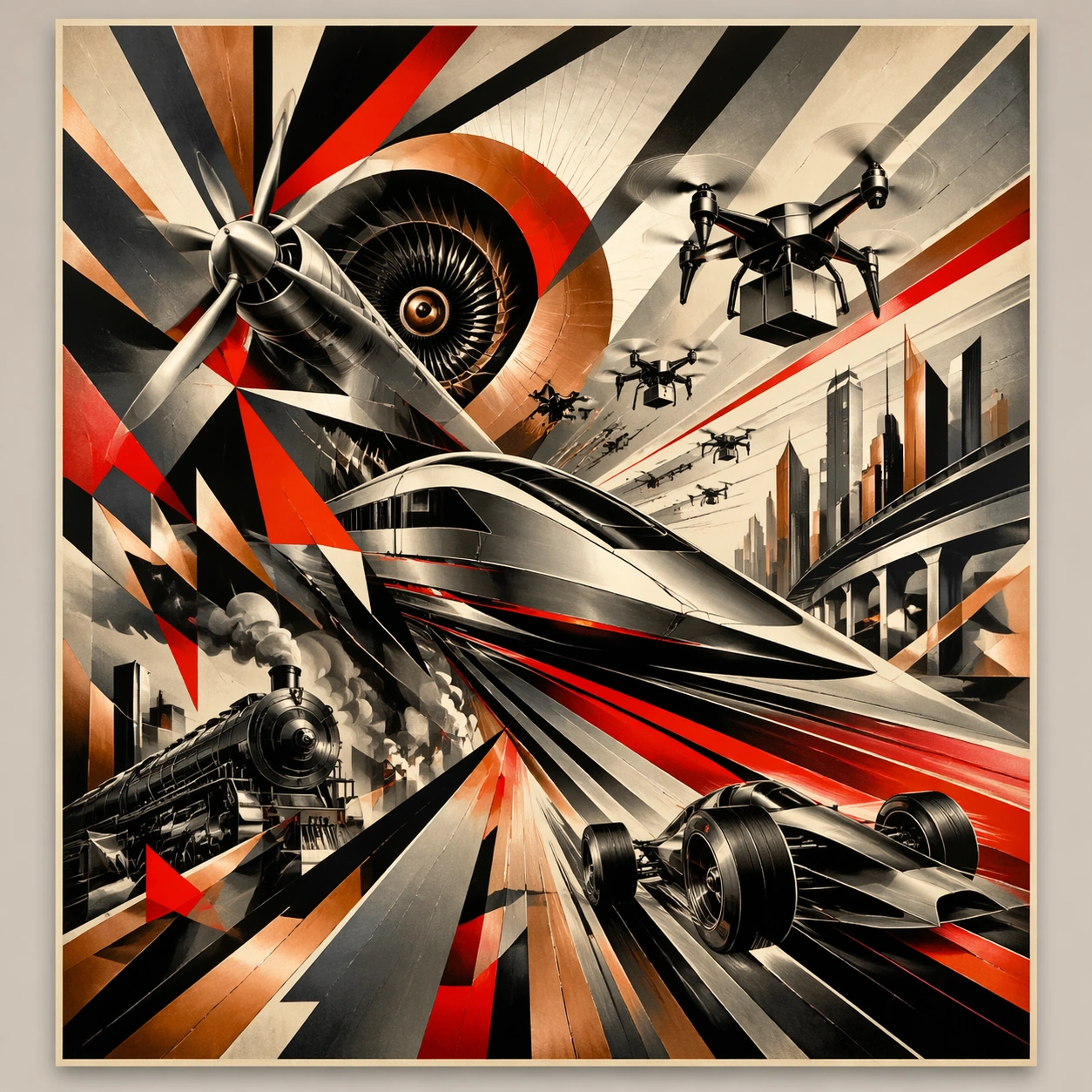
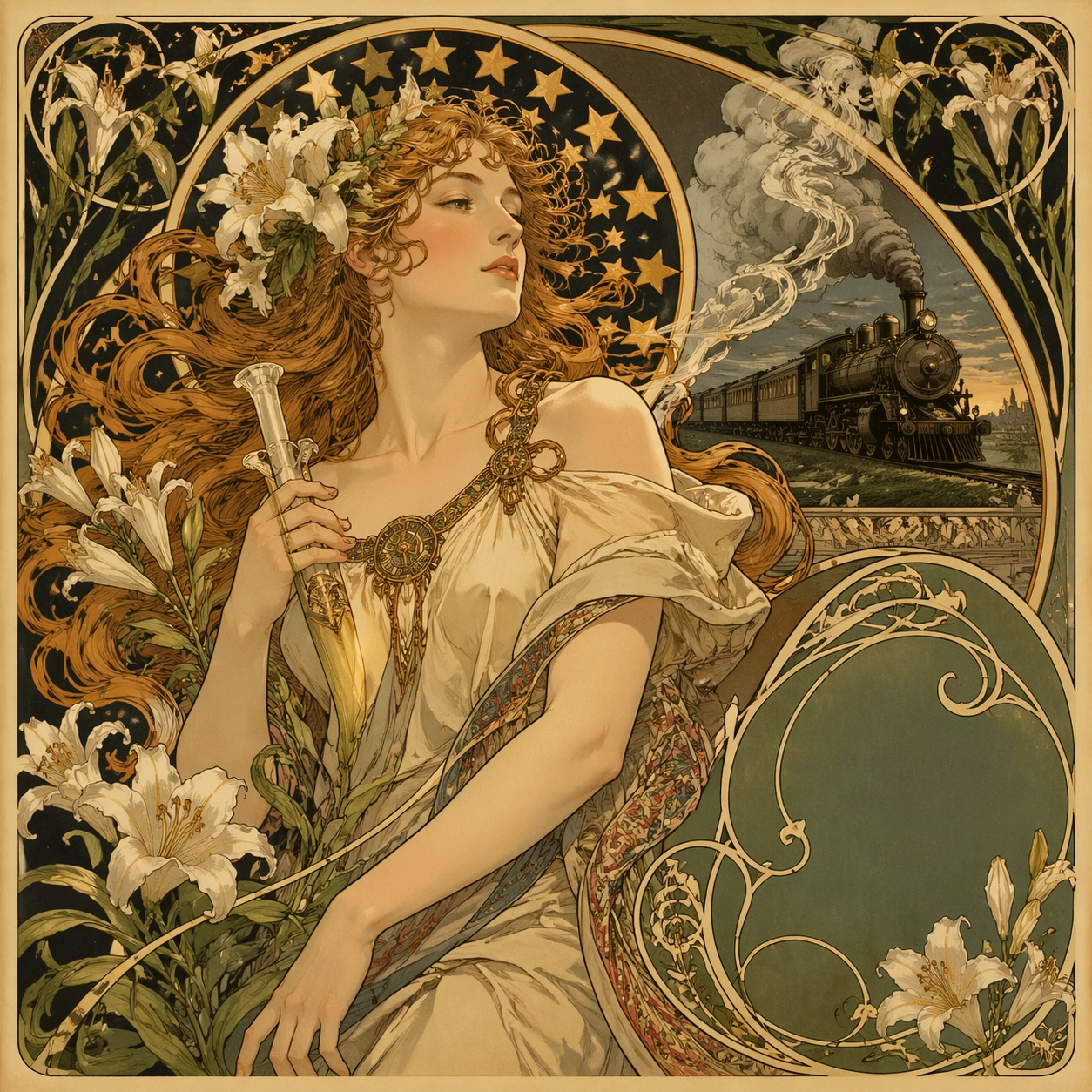
A square 1:1 composition designed as a premium Art Nouveau Poster study. Design the frame like a high-end editorial image, with strong hierarchy, controlled cropping, and a composed pace between large shapes and small accents. Use lighting, color, and spatial staging that make the core idea legible in one glance while still rewarding close inspection. The frame should feel display-ready rather than like a rough concept sheet, with balanced brightness, deliberate negative space, and clear separation of foreground, midground, and background layers.

Subject:
Interpret Art Nouveau Poster through 新艺术运动 · 19 世纪末. Draw from this visual direction: Alphonse Mucha 风 · 飘发女子 + 星形光环 + 百合藤蔓 + 书法 typography · 广告海报(香槟 / 火车 / 烟草). Focus on an interpretation aimed at editorial clarity, symbolism, and immediate readability. Build a primary focal subject, secondary support forms, and a coherent environmental envelope so the scene feels complete and specific. Treat this as an independent study with no continuity requirement beyond the shared theme language.

Important details:
Carry forward the theme's distinguishing value: 装饰艺术巅峰 · 石版印刷工艺黄金年代 · 现代品牌高级感挪用. Reflect the tested capabilities through visible decisions related to text-rendering, structured-layout, style-transfer, commercial-mockup. 更强图中文字渲染与版式跟随;复杂结构化视觉和多面板构图能力. Aim for these acceptance cues: 一眼能看出这是高难度炫技主题,不像普通模板图; 核心创意和画面结构无需解释即可成立. Keep the image controlled, elegant, and intentionally composed, with no accidental filler elements.

Use case:
Art Nouveau Poster single study 1/8, exploring the topic as an independent editorial composition.

Constraints:
No readable text, no watermark, no logos, preserve exact 1:1 aspect ratio, no muddy focal point, no duplicate main subject, no collage seams, no broken margin geometry, no accidental extra text blocks.
사용 방법
- 매개변수를 포함한 전체 원본 프롬프트를 복사하세요.
- 주제, 문구, 구도를 자신의 요구에 맞게 바꾸세요.
- 호환되는 외부 도구에서 사용하고 이용 조건과 결과를 확인하세요.
시작 전 확인
- 참조 이미지가 필요한지 확인하세요. 호환 표시는 해당 모델로 이 예시를 생성했다는 뜻이 아닙니다.
- 이름, 수치, 이미지 속 문구를 확인하세요. 모델 버전에 따라 결과가 다를 수 있습니다.