
원본 문서
GPT Image 2 · en
Scene:
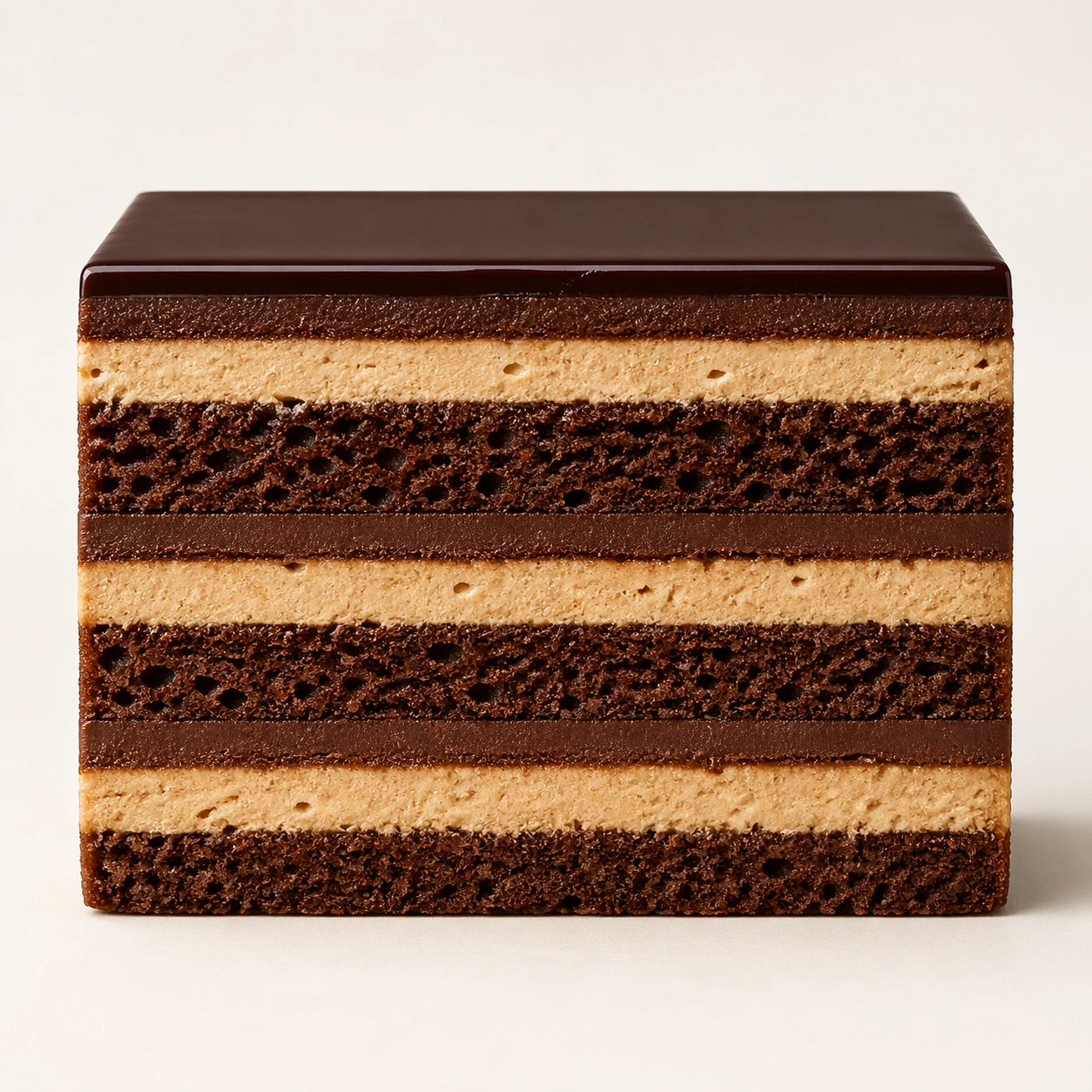
Create a square pastry documentation image on a seamless pale gray or warm ivory studio background with soft catalog lighting and almost no cast-shadow drama. The camera should feel orthographic or gently frontal so cross-sections remain easy to compare. Everything must read like a pastry atlas: clean, measured, and highly legible, with crumbs controlled and edges crisp. Use a square catalog setup on pale ivory with nearly frontal lighting and a slight shadow at the base. The background should disappear into neutrality so the opera slice reads as stacked architecture.

Subject:
Present one rectangular opera slice cut with surgical cleanliness, revealing alternating dark sponge, coffee cream, ganache, and a taut glossy top glaze. The slice should hold perfectly vertical edges and accurate proportions from top to bottom. The piece must feel elegant, strict, and highly engineered.

Important details:
Treat every cut face as the hero: laminated layers, cream density, air pockets, fruit cavities, glaze thickness, and crumb structure all need to be countable and believable. The studio language should stay consistent and understated so structural detail does the work. No element should feel collapsed, smeared, or over-stylized. Layer boundaries should stay crisp and evenly proportioned, with no sagging cream or muddied glaze. The image should reward close counting and comparison, like a pastry textbook plate made luxurious.

Use case:
Pastry cross-section atlas single study 6/9, documenting opera cake as layered edible architecture.

Constraints:
No readable text, no watermark, no logos, preserve exact 1:1 aspect ratio, no bakery counter background, no casual napkins, no readable labels, no powdered sugar mess, no rustic knife marks, no garnish gold flakes, no plate rim, no melted chocolate smears.
사용 방법
- 매개변수를 포함한 전체 원본 프롬프트를 복사하세요.
- 주제, 문구, 구도를 자신의 요구에 맞게 바꾸세요.
- 호환되는 외부 도구에서 사용하고 이용 조건과 결과를 확인하세요.
시작 전 확인
- 참조 이미지가 필요한지 확인하세요. 호환 표시는 해당 모델로 이 예시를 생성했다는 뜻이 아닙니다.
- 이름, 수치, 이미지 속 문구를 확인하세요. 모델 버전에 따라 결과가 다를 수 있습니다.