Documento original
GPT Image 2 · en
{
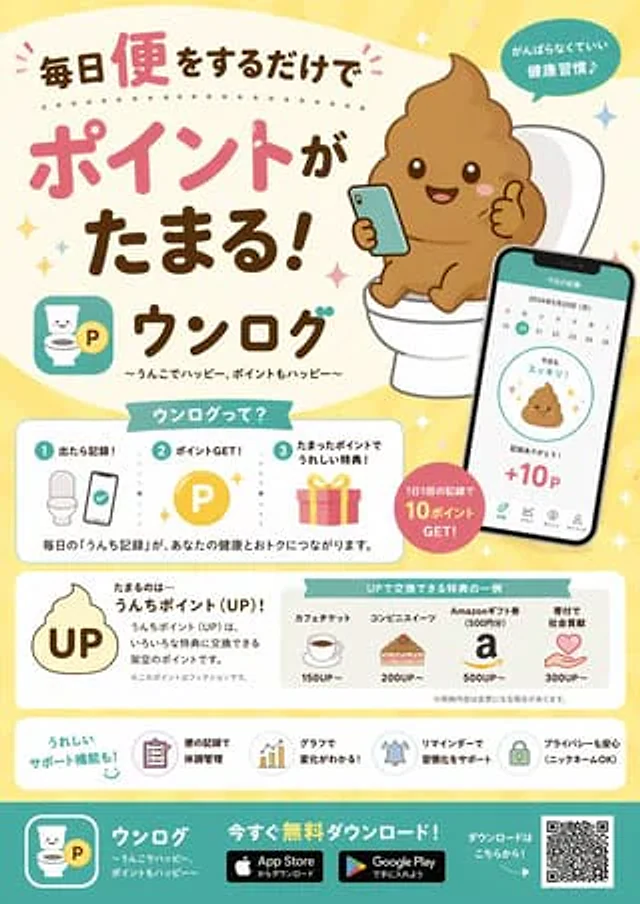
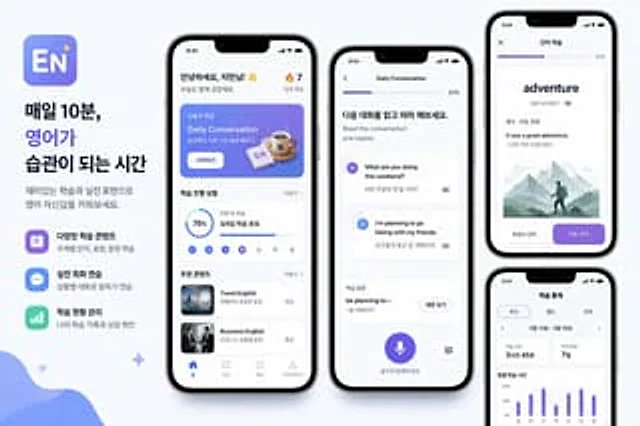
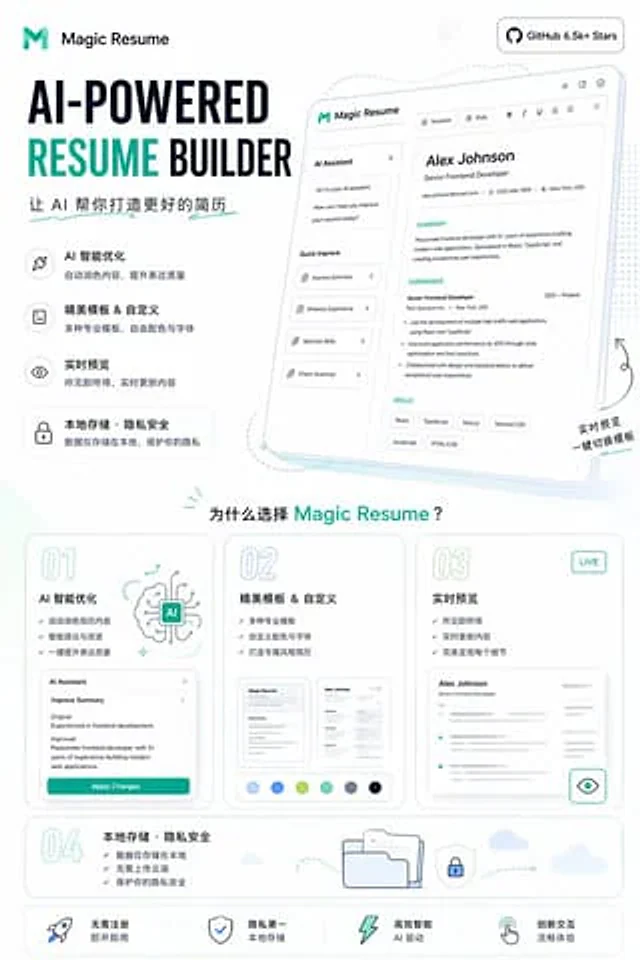
"type": "Application promotional infographic poster",
"style": "Simple, modern, frosted glass style, soft shadows, 3D icons",
"theme": "{argument name=\"primary color theme\" default=\"blue and white color scheme\"}",
"header": {
"title": "{argument name=\"app name\" default=\"CodePilot\"}",
"subtitle": "{argument name=\"subtitle\" default=\"Your AI-programmed co-pilot\"}",
"features_list": "Intelligent code completion, code generation, question-and-answer debugging, and code parsing.",
"main_icon": "Glossy 3D rounded square, blue gradient, white{argument name=\"main icon symbol\" default=\"</>\"} and flashing effect"
},
"layout": {
"sections": [
{
"title": "feature_cards",
"position": "Middle grid",
"count": 4,
"items": [
{
"label": "Intelligent code completion",
"icon": "Blue Lightning",
"description": "Context awareness and precise code completion make coding faster.",
"ui_element": "A macOS-style code window displaying the Python `calculate_total` function."
},
{
"label": "AI code generation",
"icon": "Purple Magic Wand",
"description": "Based on natural language description, one-click generation of functions and scripts.",
"ui_element": "Chat notification bubbles and a code window displaying the Python quick_sort function."
},
{
"label": "Dialogue & Debugging Assistant",
"icon": "Green chat bubble",
"description": "Bugs can be located by asking questions using natural language, and problems can be solved efficiently through conversation and simultaneous modification.",
"ui_element": "A chat interface that includes user questions and green AI solution bubbles."
},
{
"label": "Code Analysis & Comments",
"icon": "Orange document with magnifying glass",
"description": "Quickly understand complex code and automatically generate comments and explanations.",
"ui_element": "The code window displays the JS fetchData function with three floating operation tabs: automatic commenting, logic parsing, and one-click copy."
}
]
},
{
"title": "Why choose CodePilot?",
"position": "bottom left corner",
"count": 4,
"labels": [
"Improve efficiency",
"Accurate and reliable",
"Privacy and security",
"Easy to integrate"
],
"icons": [
"clock",
"checkmark",
"Shield",
"puzzle pieces"
]
},
{
"title": "Experience it now",
"position": "bottom right corner",
"count": 1,
"elements": [
"GitHub open source projects",
"{argument name=\"github link\" default=\"github.com/op7418/CodePilot\"}",
"QR code"
]
}
]
}
}Como usar
- Copie o prompt original completo, incluindo os parâmetros.
- Adapte o tema, o texto e a composição aos seus requisitos.
- Use uma ferramenta externa compatível; confira o acesso e o resultado.
Antes de começar
- Verifique se é necessária uma imagem de referência. Compatibilidade não comprova qual modelo gerou o exemplo.
- Confira nomes, números e textos; os resultados variam entre versões do modelo.