Documento original
GPT Image 2 · en
Scene:
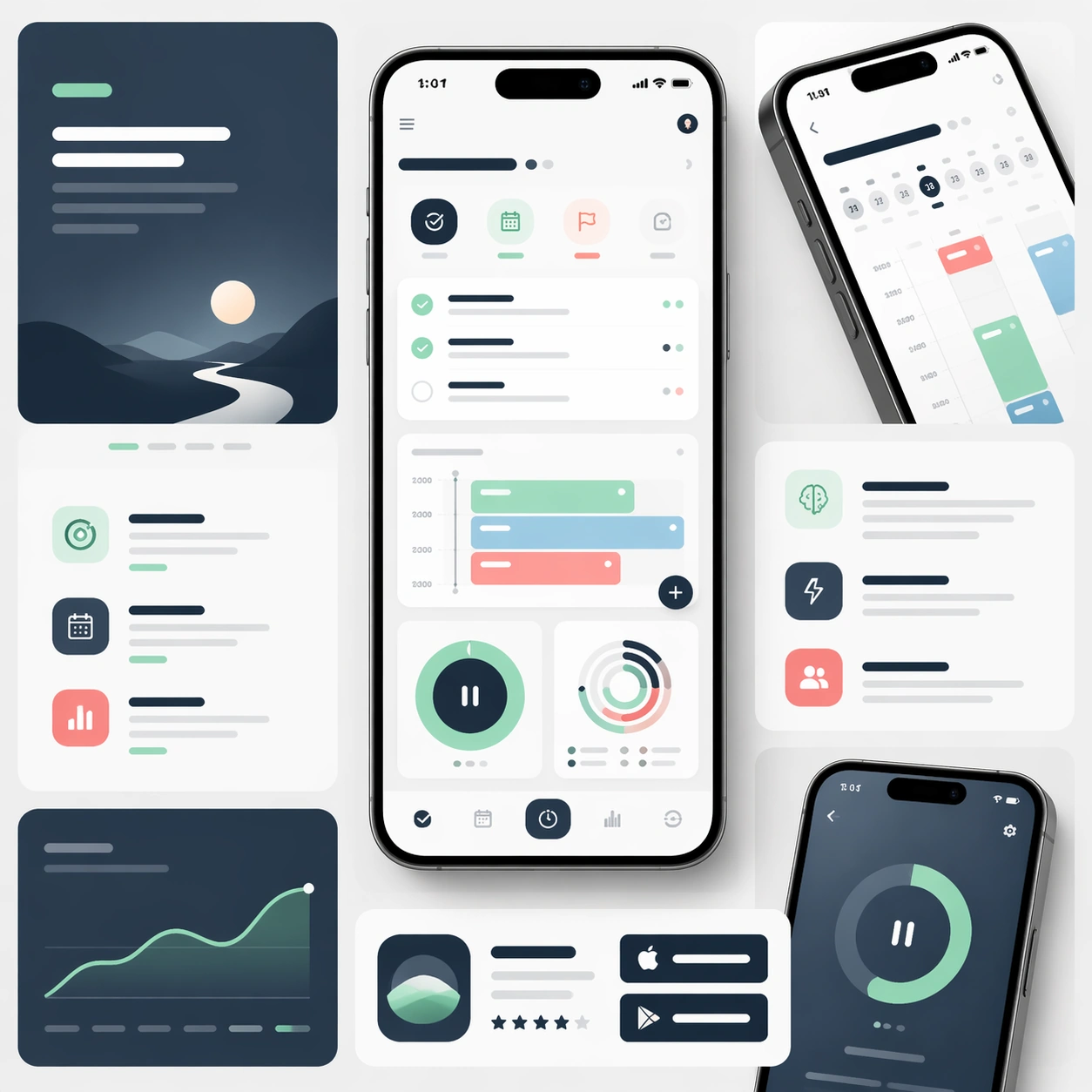
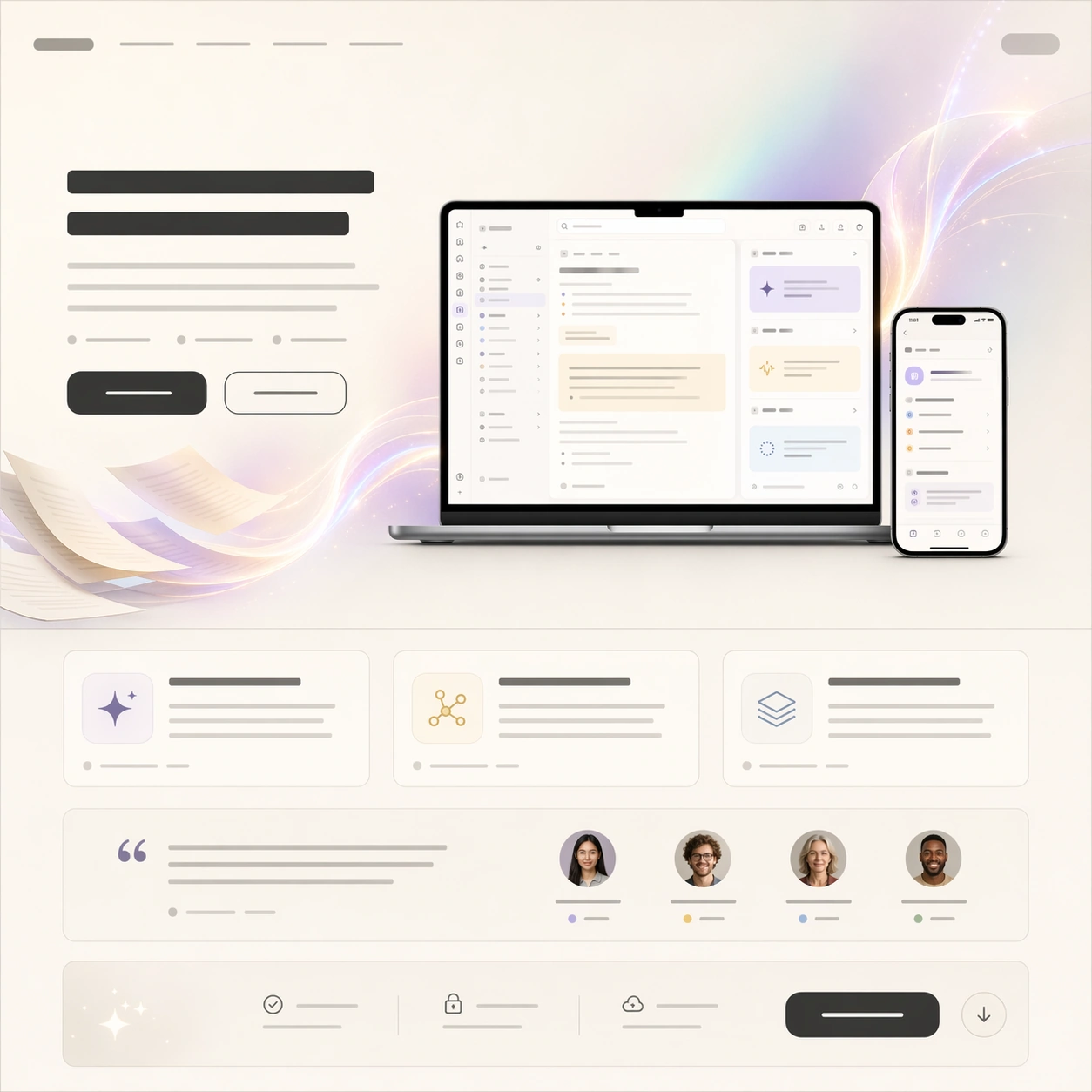
A square premium SaaS launch-page still shown front-on like the first viewport and first supporting modules of a polished website. Use a quiet cream-to-stone background, thin graphite dividers, and one soft aurora-like gradient behind the hero. The page should feel expensive, calm, and organized, with strong vertical rhythm from hero area to feature cards to CTA strip.

Subject:
Center a laptop product screenshot for an AI notebook assistant, with a companion mobile screen floating to one side. The desktop screen should imply a clean note editor, threaded side panel, and highlighted insight cards, while the phone shows a compact daily summary. Around the screenshots, build a believable launch-page hierarchy using abstract headline bars, short paragraph blocks, a two-button CTA row, three feature cards, and a testimonial module with avatar circles. Add a subtle hero illustration of paper sheets turning into light ribbons behind the screens.

Important details:
The composition must feel like a real app launch page rather than a collage of UI. Product screenshots are the proof, hero art supports the story, and the lower modules establish conversion logic. Keep alignment precise, spacing generous, and the screenshot language consistent across devices. Typography zones should remain unreadable, appearing as elegant bars and glyph-like textures rather than actual copy. The page needs a clear premium product-marketing cadence from top hero to social proof to download section.

Use case:
App Launch Hero System single study 1/9, testing whether screenshot-led SaaS hero design can coexist with abstract brand art and strong conversion hierarchy.

Constraints:
No readable text, no watermark, no logos, preserve exact 1:1 aspect ratio, no browser chrome, no cluttered dashboard overload, no fake lorem ipsum, no stock-photo humans dominating the frame, no messy overlapping cards, no distorted laptop or phone perspective.
Como usar
- Copie o prompt original completo, incluindo os parâmetros.
- Adapte o tema, o texto e a composição aos seus requisitos.
- Use uma ferramenta externa compatível; confira o acesso e o resultado.
Antes de começar
- Verifique se é necessária uma imagem de referência. Compatibilidade não comprova qual modelo gerou o exemplo.
- Confira nomes, números e textos; os resultados variam entre versões do modelo.